How to check the app version and report a problem
Acerca de shows which version of DeusRex you are running. It is the first thing support will ask for when you report a problem: the same screen can behave differently between two versions, and without that detail the investigation starts blind.
Steps
-
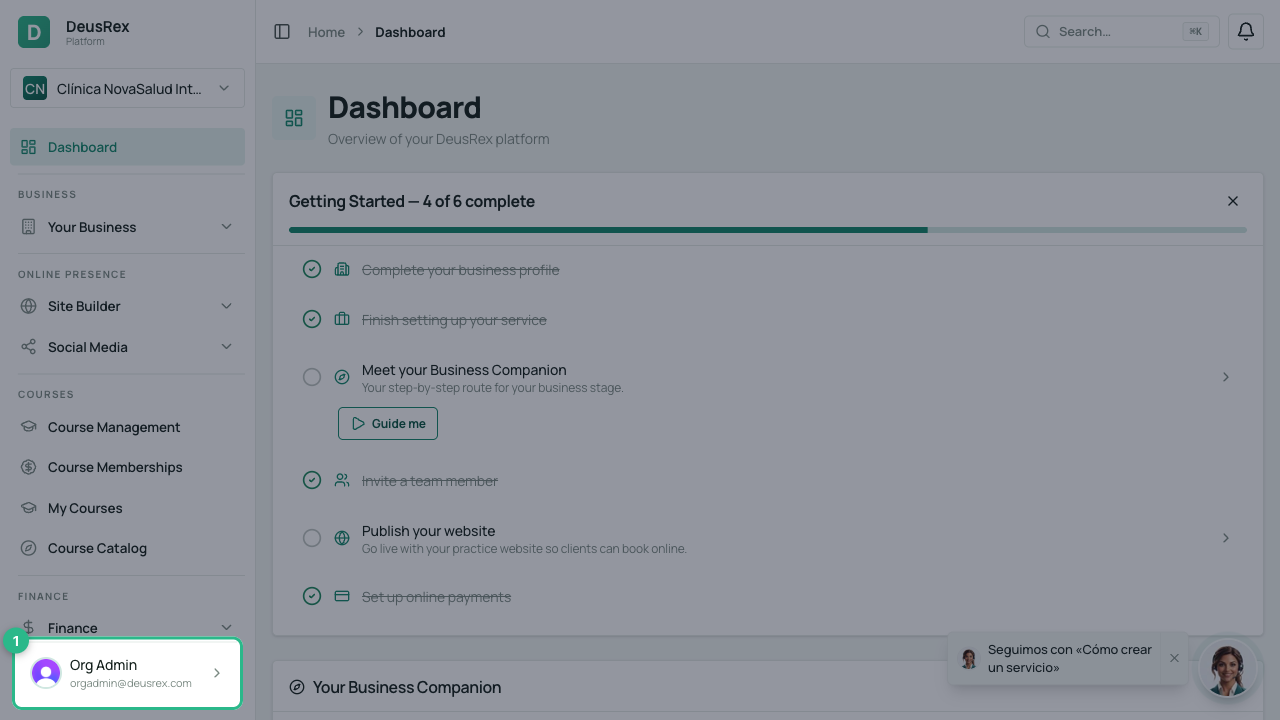
Open your user menu — your name, at the very bottom of the sidebar.
-
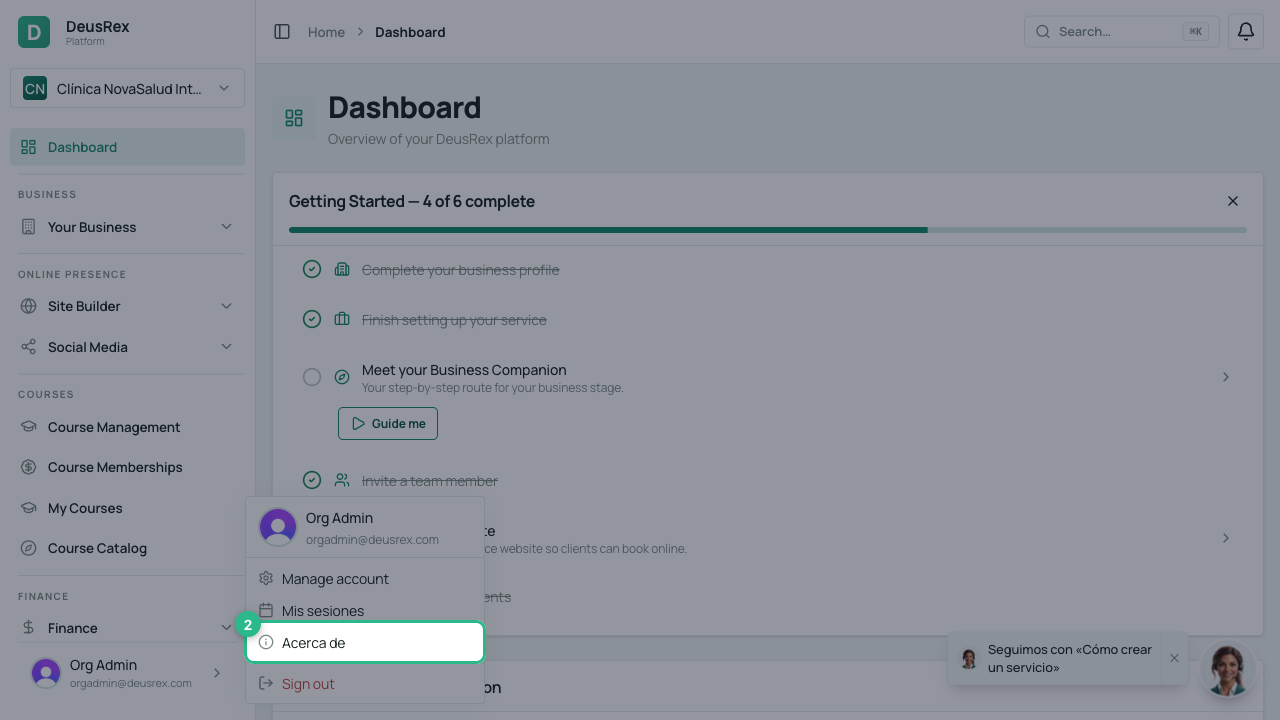
Choose Acerca de.
-
You will see three details:
- The version — the large number, for example
v0.2.0. - Commit — the exact code the version was built from.
- Publicado — when it was published.
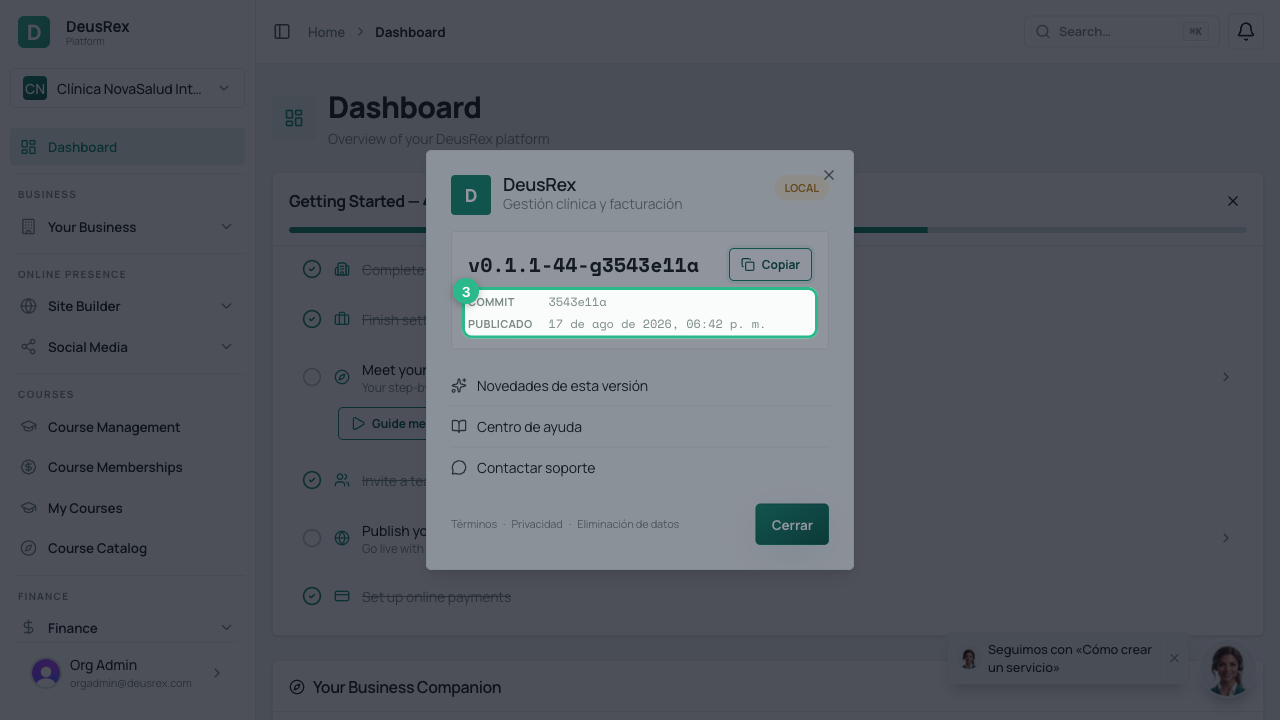
- The version — the large number, for example
-
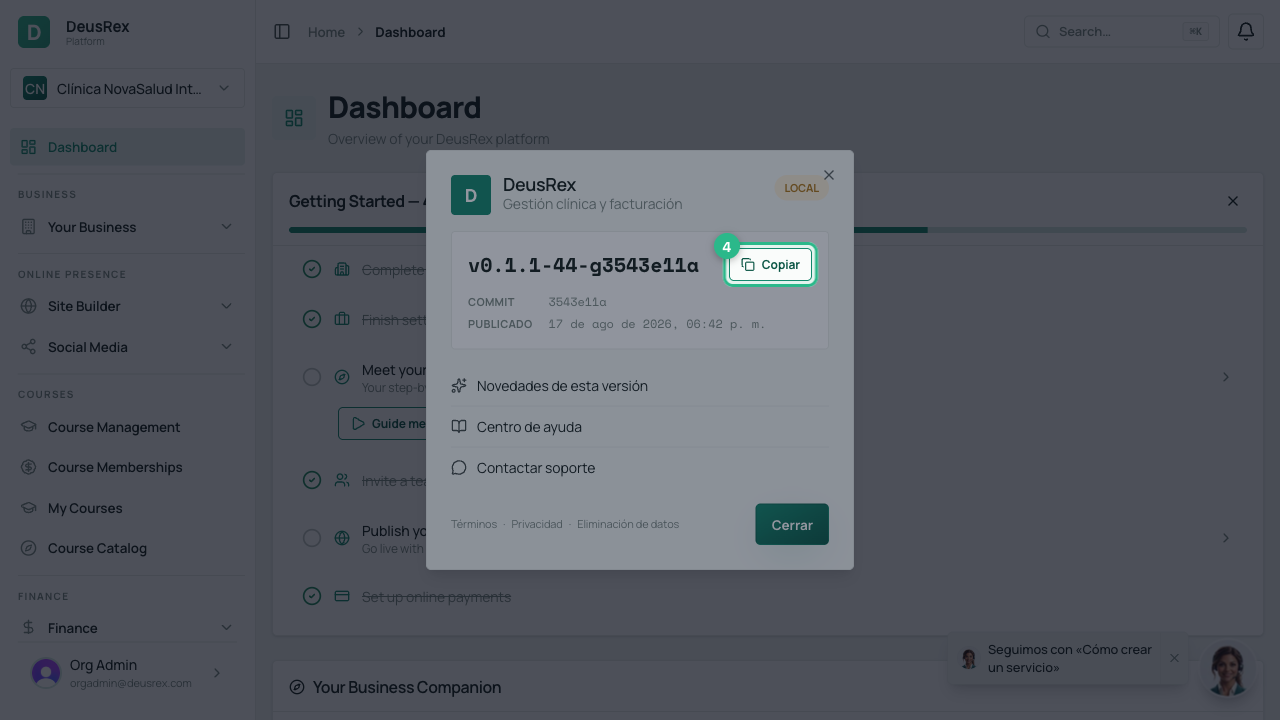
Press Copiar. The version and the commit are copied together, on a single line, ready to paste into your message to support.
-
Press Contactar soporte and paste that line along with what happened.
Tips
- Novedades de esta versión takes you to the changelog: check it before reporting something, because sometimes the change was deliberate.
- If you see a coloured tag in the top right with a name like
localordev, you are not on the production platform but in a test environment. In production that tag does not appear — its absence is the signal that you are where you should be. - Always paste the version when reporting. A problem already fixed in a newer version is resolved by asking you to reload, and that is only known by comparing the number.