How to ask SarAI for help
On this page
SarAI helps you use DeusRex without leaving the screen you are on. It knows where you are, answers from the help center’s guides and, when the guide has one, shows you how on the real screen.
Steps
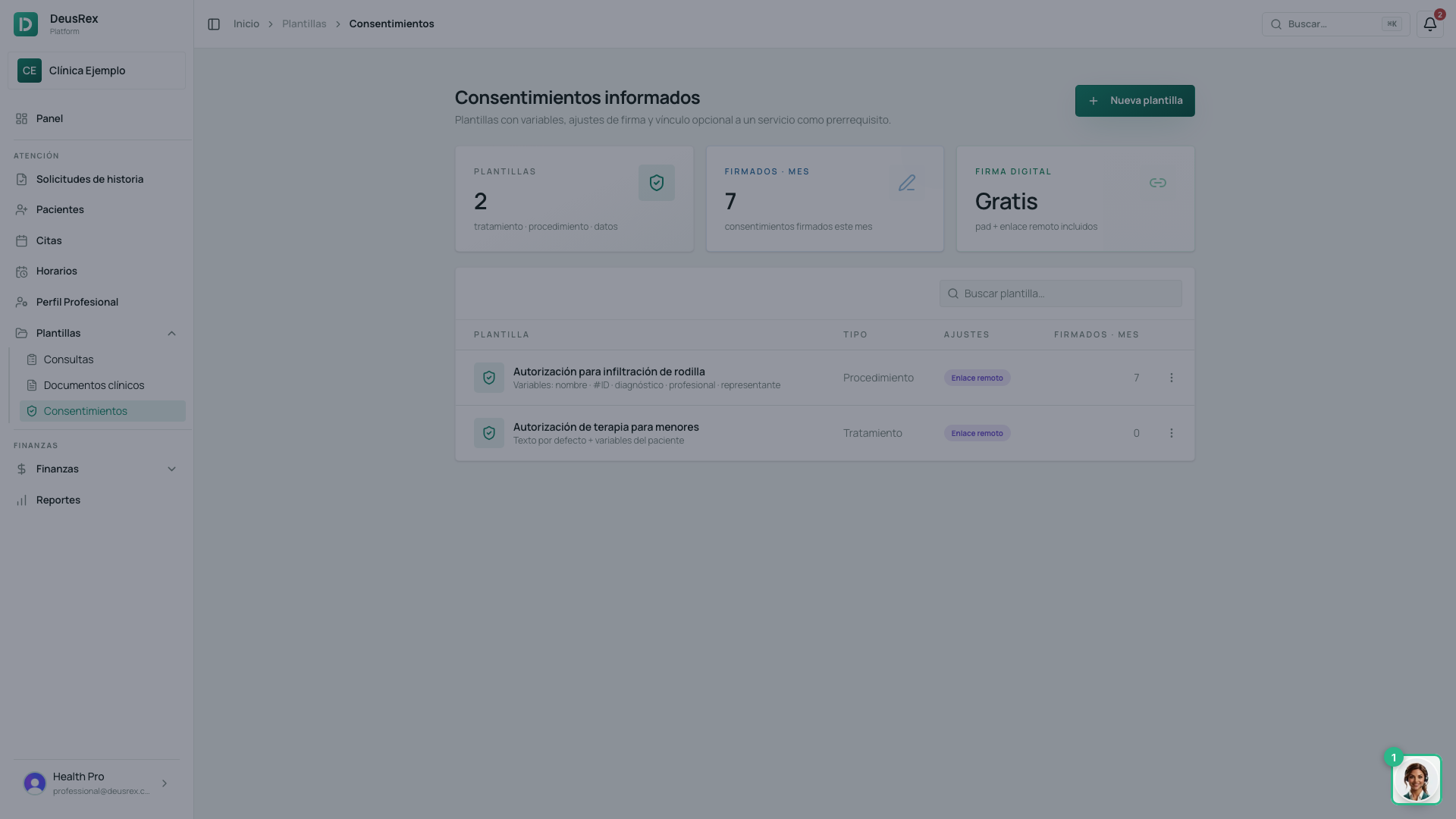
- Click the SarAI button, bottom right, on any screen.
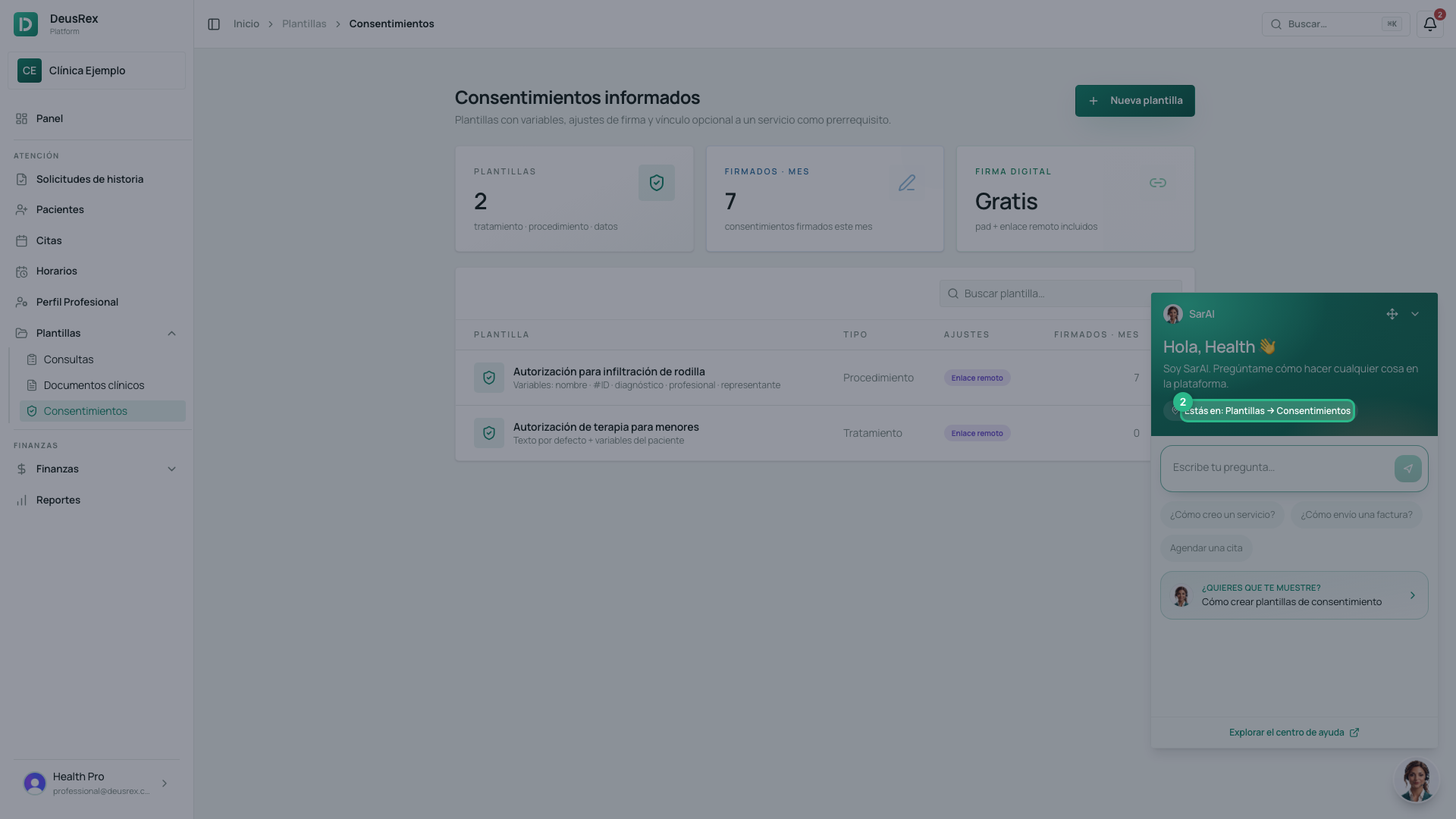
- At the top you will see Estás en: … with the screen’s name. SarAI searches that screen’s guides first.
-
Type your question in your own words and send it.
-
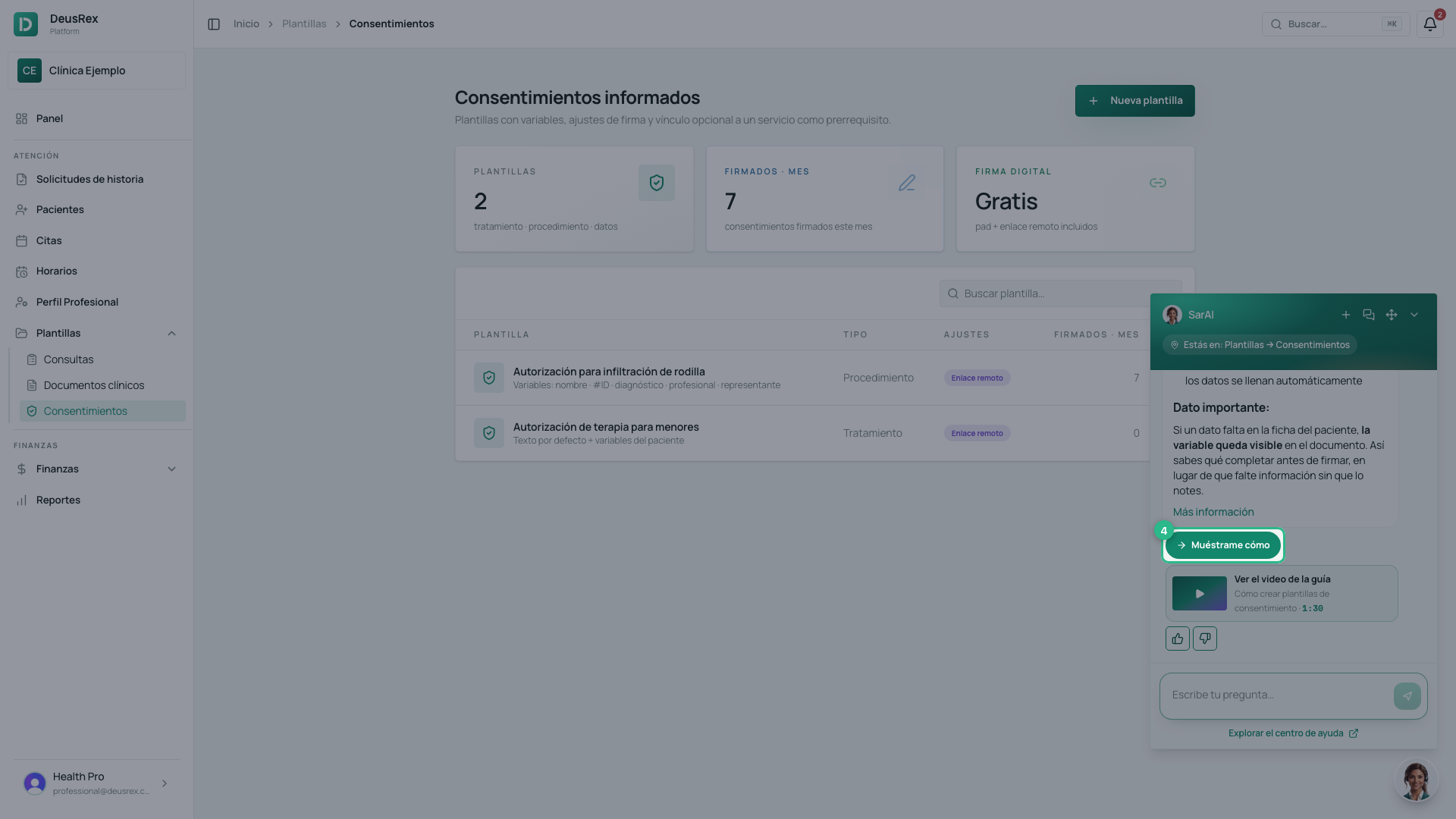
If the guide it cites has a walkthrough, click Muéstrame cómo: SarAI highlights each control on the screen and explains the step.
-
If the guide has a video, Ver el video de la guía opens it in the help center.
-
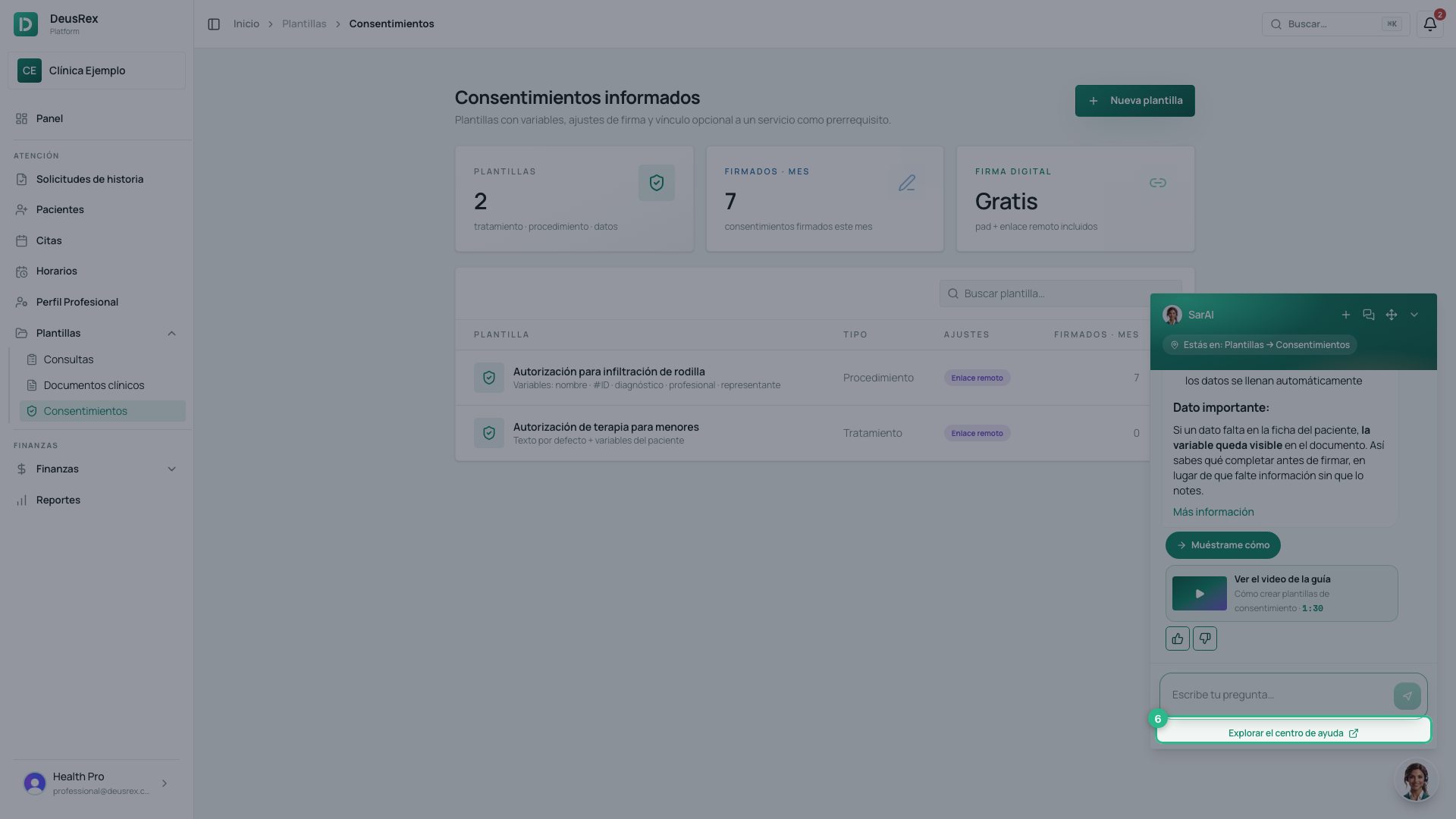
Explorar el centro de ayuda opens the guide for the screen you are on, in a new tab.
What it knows and what it does not
SarAI answers only from the help center’s guides: it cannot see your patients or your data, and it makes no changes for you. If a question is not documented, it says so instead of making something up.
Each question uses your organization’s AI credits.
Tip
Ask from the screen where you have the question: the answer is better when SarAI knows where you are.