How to create a prescription
On this page
A prescription lists the medicines you indicate to the patient. It is created inside a consultation and stays in their clinical history.
Before you start
You need an open consultation. While it does not exist, the section says «Guarde la consulta como borrador primero para agregar prescripciones y exámenes».
Steps
- Inside the consultation, scroll down to Plan → Prescripciones.
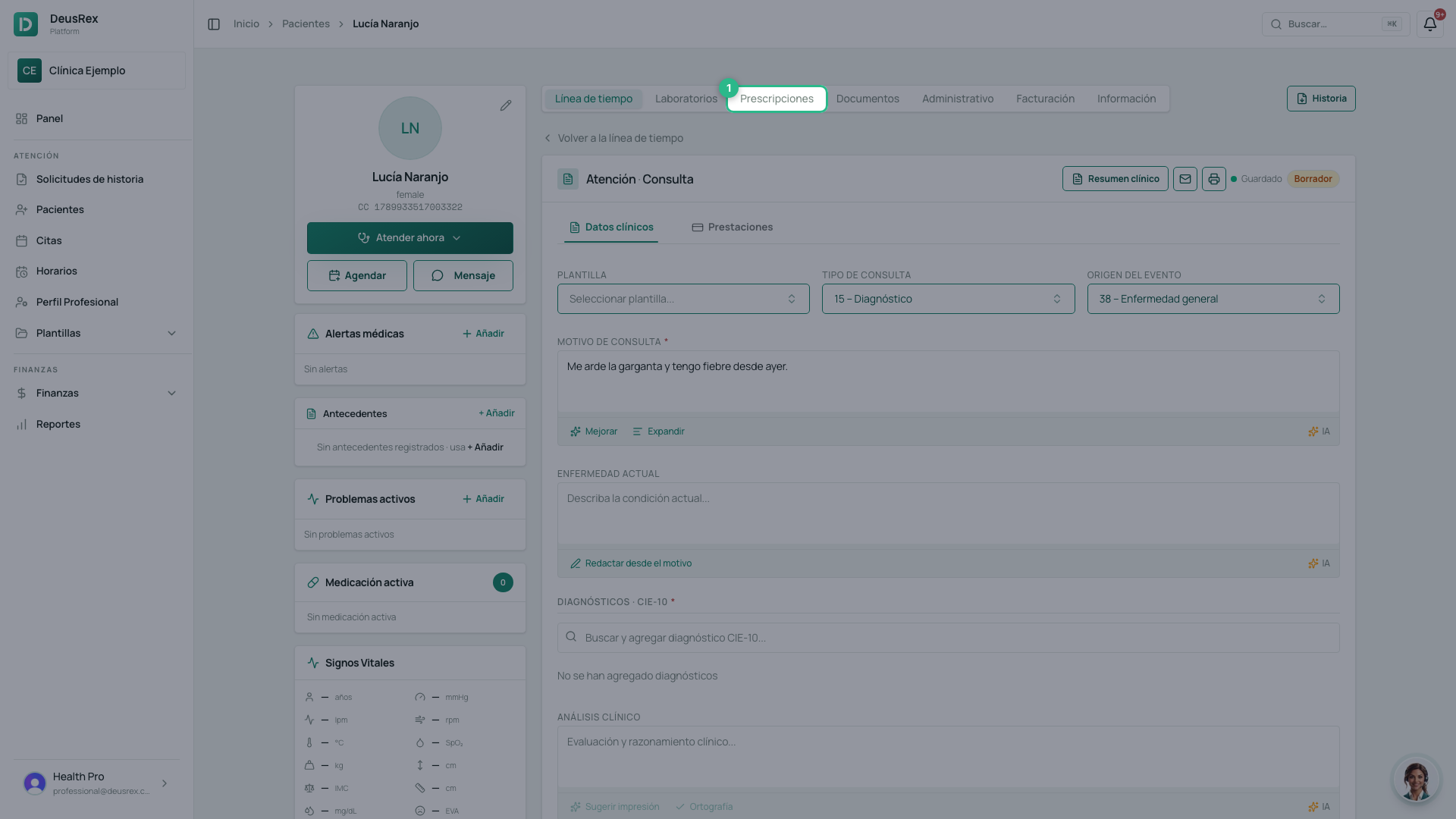
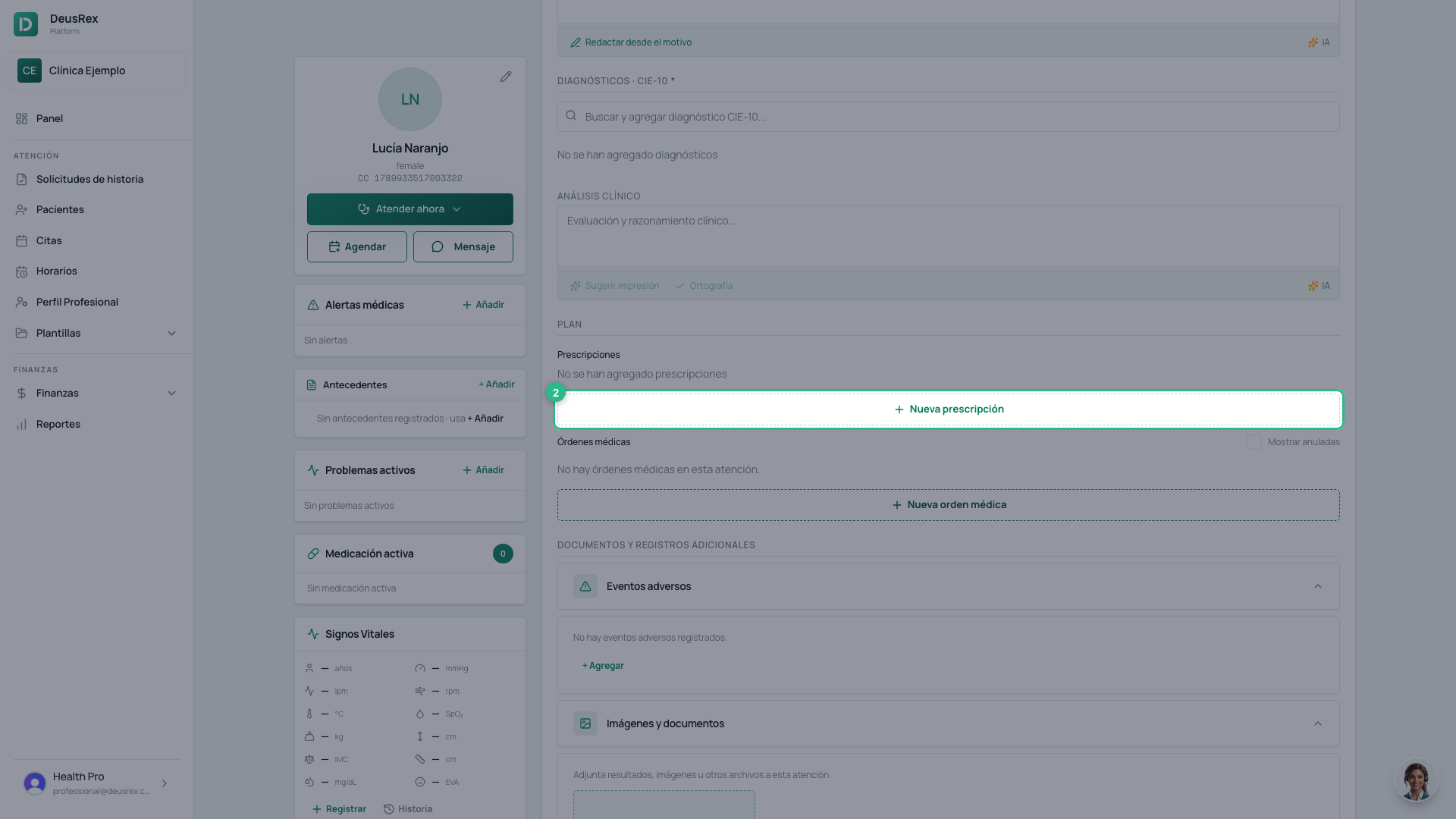
- Click Nueva prescripción. A window opens where you build the whole prescription, one medicine at a time.
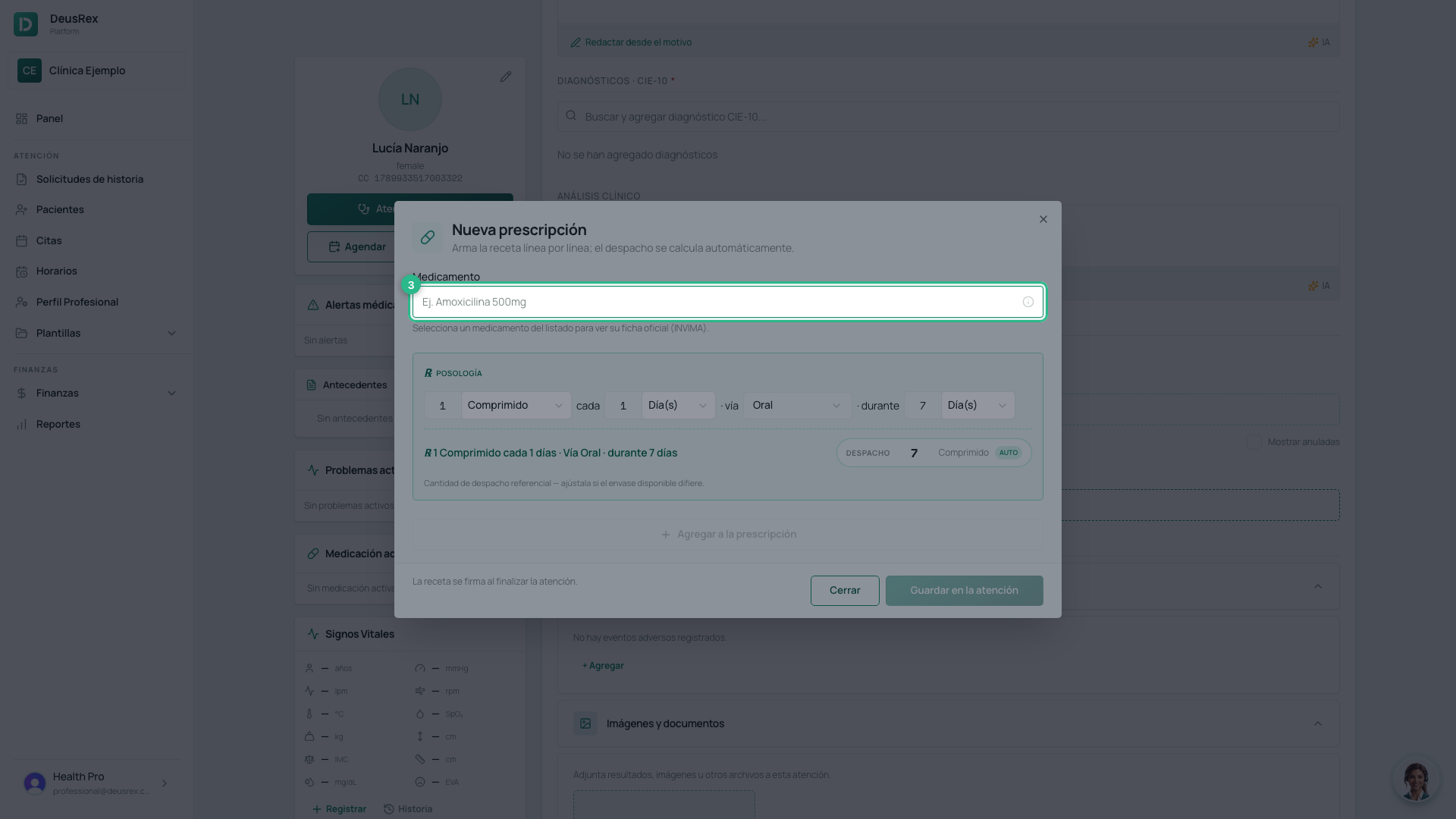
- Type the name of the medicine.
- Pick it from the catalogue. If it is not there, the search box offers to create it.
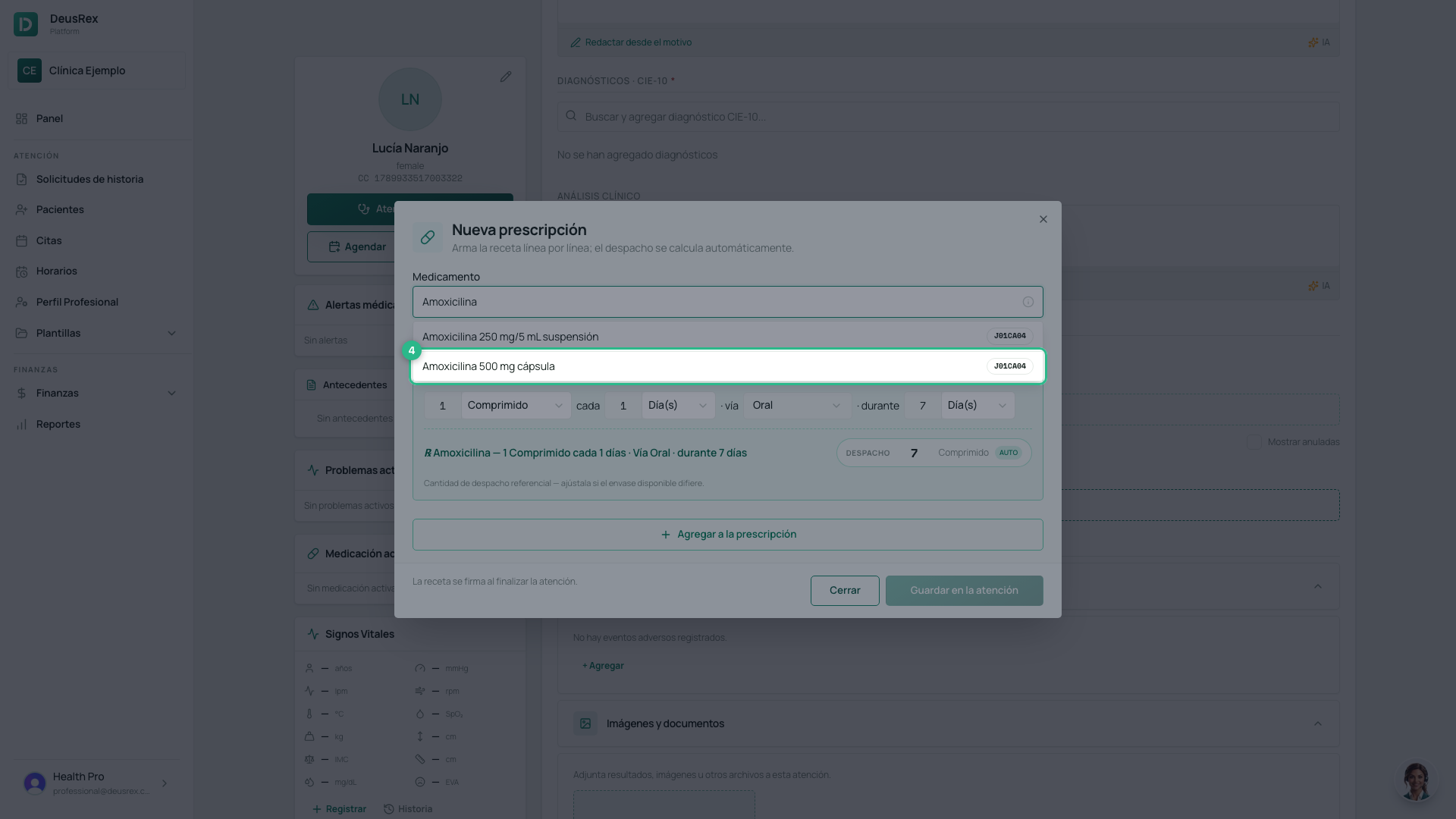
- Check the dosage. Choosing from the catalogue fills in the dose, the form, the frequency, the route and the duration: your job is to adjust them, not to type them from scratch.
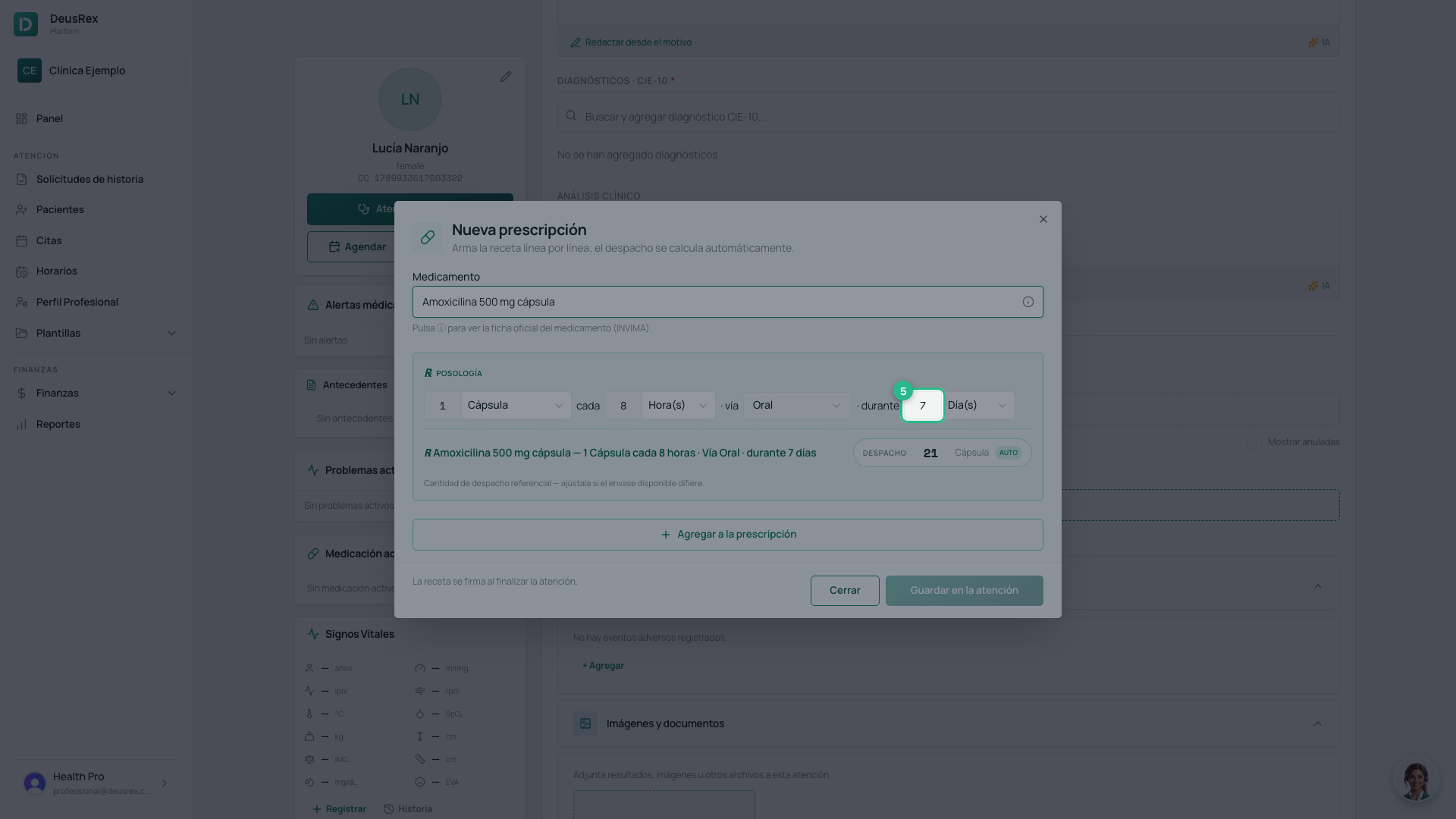
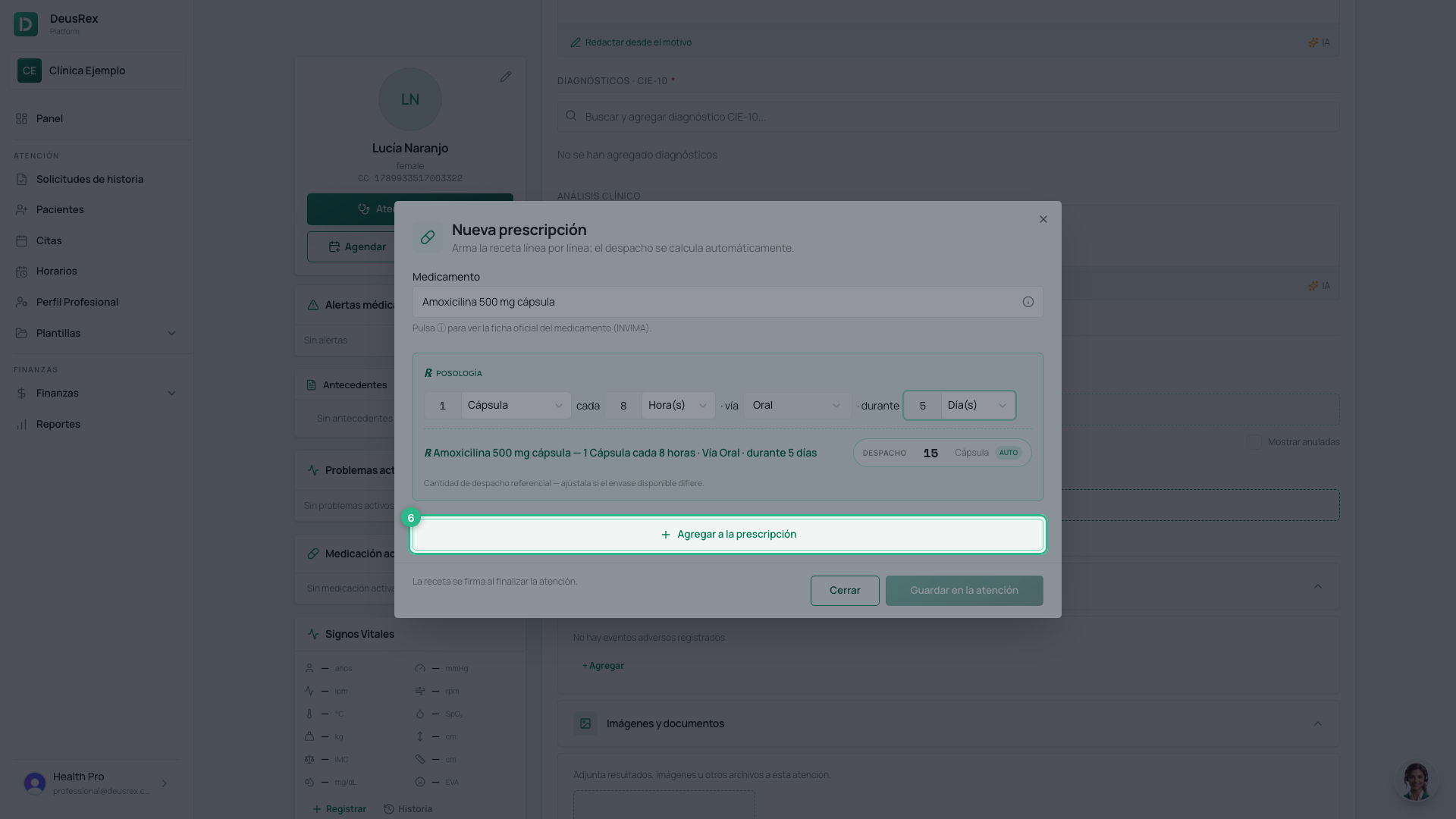
- Click Agregar a la prescripción. Repeat steps 3 to 6 for each medicine.
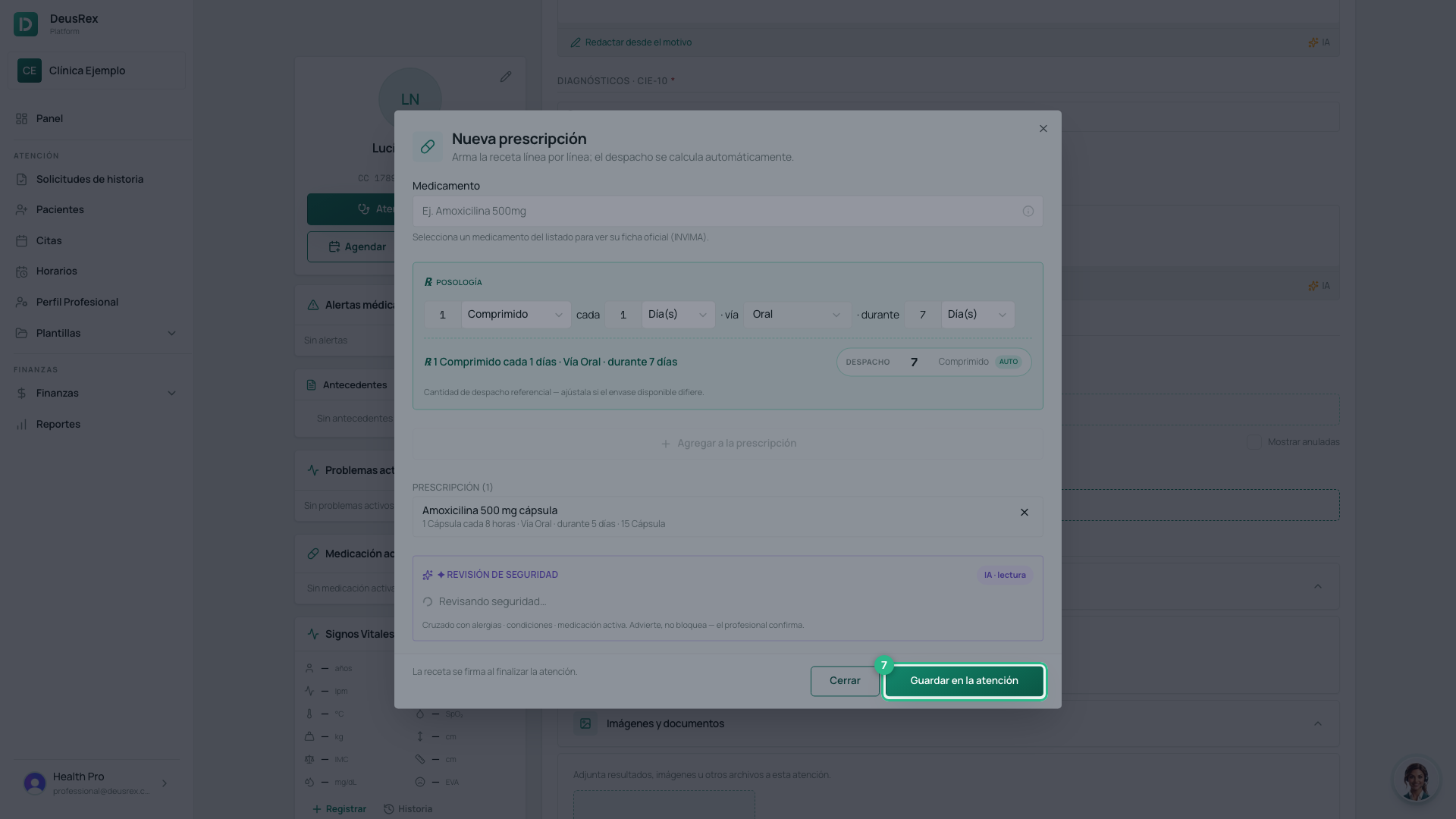
- Click Guardar en la atención.
The quantity to dispense works itself out
From «1 capsule every 8 hours for 5 days» the platform works out 15 capsules and writes it on the prescription. You can override it if the packaging says otherwise.
When it becomes official
The prescription is saved as part of the attention, but it is signed when you sign the consultation. Until then you can edit it. After that it is official and can be printed or downloaded as a PDF.
Tip
Each medicine is its own line, so you can remove or adjust one without redoing the whole prescription.