How to recover your password
If you cannot remember your password, we send a code to your account’s email and you choose a new one. You lose no data.
Steps
-
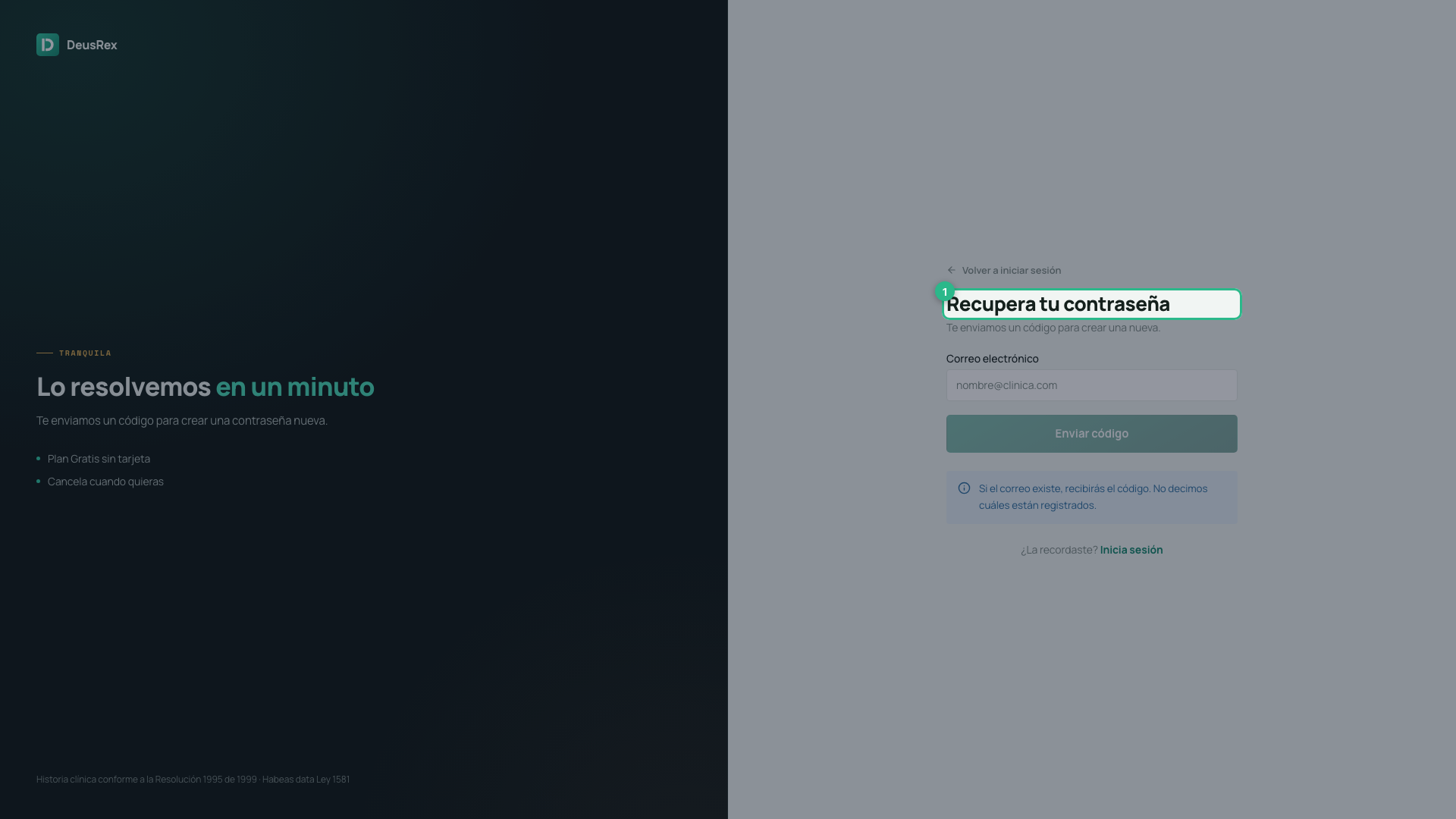
On the sign-in page press Forgot it?, beside the password field.
-
Type your account’s email.
-
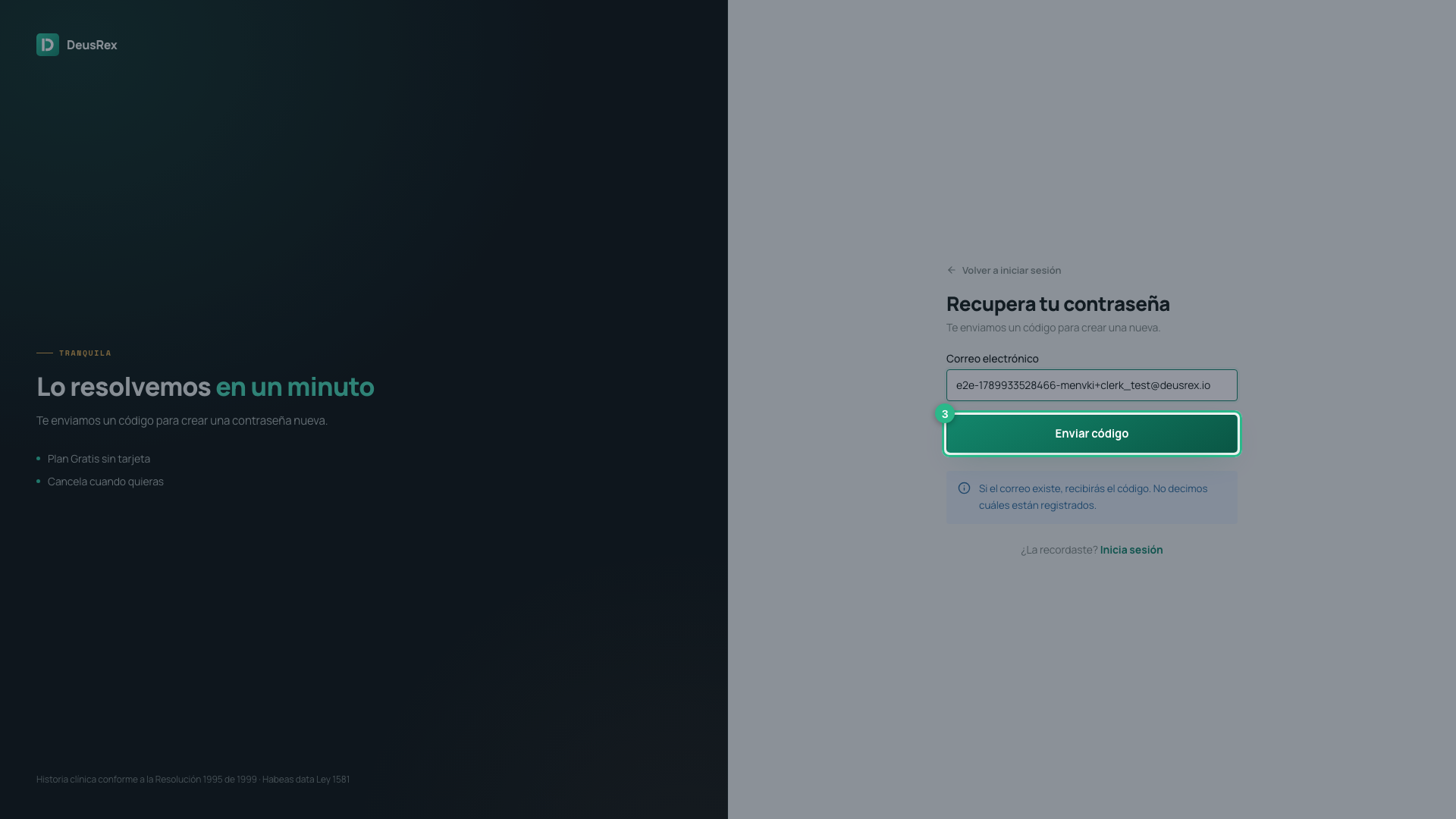
Press Send code.
-
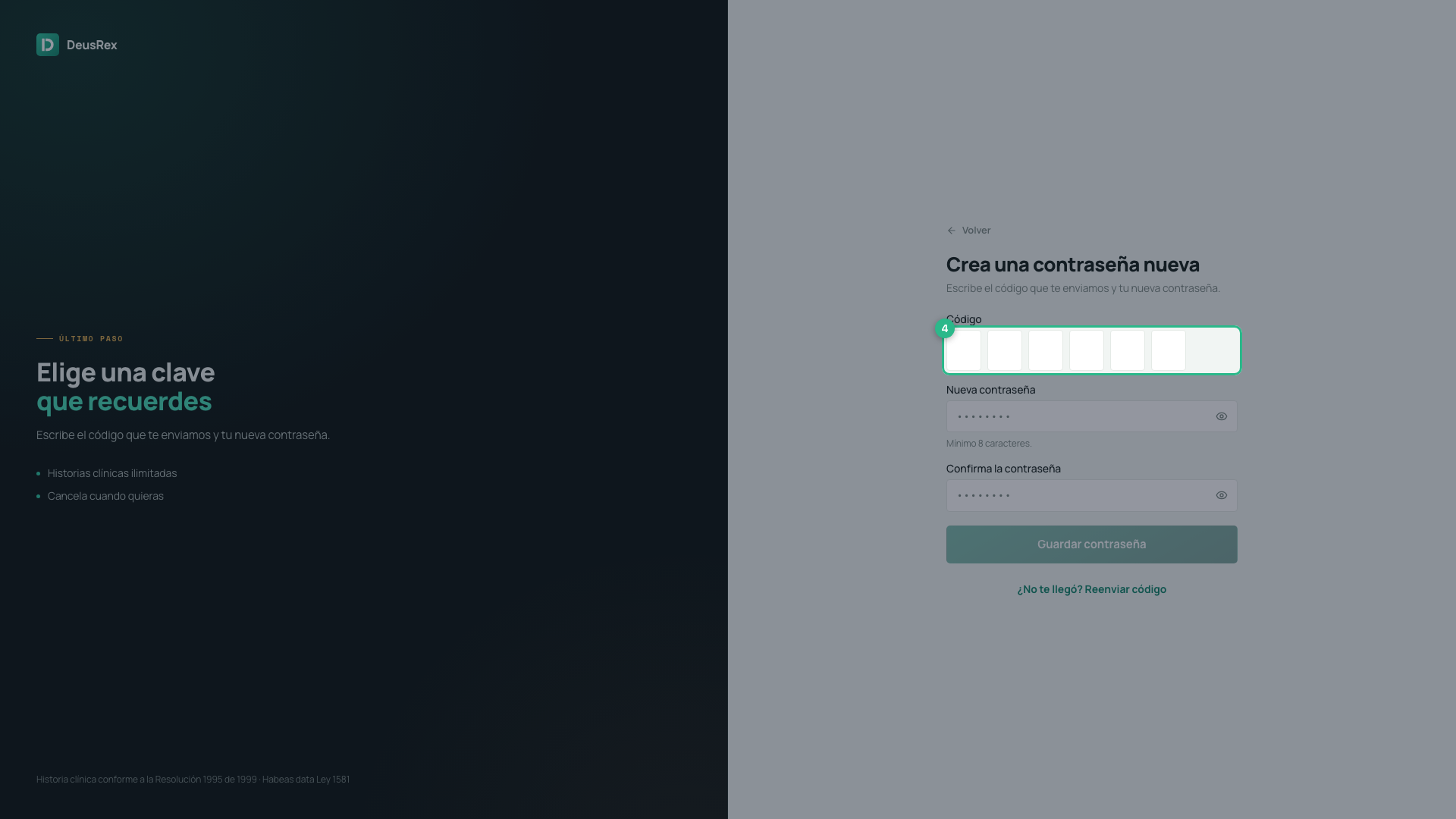
Check your email and type the 6-digit code.
-
Type your new password twice and press Save password.
Saving it takes you straight into your practice.
Why the screen does not tell you whether the email exists
You always reach the code screen, whatever address you type. That is deliberate: if we said “that email is not registered”, anyone could use this screen to find out who our customers are. In a clinical system that is already private information.
So if the code does not arrive, the address is most likely mistyped. Go back and check it.
If something goes wrong
- The code does not arrive — check your spam folder, and check you typed the address correctly.
- “The two passwords do not match” — both fields in step 5 must be the same.
- The code expired — press Did not arrive? Resend code to ask for a new one.