How to schedule an appointment
On this page
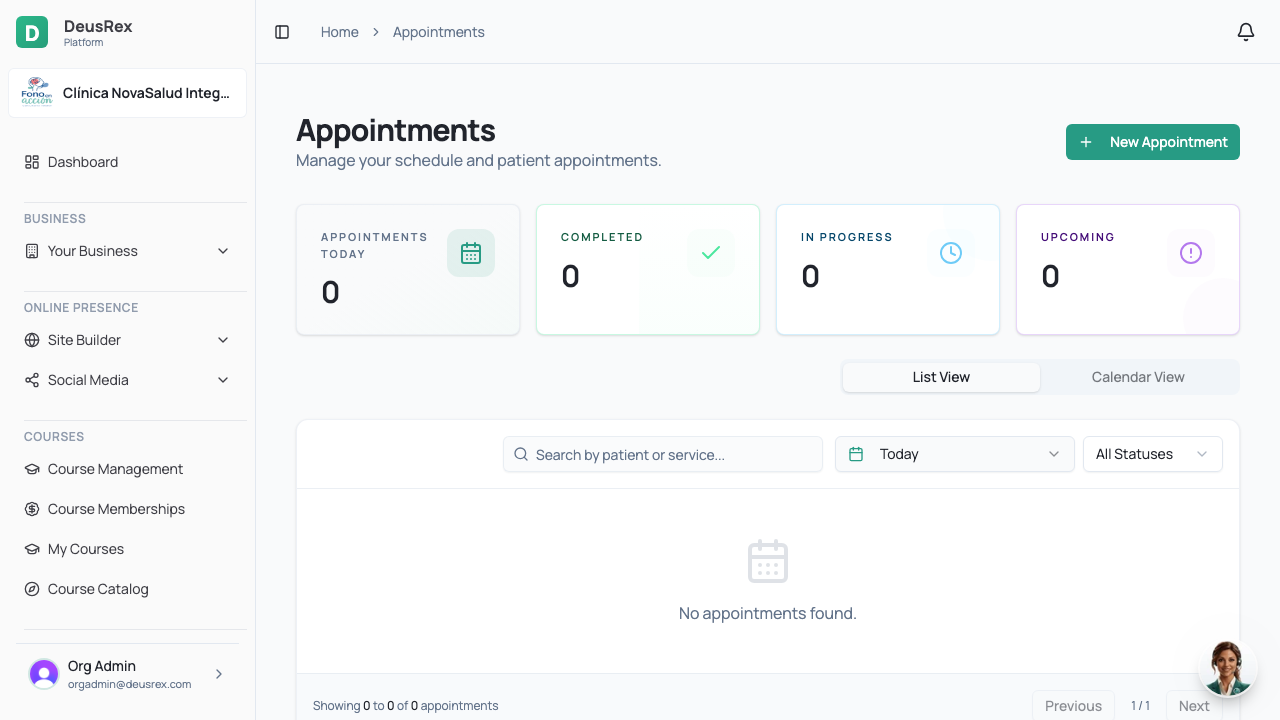
Appointments are scheduled from the agenda and are linked to a patient, a professional and a service.
Steps
- Open Agenda (or Appointments) in the sidebar.
- Click the day and time you want, or use New appointment.
- Search and select the patient. If they are new, you can create them right there.
- Choose the service — its duration defines how long the appointment takes.
- Select the professional who will attend.
- Confirm with Save. The patient gets a confirmation if they have an email on file.
Reschedule or cancel
Open the appointment from the agenda and use Reschedule to move it, or Cancel to release it. The slot becomes available again immediately.