How to set up your practice for the first time
On this page
After you verify your email you enter the setup wizard. It is six steps and cannot be skipped: by the end your practice has a name, a specialty, a service people can book, and opening hours.
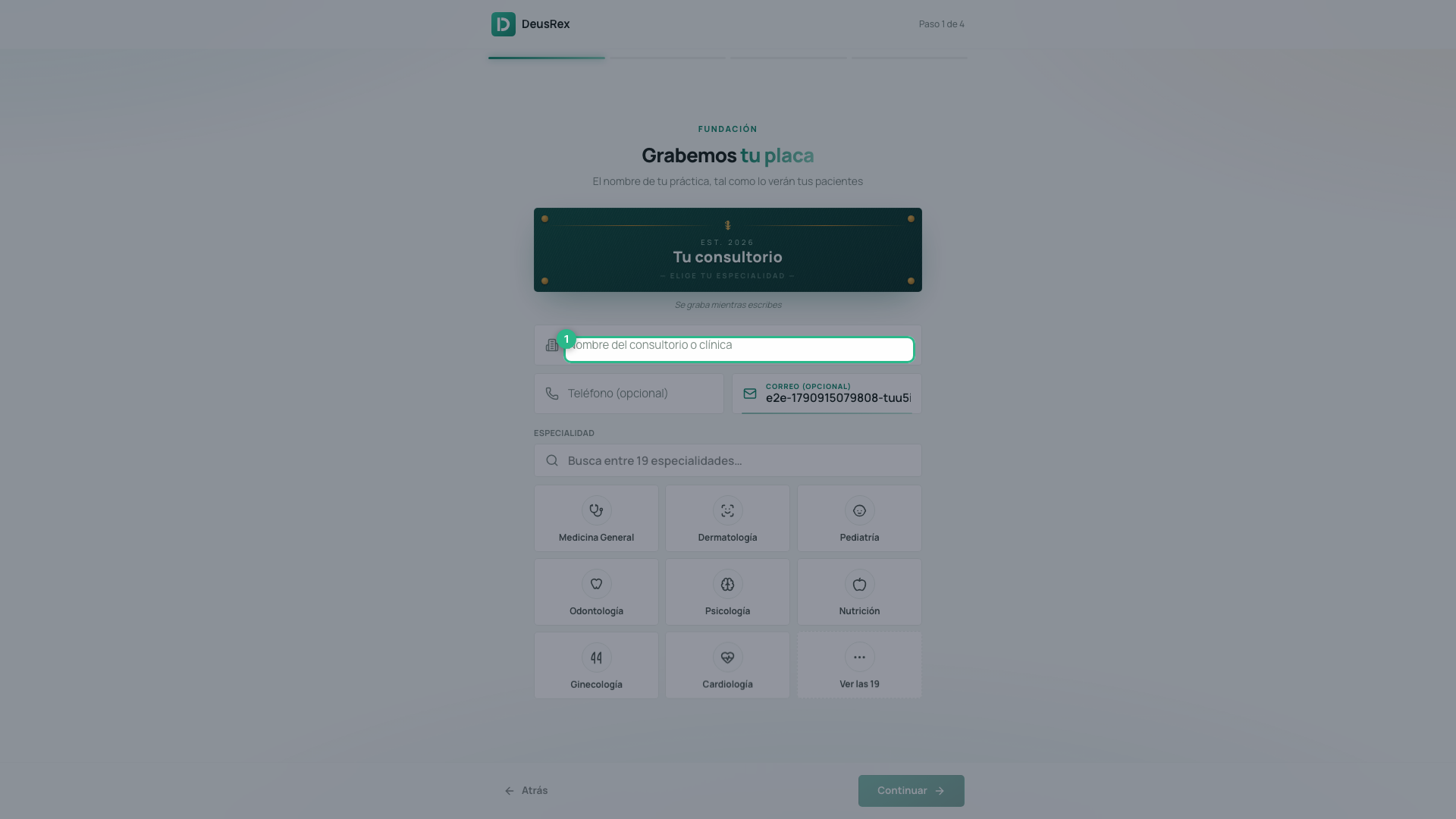
The metaphor is a plaque — the kind that hangs at a practice’s door. It is engraved as you type, and in the last step you hang it.
Before you start
Have the name of your practice ready, exactly as you want patients to see it, and an idea of what service you offer and how long it takes. Everything else can be changed later.
Steps
-
Fundación — Grabemos tu placa. Enter the practice name and pick your specialty from 19 options. Phone and email are optional.
-
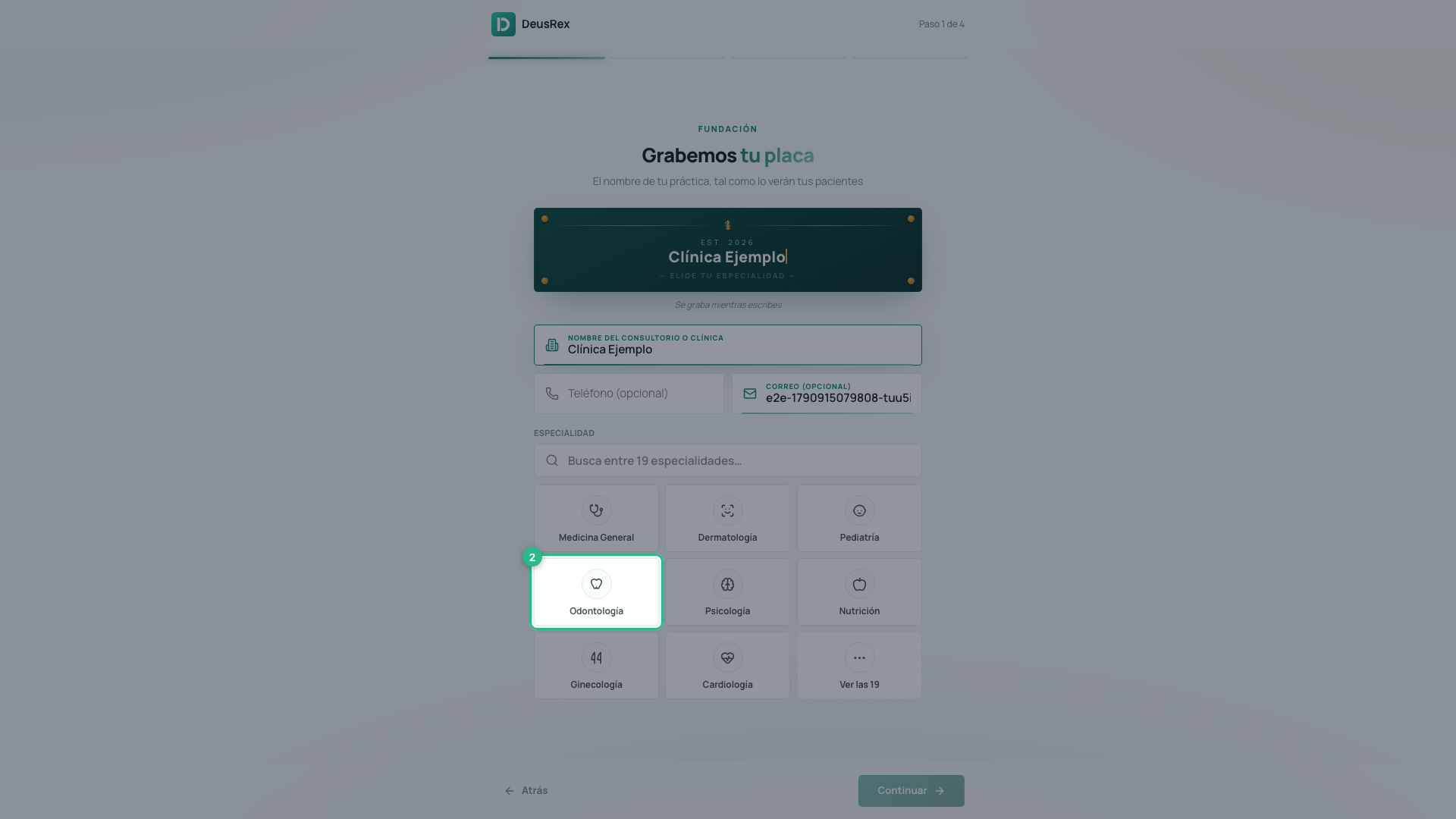
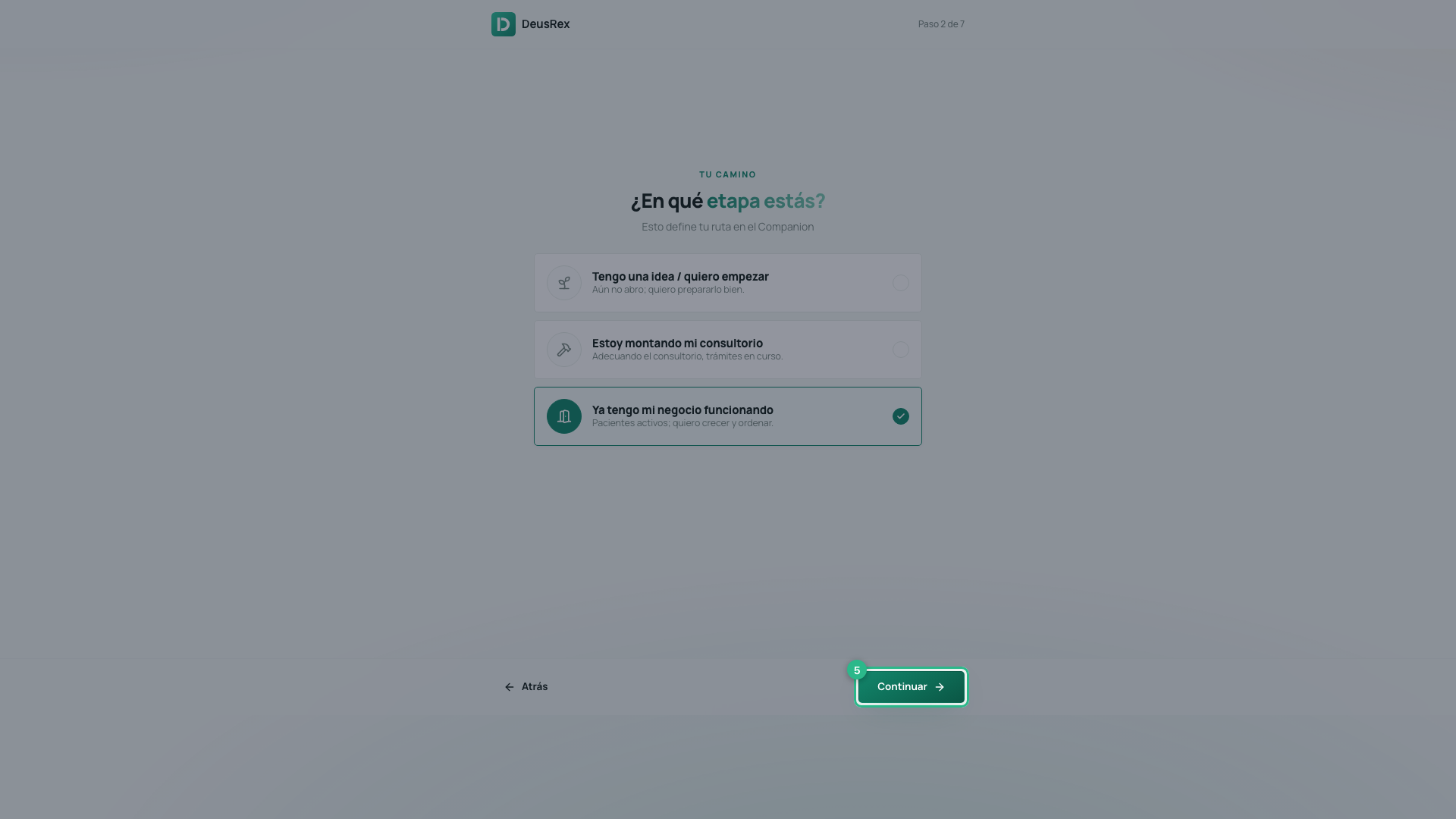
Tu camino — ¿En qué etapa estás? Pick one of three:
- Tengo una idea / quiero empezar — not open yet, and you want to prepare properly.
- Estoy montando mi consultorio — fitting out the space, paperwork under way.
- Ya tengo mi negocio funcionando — active patients, and you want to grow.
-
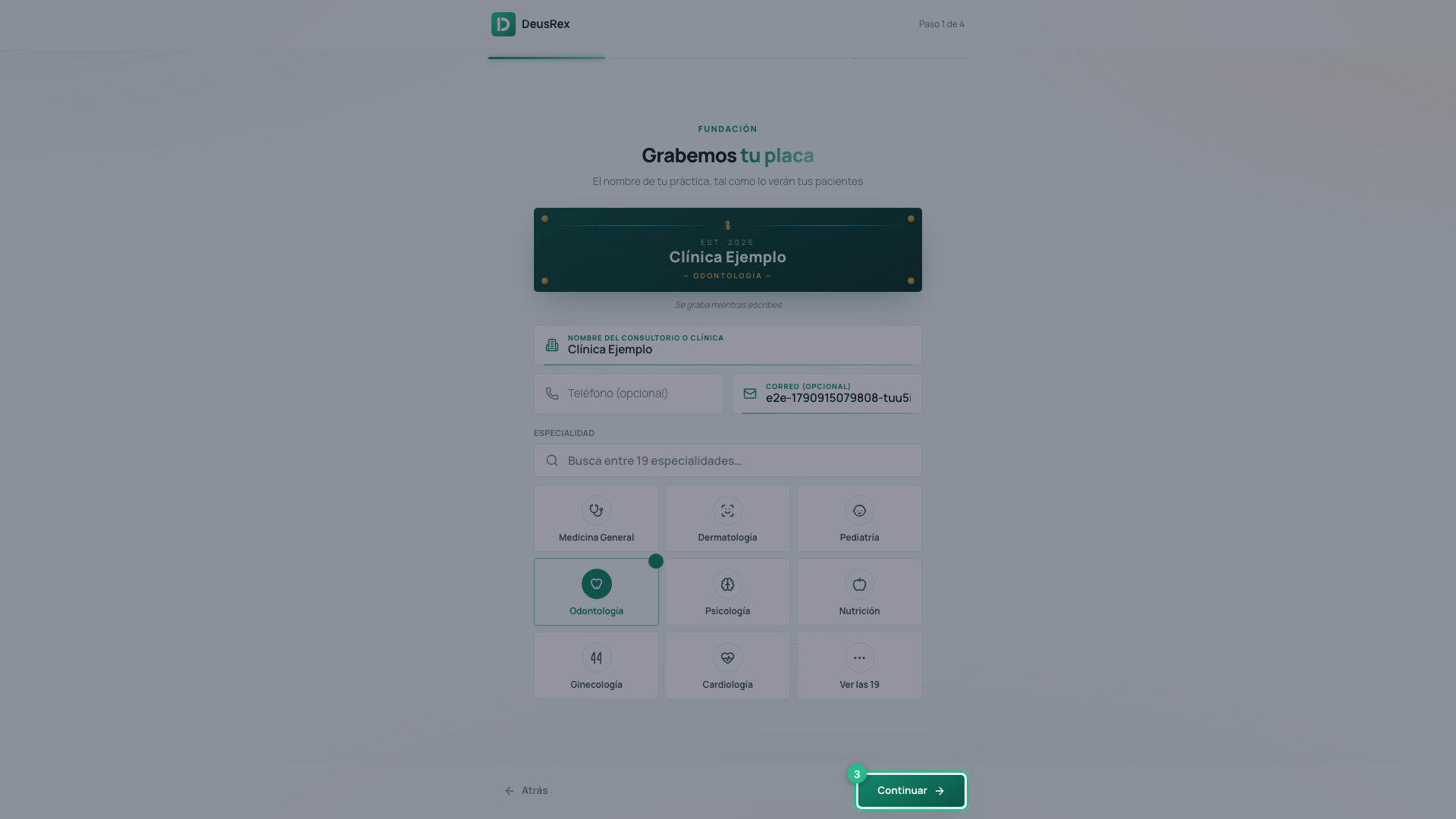
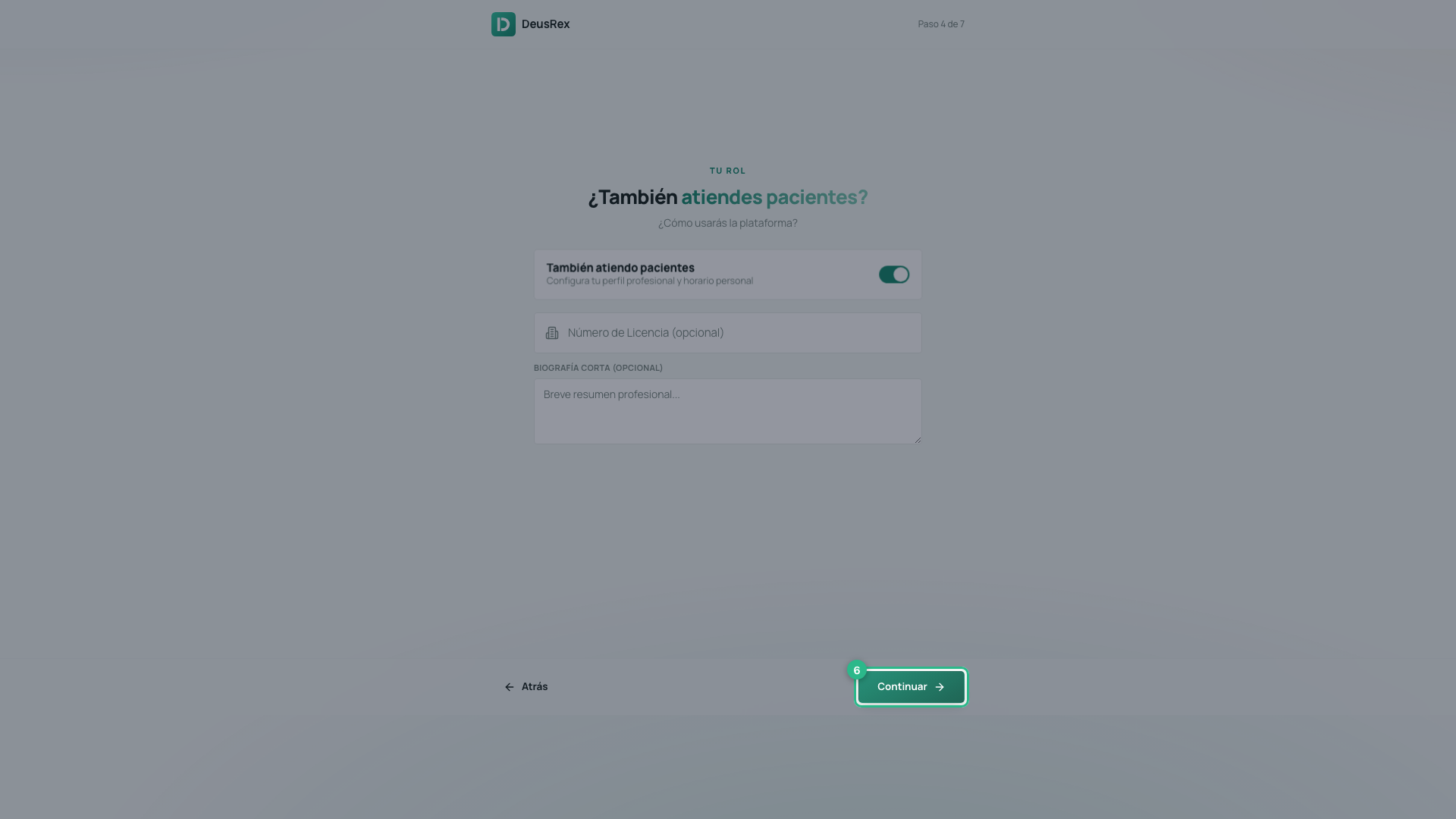
Tu rol — ¿También atiendes pacientes? Turn this on and you also set up your professional profile: licence number and a short biography, both optional.
-
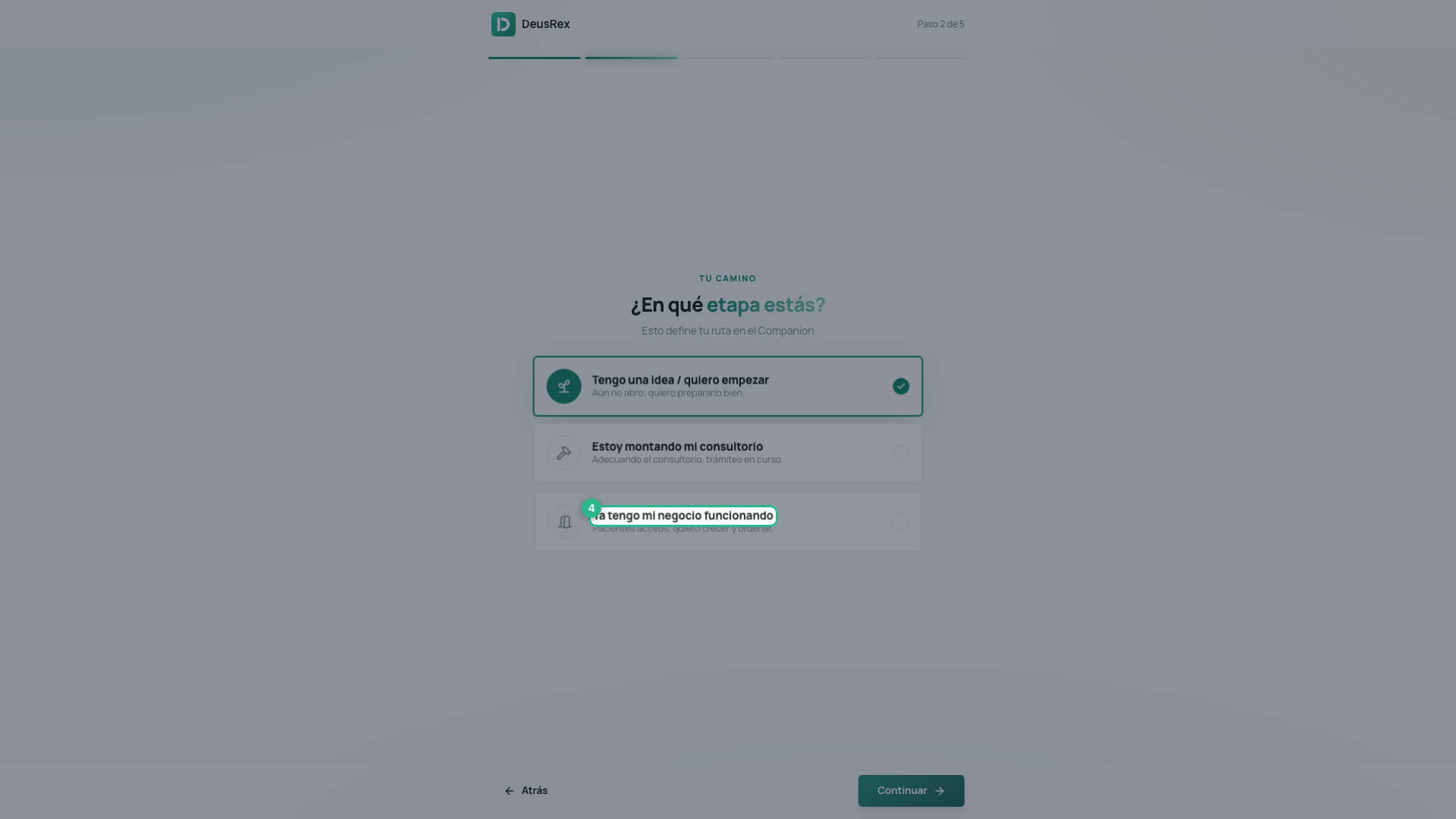
Carta de servicios — ¿Qué ofreces primero? The name, the duration and the price arrive pre-filled from your specialty. Adjust them.
-
Puertas abiertas — ¿Cuándo atiendes? Tap a day to open or close it, and set the hours for each one.
-
Apertura oficial. Check the summary and press Colgar la placa y abrir.
One more step that may appear
Between the stage and your role you may see Habla con un asesor: “La primera sesión es gratis. Un asesor revisa tu caso y te dice qué hacer primero en tu etapa.”
It does not always appear. It only shows where advisors are available for your country. If you do not see it, nothing is missing. If you see it and do not want it now, press Ahora no and carry on.
Why we ask about your stage
It is not a survey. The stage sets your route through the Companion: someone starting out is shown company formation, the RUT and first steps; someone fitting out a practice gets the legal and licensing checklist; someone already operating gets scheduling, patients and billing. You can change it later.
If you are a health professional
After the wizard you can verify your ReTHUS registration with your document number. It takes seconds and queries the national health-workforce registry. The Verificado badge then appears on your profile and in the directory. You may skip it for now.
⚠️ The verification is not only a badge. Without it the platform will not let you write in a clinical record.
If you were invited to a practice that already exists
You do not see this wizard. You see a welcome screen naming the practice you joined, and you go straight in: whoever invited you had already set it up.
Tips
- None of this is permanent. The name, the specialty, the service and the hours are all editable afterwards from Tu Negocio, Servicios and Agenda.
- The service created here has no description. Write one when you can: it is what patients read before booking, and Primeros Pasos on the dashboard will remind you.