How to charge with a payment link
A payment link lets the patient pay online by card. You generate it from the patient’s record, on the Billing tab, and email it to them in one click.
The link is not generated from Finance → Invoices. That screen lists invoices, but the charge lives next to the patient, because the balance is theirs.
Before you start
- Your organization needs its payment account connected and enabled to charge — see How to set up card payments.
- The invoice must be sent (or overdue). A draft cannot generate a link: the button stays disabled.
- To send the charge by email the patient needs a registered email; without one that button stays disabled. The payment link is still generated, and you can pass it on by WhatsApp.
Steps
-
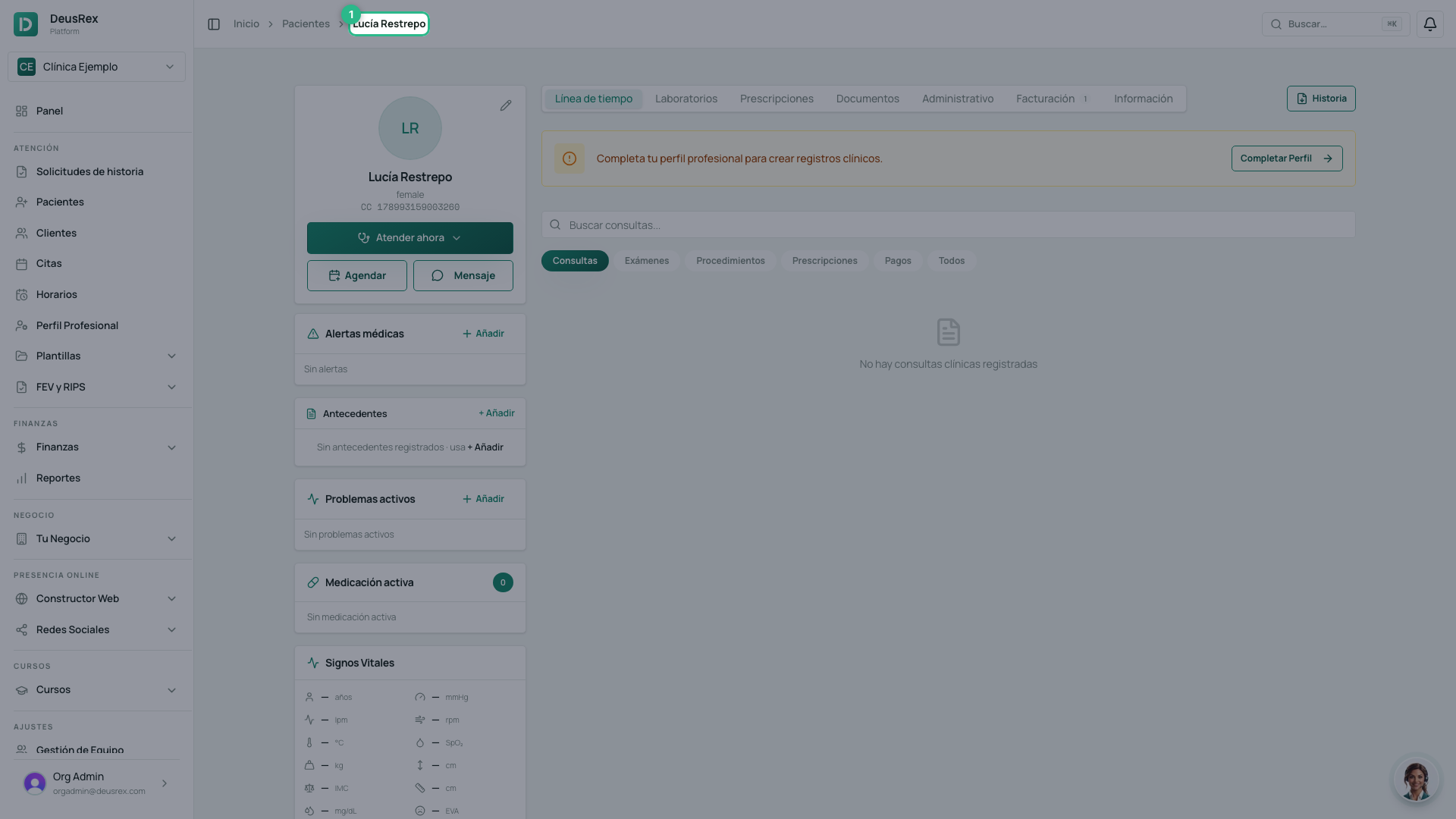
Open Patients and go into the patient’s record.
-
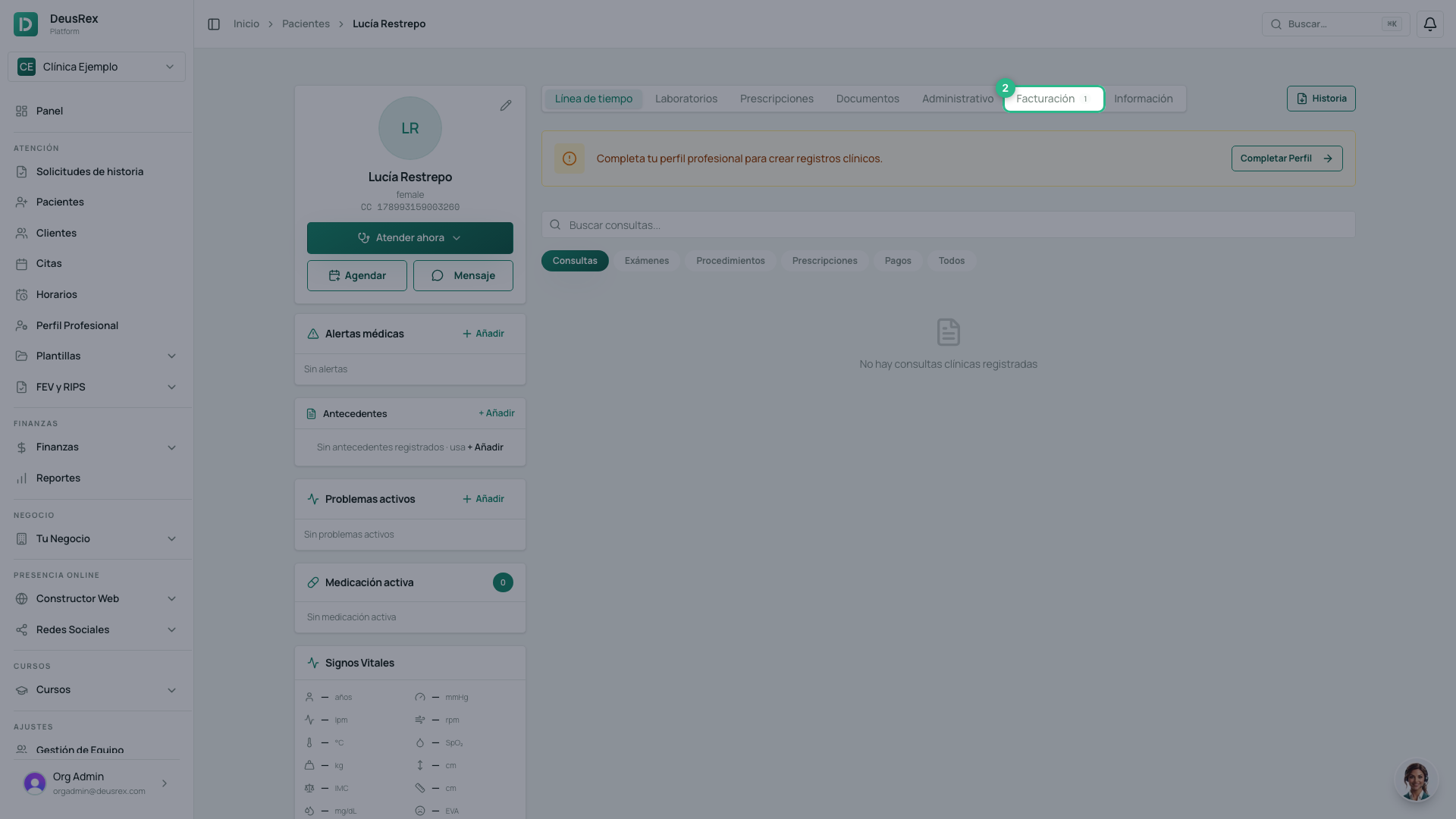
Open the Billing tab.
-
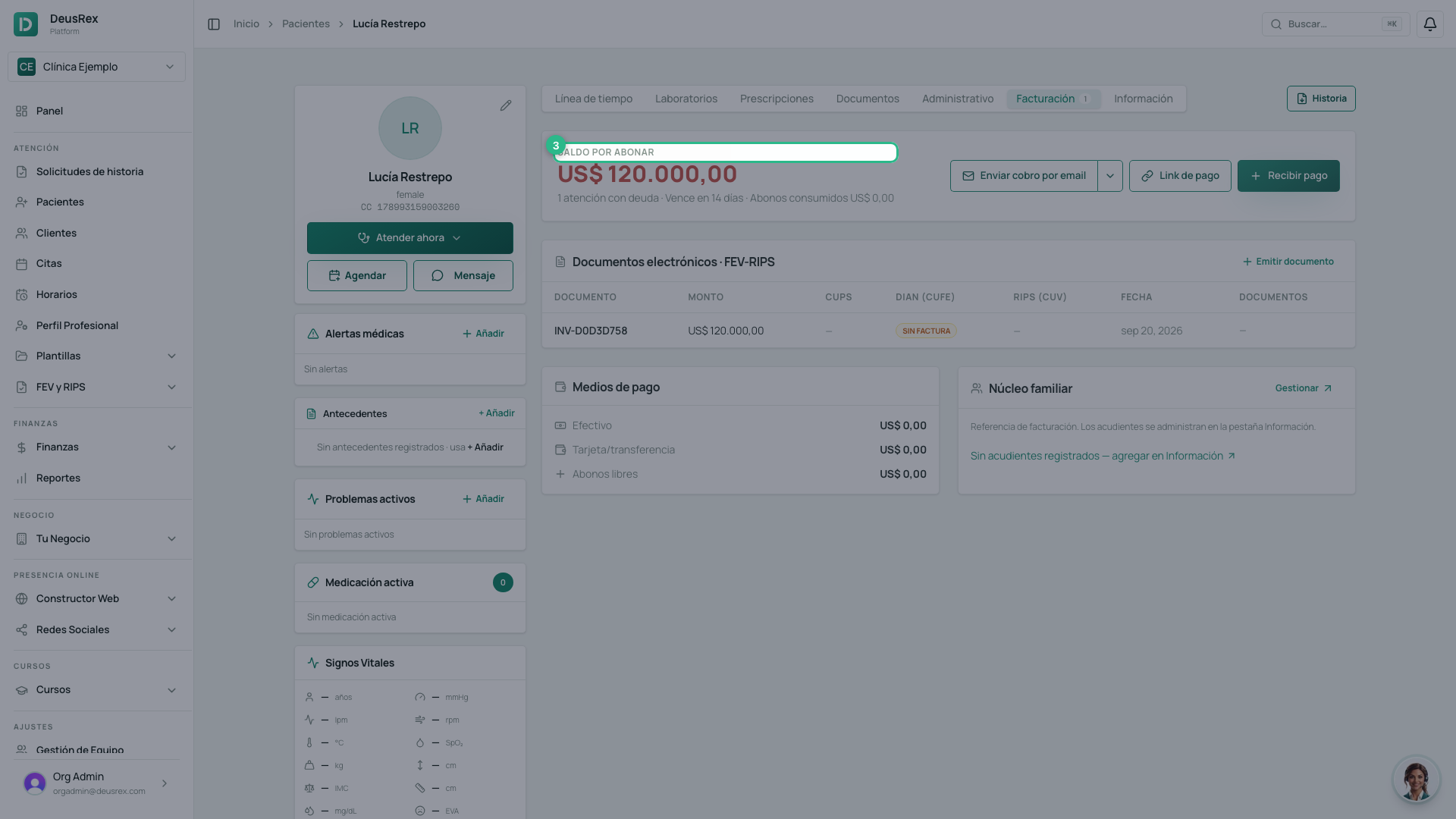
Review the outstanding balance and the invoice you are about to charge.
-
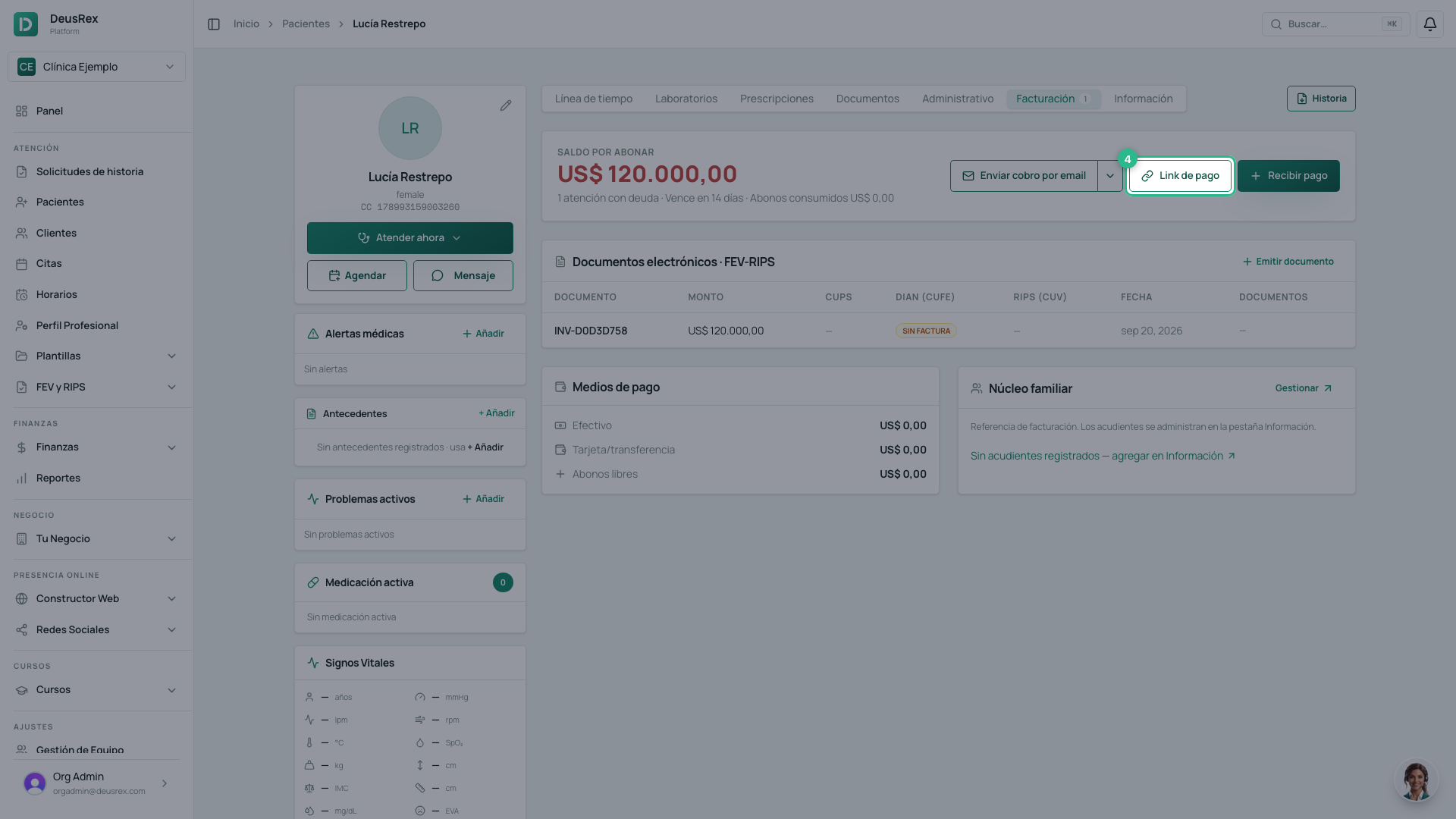
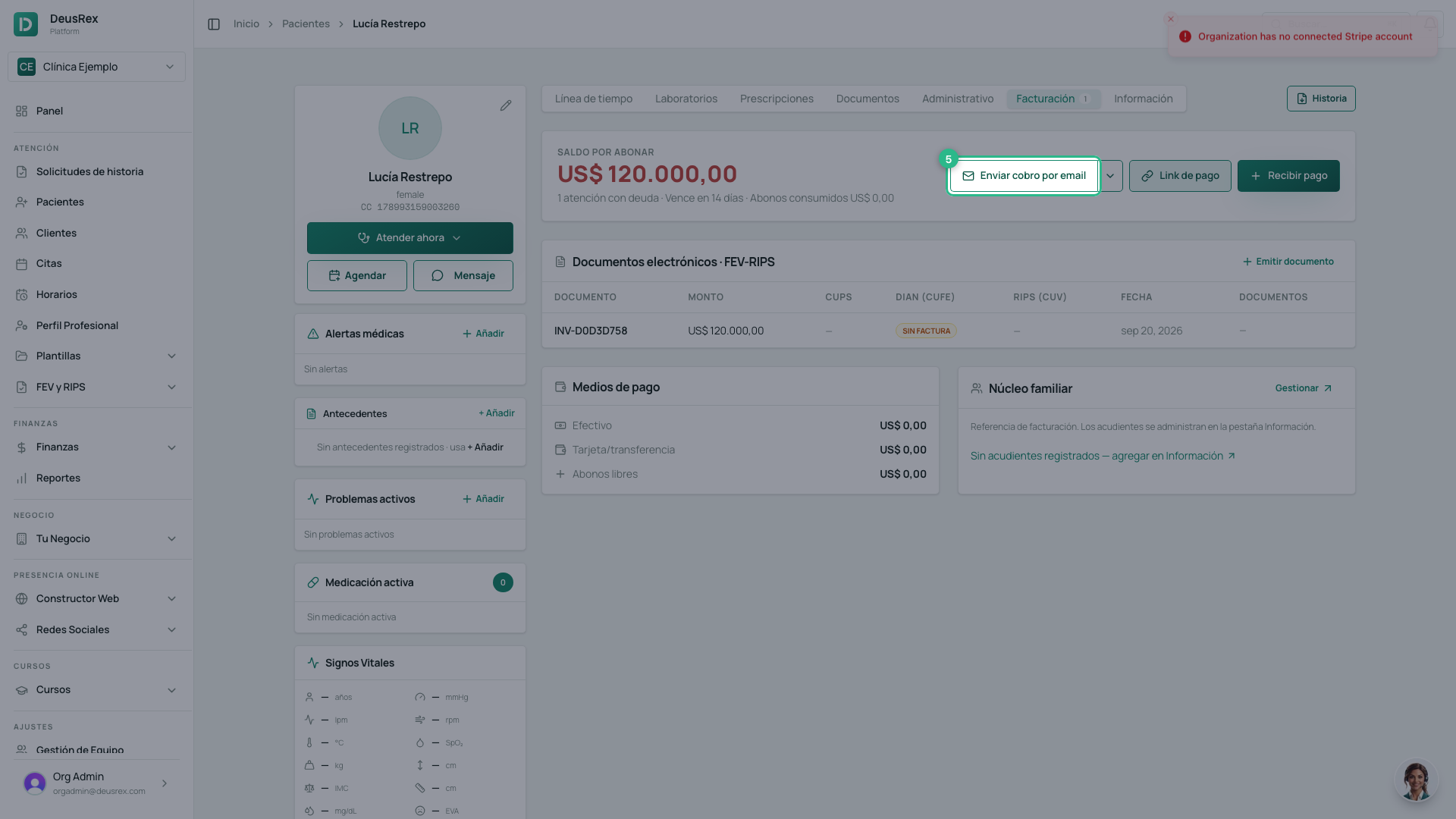
Press Payment link. A valid link is generated and opens in a new tab, ready to pay by card.
-
Press Send charge by email so the patient receives it. The arrow beside it lets you pick another responsible party in the family group.
Why the link is regenerated every time
The link expires after 24 hours. That is why the button always creates a new one instead of reusing the last: the patient never receives a dead link. If you sent one yesterday and they did not pay, generate another and resend it.
Tip
The gateway commission is added as a separate line inside the link (gross-up), so you receive the full invoice amount. It does not touch the invoice total or what you charge in cash — only whoever chooses to pay by card pays it.
When the patient pays, the invoice marks itself paid and any sessions or packages waiting on that payment become available.