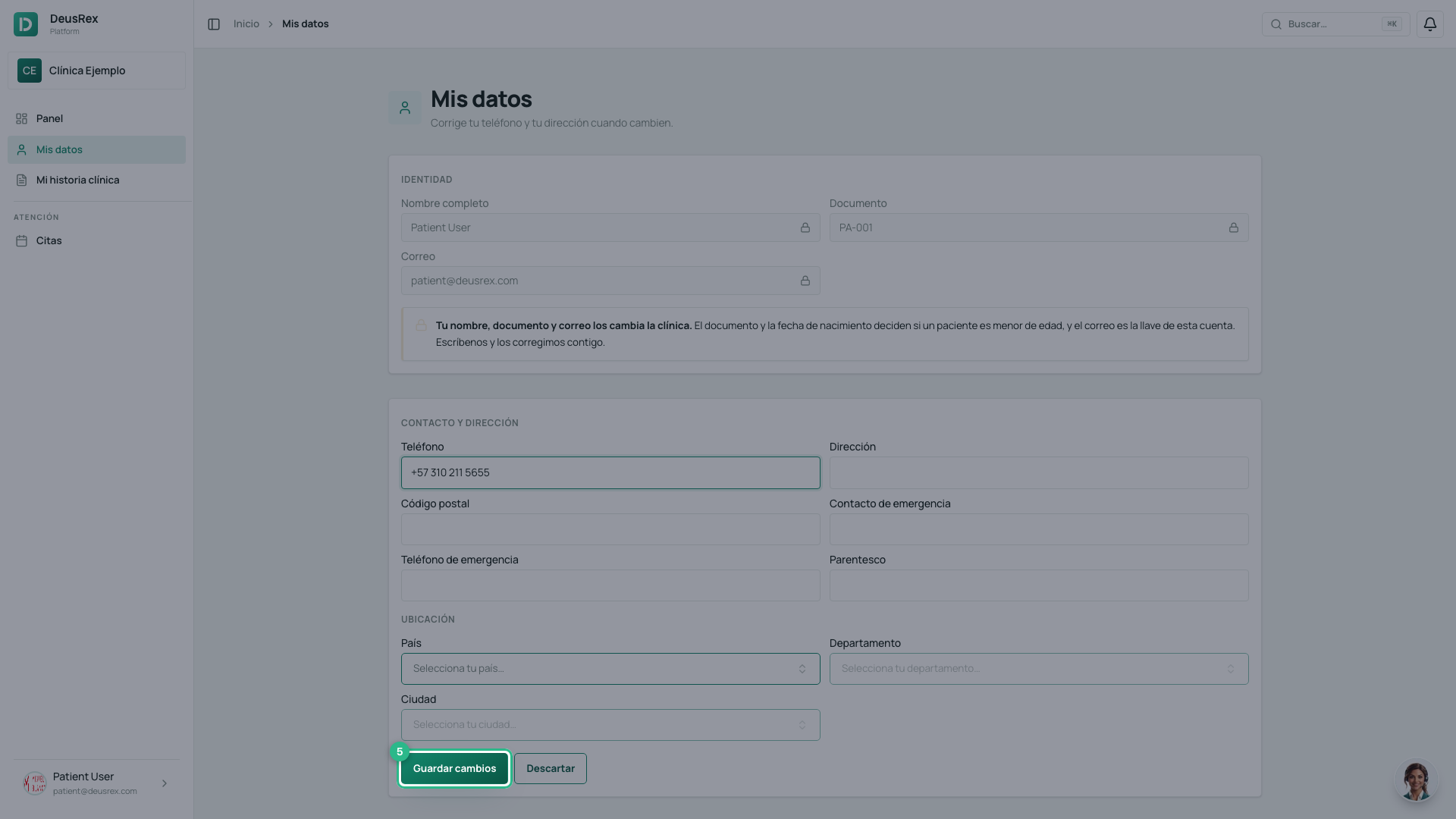
How to correct your contact details
On this page
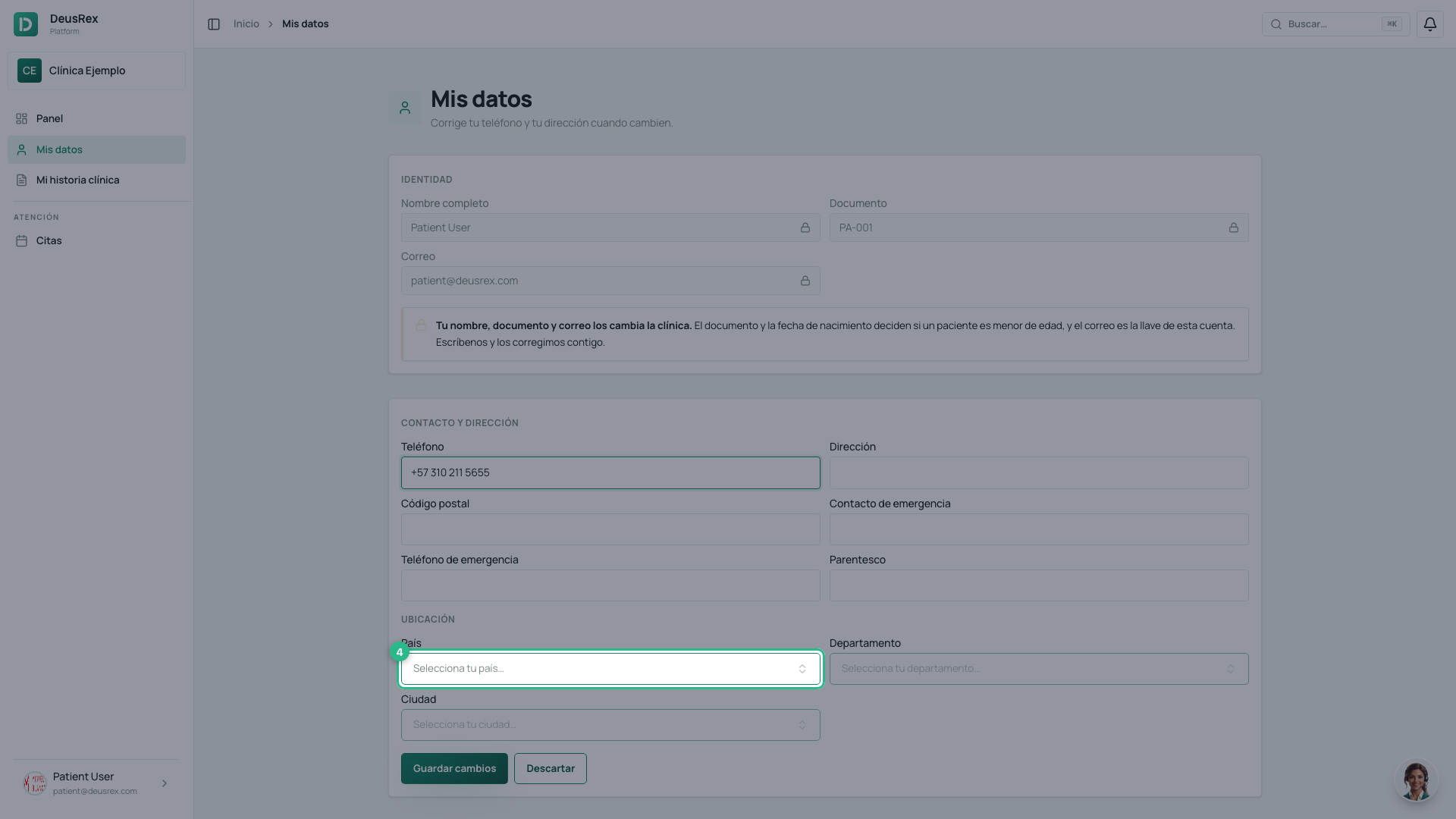
You can correct your own phone number and address without calling the clinic. Open Mis datos from the menu.
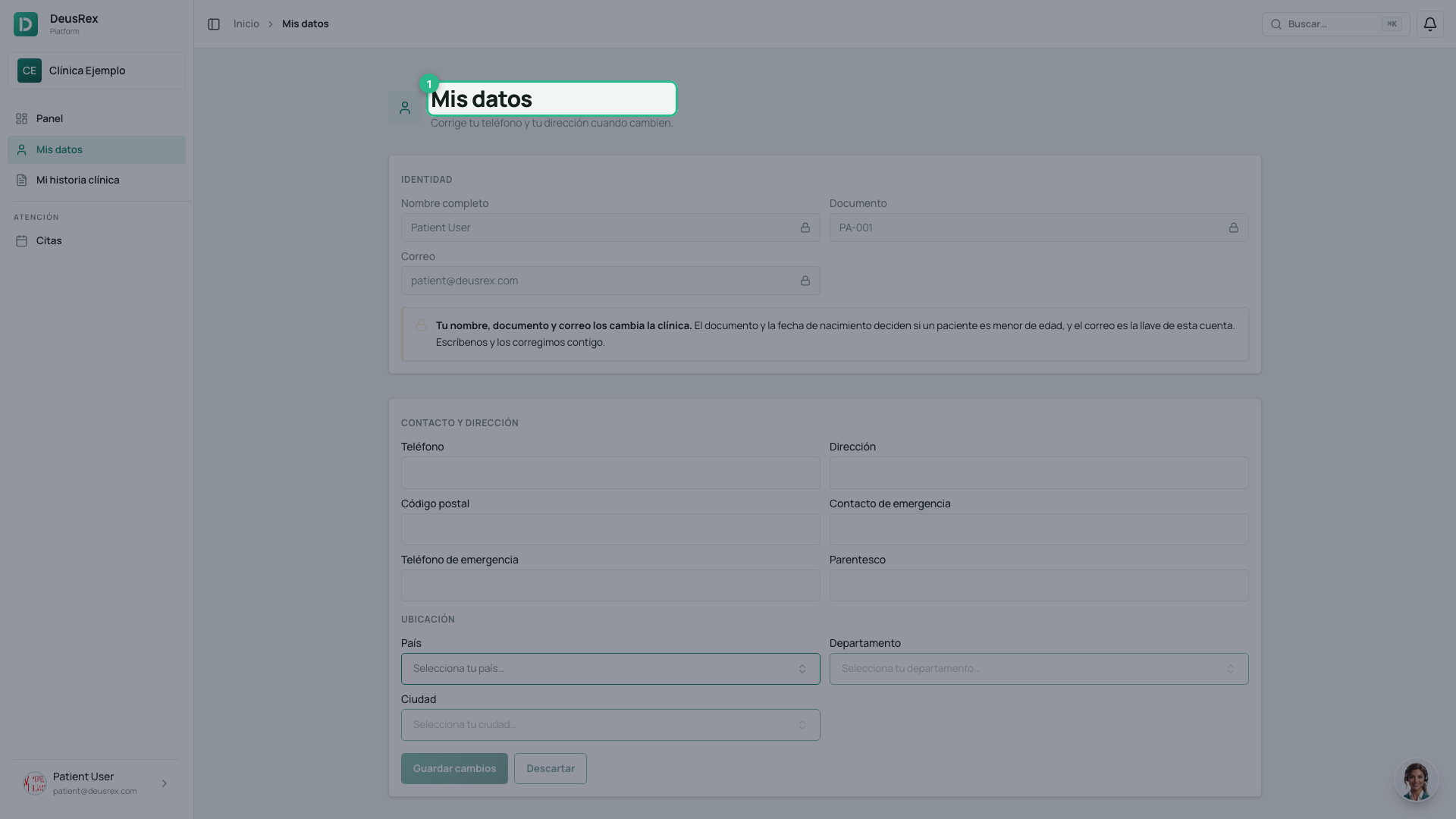
What the clinic changes, and why
Your name, document and email appear locked. That is not a glitch: your document and date of birth decide whether a patient is a minor, and your email is the key to this account. Write to your clinic and they will correct them with you.
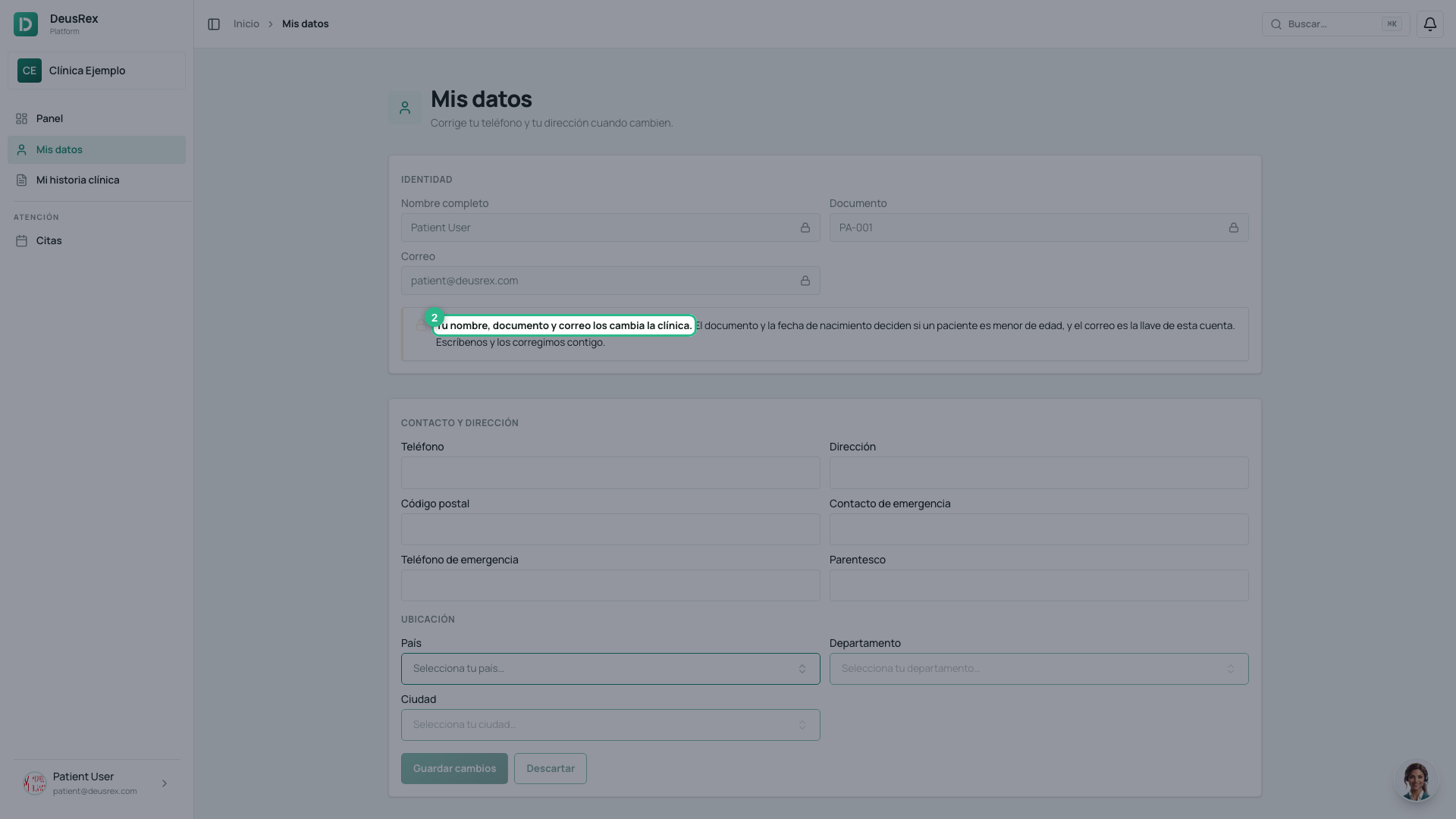
Correct your contact details
- Type your new phone number.
- Fill in your address and postal code.
- If you like, add an emergency contact with their phone and relationship.
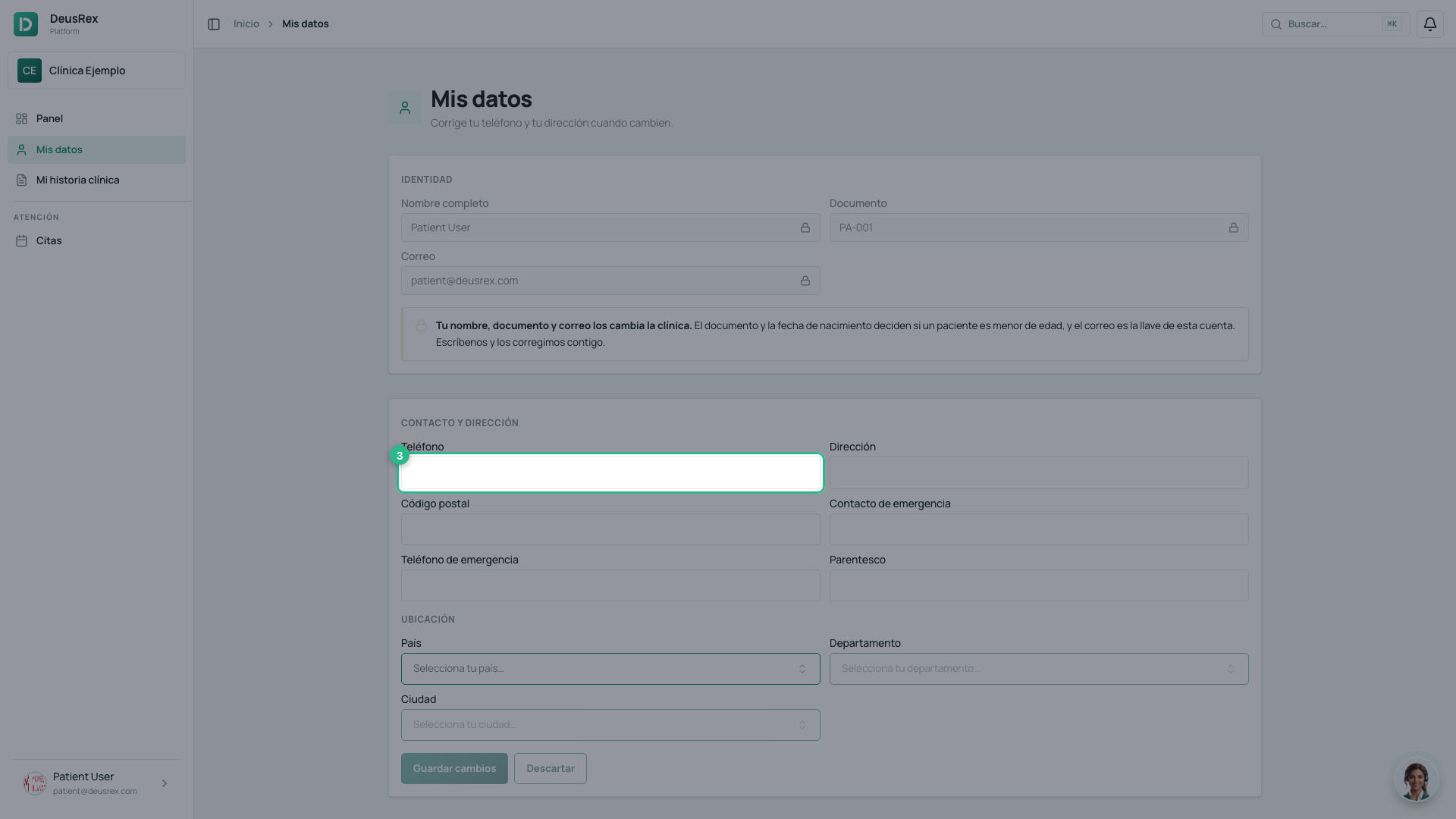
Pick your location from the lists
Country, State and City are chosen from a list, not typed. Each one unlocks when you pick the one above it: country first, then state, then city.
They come from a list because your clinic uses those same lists for its reports. If you typed them by hand, your city and the clinic’s would not be the same city to the system.
Save
Press Guardar cambios. The button stays off until you change something, so if it looks grey there is nothing to save yet.