How to adjust your brand's look
On this page
The look is how your clinic looks: logo, colors, fonts and photo style. Every reel, carousel and image SarAI generates is dressed in it, and the Web Builder uses the same one, so your brand lives in a single place.
If you built your brand with SarAI, your look is already set. This guide is for changing or completing it.
In Social Media → Brand (Redes Sociales → Marca), press Edit (Editar) in the Look block.
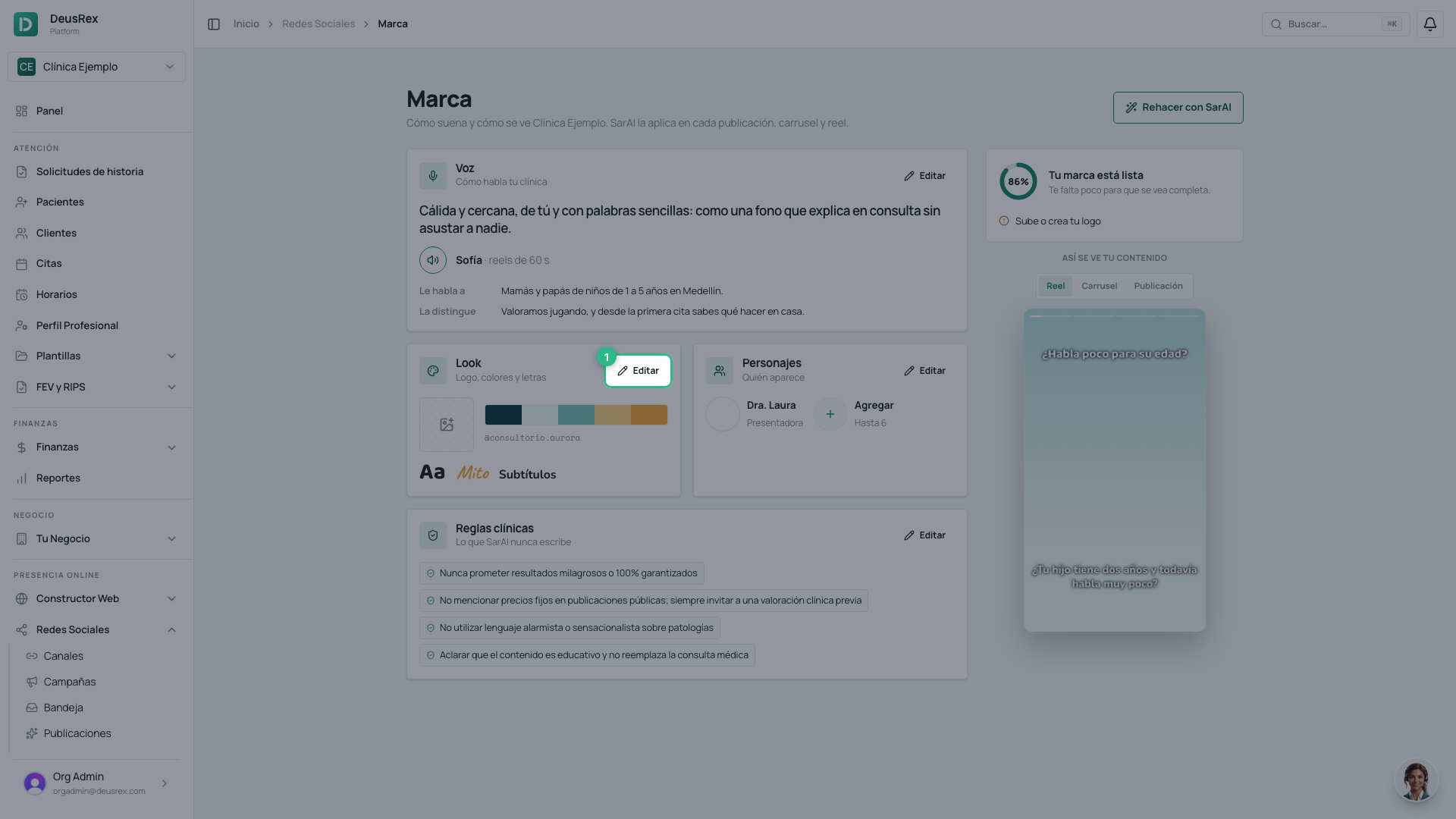
Your logo and your colors
Press Upload logo (Subir logo) (or Change logo, Cambiar logo, if you already have one). PNG or SVG with a transparent background works best.
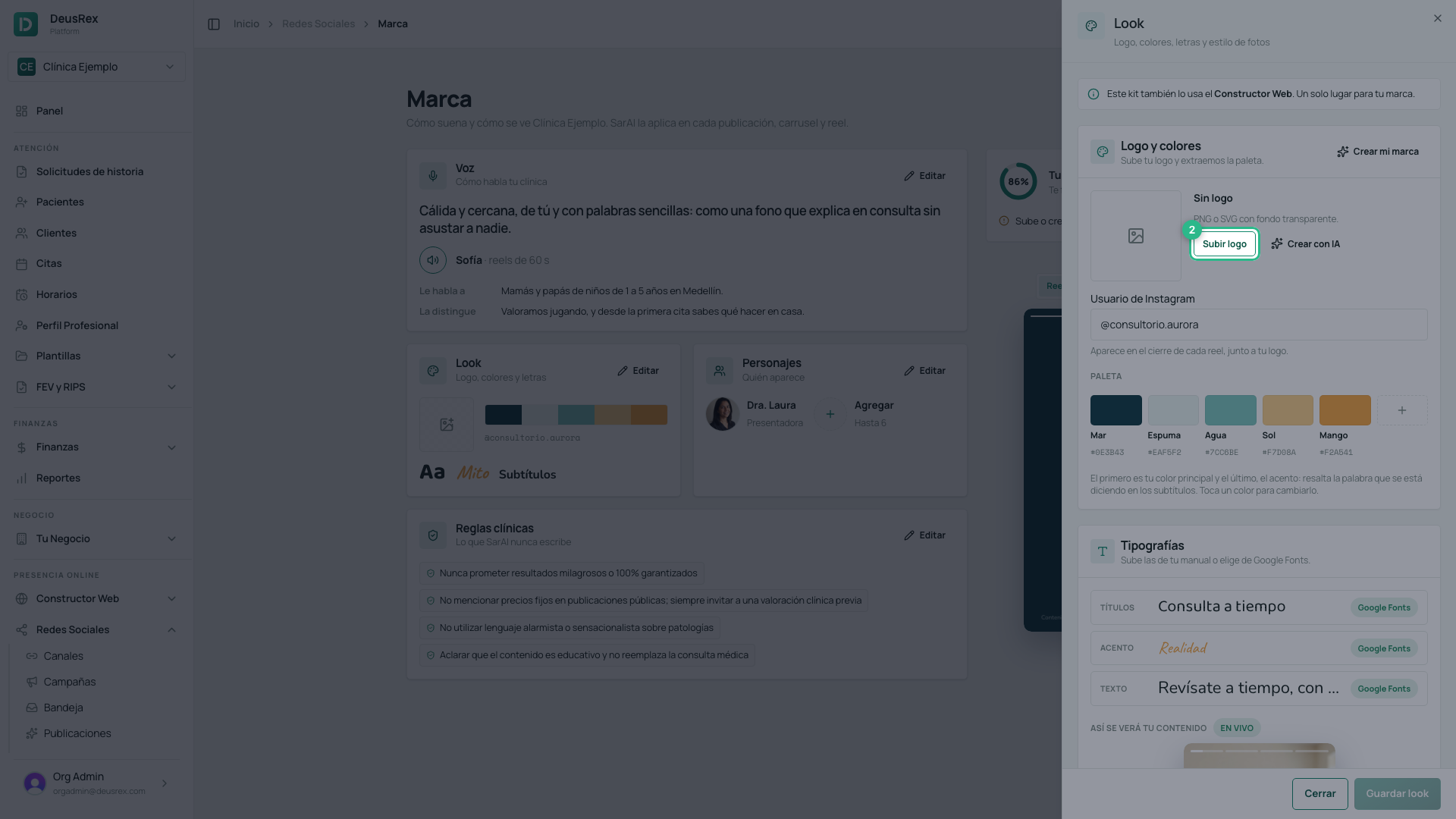
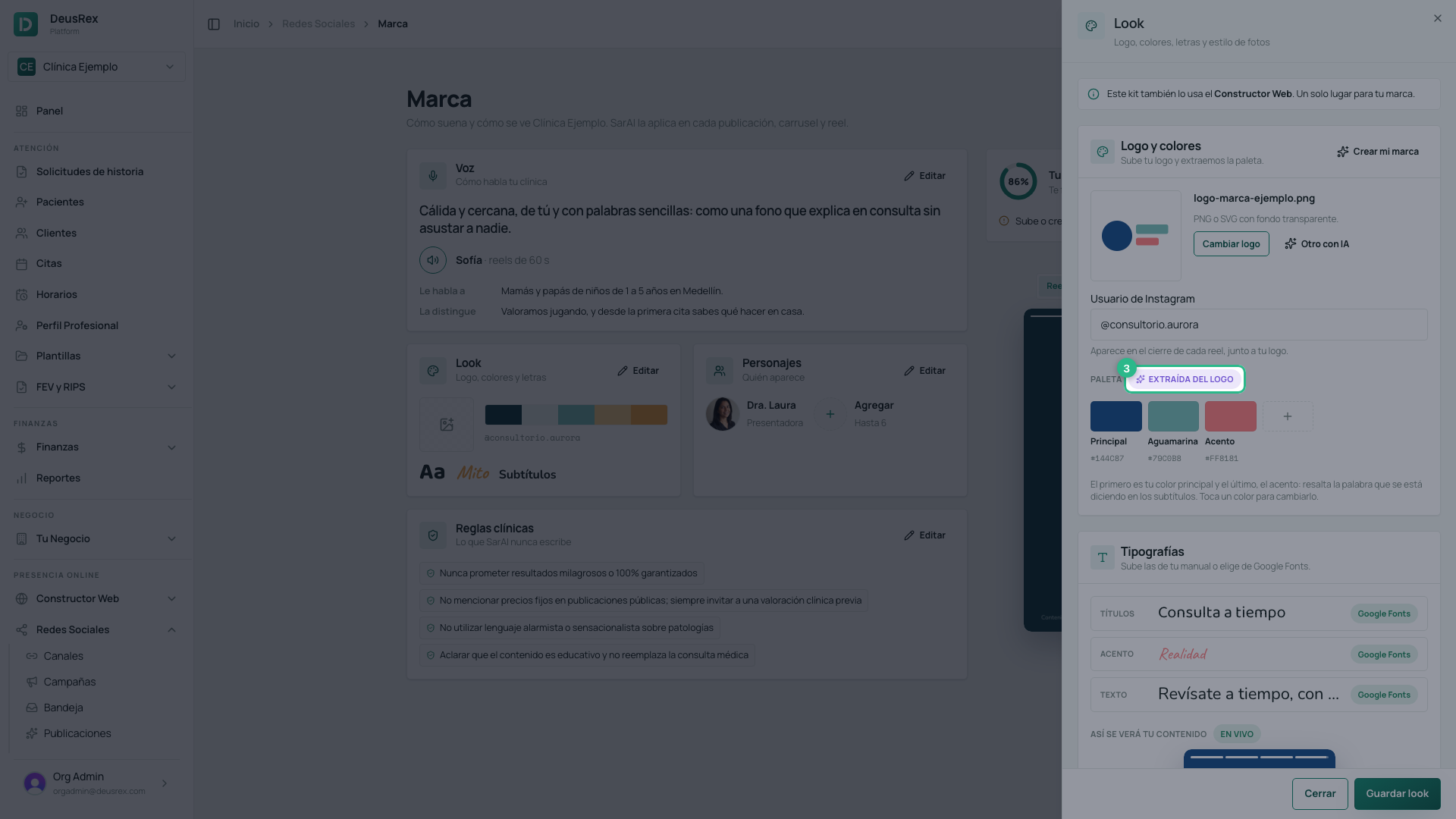
Your palette is extracted from the logo: the colors it is drawn with, without the background. The first one is your main color and the last one, the accent, highlights the word being spoken in the captions. Tap a color to change its name or its shade, or to remove it; with + you add another (up to eight).
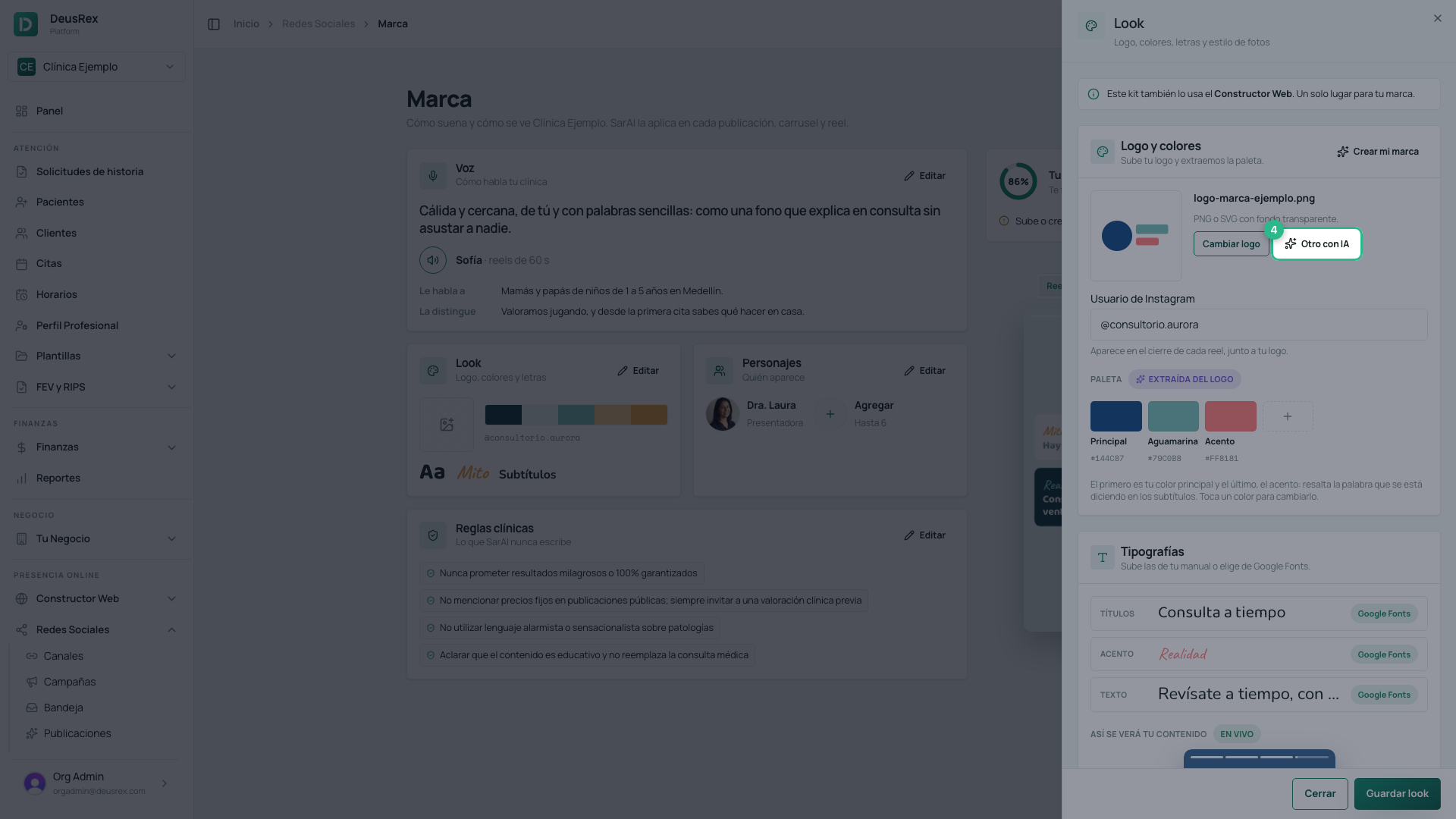
No logo yet? Create with AI (Crear con IA) draws one with your colors and your fonts (if you already have one, the button reads Another with AI, Otro con IA). It uses image credits, and nothing is saved until you press Save look: if you don’t like it, ask for another one.
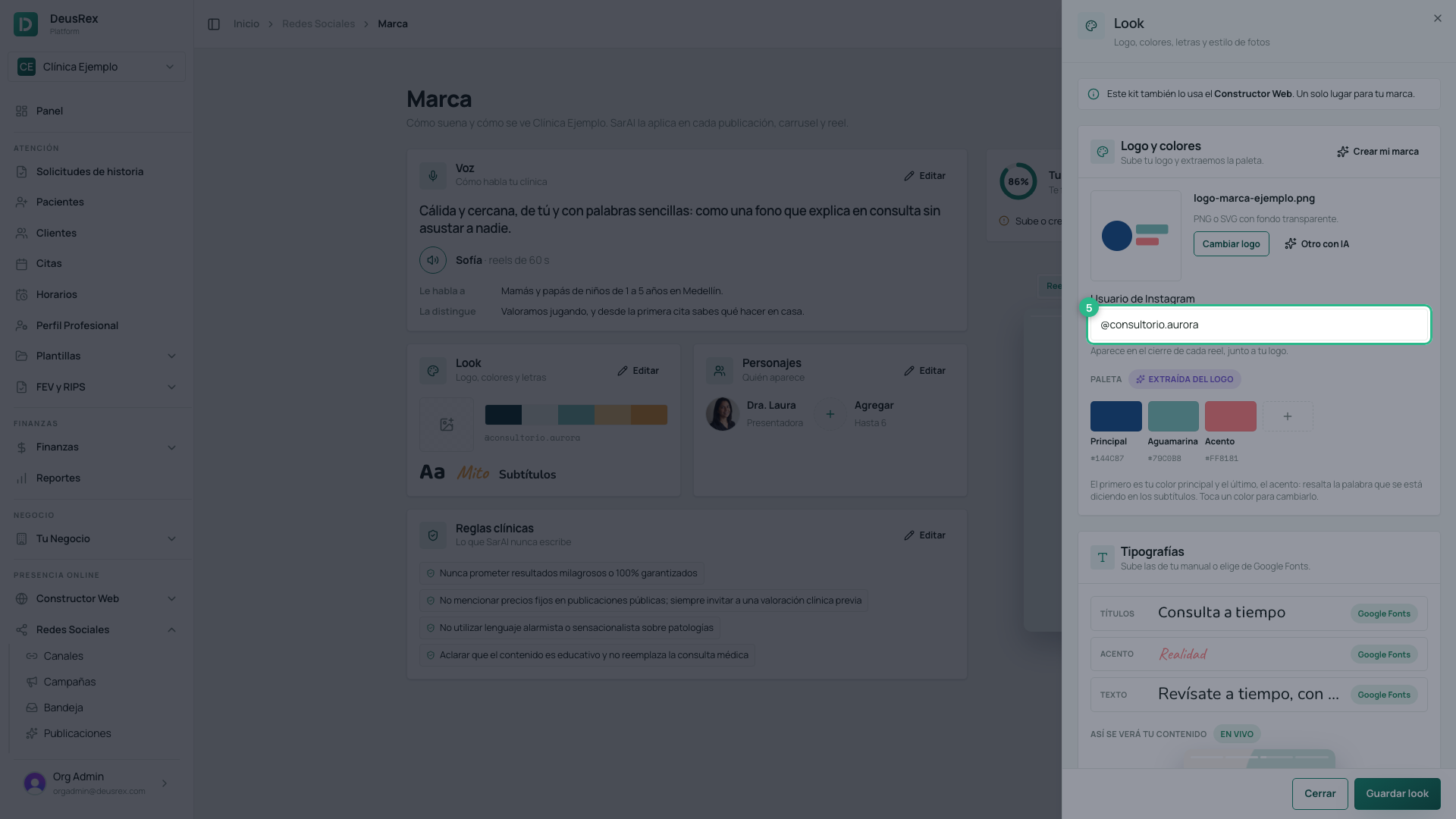
Your Instagram username
Type your Instagram username (for example @yourclinic): it appears at the closing of every reel, next to your logo.
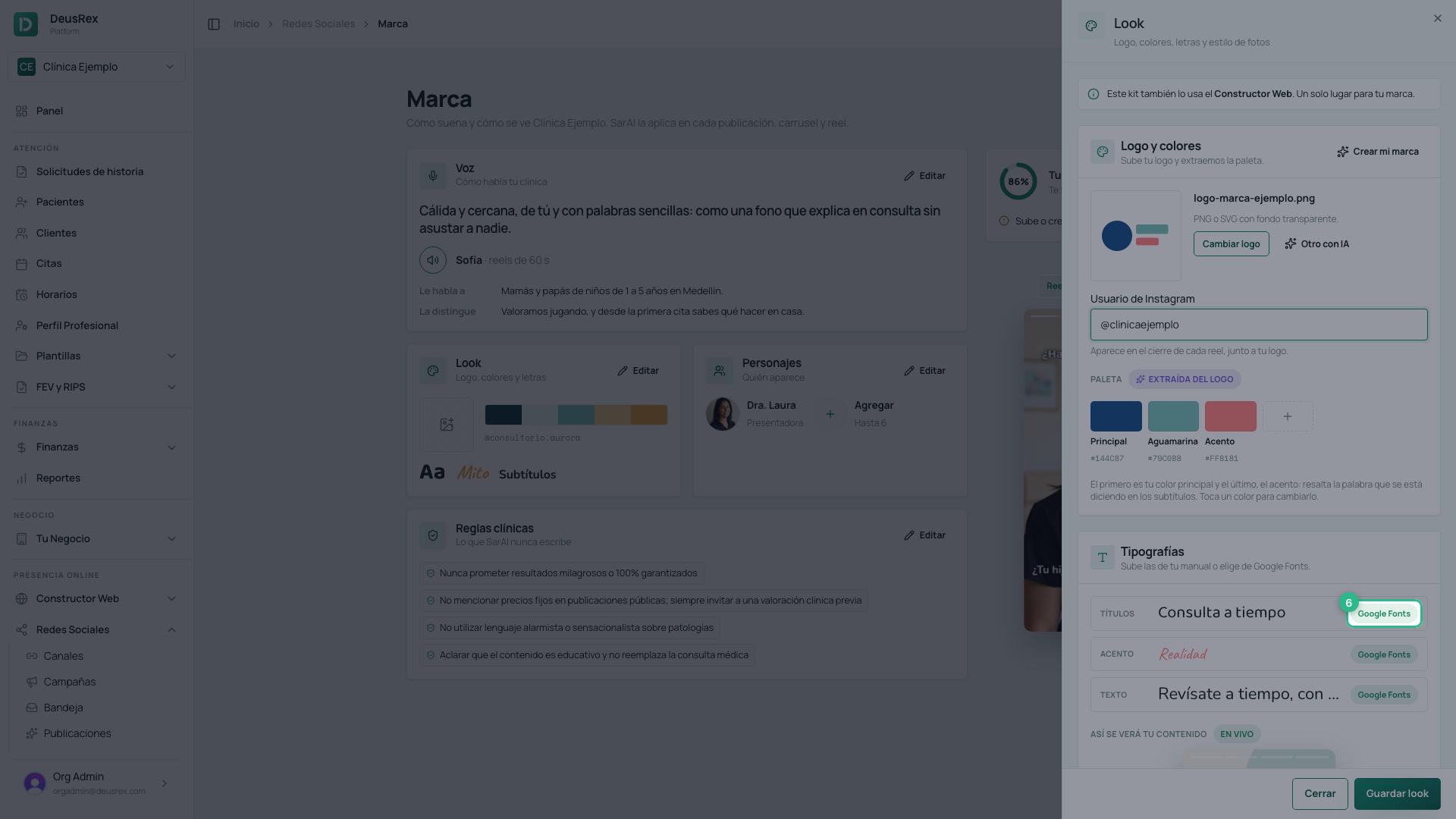
Fonts
There is one font for each role: Headings (Títulos), Accent (Acento: labels such as Myth and Fact) and Body (Texto: captions). Tap the label on each row to pick one from Google Fonts or to upload the file from your brand manual (.otf, .ttf or .woff).
Below, This is how your content will look (Así se verá tu contenido) shows it live: the hook, a fact, the myth and the fact card, and the closing, in your colors and fonts.
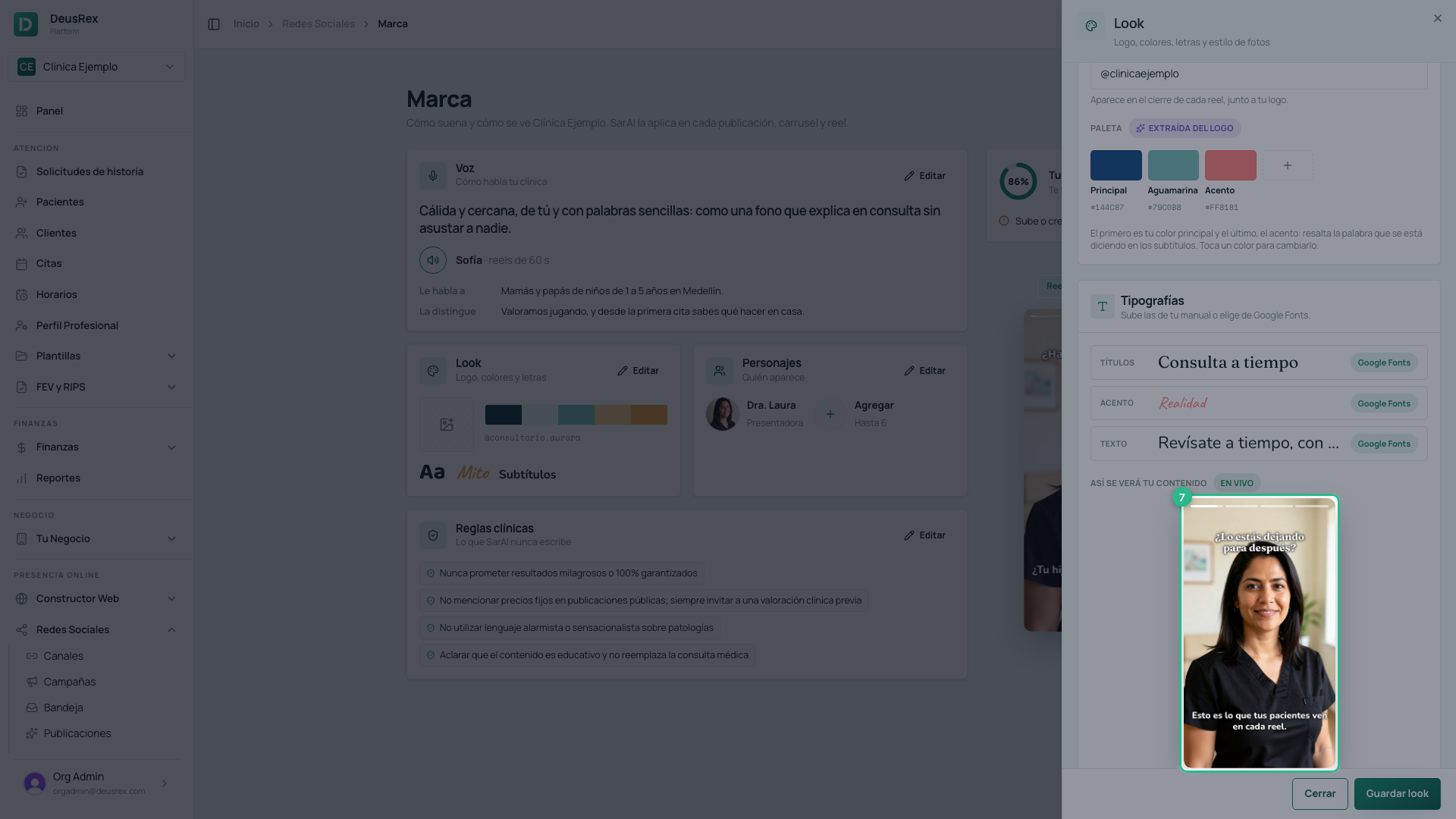
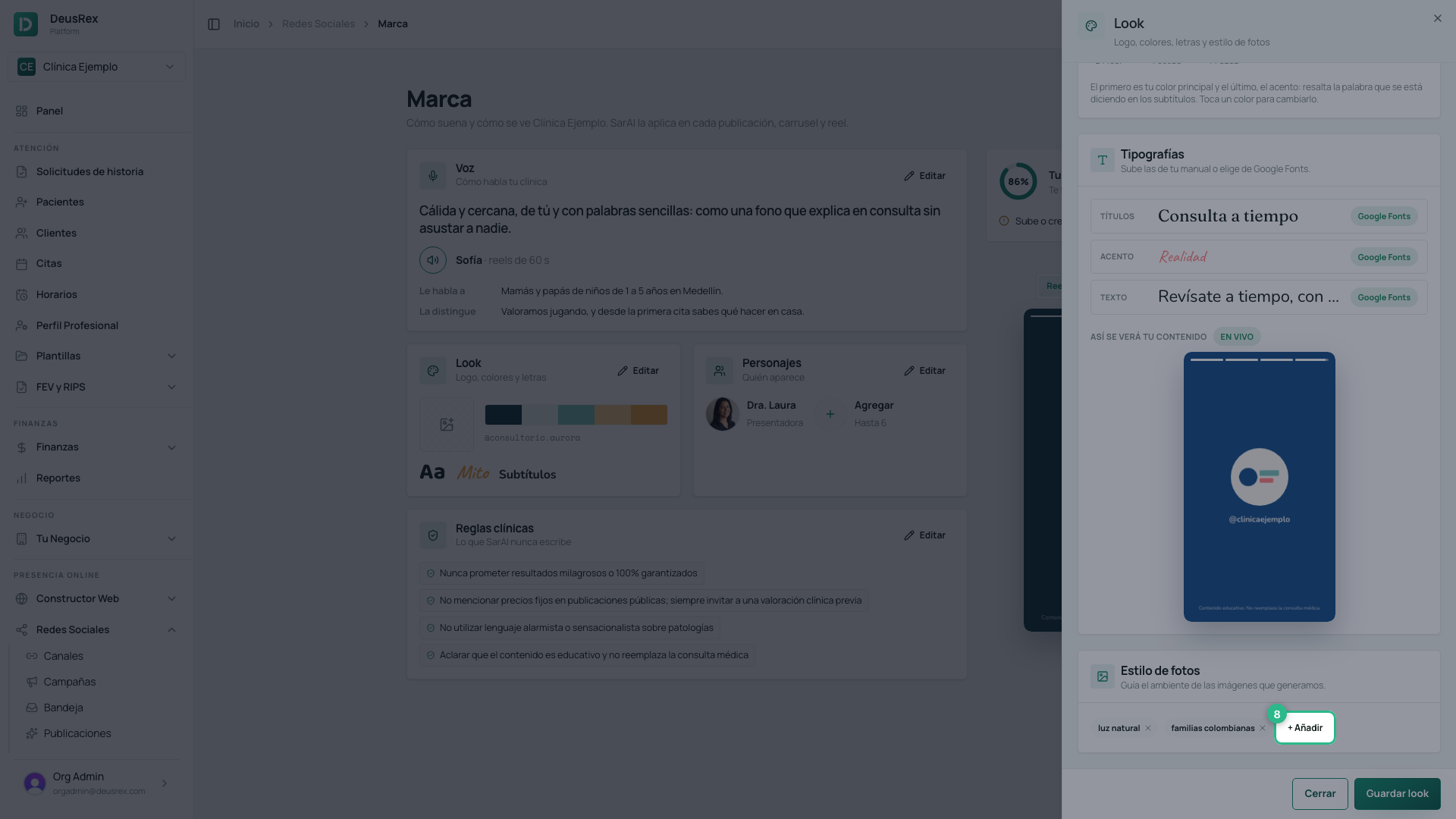
Photo style
Describe the mood of your images in short phrases — natural window light, Colombian families, consulting room with toys. Press + Add (+ Añadir) to write another, or remove one with its ×. They guide every image we generate.
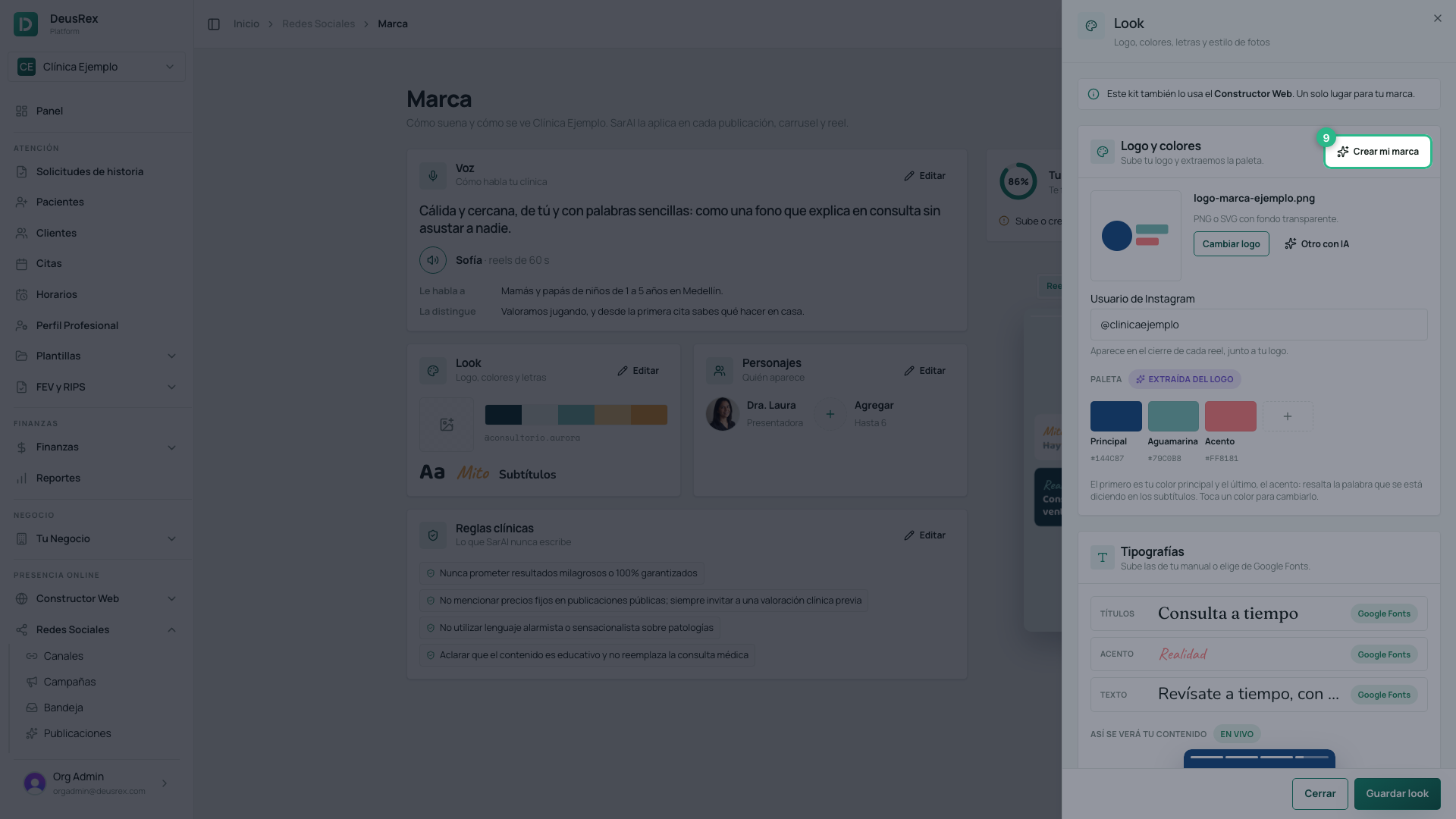
Create my brand
If you want to start the look from scratch, press Create my brand (Crear mi marca). Using your business and patient information, we propose three directions, each with its own palette, font pairing and photo style. Each round costs 1 credit; if none of them convinces you, ask for Another round (Otra ronda). The one you choose draws your logo and your icon (using image credits).
Saving
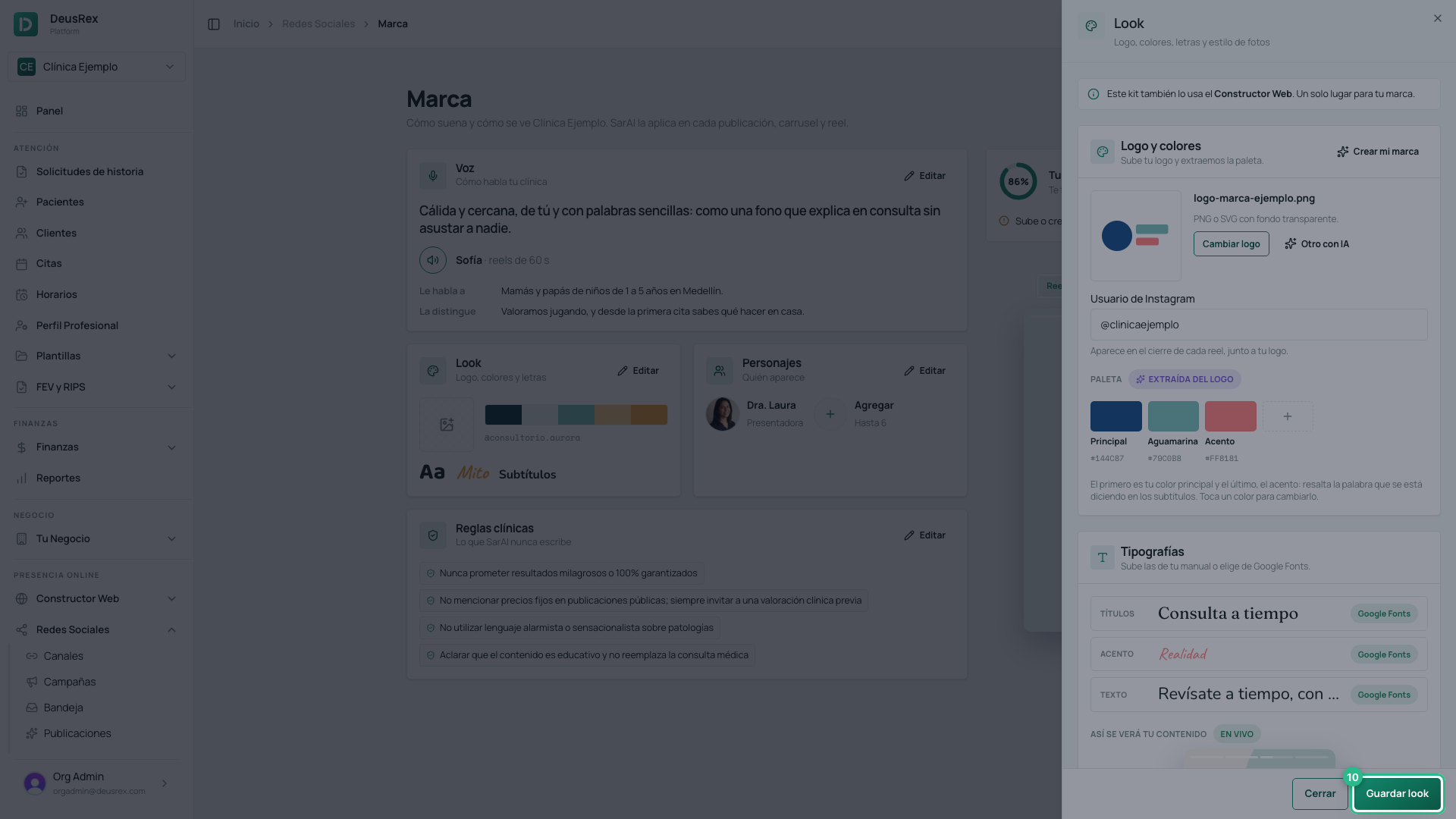
Press Save look (Guardar look). Your next post already comes out with it, and it does not change anything else in your brand.
Tip
If your logo has few colors, add a light background color and a dark text color by hand: the cards in your reels read better with contrast.