How to add prestaciones to an attention
On this page
A prestación is what you did, said in the language the invoice and the RIPS report understand: a consultation, a procedure, a lab, a supply.
Without prestaciones the attention is recorded clinically but cannot be charged, and it does not appear in the RIPS report.
Before you start
The consulta must be saved as a draft. If it is not, the section says “Guarda el borrador primero para agregar prestaciones” and will not let you search.
Steps
-
Open the consulta from the patient’s Línea de tiempo.
-
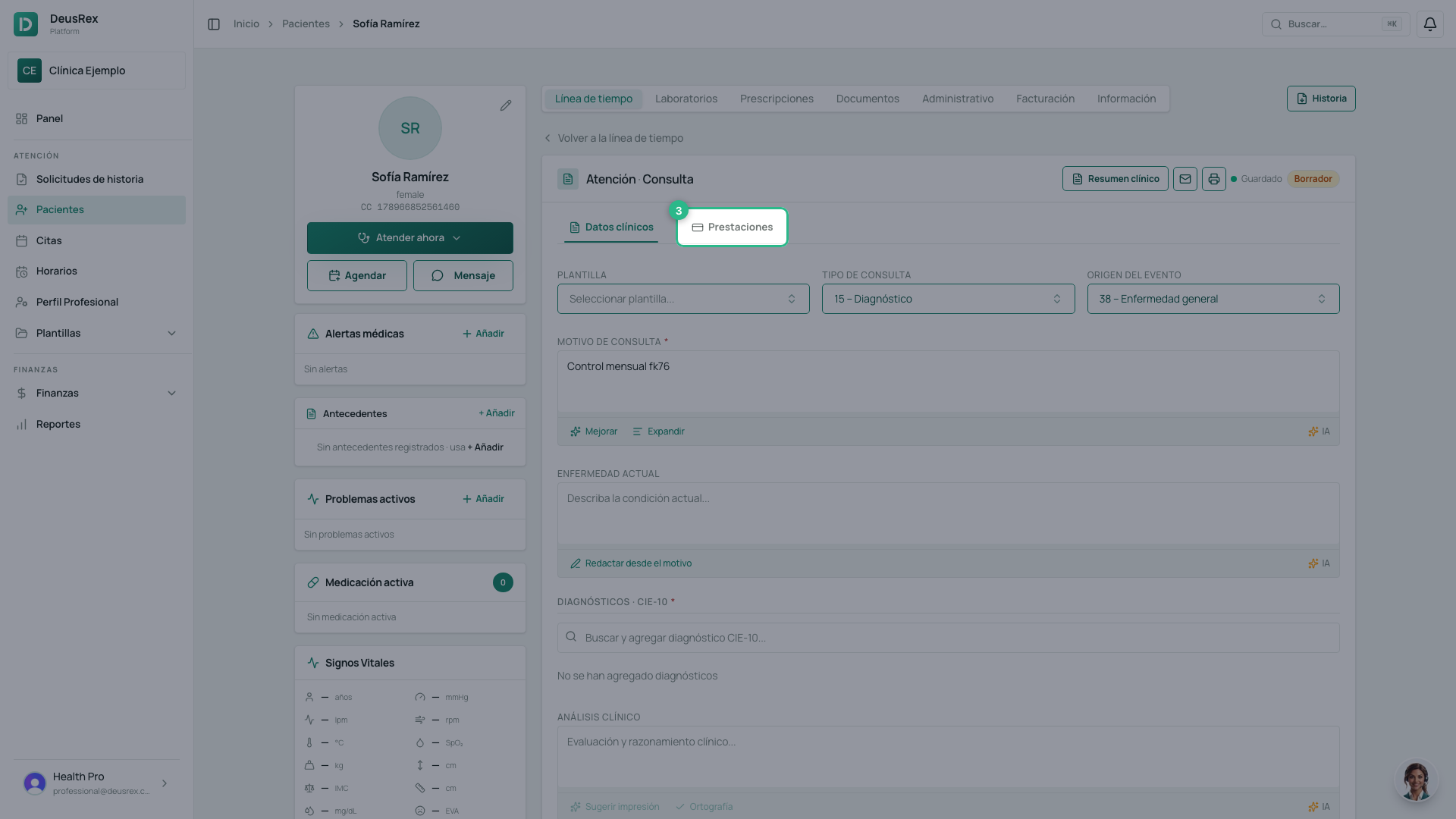
Go to the Prestaciones sub-tab.
-
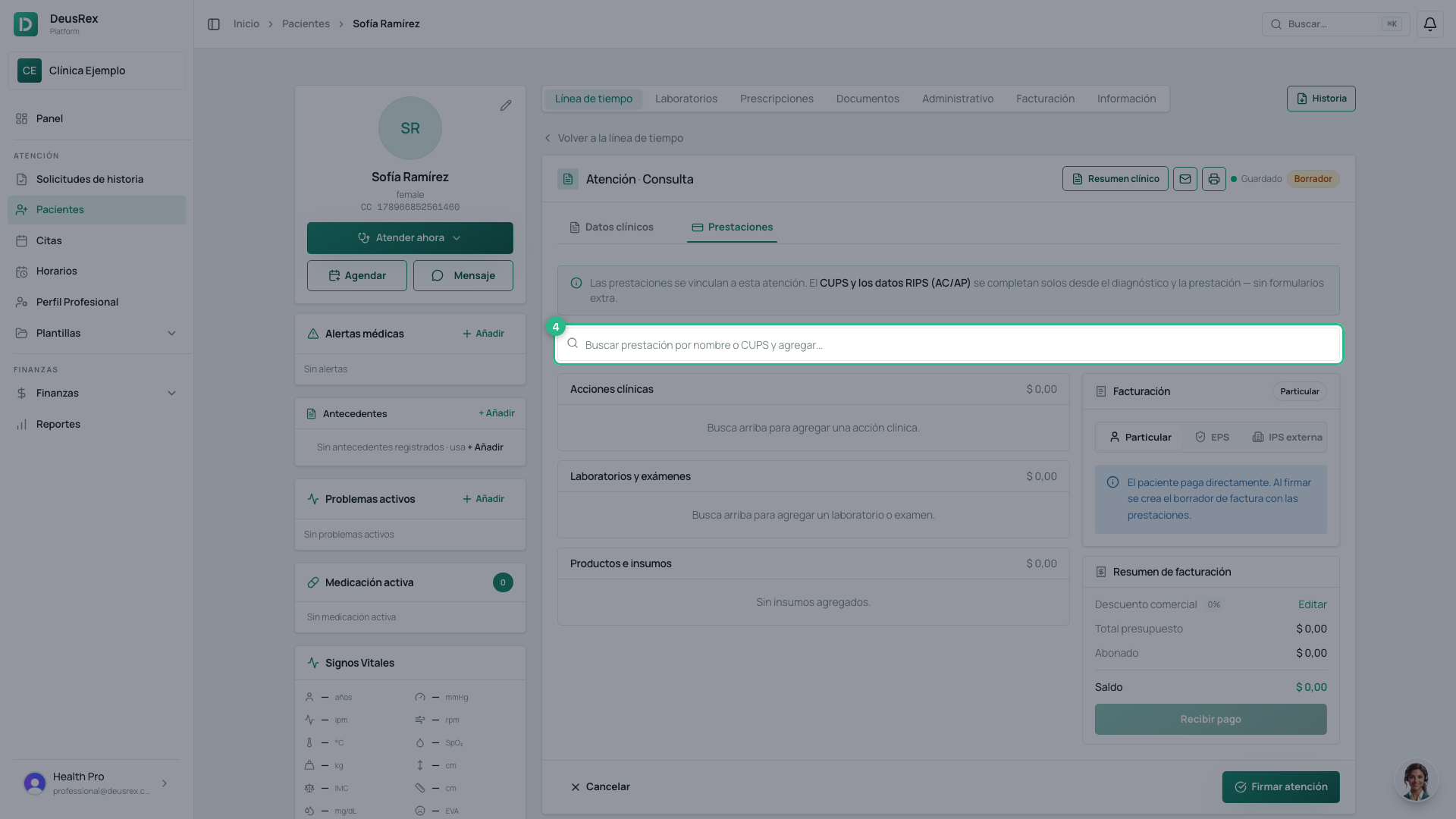
Type the service name or its CUPS code in the search box.
-
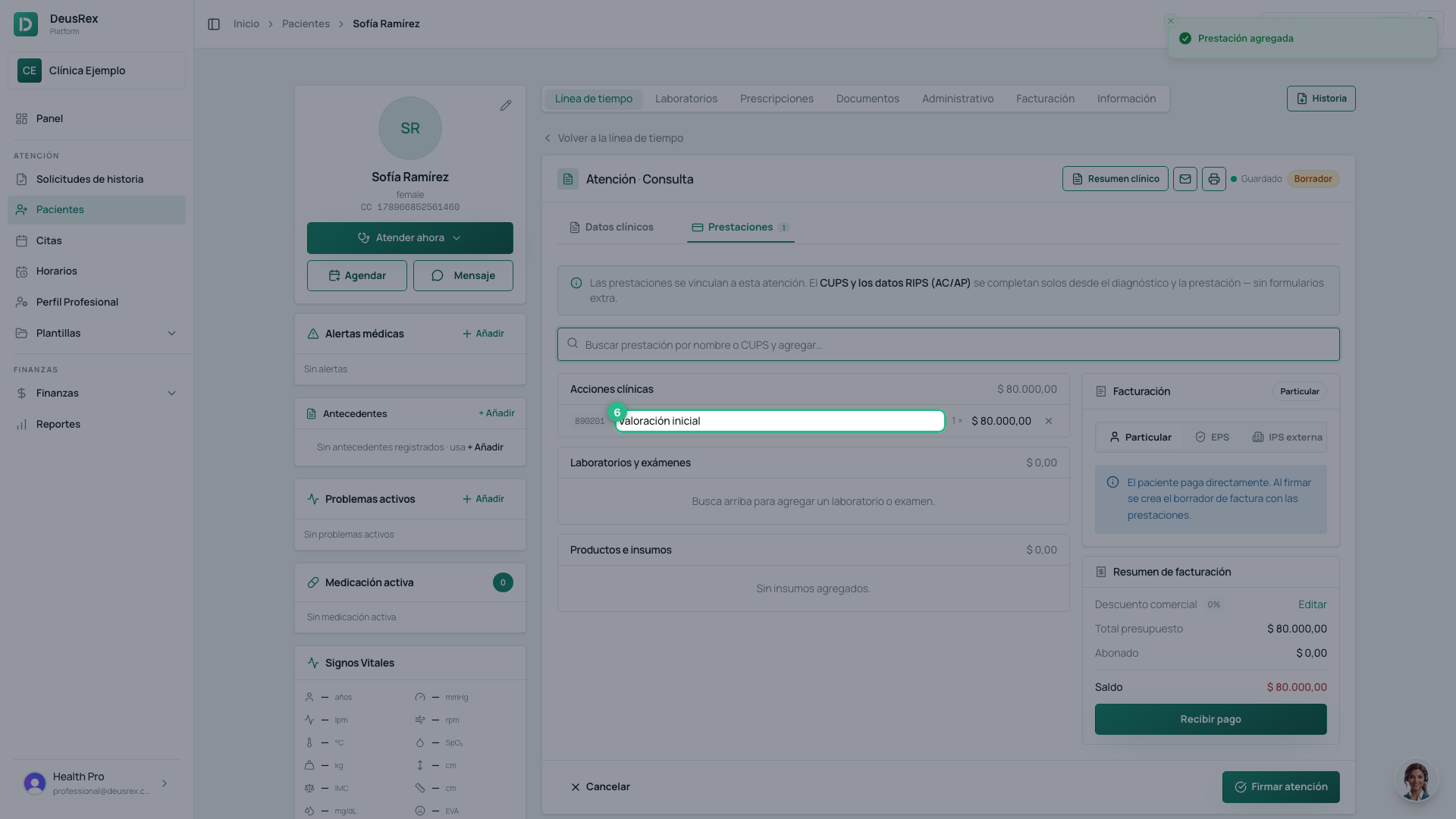
Click the service in the list. It is attached to the attention with its price.
The three lists
What you add sorts itself into three groups:
| Group | What goes there |
|---|---|
| Acciones clínicas | The consultation, the procedure |
| Laboratorios y exámenes | What is ordered or taken |
| Productos e insumos | What is consumed |
If the service does not exist yet
The search box offers Crear servicio ”…” and takes you to the catalogue. Create it once, with its price and its CUPS code, and it is findable in every attention from then on.
If the patient has an EPS
Next to the list is the Facturación block. When the patient’s EPS has an active contract, the visit is set to EPS and each service takes the contract’s agreed rate; one with no rate is marked Sin tarifa pactada. See How to bill a visit to the EPS.
Tip
Add the prestaciones before signing. Signing generates the invoice from this list; whatever is not here is not charged.