How to build your brand with SarAI
On this page
Your brand is how your clinic sounds and looks in every post, carousel and reel. You do not have to fill it in field by field: SarAI builds it from what it already knows about your clinic, and you just review and adjust. It takes a few minutes.
The first time you open Social Media → Brand (Redes Sociales → Marca), SarAI greets you here. Afterwards you can come back whenever you want with Redo with SarAI (Rehacer con SarAI), at the top of Brand.
1. Your sources
SarAI shows you where it is going to read from: your business profile, your services, your website and your professional profile. Turn off any you do not want it to use.
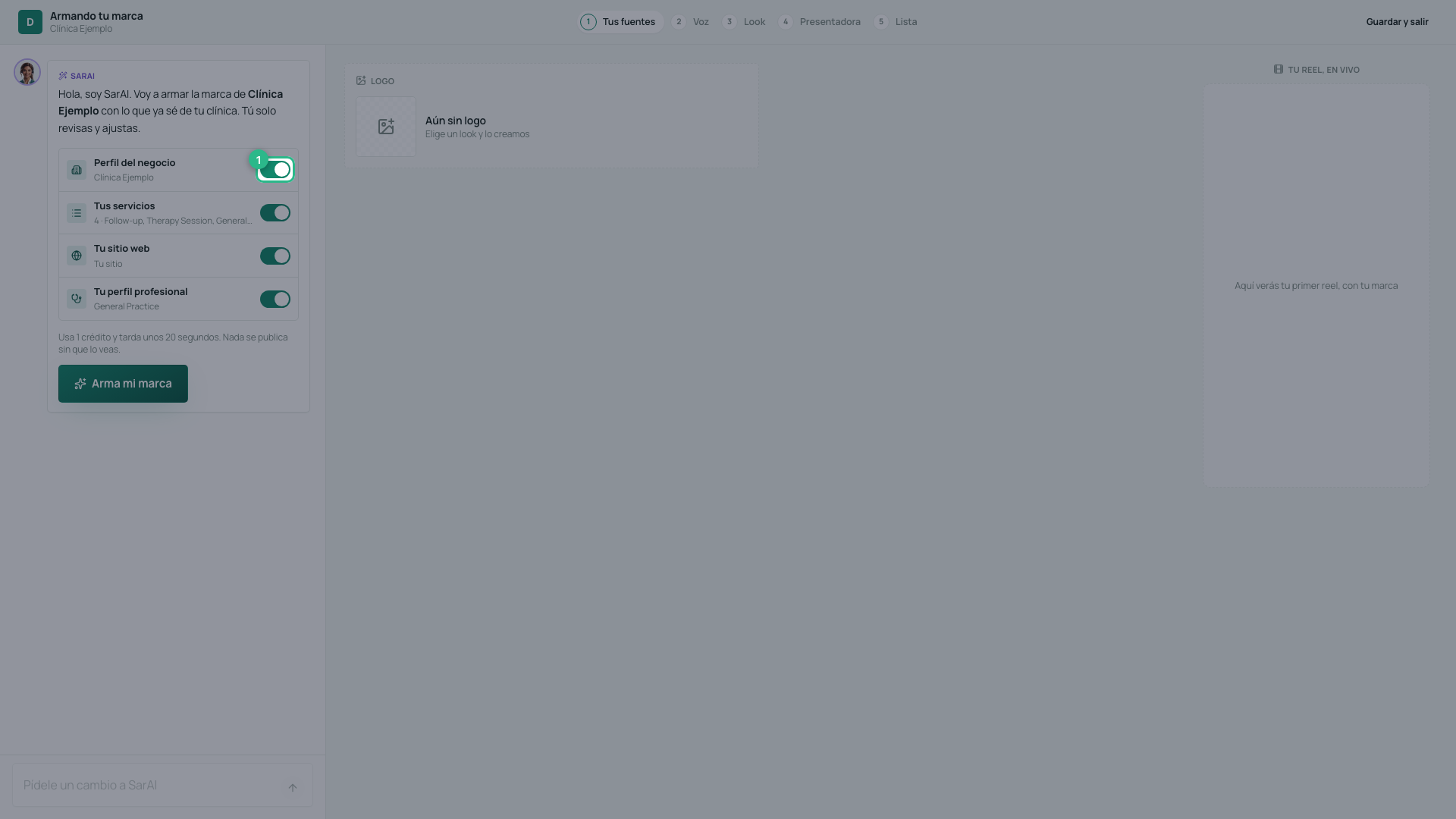
Press Build my brand (Arma mi marca). It uses 1 credit and takes about 20 seconds; nothing gets published without you seeing it first.

While it reads, it tells you what it found — your business, your patients, your tagline — and fills in your brand piece by piece: the logo, the colors, the fonts, how you speak and the voice.
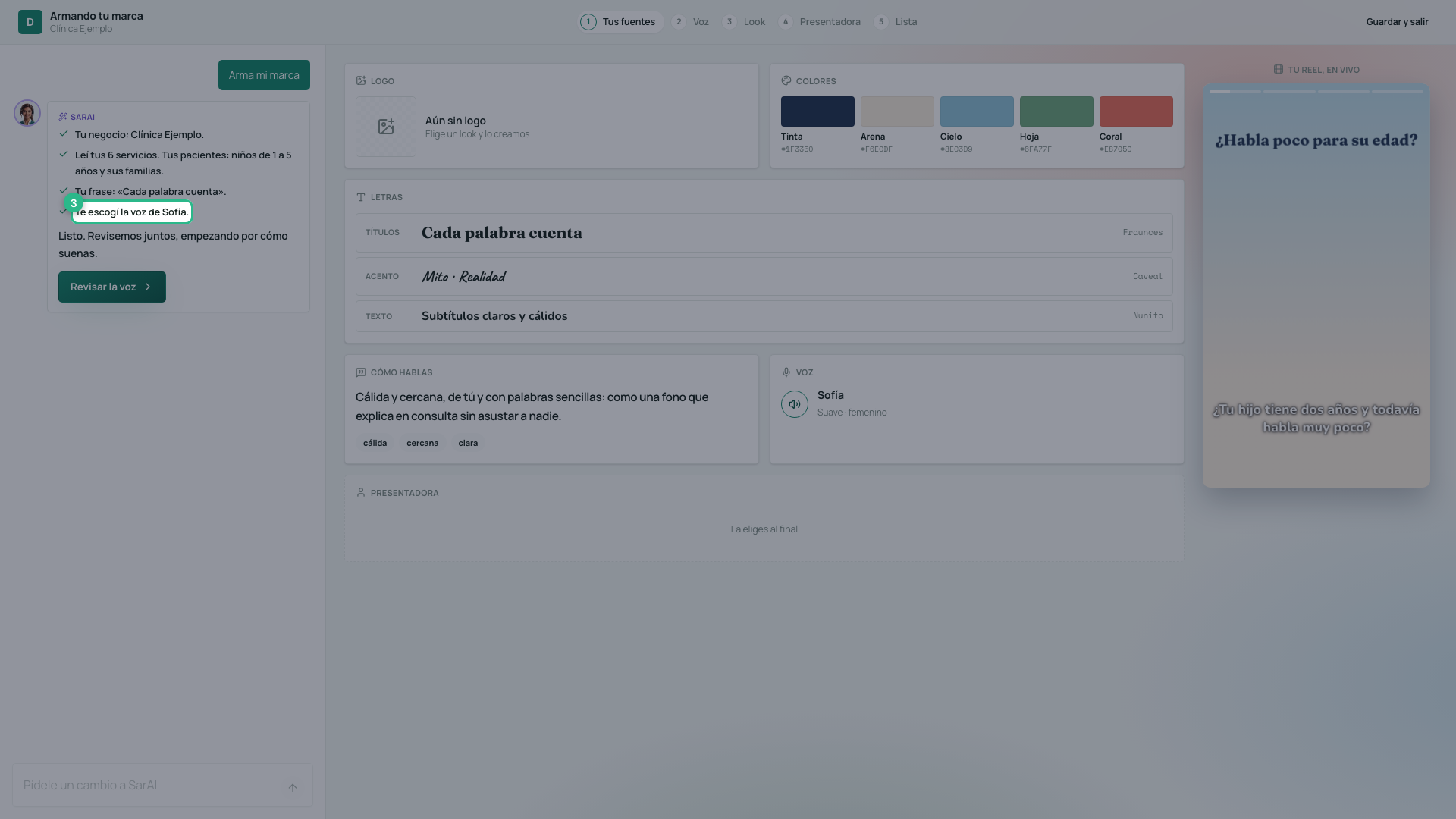
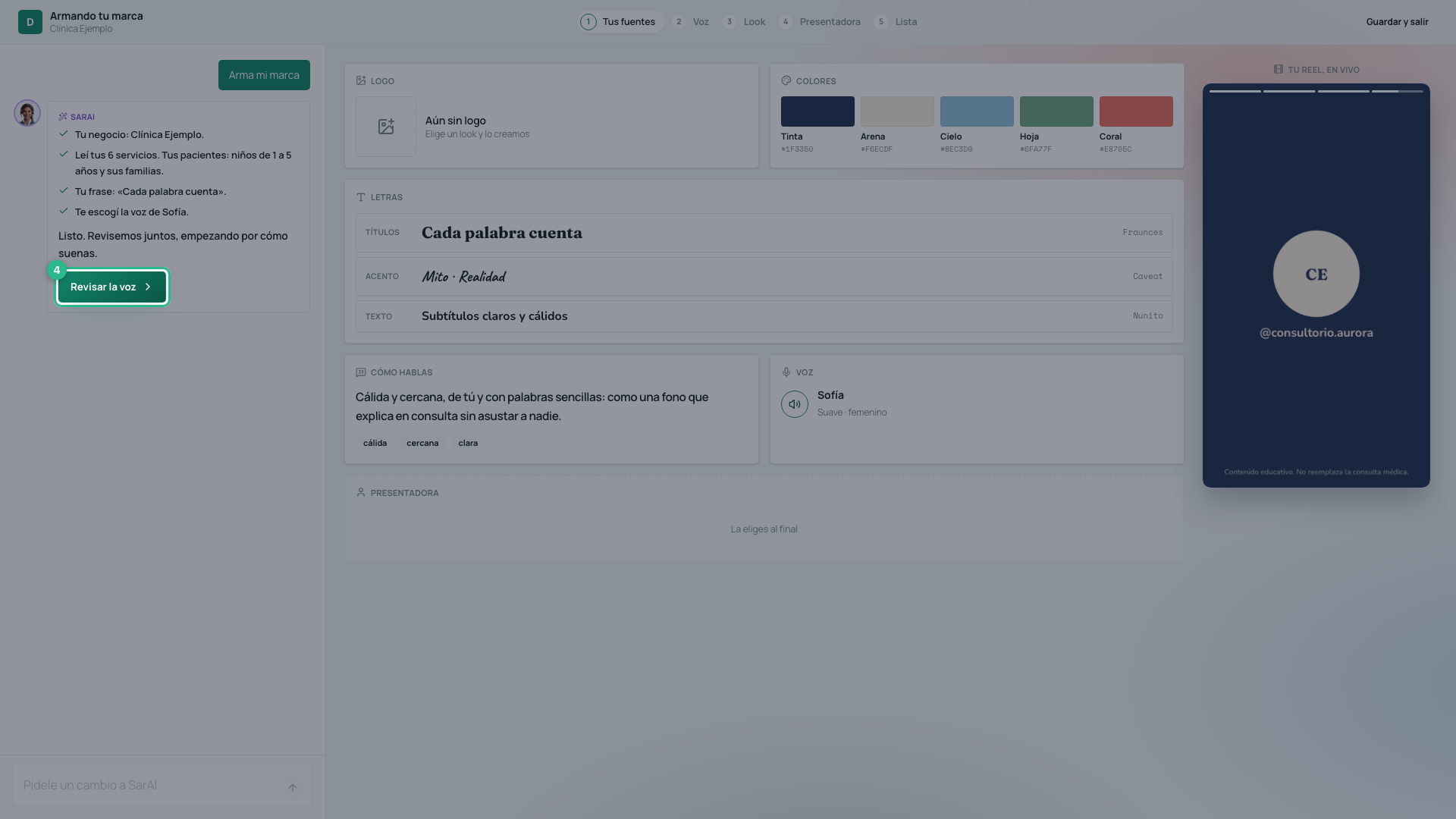
Press Review the voice (Revisar la voz).
2. How it sounds
The tone is a point on a grid: on the left you speak with tú, on the right with usted; up top, in plain words, and lower down, more technical. SarAI places it where it thinks your clinic belongs. Move it and watch: your tone sentence and your reel’s hook, on the right, change with you.
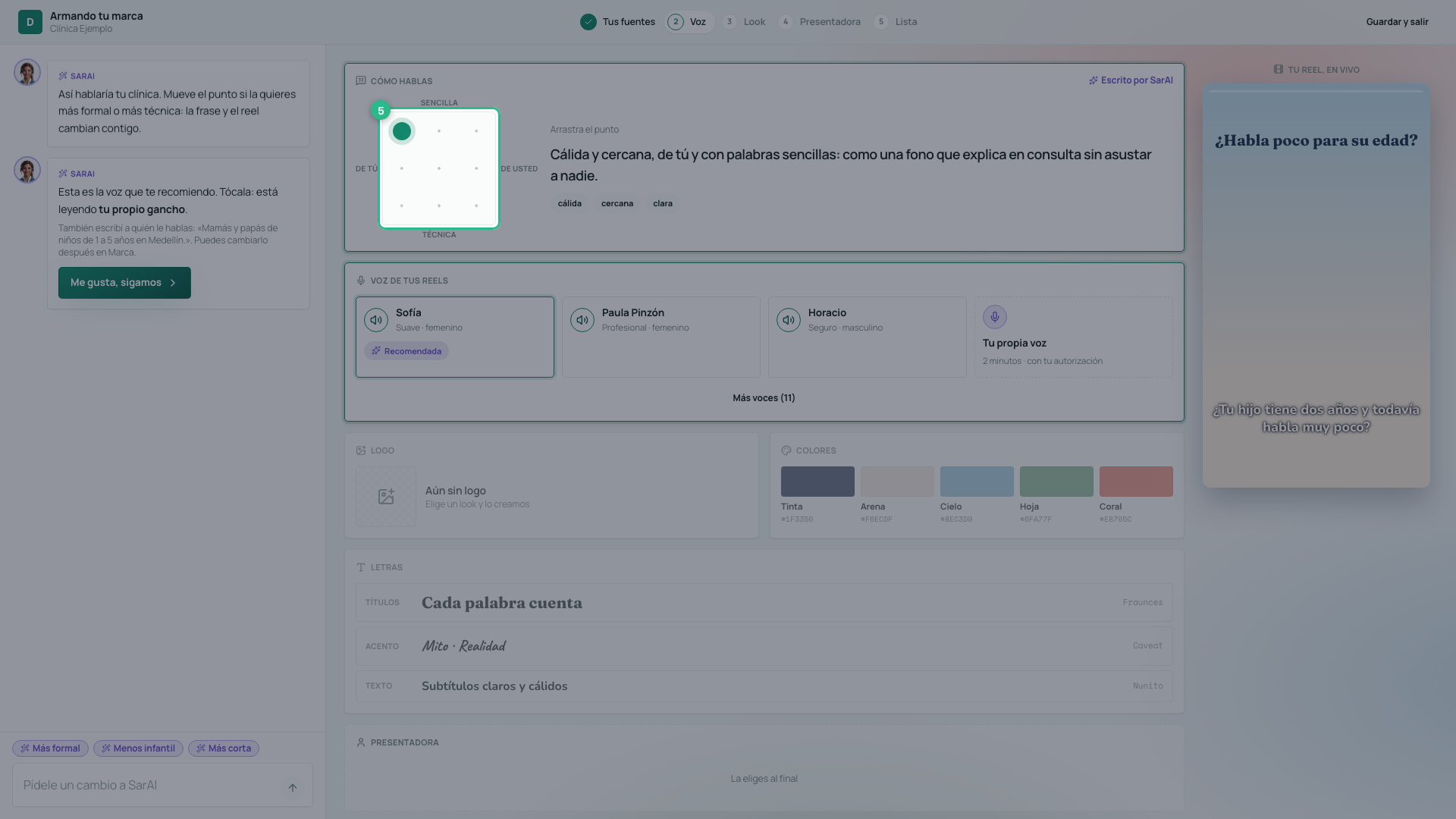
Below is your reels’ voice, with SarAI’s recommendation already checked. Each voice’s button plays it saying your own hook. Tap the one you want; More voices (Más voces) has others.
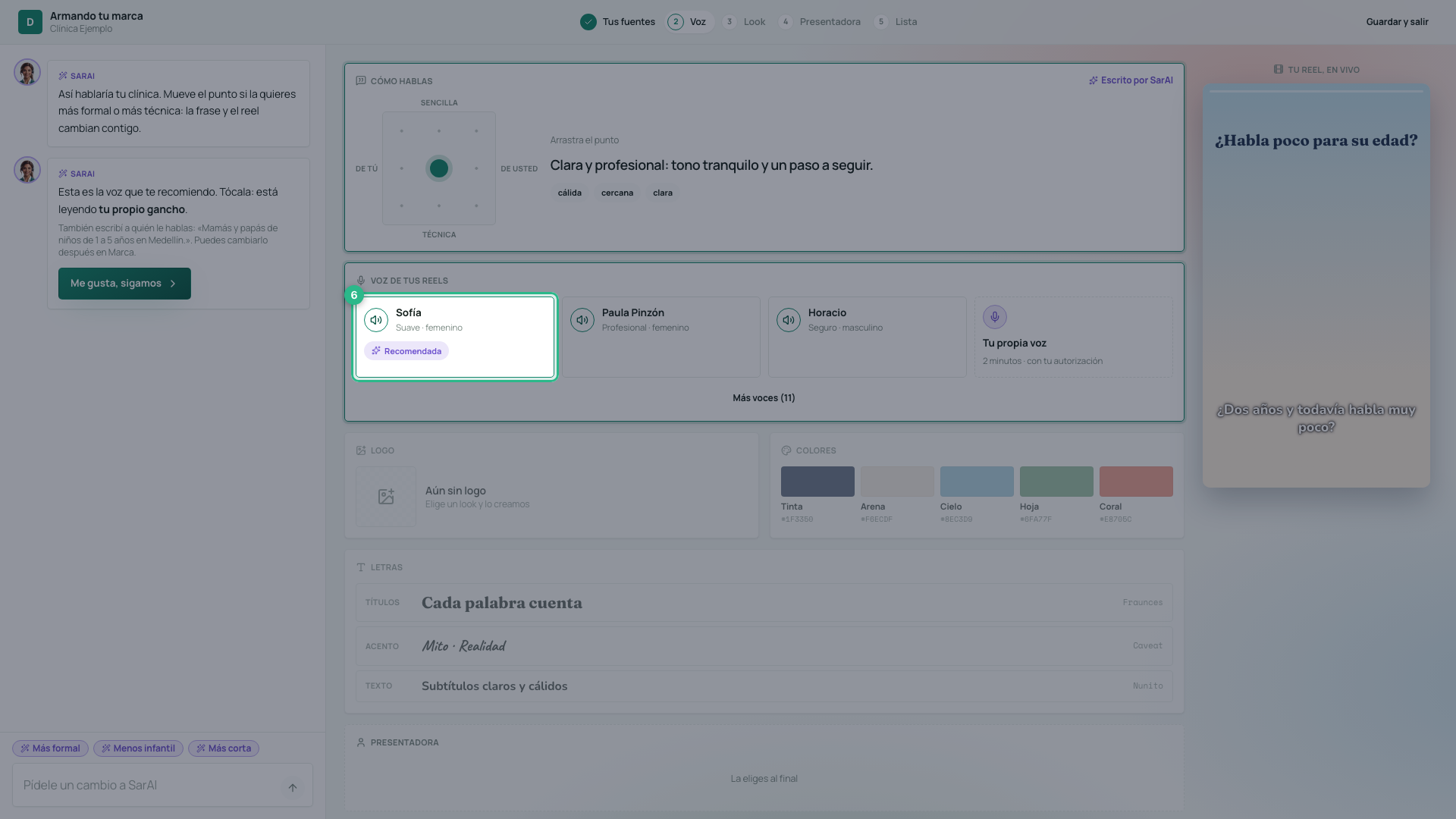
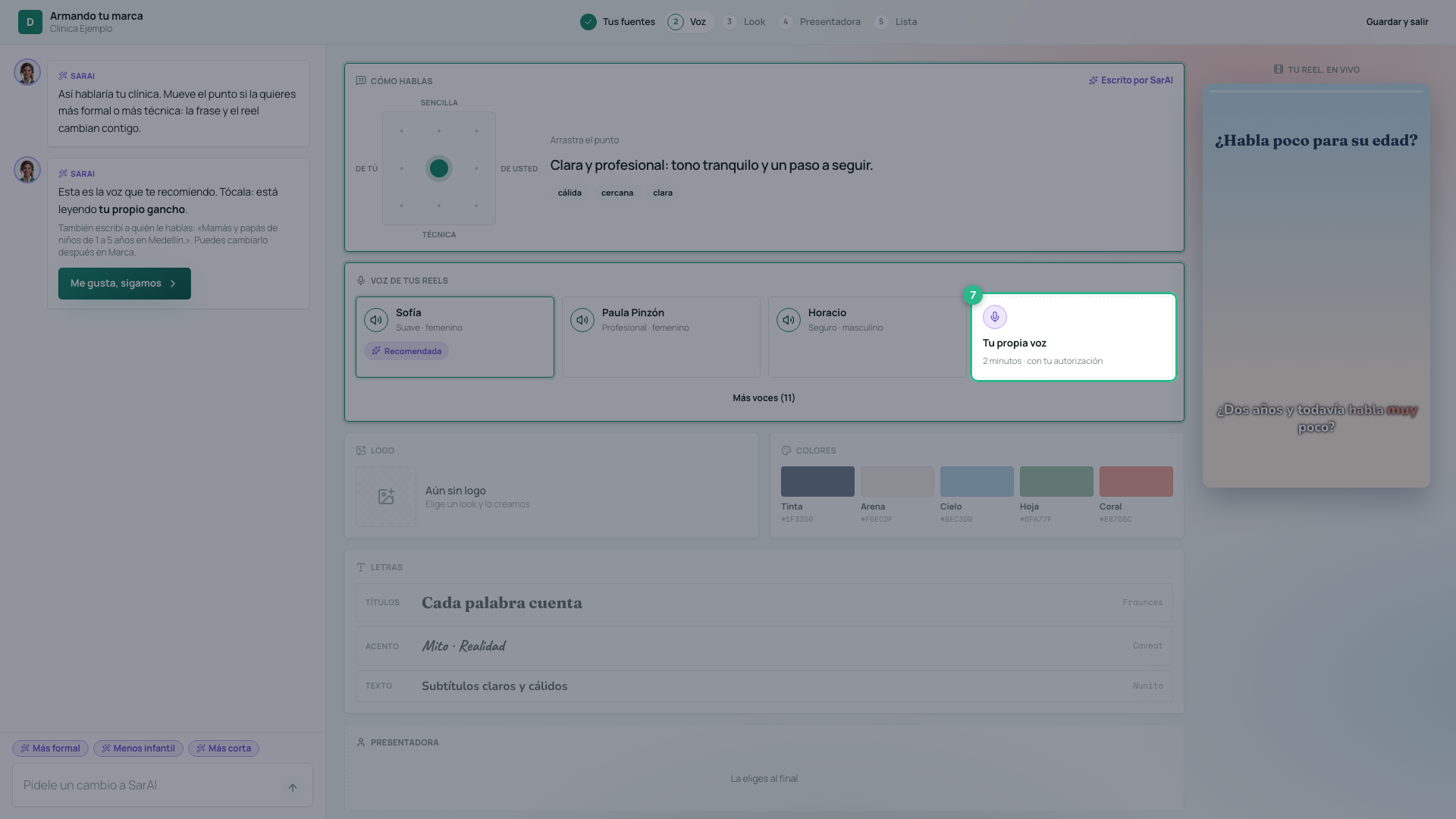
If you would rather your reels sound in your own voice, press Your own voice (Tu propia voz): you record about two minutes speaking as you would in a consultation and accept the authorization. See how to adjust your brand’s voice for the details.
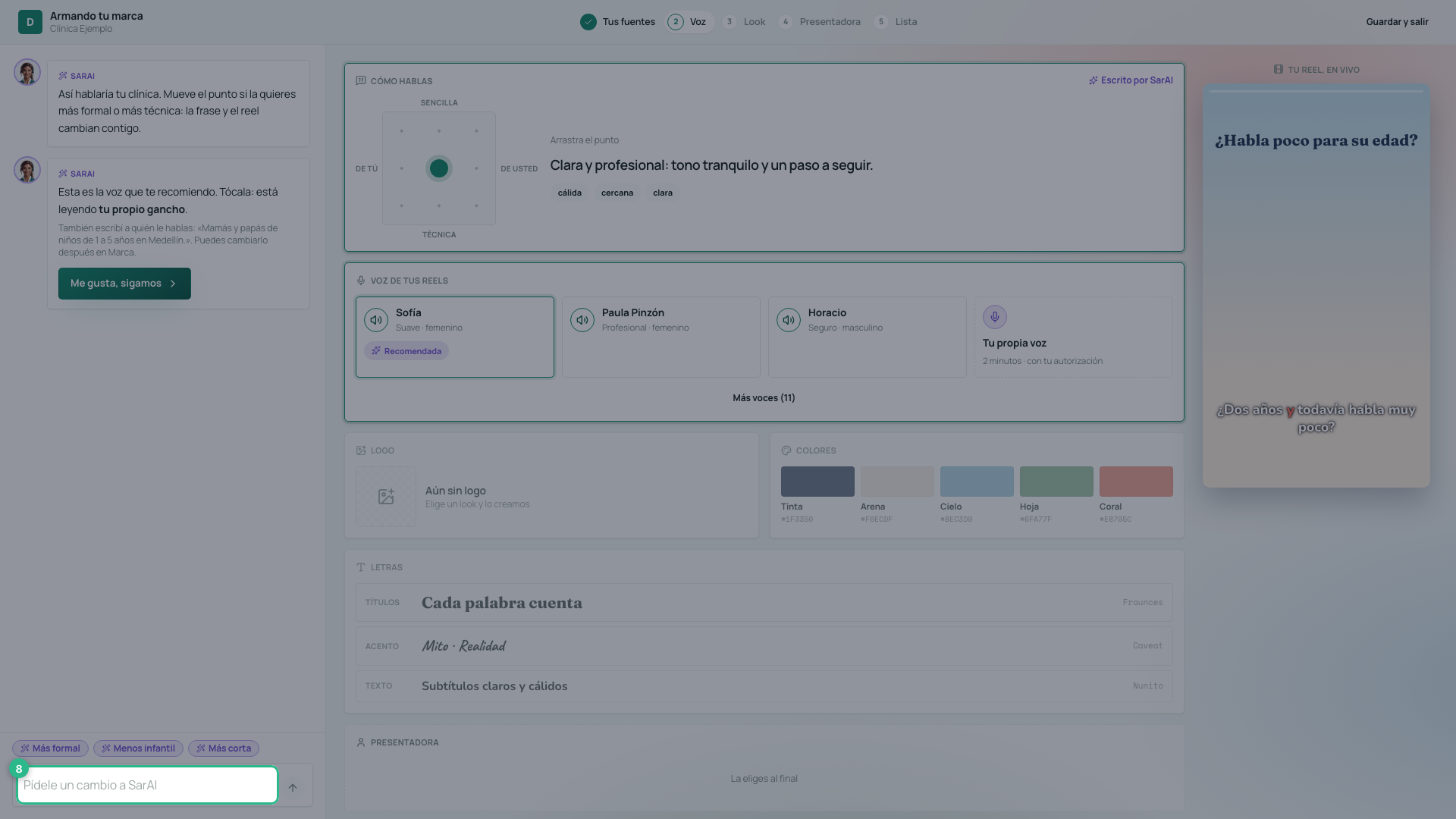
Doesn’t sound like you? Ask SarAI for changes (Pídele cambios a SarAI) in your own words — “más cercana” (warmer) or “sin tecnicismos” (no jargon) — or tap one of the suggestions above the box. Each change uses 1 credit.
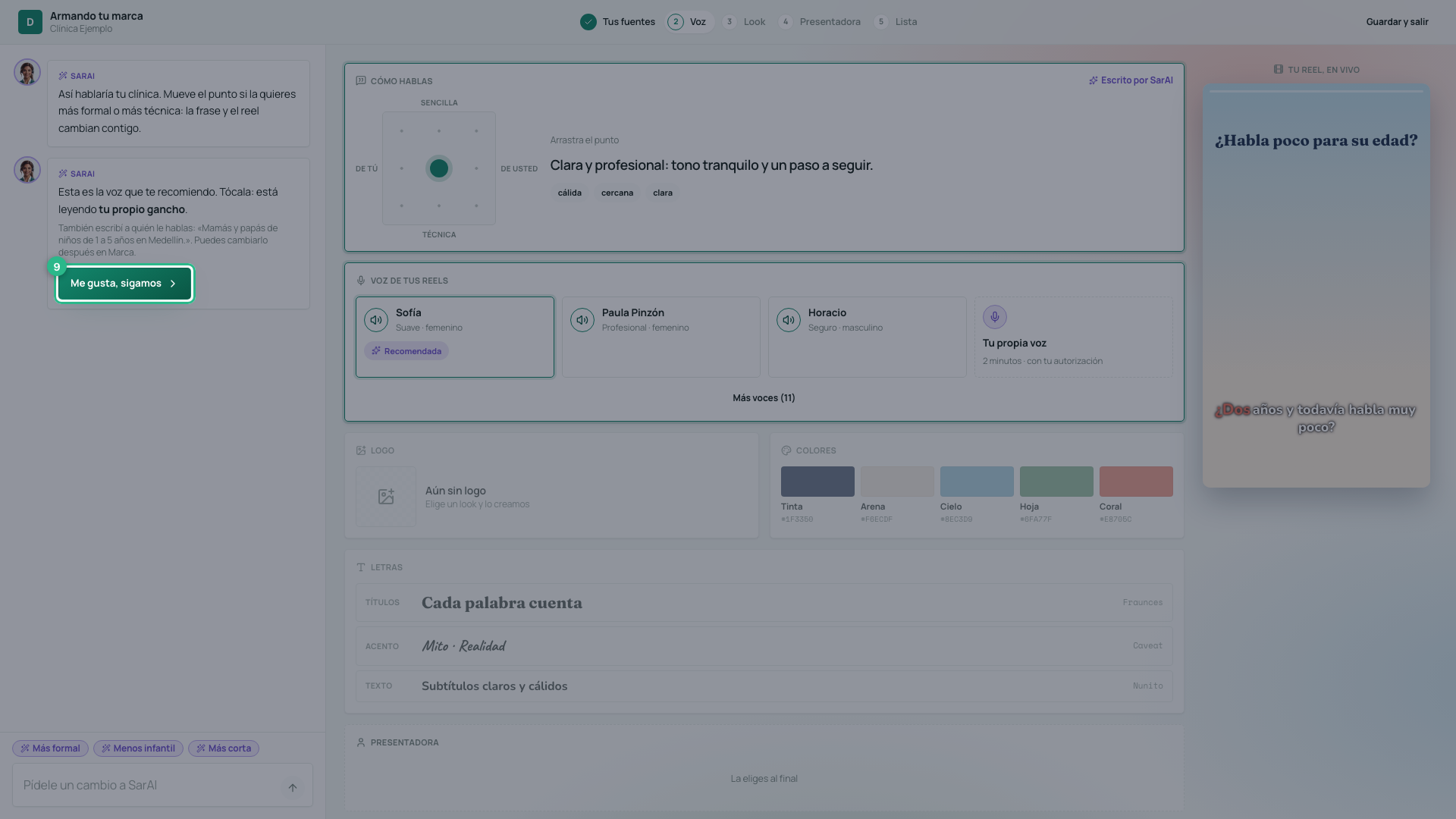
When you like it, press I like it, let’s continue (Me gusta, sigamos). Your voice is saved.
3. How it looks
SarAI suggests three looks: the first comes from your logo, if you have one. Tap them: your colors, your fonts and your reel repaint instantly.
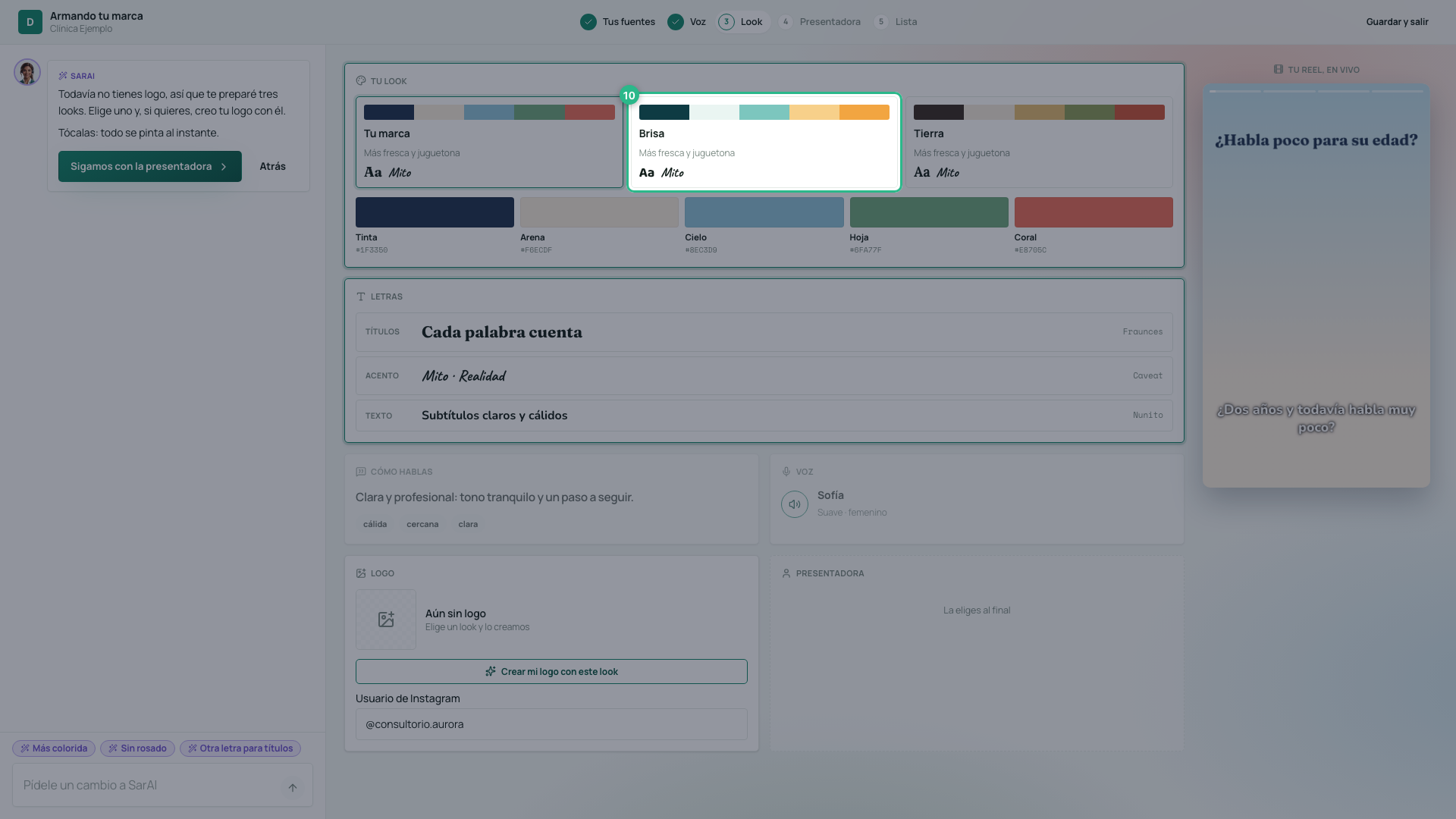
Type your Instagram username: it appears at the closing of every reel, next to your logo. No logo yet? Create my logo with this look (Crear mi logo con este look) draws one with those colors and that font (uses image credits).
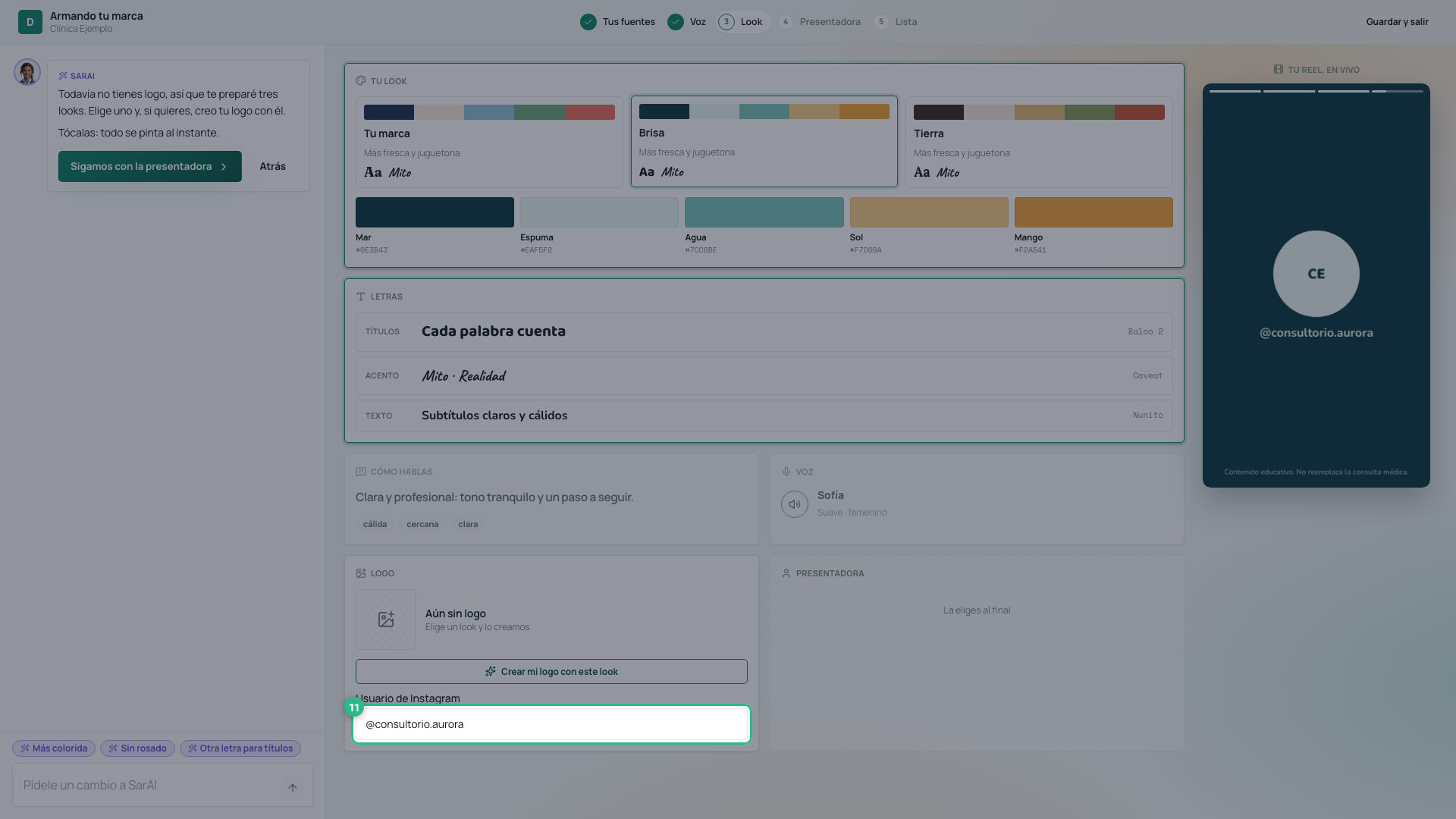
Press Continue with the presenter (Sigamos con la presentadora). Your look is saved.
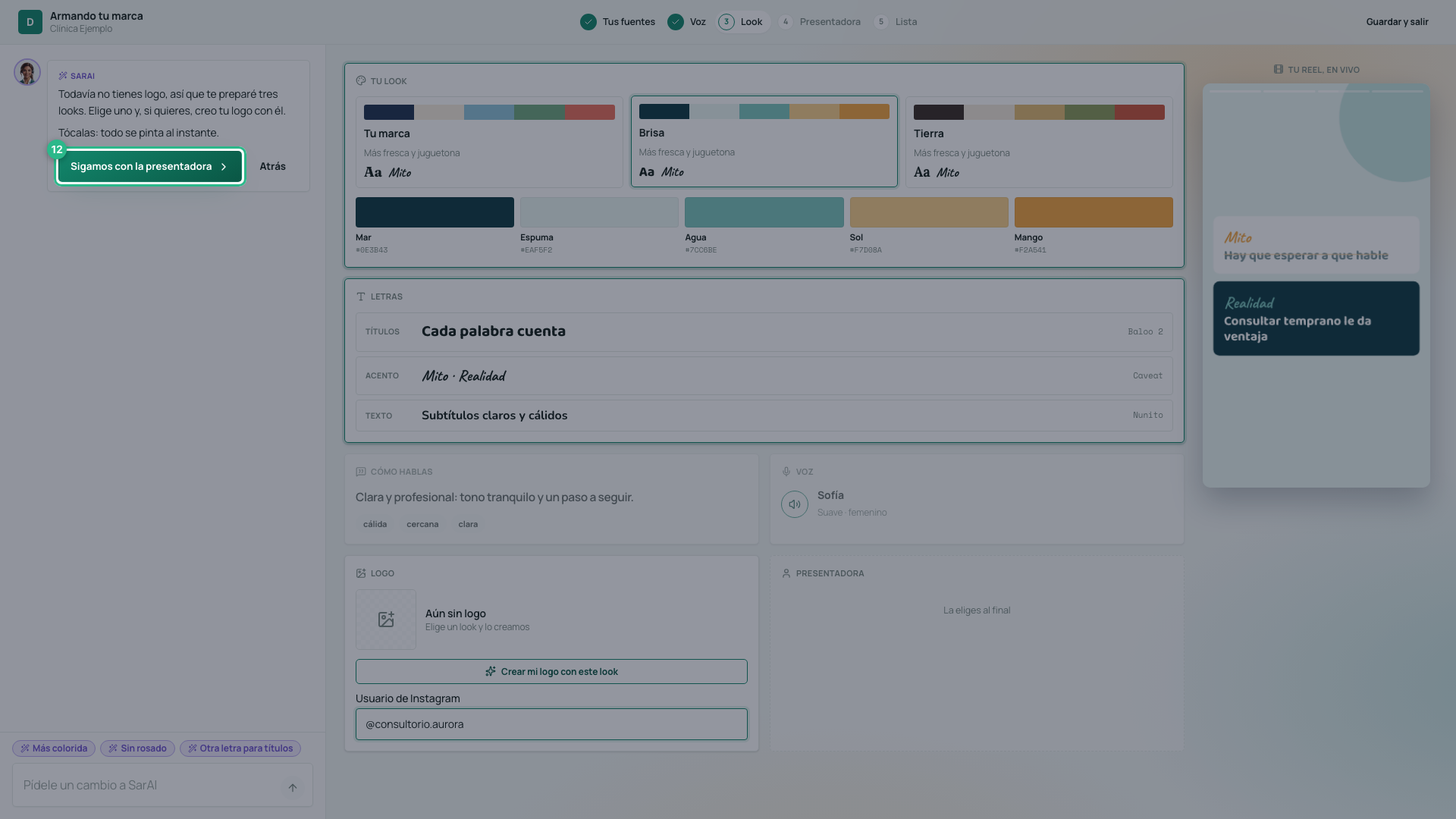
4. Who presents your reels
Your presenter is who speaks to camera, always with the same face. Above is what she is like, written by SarAI; change it if you want. Press Propose 3 presenters (Proponer 3 presentadoras) (uses image credits).
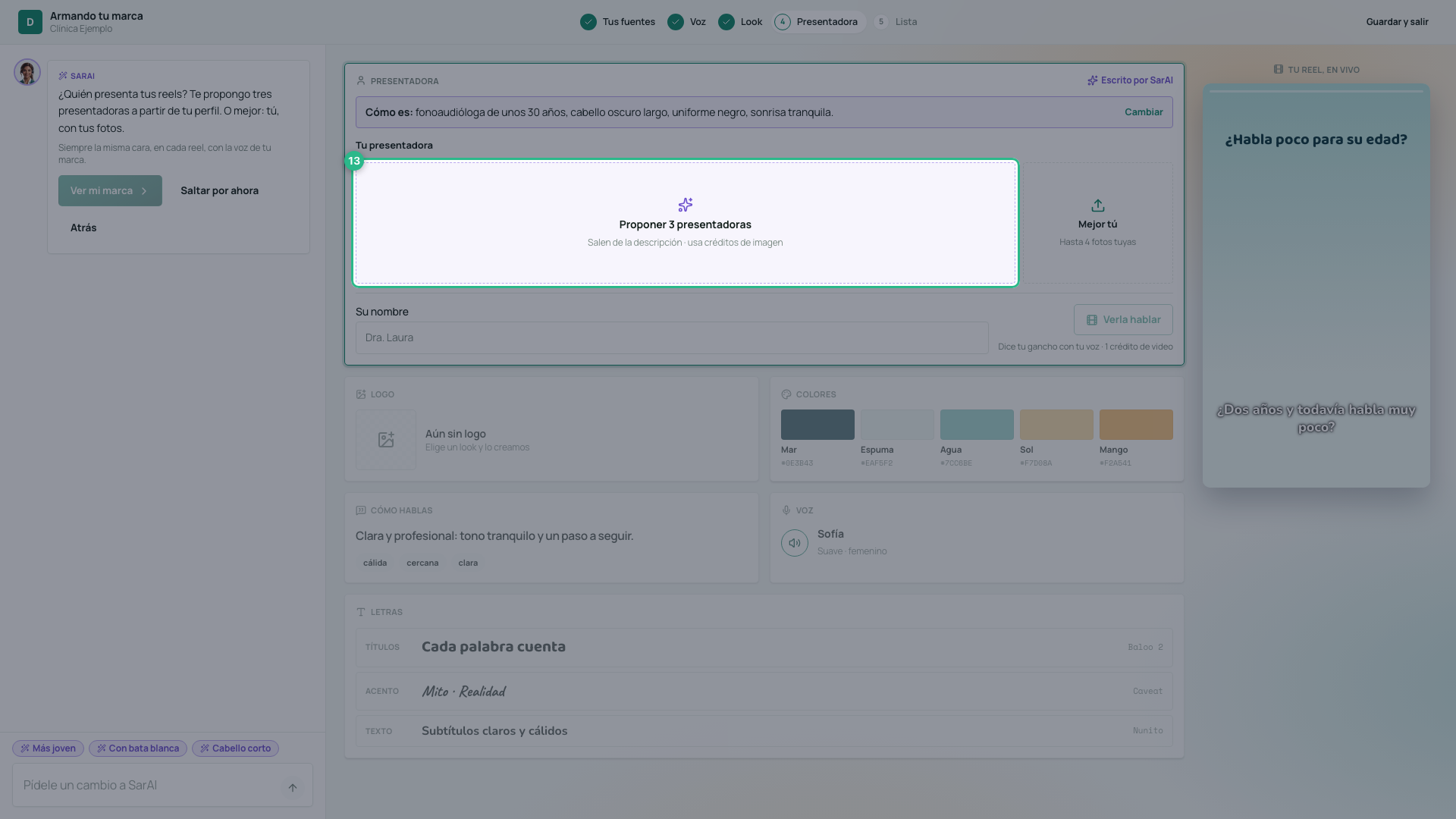
Tap yours and type her name. None convince you? 3 more (Otras 3), or ask SarAI for a change: “con bata blanca” (in a white coat), “más joven” (younger).
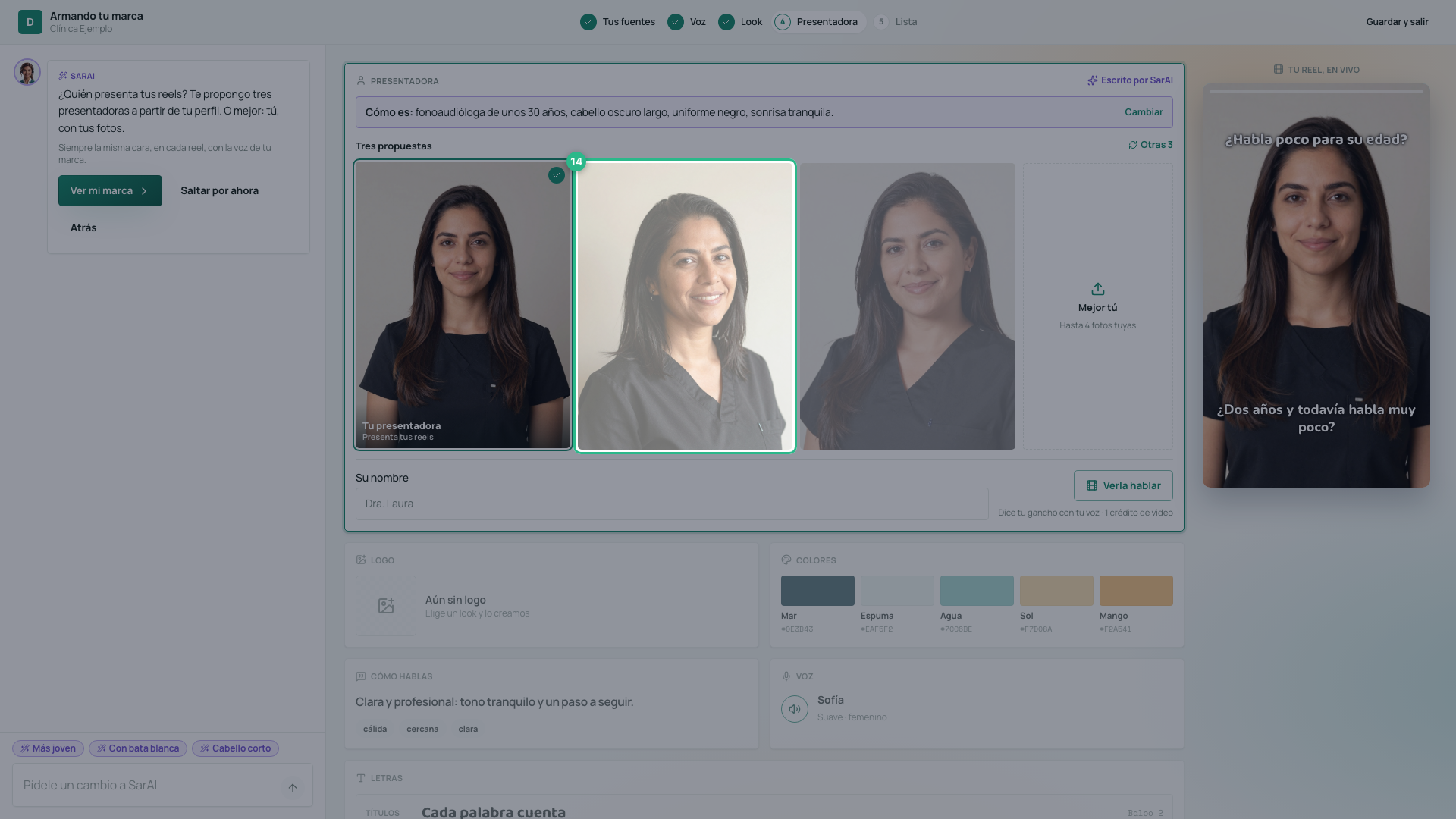
Would you rather it be you? Press I’d rather it be me (Mejor tú), upload up to four photos of yourself and accept the authorization: they are your photos, only for your clinic’s marketing content, and you can revoke it whenever you want.
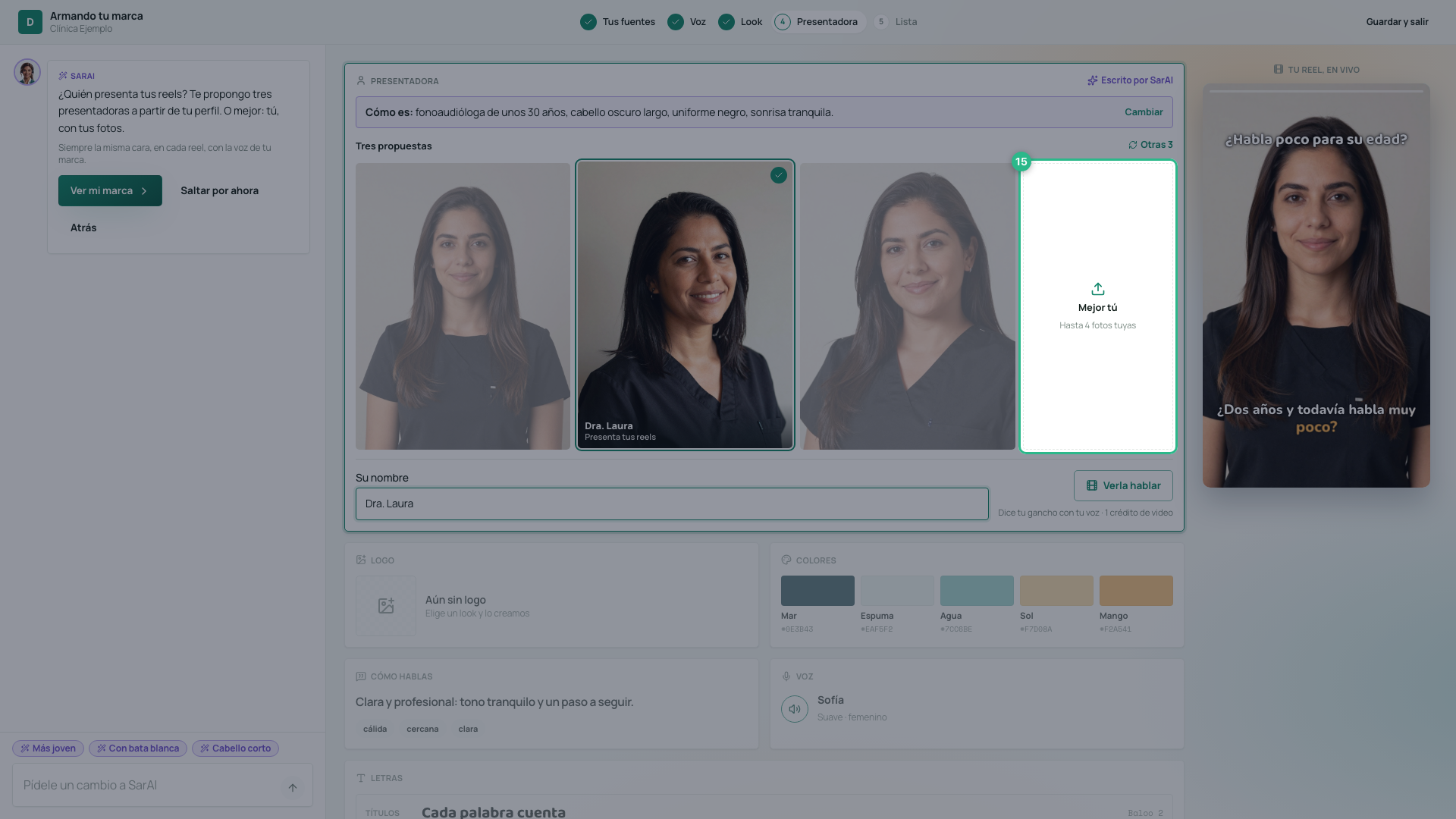
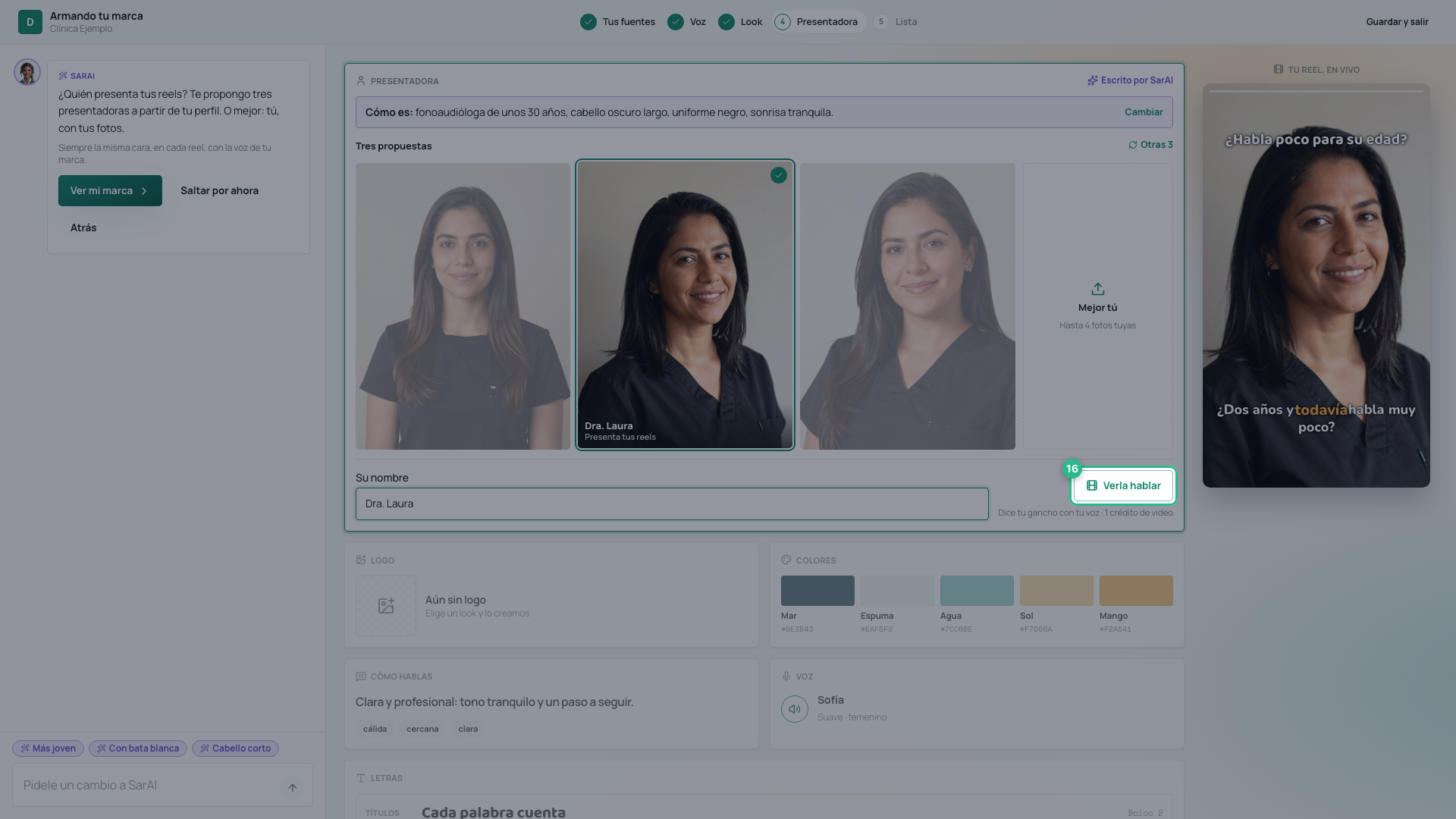
See her talk (Verla hablar) shows her saying your hook, with your brand voice and lip-synced, in the reel on the right. It takes a few minutes and uses 1 video credit (and 1 AI credit to apply your voice). If you later pick another one, the first does not stay among your characters.
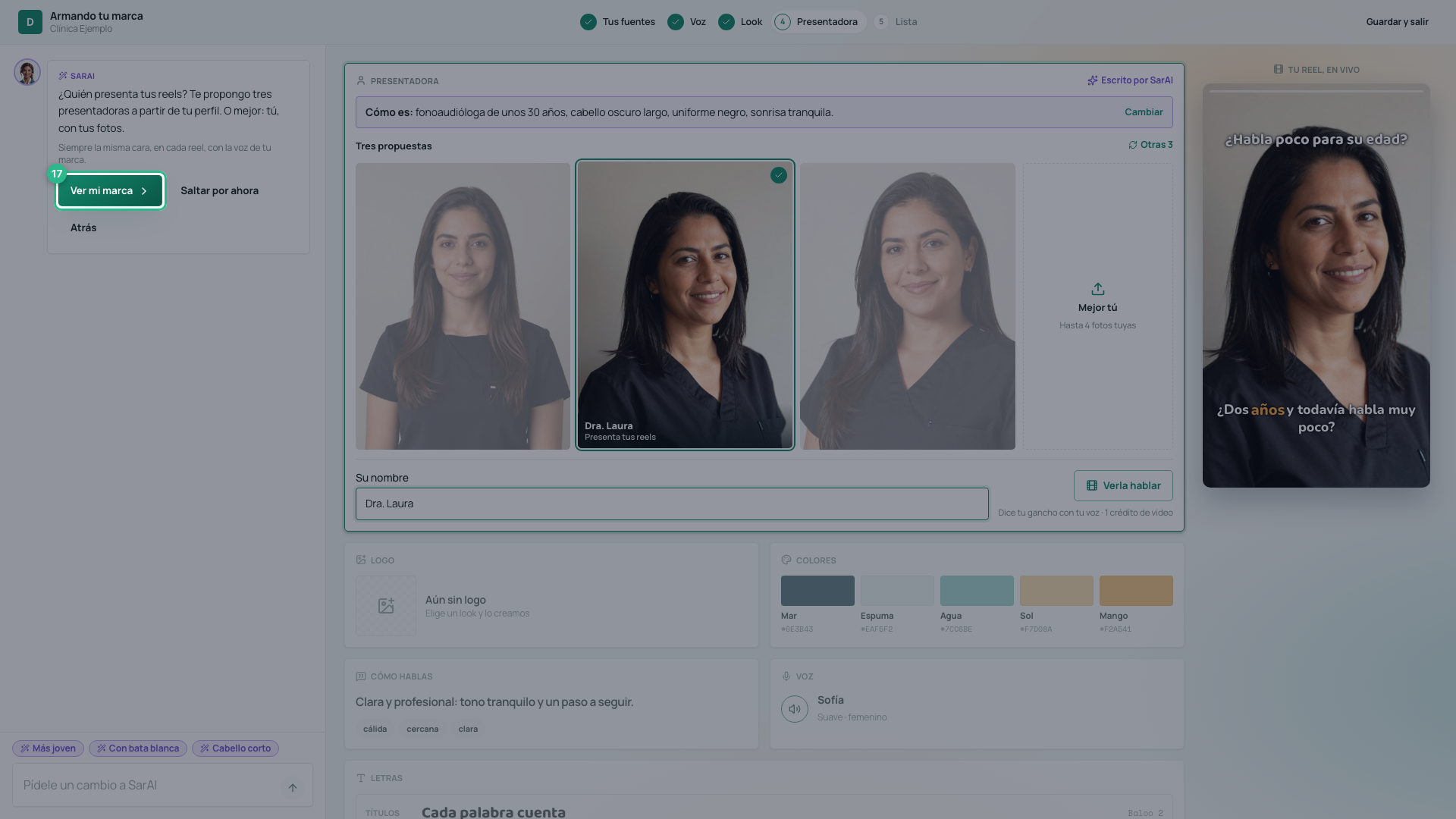
Press See my brand (Ver mi marca). If you would rather choose her later, Skip for now (Saltar por ahora).
5. Your brand, ready
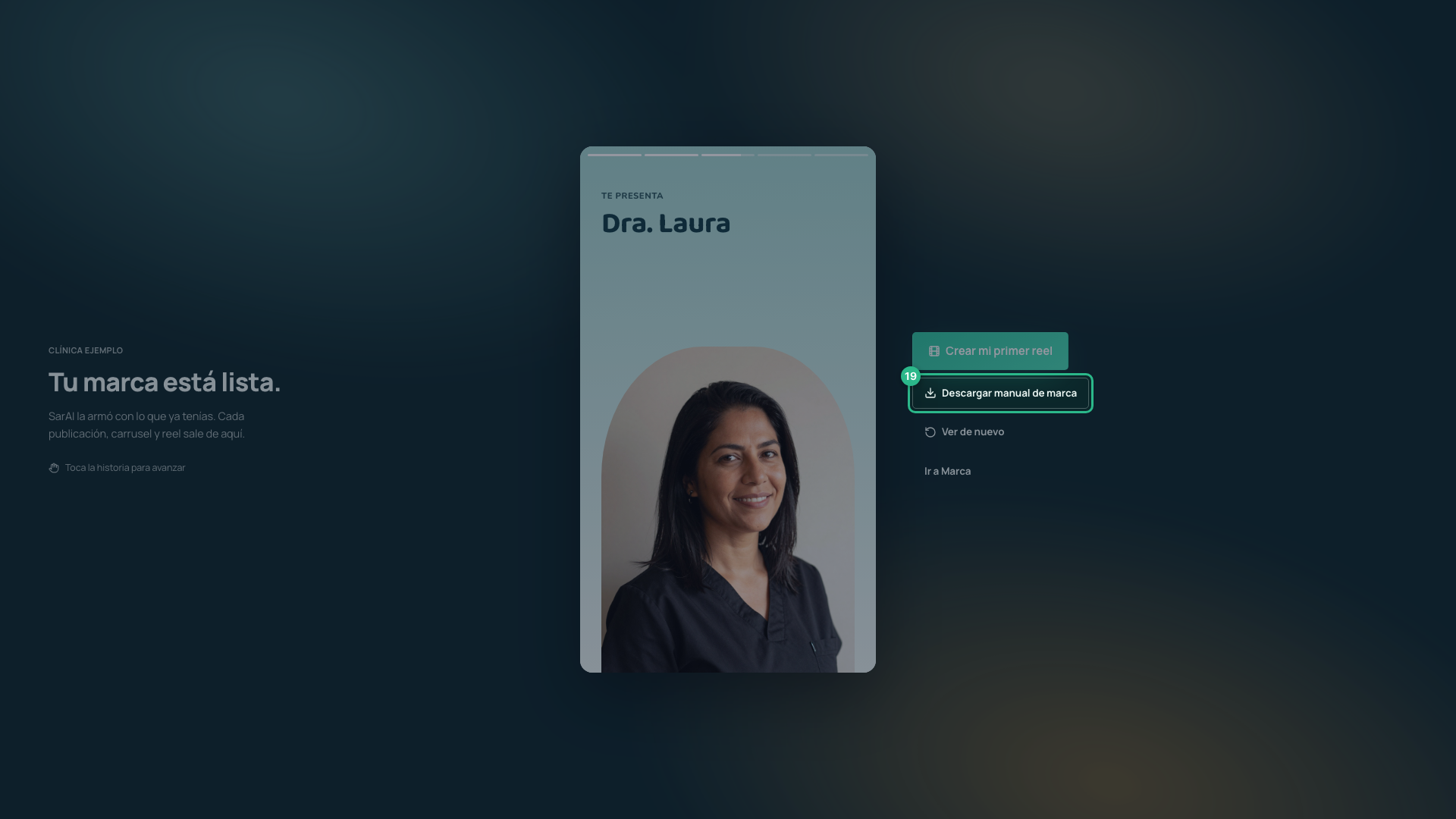
Your brand tells its own story: how it sounds, how it looks, who presents it, your first reel and your clinic’s DNA. Tap it to move forward.
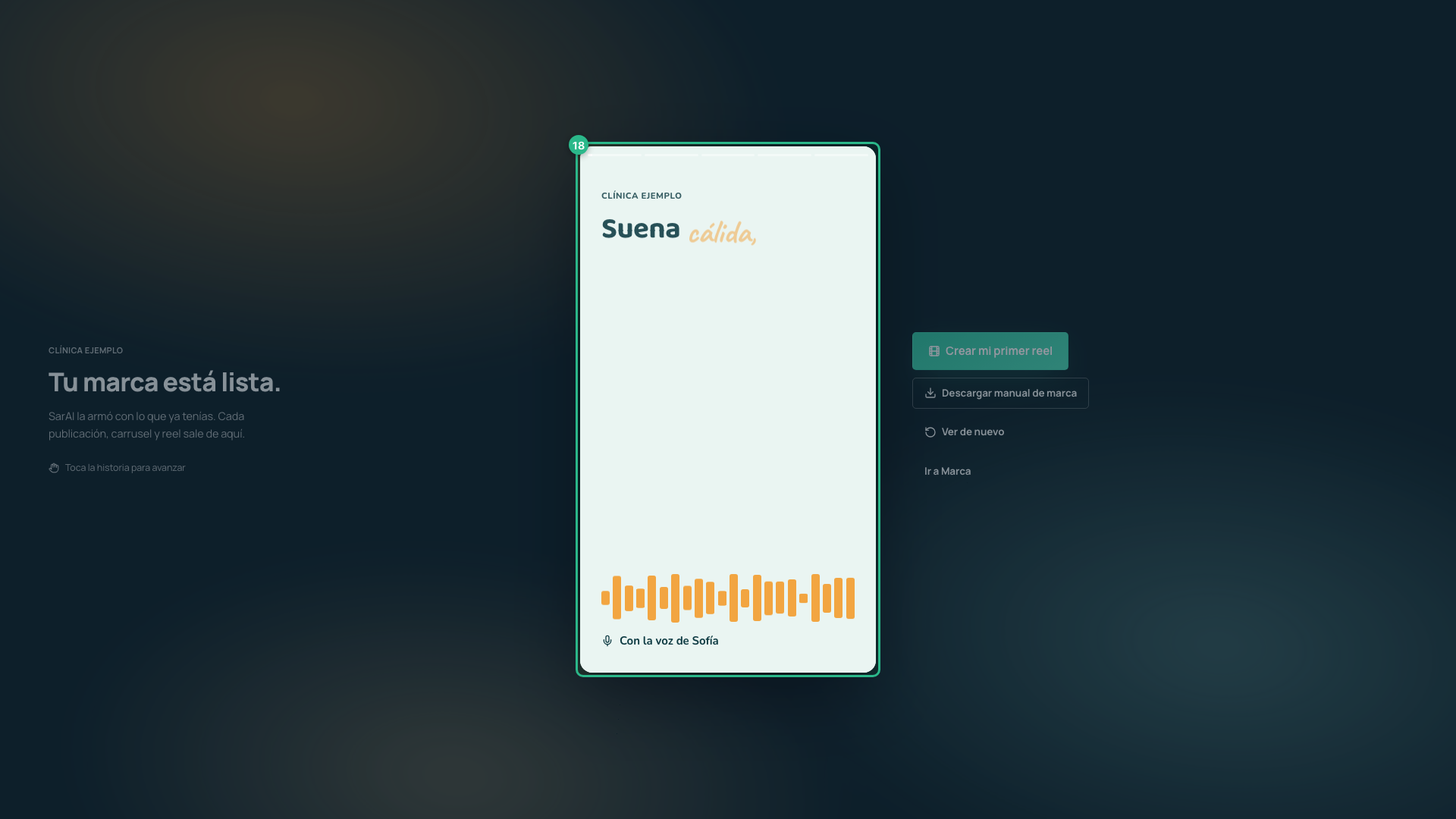
From here you can Download brand manual (Descargar manual de marca) — your brand as one image, to share with whoever designs for you —, Create my first reel or Go to Brand, where you can adjust each part whenever you want: the voice and clinical rules, the look and the characters.
Tip
The more complete your business profile is, and the more services you have loaded, the better SarAI knows you: the audience, the tone and the presenter all come from there.