How to send a consent to be signed remotely
On this page
When the patient is not in front of you, you can send them the consent to sign from their own phone. They need no account and no password.
If the patient is with you, see how to sign a procedure consent.
Steps
- In the visit, the consent shows as Draft.
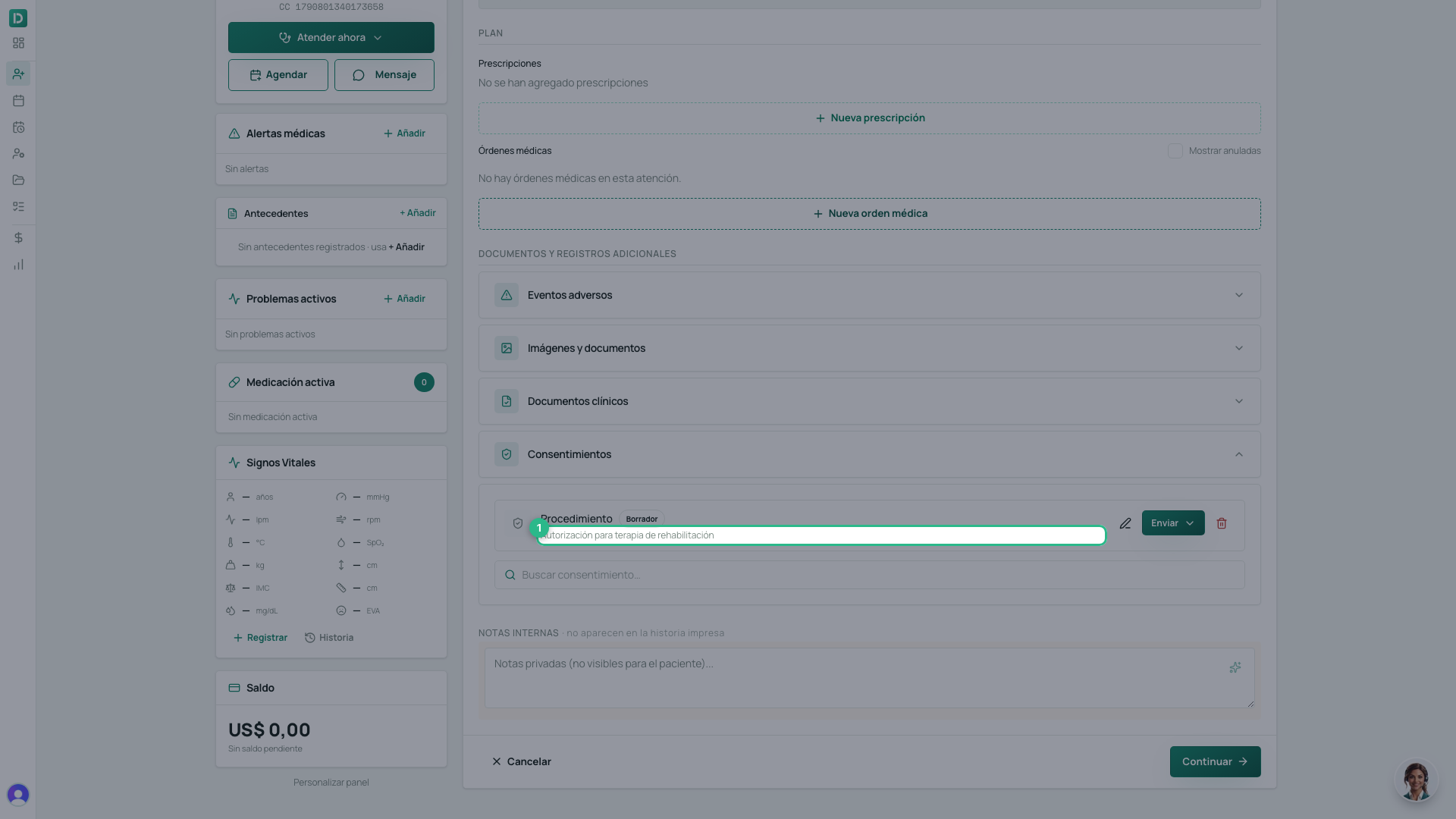
- Click Send and choose where: the patient’s email, the guardian’s email for a minor, WhatsApp if your practice has it connected, or Copy link to send it yourself. If something is missing from the file, the option is off and says why.
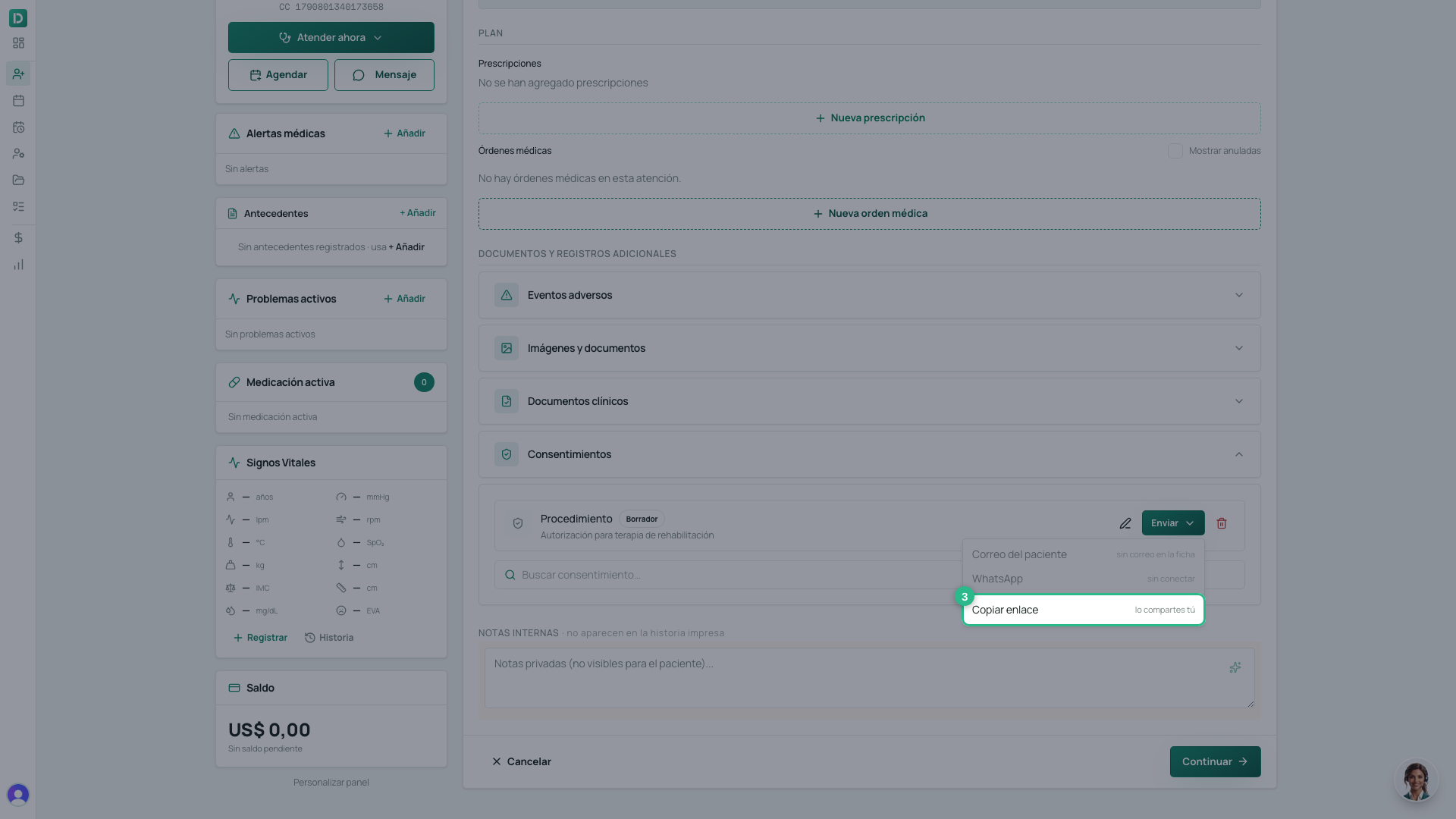
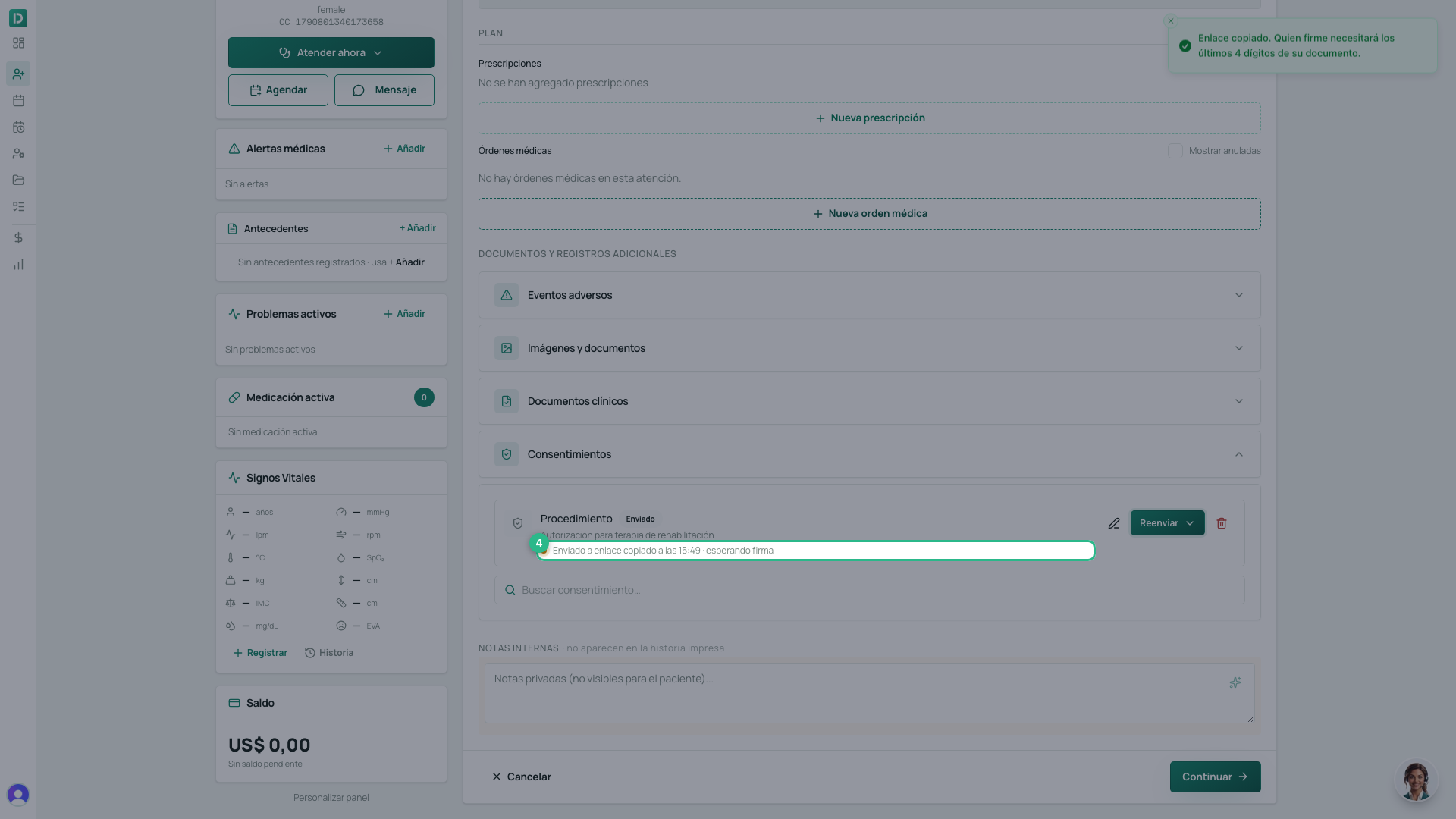
- Pick the destination. The consent becomes Sent, showing who and when, waiting for signature. It updates on its own once signed.
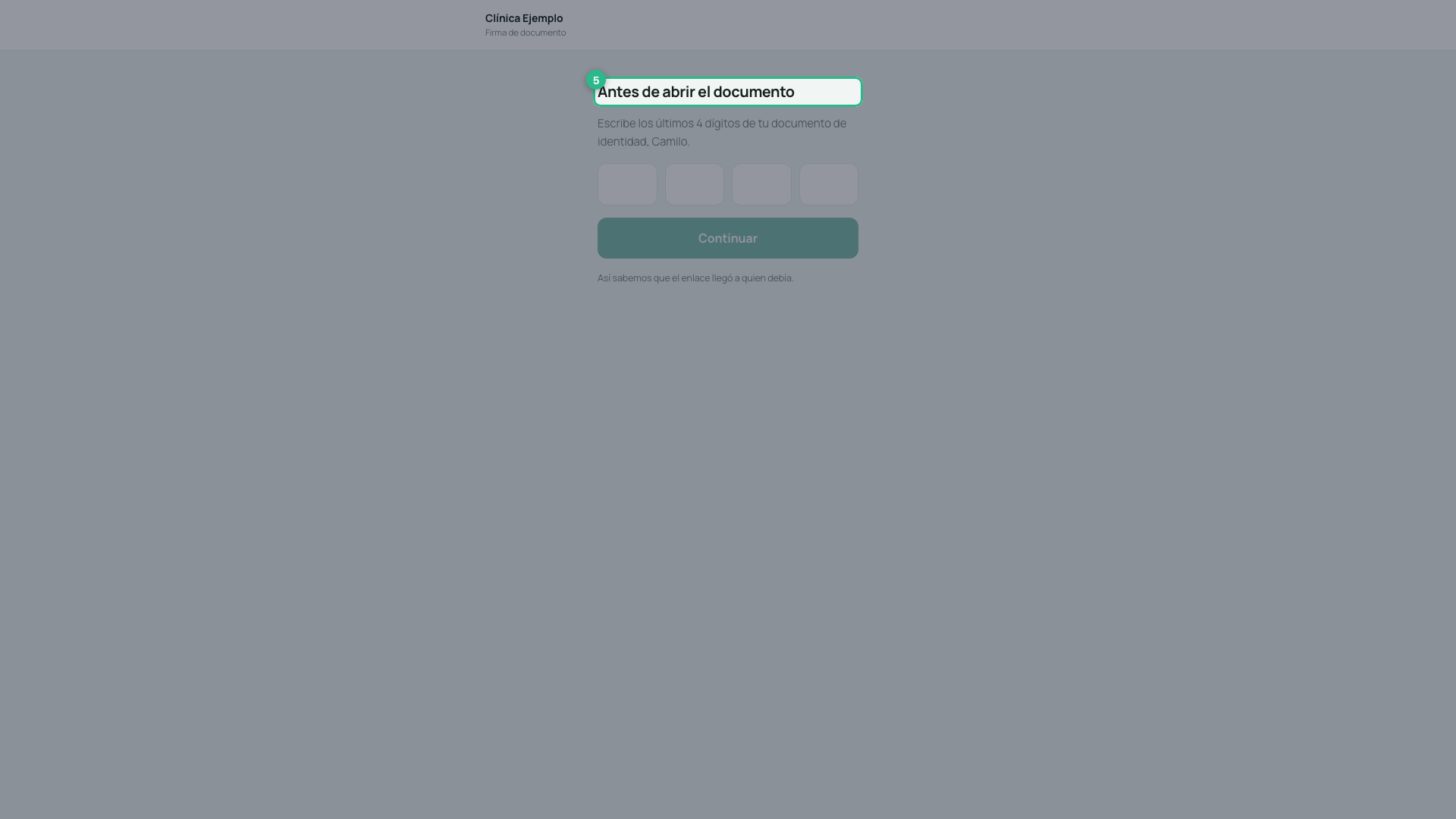
- The signer opens the link on their phone. Before seeing anything, they type the last 4 digits of their ID document (the guardian’s, for a minor). A forwarded link alone does not open it.
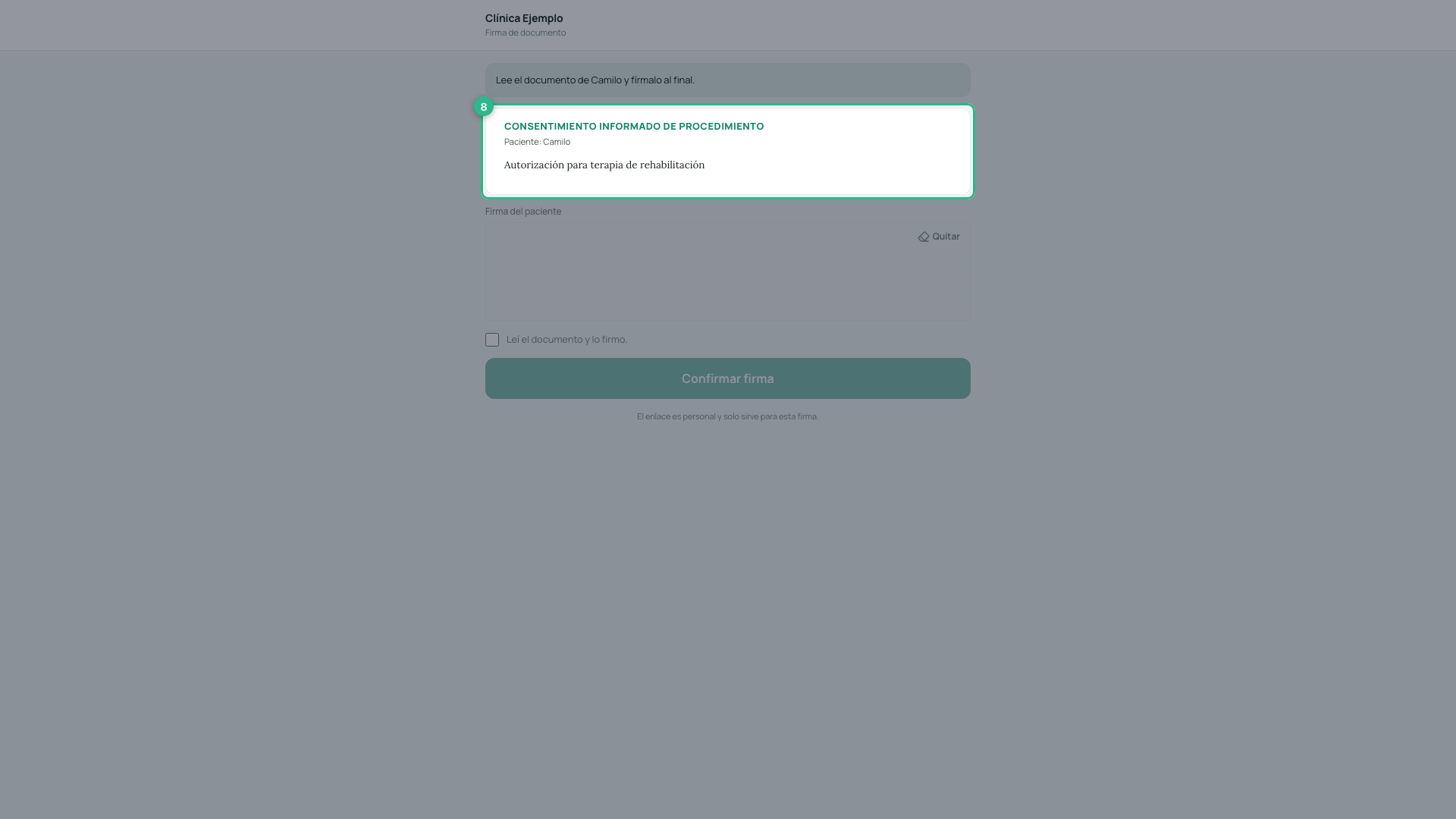
- They see the document with your practice’s logo and colour, with its headings and sections as you wrote them.
-
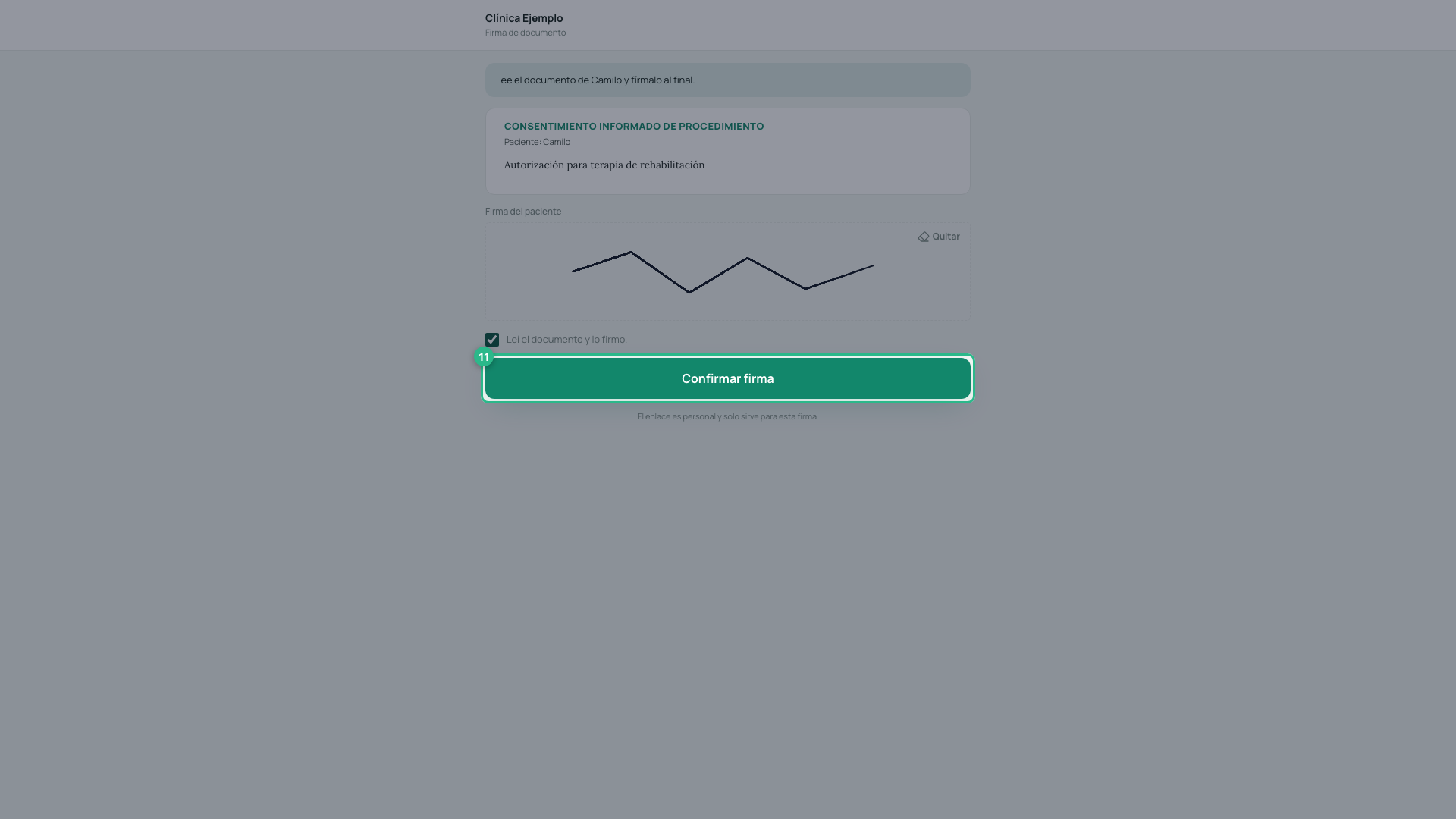
They sign in the box, with a finger.
-
They tick I read the document and sign it. Without it the button stays off.
-
They click Confirm signature. Only the patient signs here: your signature is not needed on this path.
- We let you know: a notification in the bell and an email to whoever sent the link, and the consent shows Signed in the visit.
If the file has no document
When there is no document on file for the signer, the link emails them a 6-digit code, which they type instead of the 4 digits. That is why Send needs the signer’s document or email on file: without either, nobody could open the link.
If they get the digits wrong
They have 5 attempts. After that the link locks for 30 minutes. The message never says which part was wrong. If they don’t recall which document is on file, correct it and resend the link.
If the patient is a minor
A child does not sign their own consent: their guardian does. When the patient is under 18 — or their file says they need a representative — the link also asks for the guardian’s name and ID, prefilled with the file’s main guardian, and the box reads Guardian’s signature. The checkbox becomes I read the document and sign as the legal representative of ….
Without the guardian’s name it cannot be signed. The signed PDF shows that name as Legal representative.
For it to arrive prefilled, register the guardian on the patient’s file and mark them as can sign consents.
It also goes out on its own at booking
You don’t always have to send it. If the service asks for a consent as a requirement and the patient accepts it while booking — on the portal or with SarAI — the link is sent automatically: by WhatsApp if your practice has it connected, or by email. For a minor, the email goes to their guardian, not the minor, and the consent shows who it was sent to. If the file has neither a document nor an email for whoever signs, nothing is sent: complete it and send it yourself. See how to ask for requirements before a booking.
The link is spent once used
As soon as it is signed, the link stops working. If you need another signature, click Resend and a new one is issued.
The link also expires on its own after 7 days, even if nobody uses it.
A record of who signed
Alongside the signature we keep the IP address it was signed from and the exact date and time. That is what lets you show later that the consent was given by the right person.
The visit is not signed with consents pending
When you click Sign visit, if any consent on that visit is still unsigned, DeusRex shows it and does not sign the visit. You can go back and wait for the signature, or sign with a reason: you write why (at least 10 characters) and that reason stays in the clinical record.
Tip
If the patient says the link does not work, most likely it was already used or it expired. Issue a new one from the same visit.