How to sign a consultation
Signing a consultation closes it and makes it official. It is sealed with a date and time, and it can no longer be edited: only amendments can be added.
Before you start
The platform refuses the signature if any of these three is missing:
- the motivo de consulta;
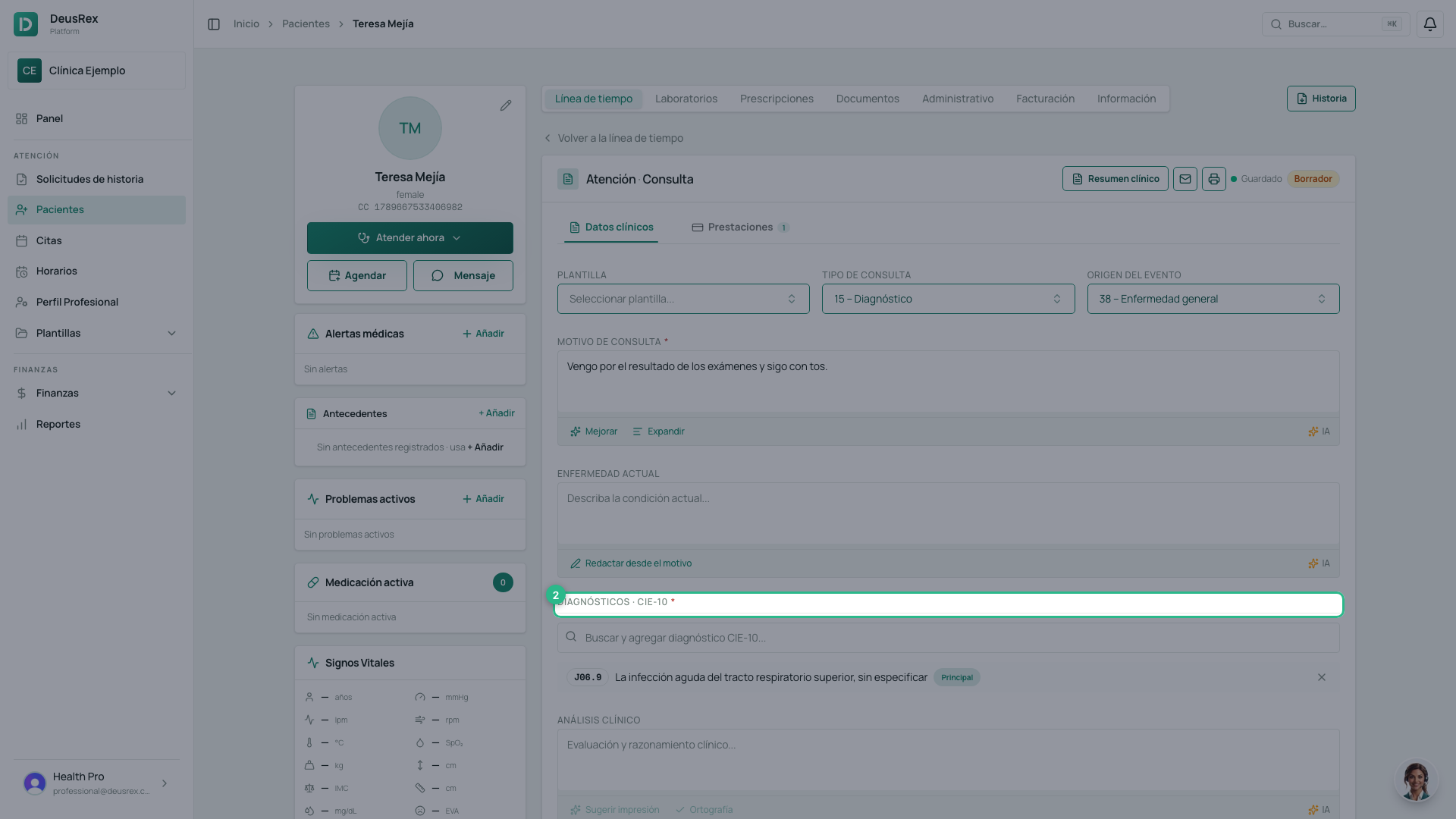
- at least one diagnosis;
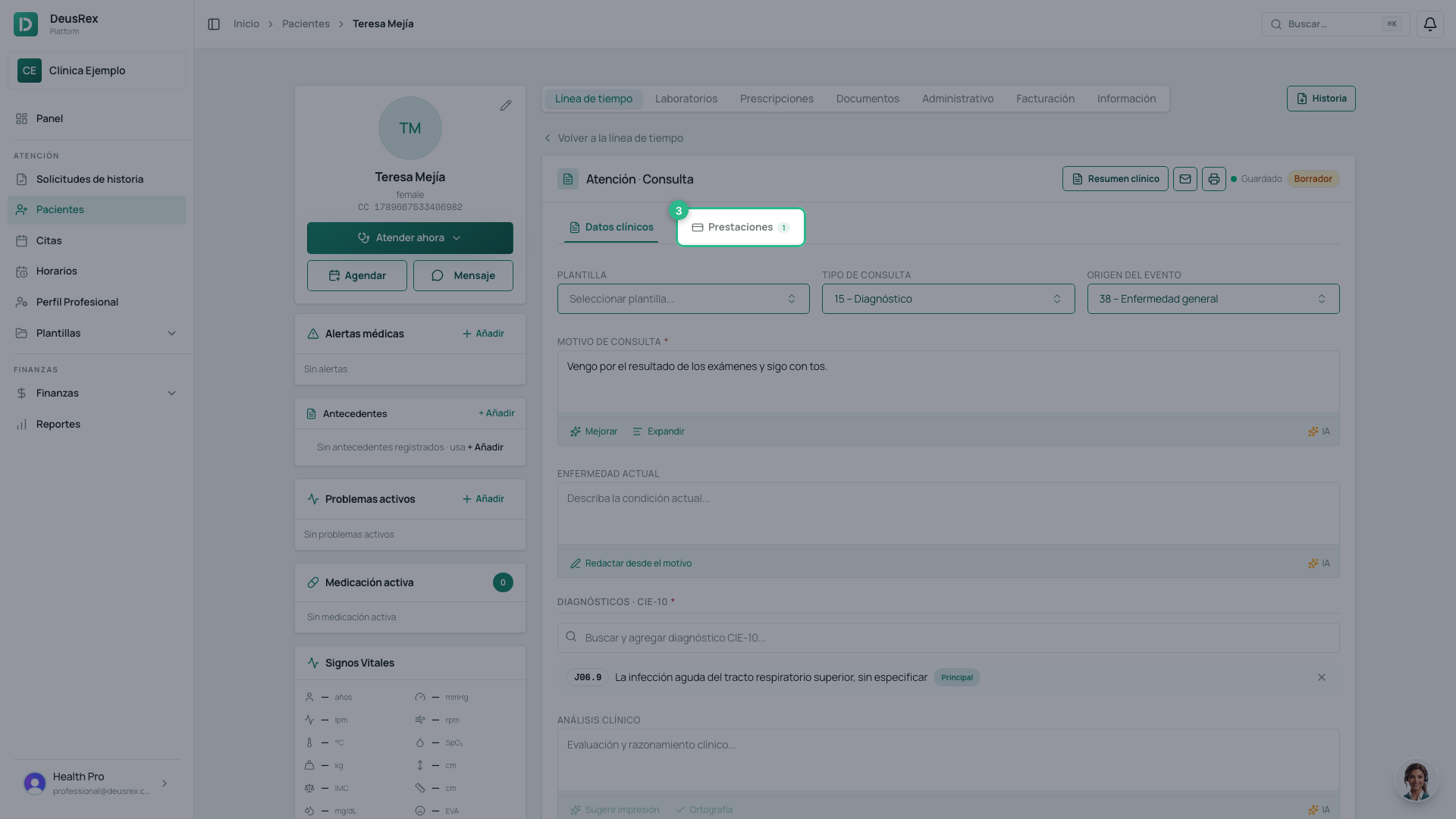
- at least one prestación — the service that was provided.
And you need your signature on file. If you do not have one, the button does not open the confirmation: it opens the window to draw it first. That is a one-time step.
Steps
- Open the consultation you want to close.
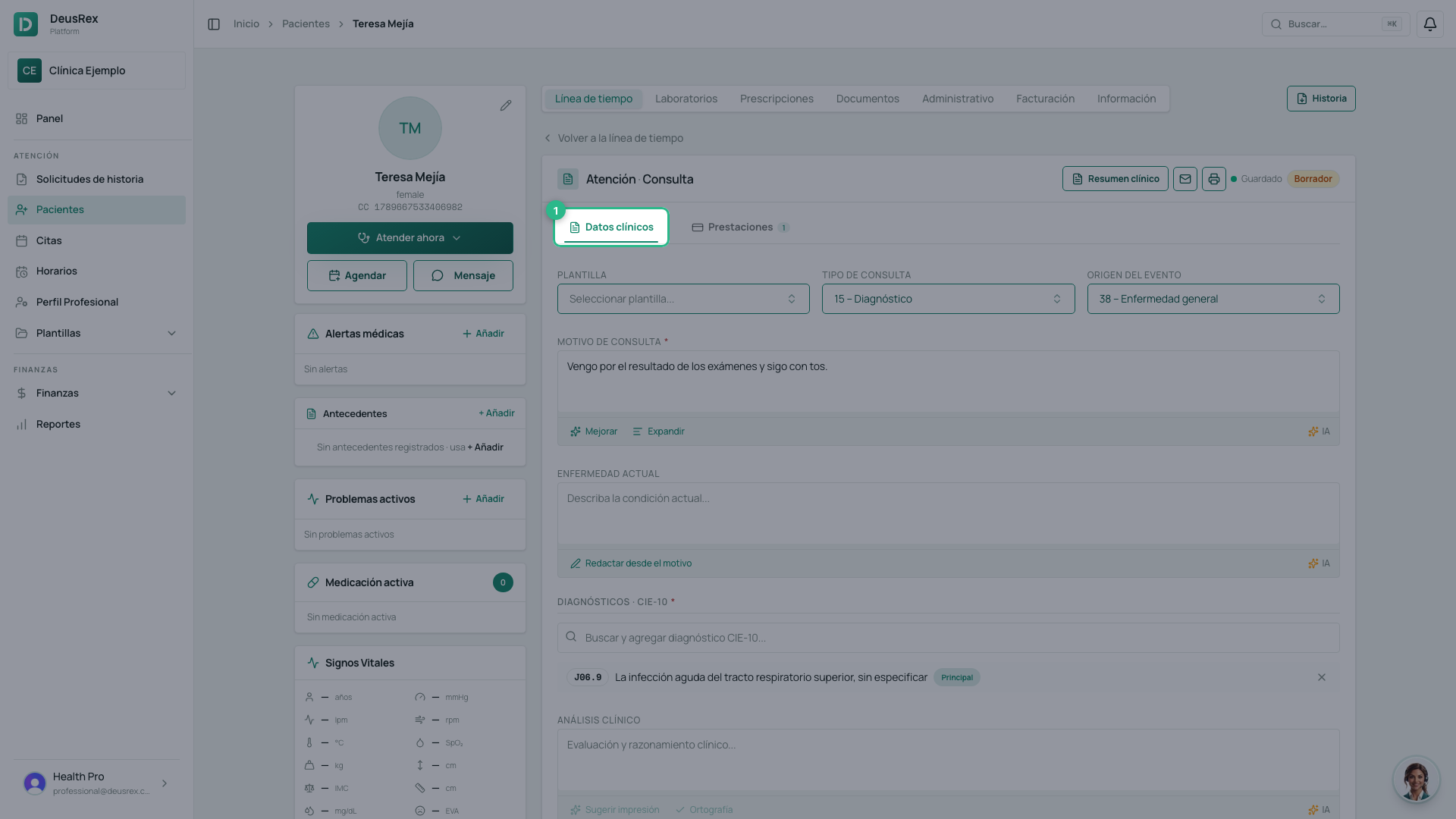
- Check that the chief complaint, the note and the diagnosis are complete.
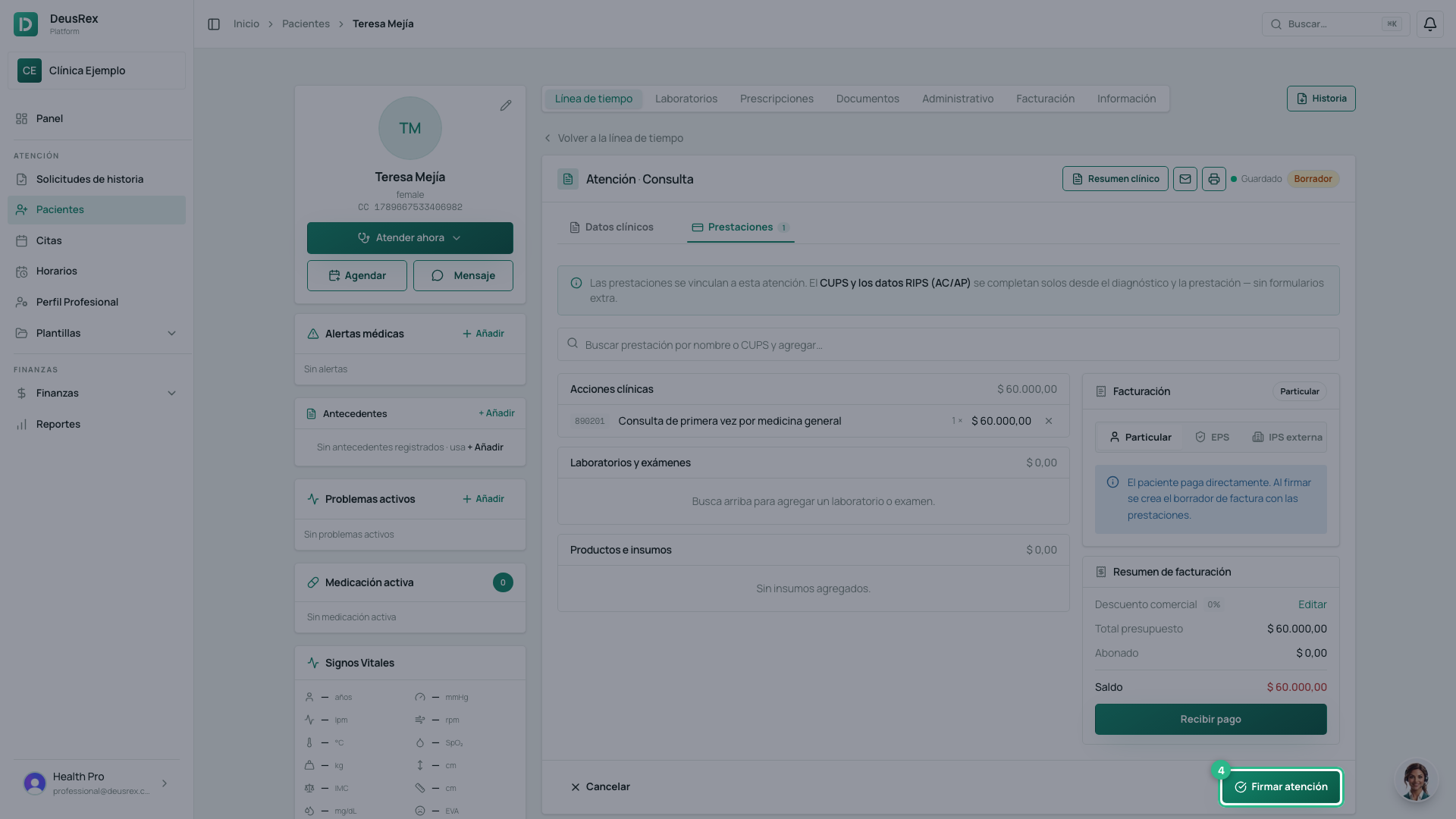
- Go to the Prestaciones tab. The sign button is only there: while you are on Datos clínicos you will see Continuar, not Firmar.
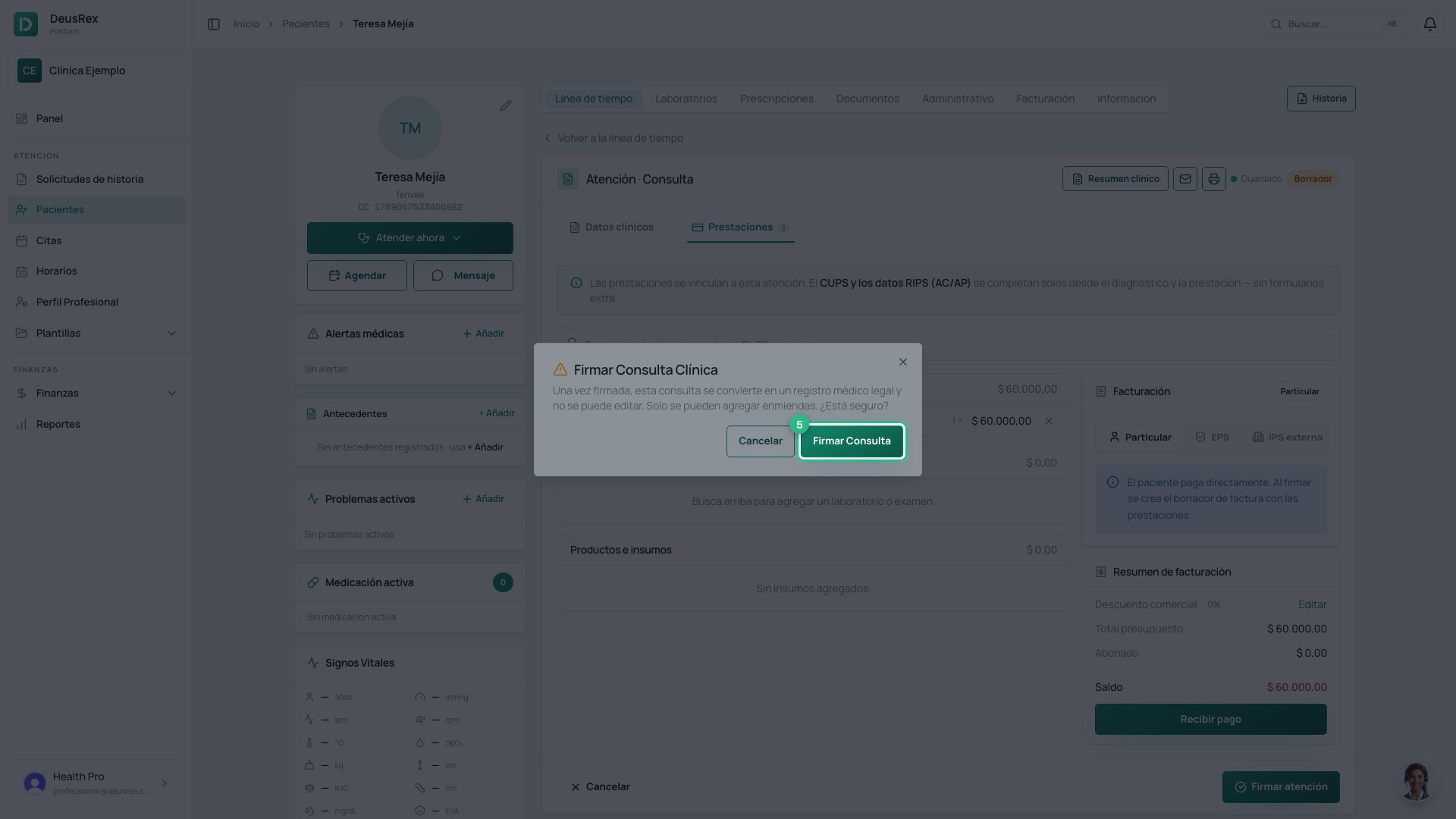
- Click Firmar atención.
- Confirm. The dialog warns you: «Una vez firmada, esta consulta se convierte en un registro médico legal y no se puede editar».
What happens when you sign
- The consultation becomes immutable, with its date, its time and the professional registration number of whoever signed it, stored exactly as it stood that day.
- The principal diagnosis moves onto the patient’s problem list.
- The prestaciones are ready to invoice.
And if you got something wrong?
It is not edited: it is amended. See the amend a consultation guide. The original record is kept intact, which is the whole point of signing it.
Tip
Check Origen del evento before signing. It is the field most often left at its default, and afterwards it cannot be corrected without an amendment.