How to create orders and lab tests
A medical order requests a test, a procedure or a referral. It is created inside the consultation and stays in the patient’s history.
Before you start
You need an open consultation. While it does not exist, the section says «Guarde la consulta como borrador primero para agregar prescripciones y exámenes».
Steps
- Inside the consultation, scroll down to Plan → Órdenes médicas.
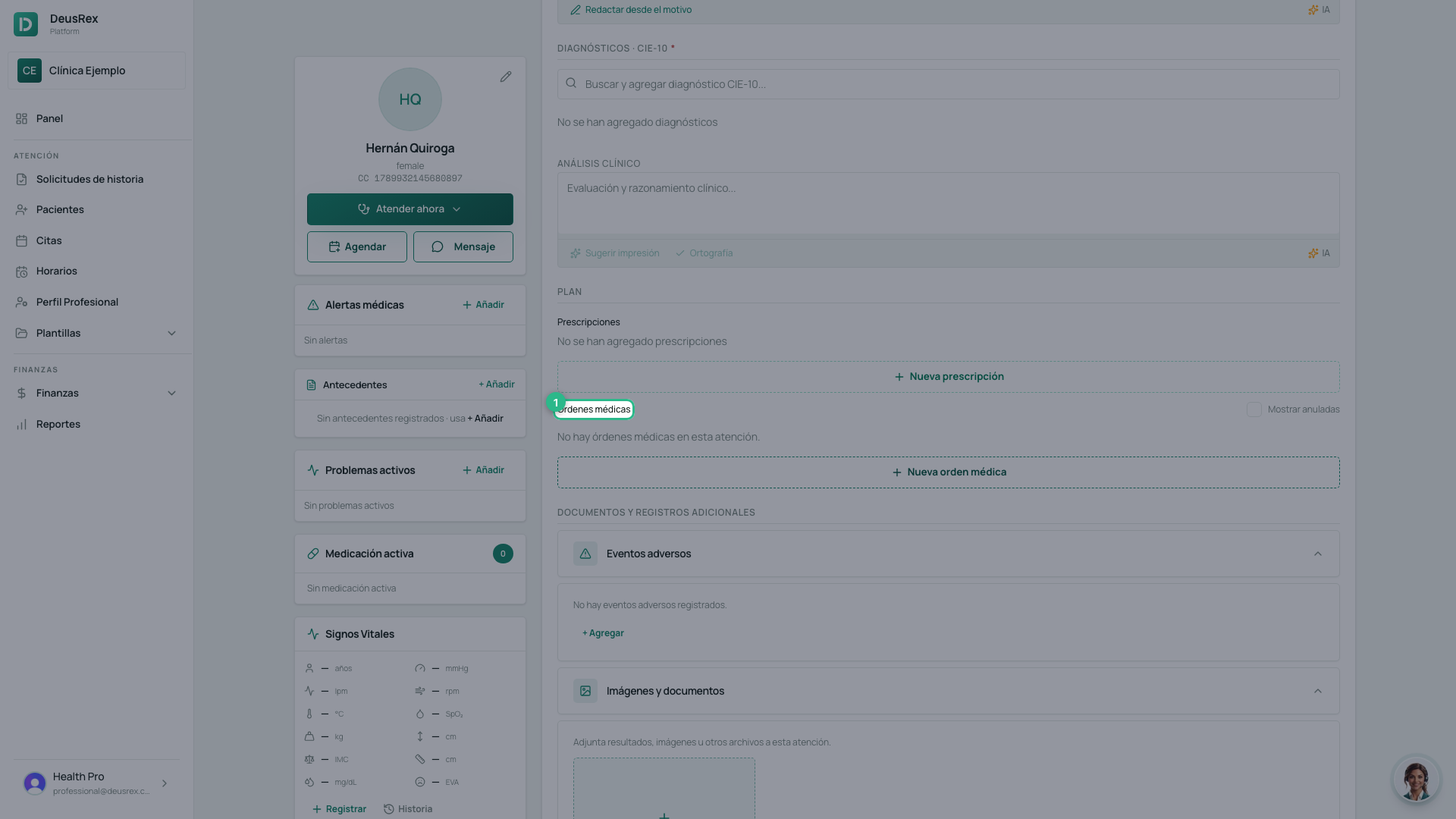
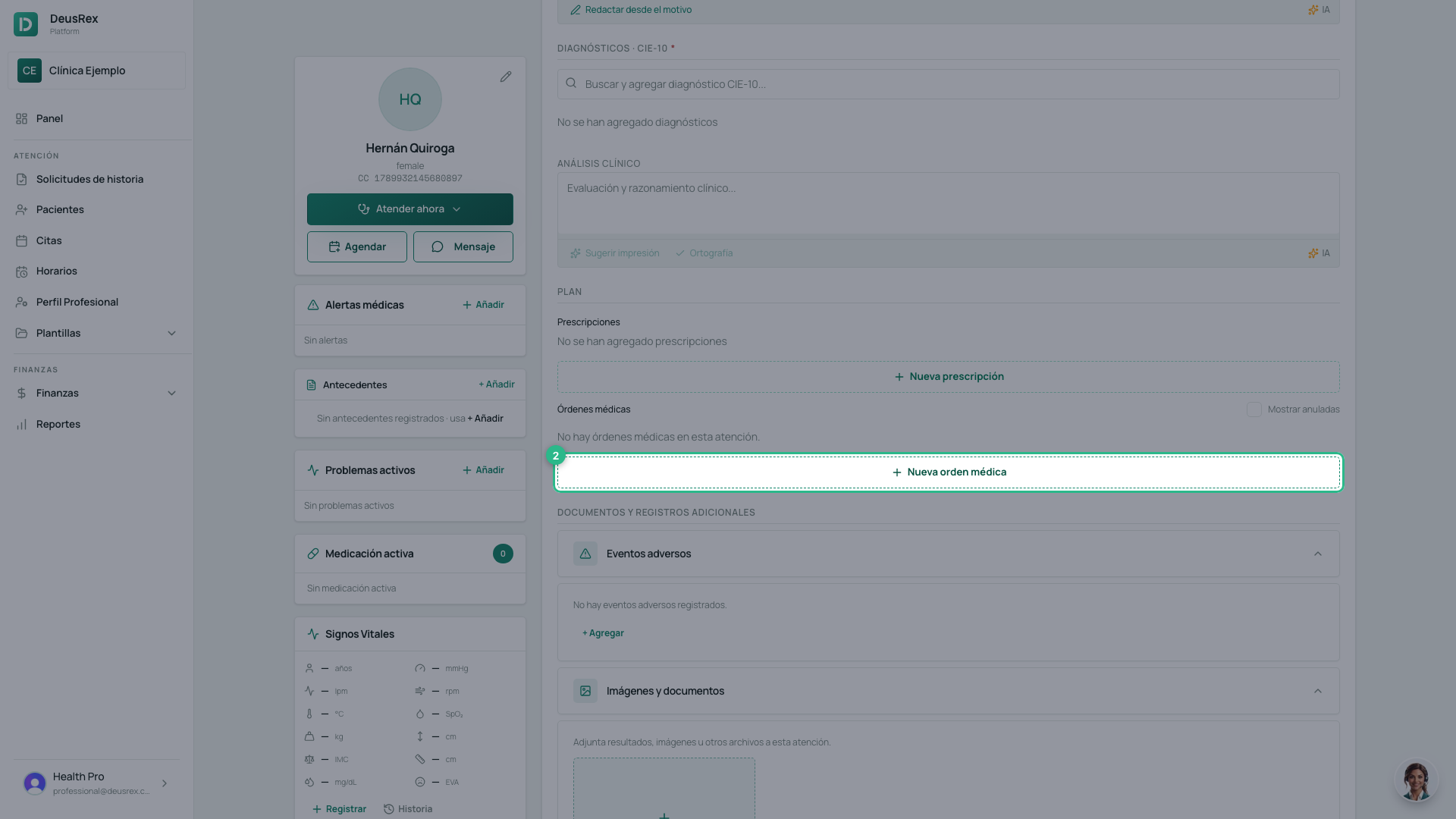
- Click Nueva orden médica.
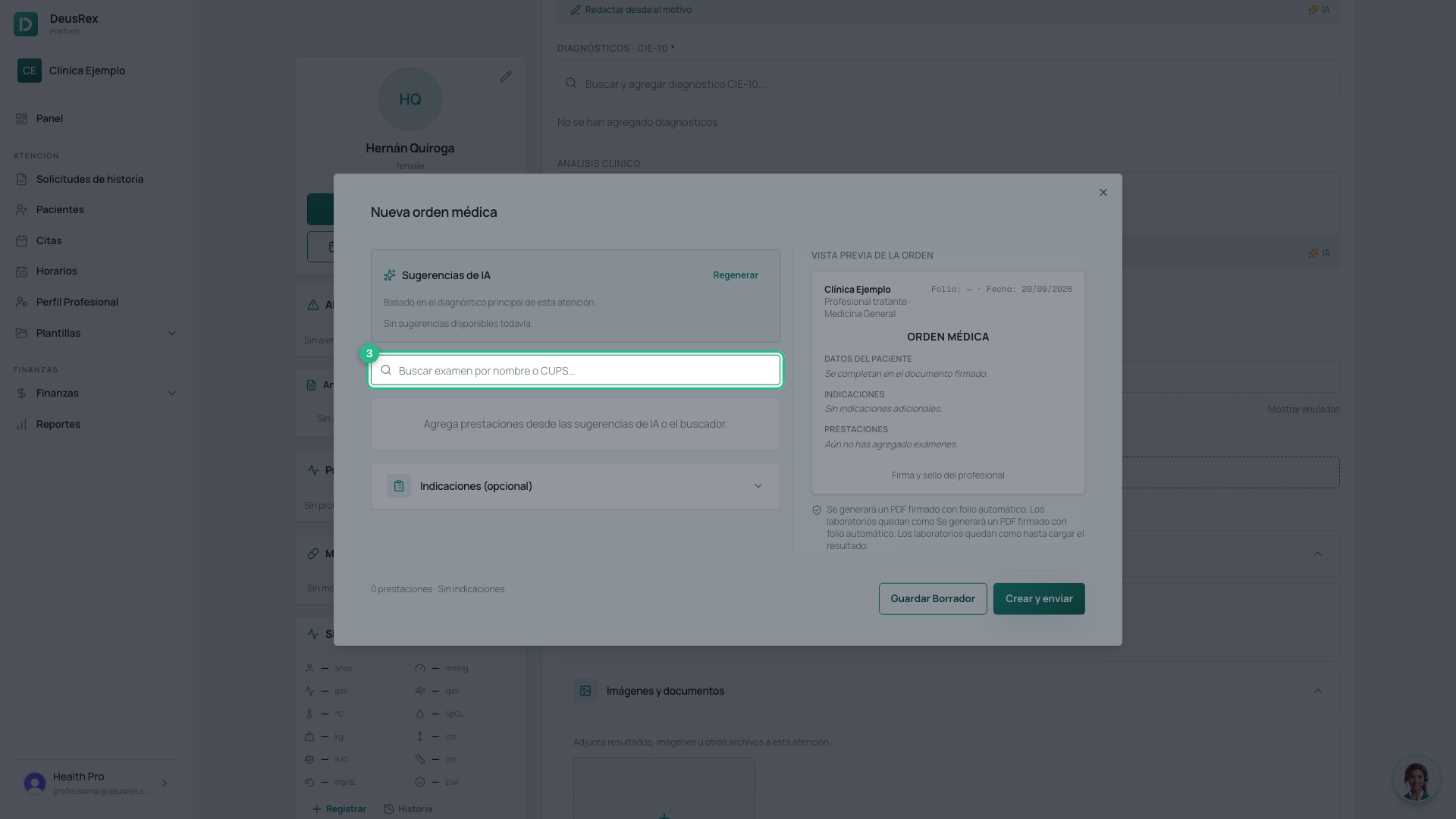
- Search for the study by its name or by CUPS code.
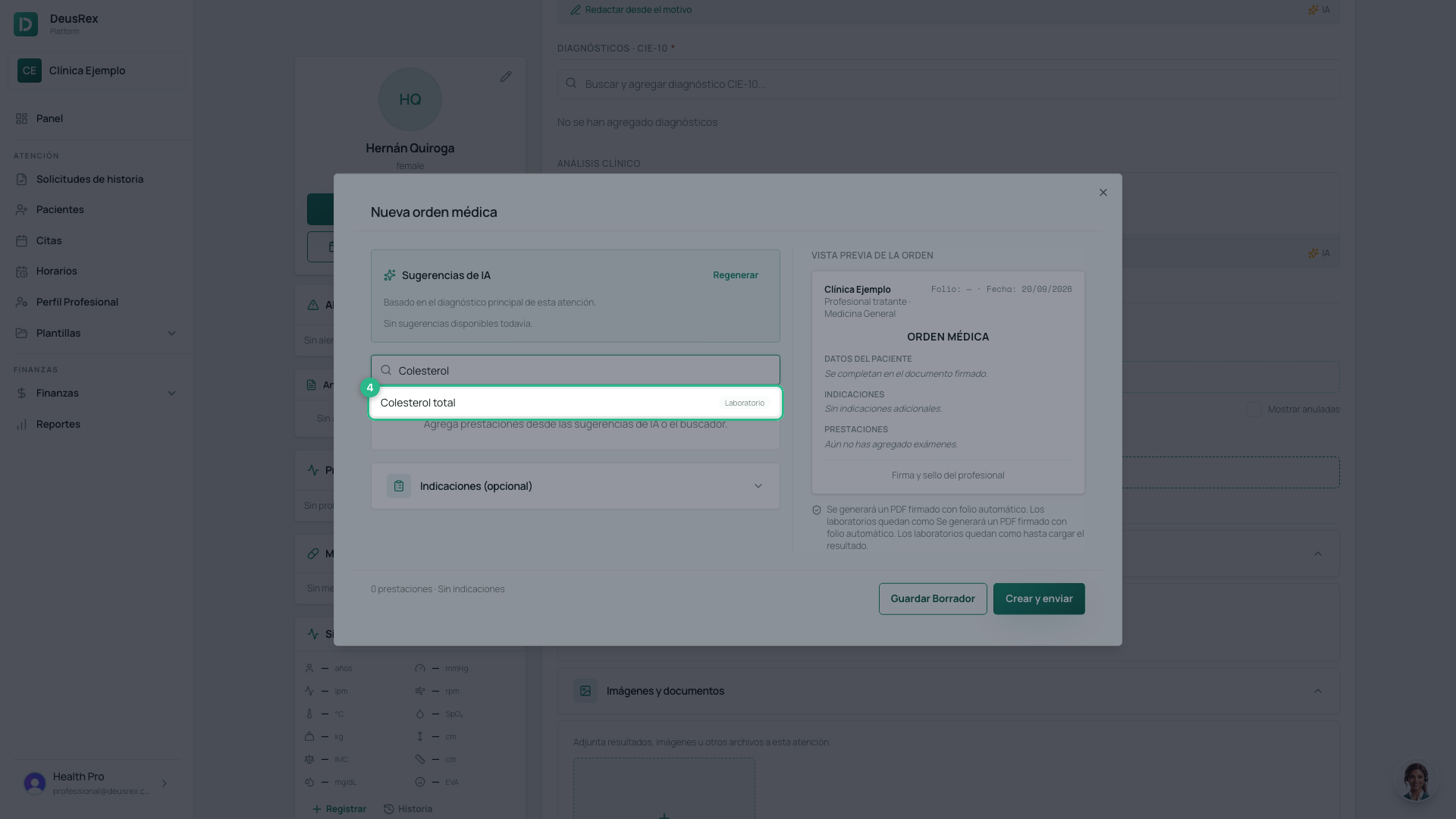
- Pick it from the catalogue. If it is not there, the search box offers to create it, and you can give it a CUPS code then.
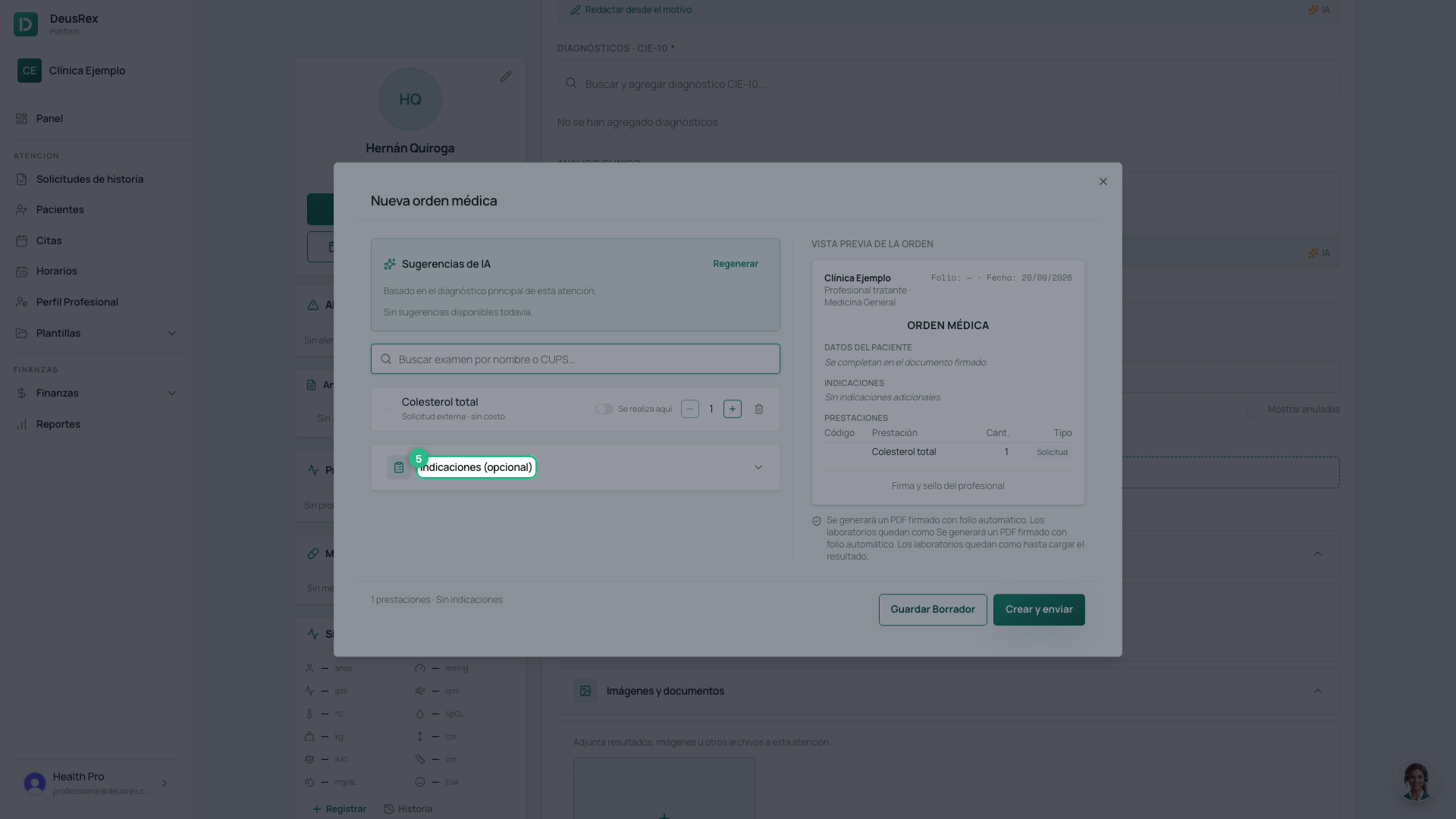
- Open Indicaciones (opcional). It arrives collapsed, so it is easy to miss.
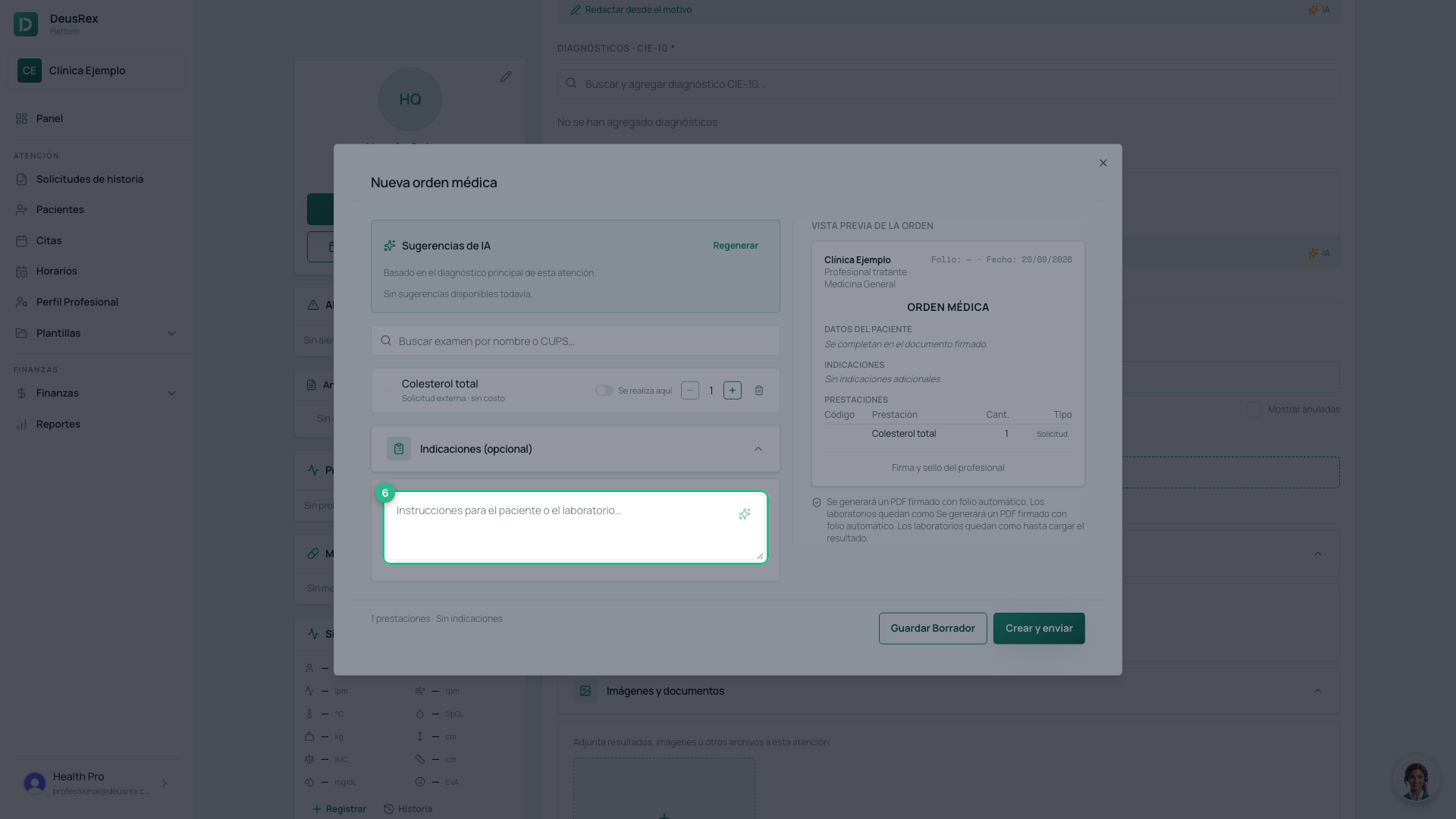
- Write the indications or the clinical justification: this is what the patient and the laboratory will read.
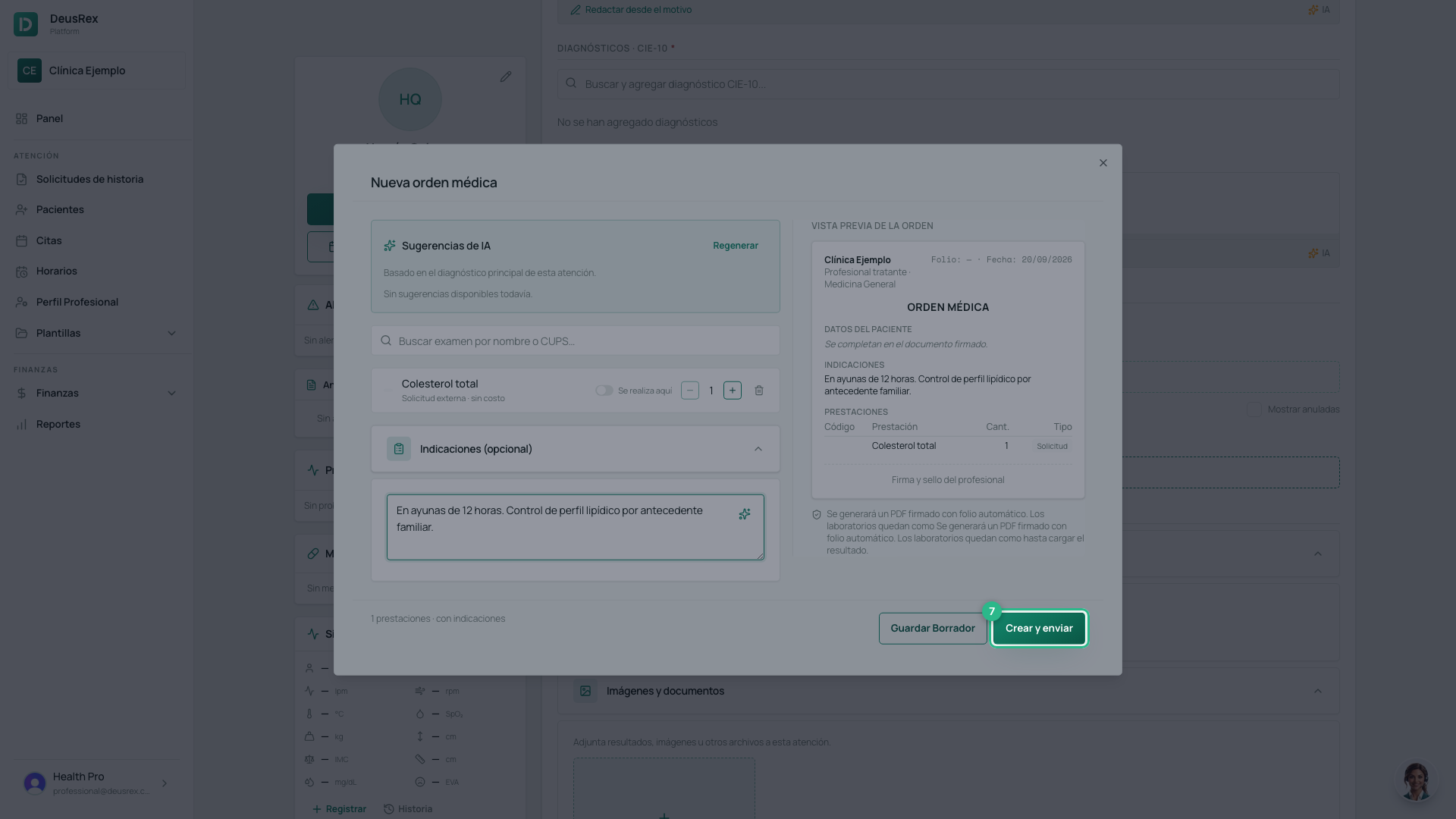
- Click Crear y enviar. If you do not want to send it yet, use Guardar Borrador.
What happens when you create it
The order gets a folio number and is listed in the consultation. From there you can send, print, duplicate or void it.
Each study you add also enters as a prestación of the attention, which is what later feeds the RIPS and the invoice.
With AI
The AI can suggest tests based on the chief complaint and the principal diagnosis of the consultation. That is why the order in which you add diagnoses matters — see the ICD-10 diagnosis guide.
Tip
When you upload a test’s results, they stay linked to the order and visible in the patient’s Laboratorios tab for future consultations.