How to approve a request for a clinical history
On this page
When a patient asks for a copy of their clinical history, the request arrives in this queue. That is where it is decided.
Before you start
You need a pending request. If no patient has asked for a copy, the screen shows an empty state and there is nothing to approve.
Review and decide
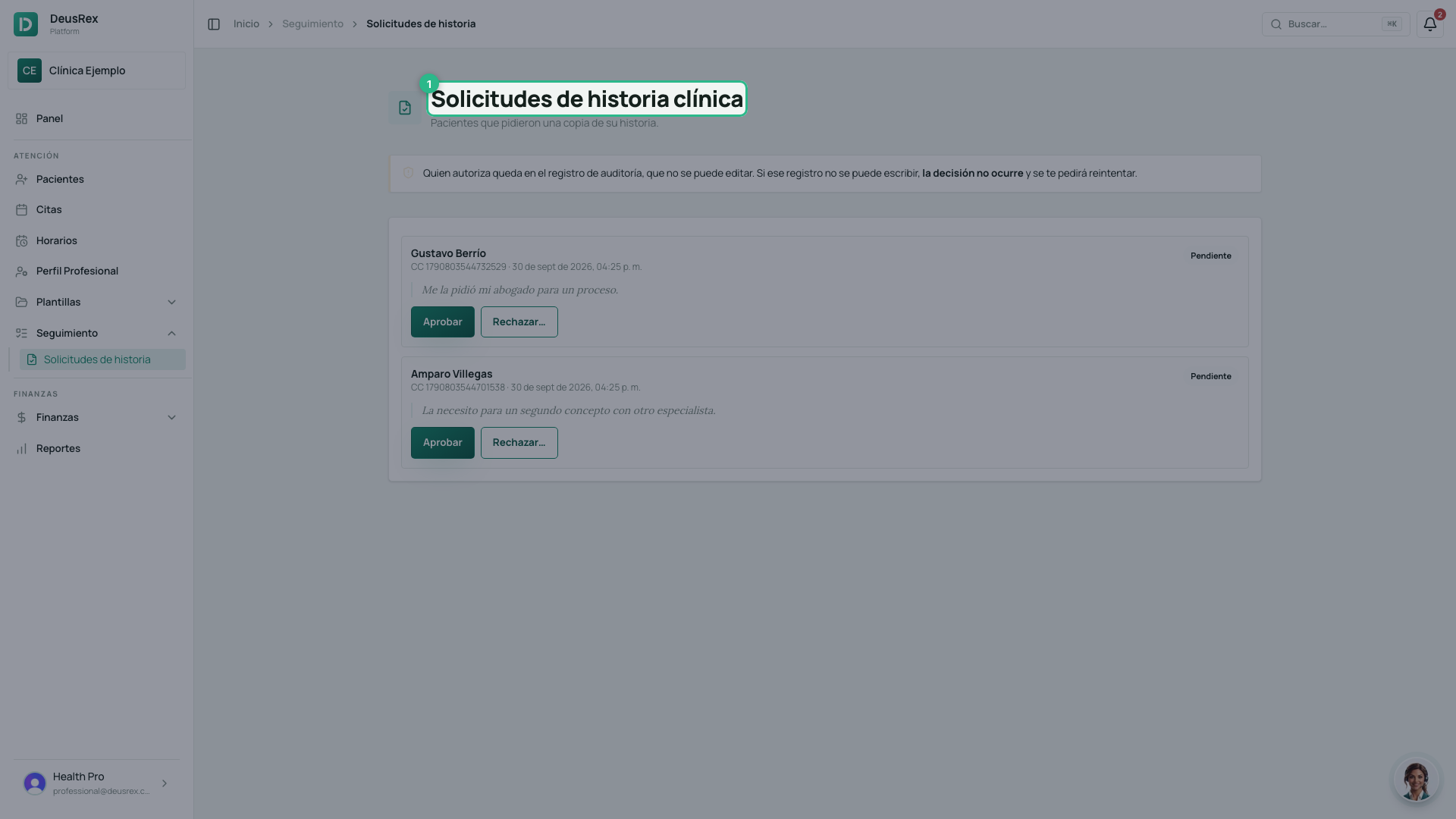
- Open Solicitudes de historia, in the Atención → Seguimiento menu. The screen is titled Solicitudes de historia clínica.
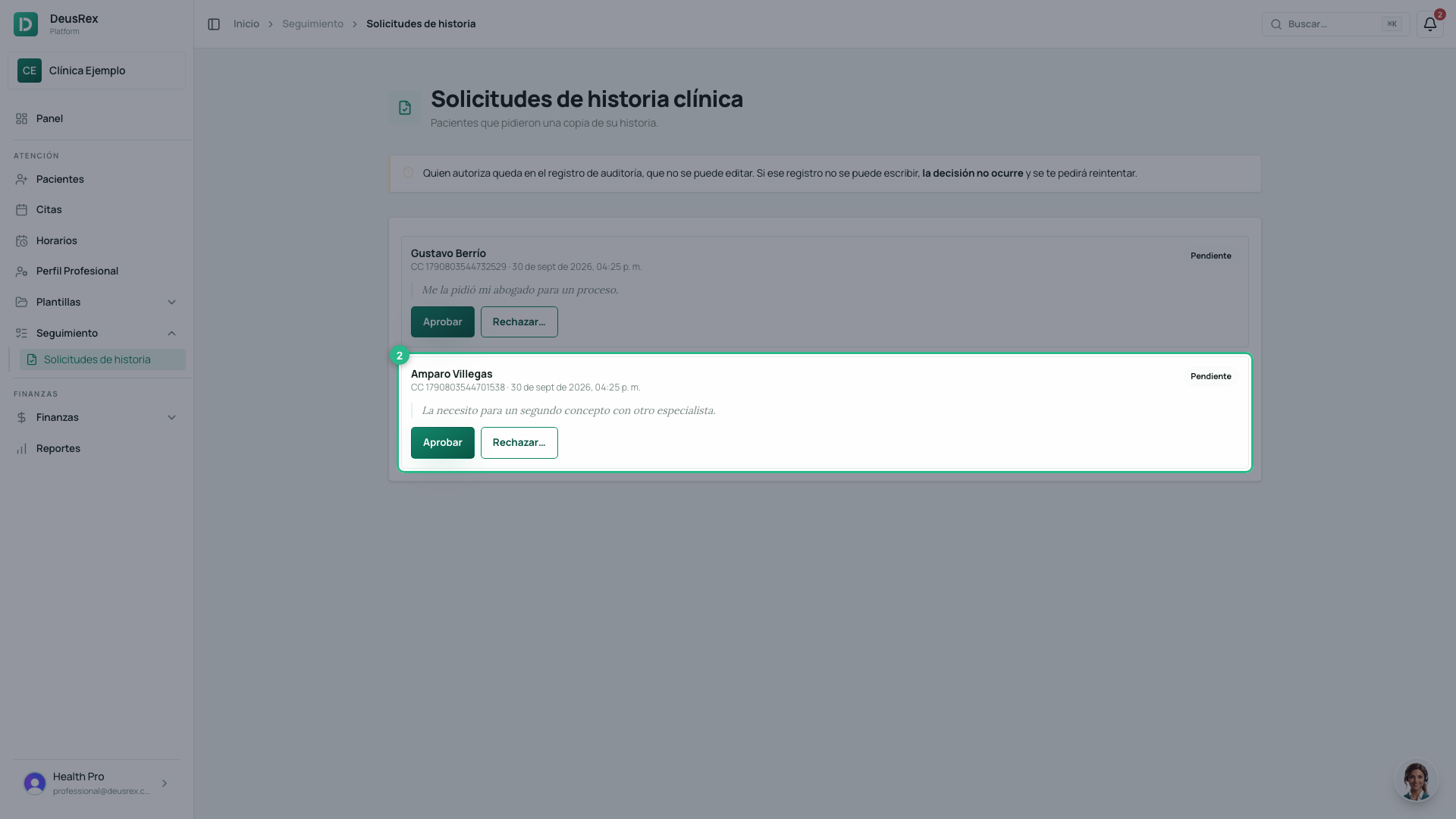
- Look at who asked, when, and why.
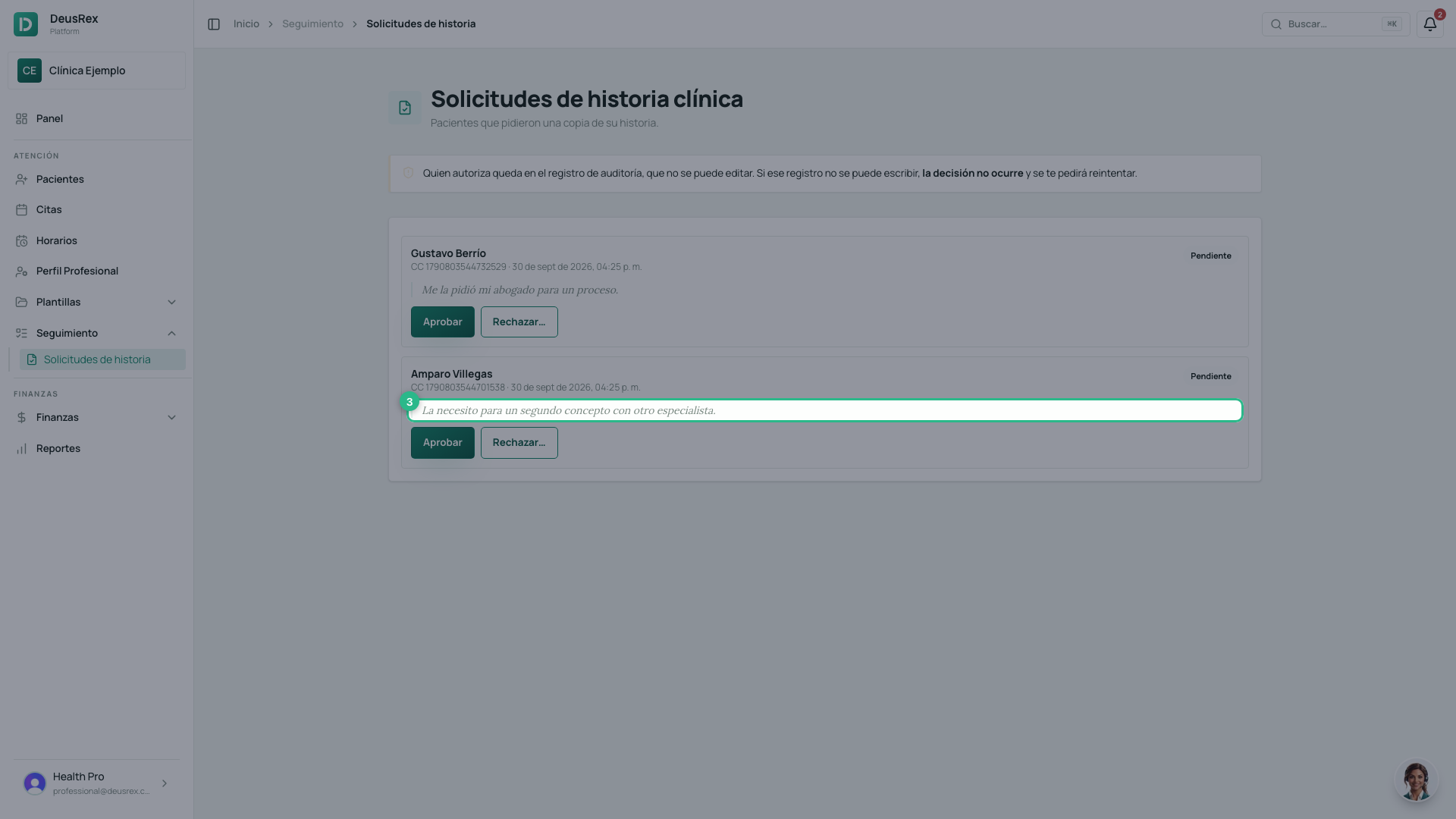
- The reason is written by the patient in their own words. It is what tells you whether the copy is for another doctor, for their insurer, or for a legal process.
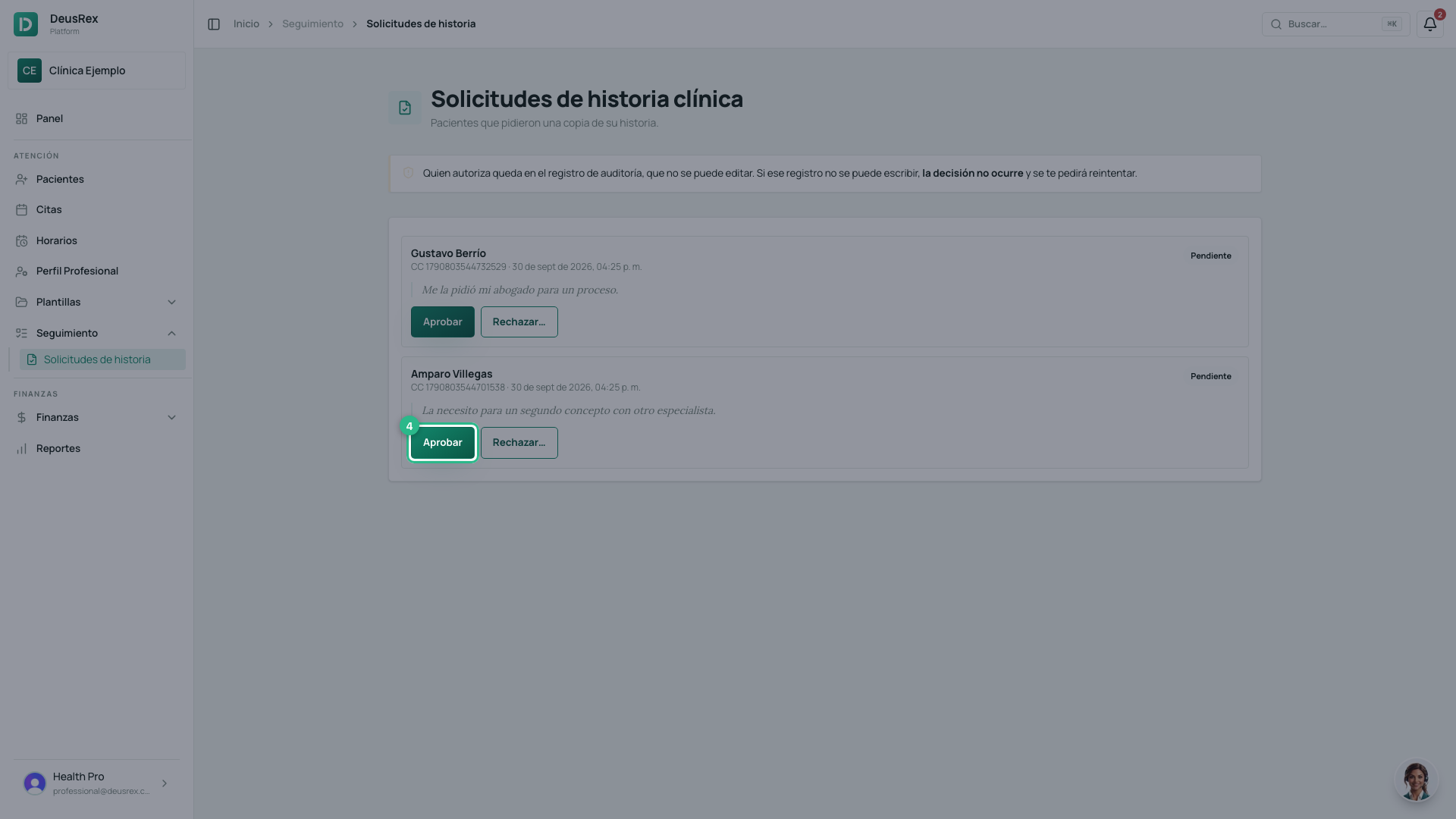
- Click Aprobar.
A refusal needs a reason
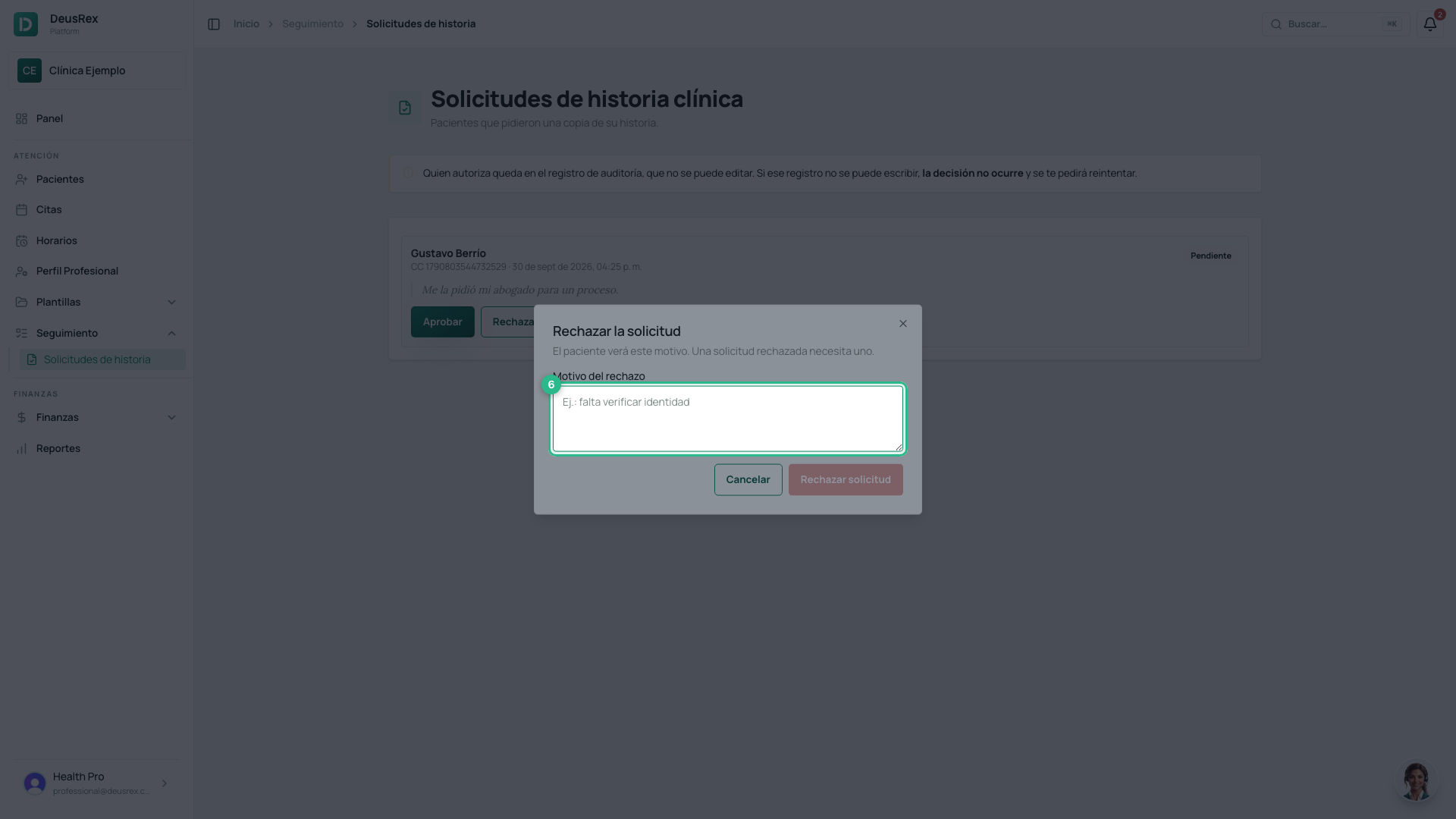
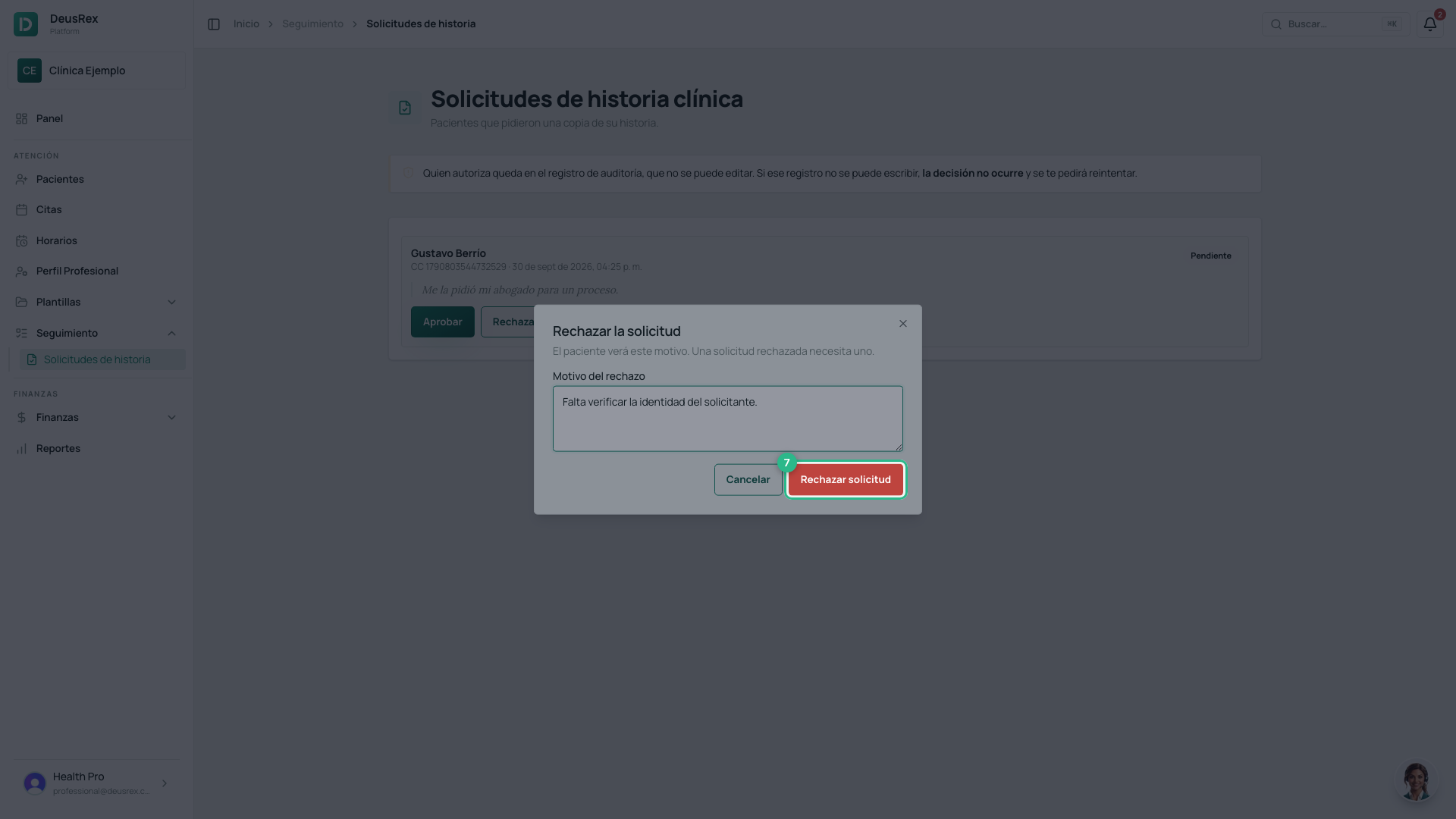
Refusing without explaining is not a decision the patient can argue with, and the law gives them a right the clinic is postponing. That is why the reason is required — the confirm button stays disabled until you write one — and the patient sees it.
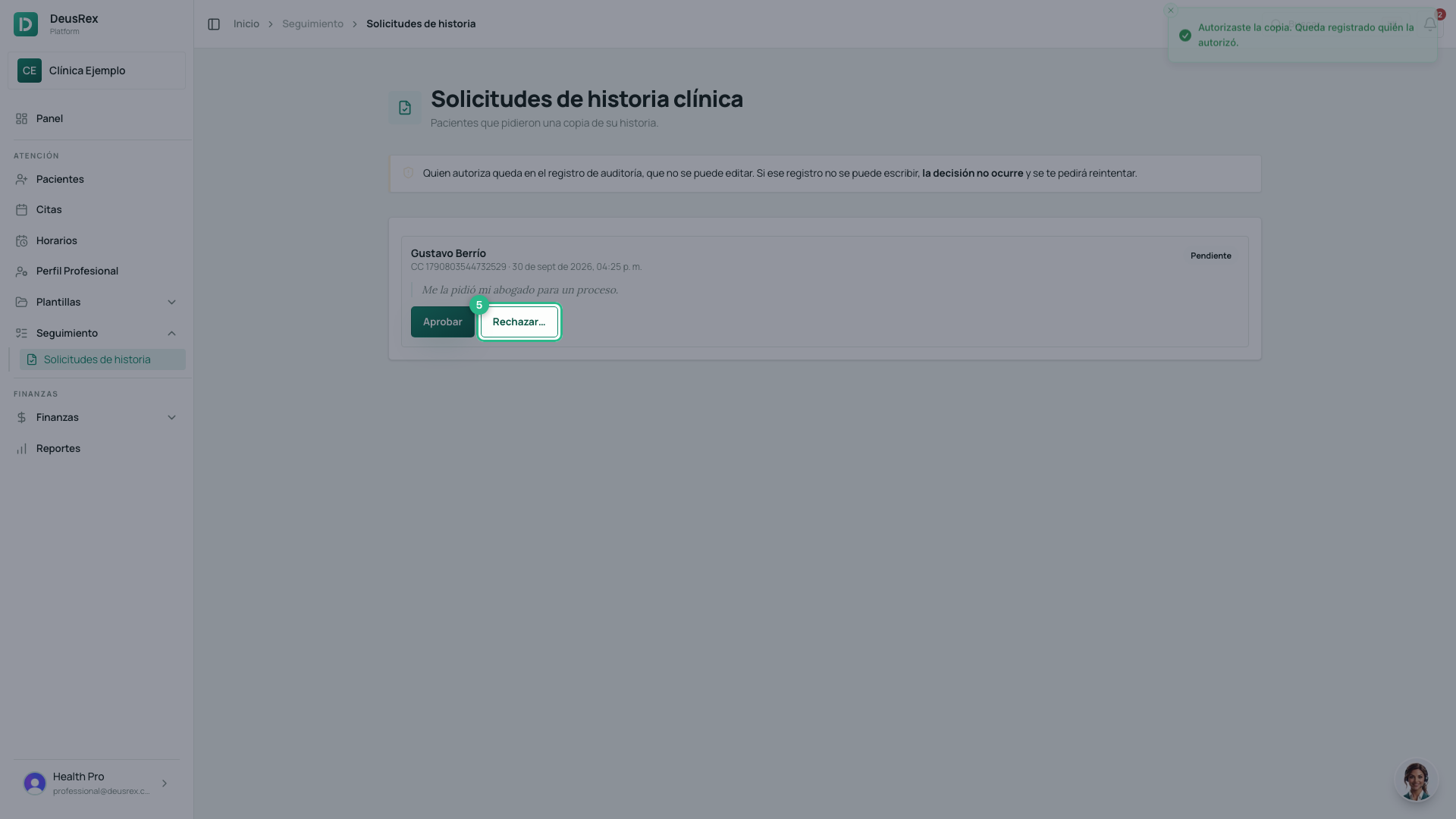
- Click Rechazar…. The ellipsis warns that a step is missing.
- Write the reason for the refusal.
- Click Rechazar solicitud.
There is a record of who authorised it
Your decision is written to the clinical history’s audit log — the same one that records every read. That log cannot be edited or deleted: each row is chained to the one before it.
⚠️ If that log cannot be written, the decision does not happen and you are asked to retry. That is deliberate: an authorisation nobody can prove is exactly what the log exists to prevent.
What happens next
The patient sees an authorisation record with your name and the date, and can download their copy for 30 days. The authorisation is spent on use: if they need another copy, they ask again.