How to sign in
On this page
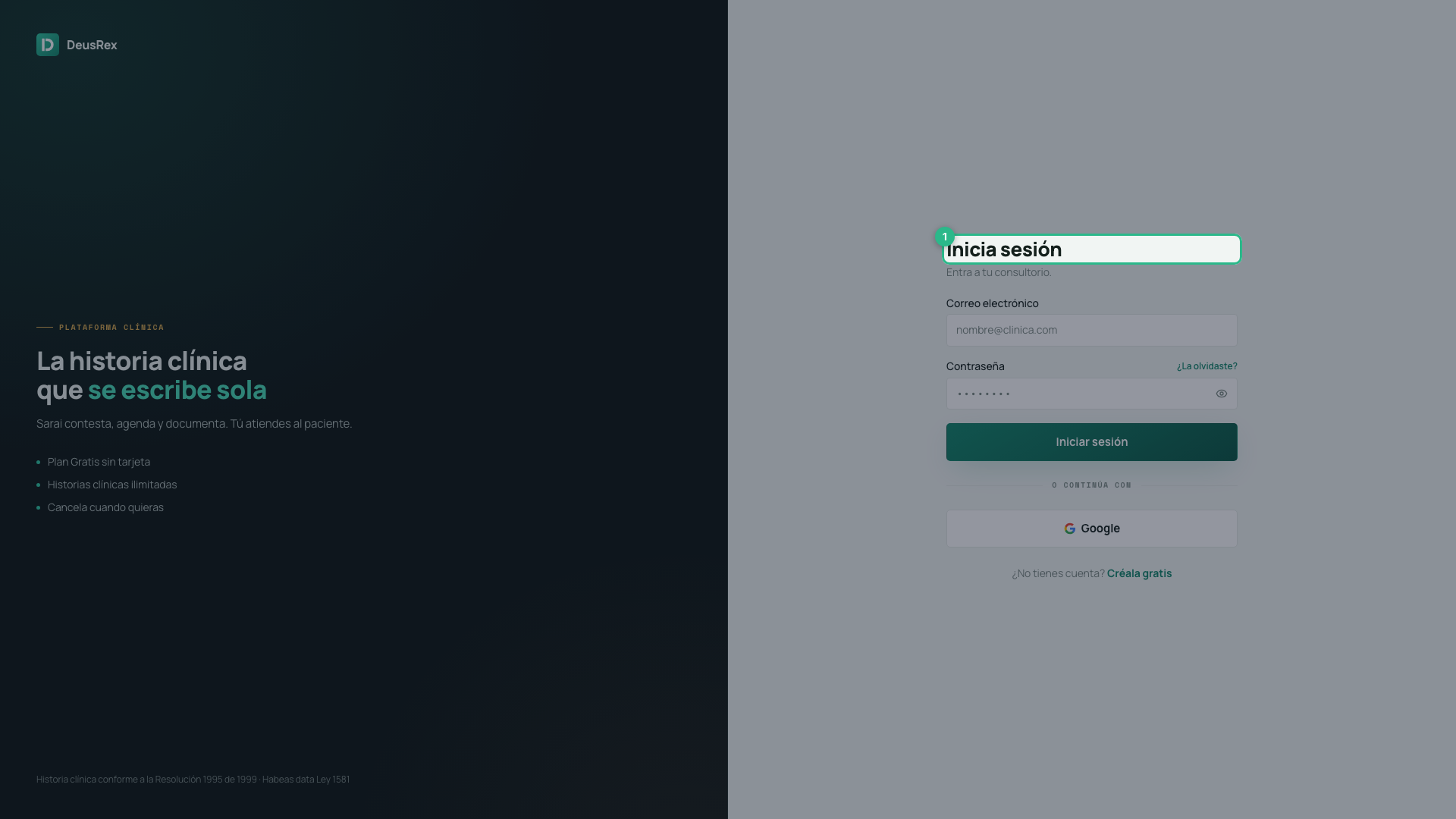
Signing in takes you to your practice. Use your email and password, or the Google account you registered with.
Steps
-
Open the sign-in page at /login.
-
Type your email address.
-
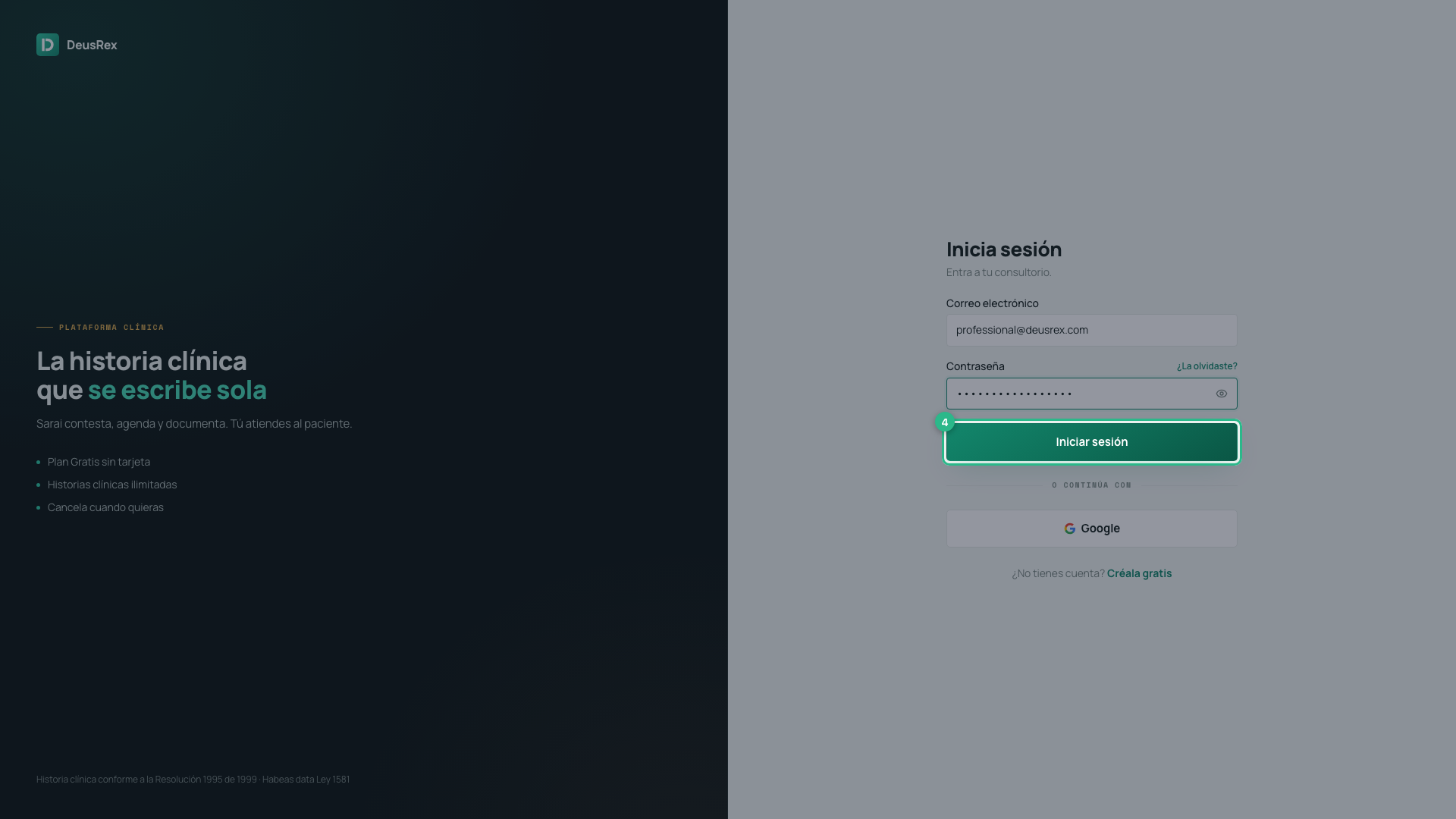
Type your password. Press the eye on the right of the field to see it.
-
Press Sign in.
With Google
Press Google under the form. It only works if you created the account with Google; if you created it with an email and password, use the form.
If something goes wrong
- “That email and password do not match” — check both fields. The message is the same whether the email has no account or the password is wrong. That is deliberate: it stops anyone using this screen to find out who has an account here.
- You forgot the password — press Forgot it? beside the field. See How to recover your password.
- You have no account yet — press Create one free at the foot. See How to create your account.