How to sign a procedure consent
A procedure consent records that the patient agreed to a specific intervention, with their signature and yours. It is done inside the consultation.
For the data authorisation of a patient arriving at the front desk — with no consultation open — see the informed consent guide.
Before you start
- You need an open consultation.
- You need at least one consent template, in Plantillas → Consentimientos.
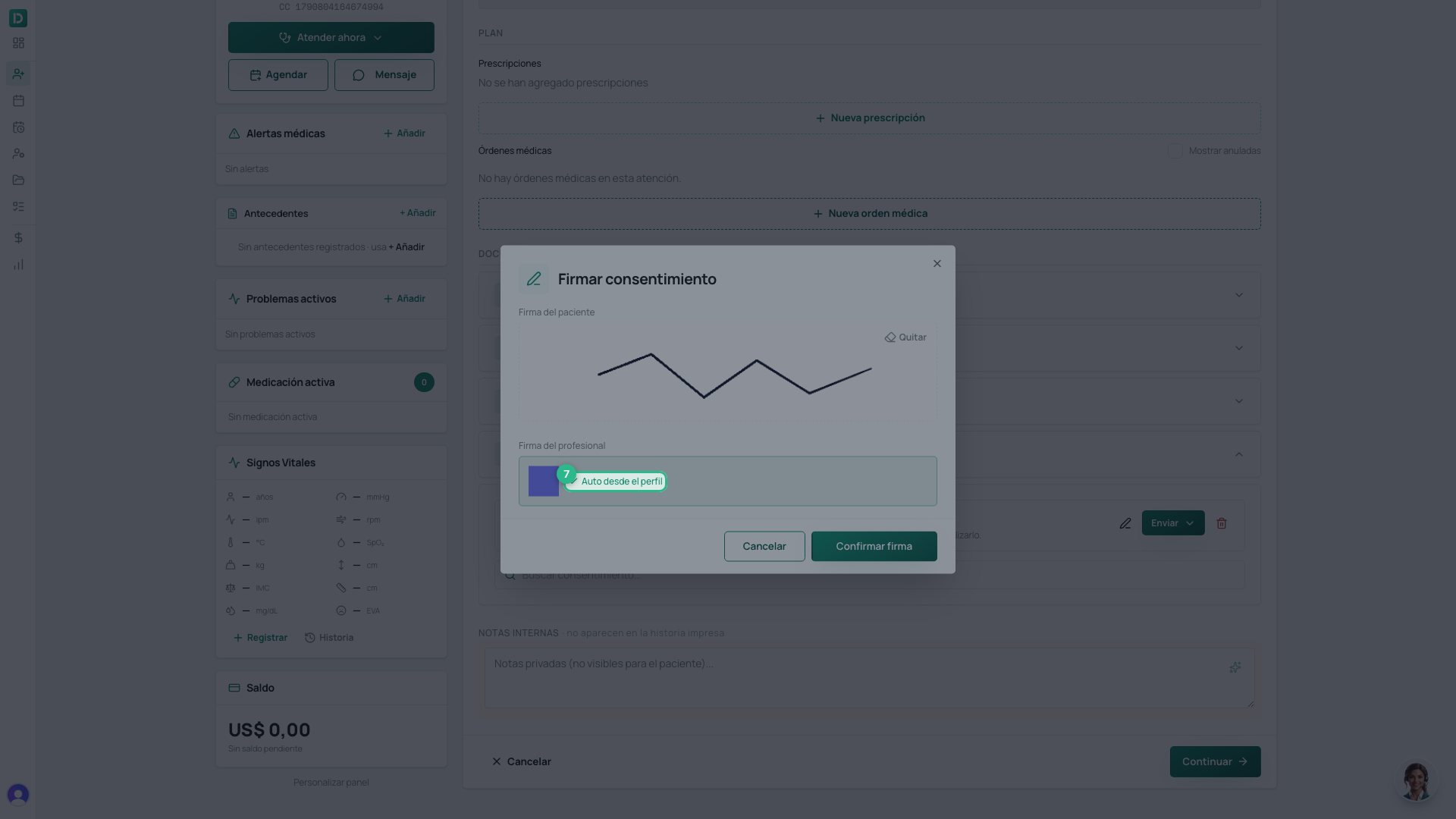
- You need your signature on file. Without it the confirm button never enables, because the document carries both signatures.
Steps
- Inside the consultation, scroll down to Consentimientos and open it (it starts closed).
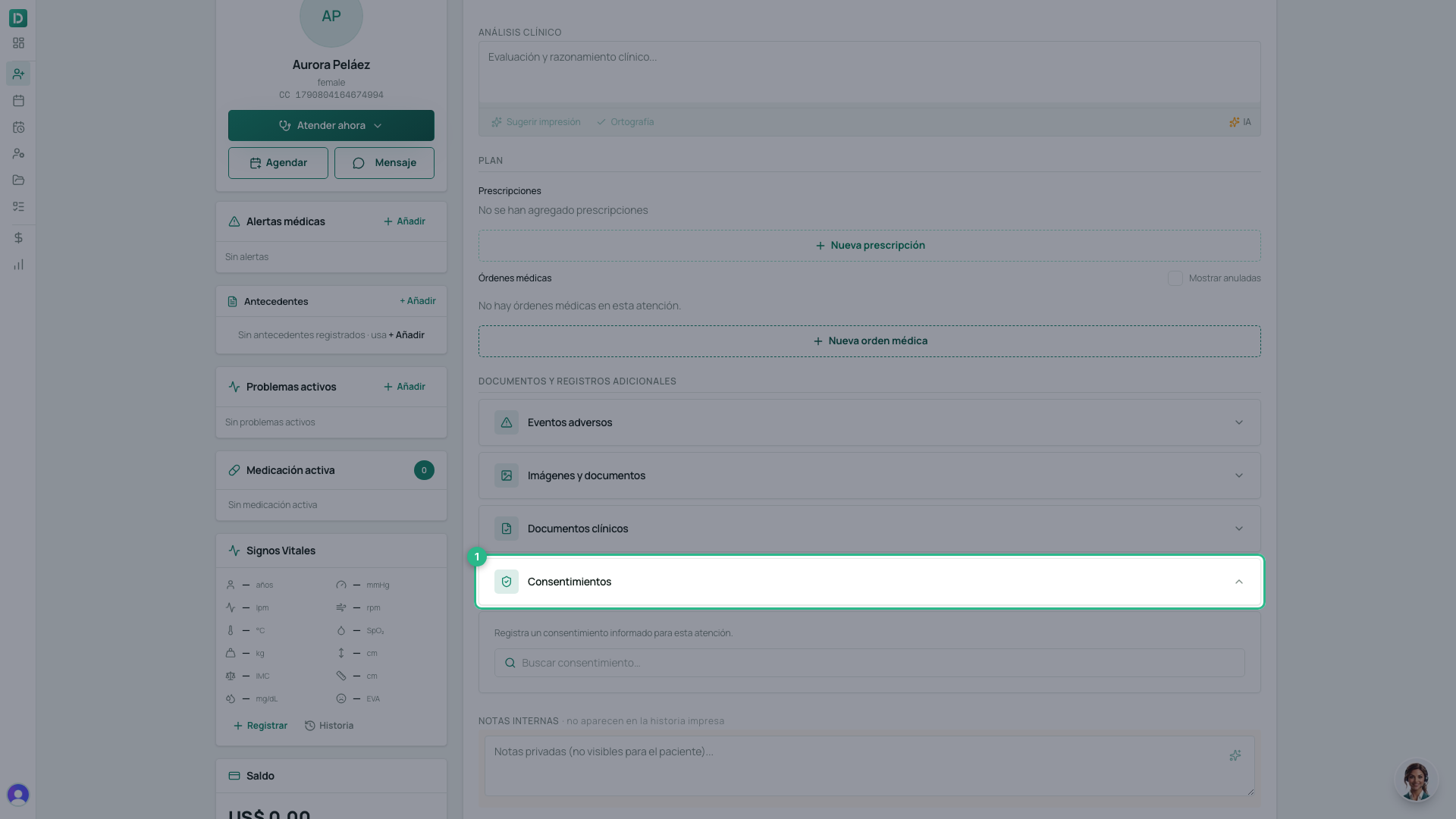
- Type part of the template’s name in the search box.
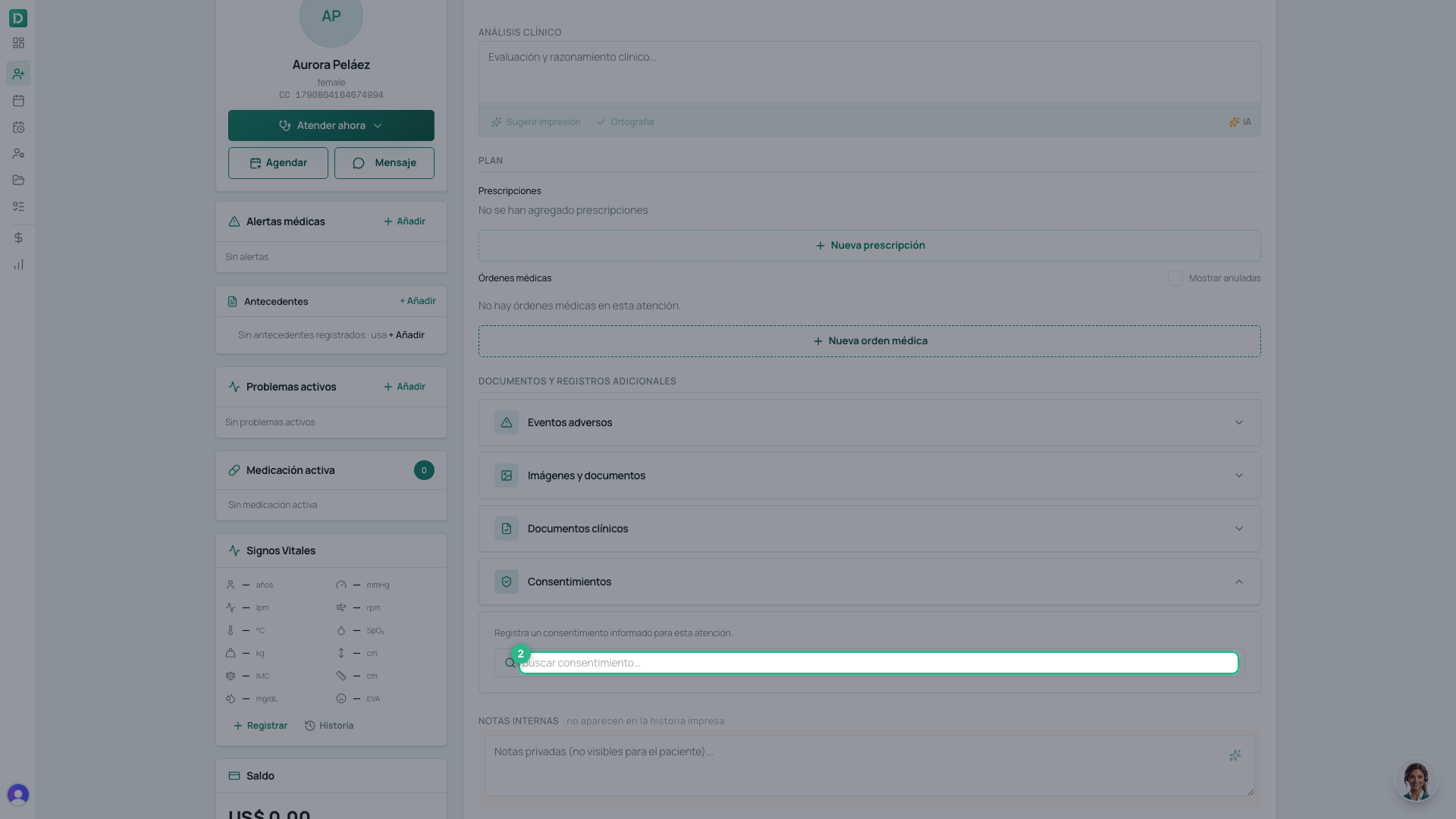
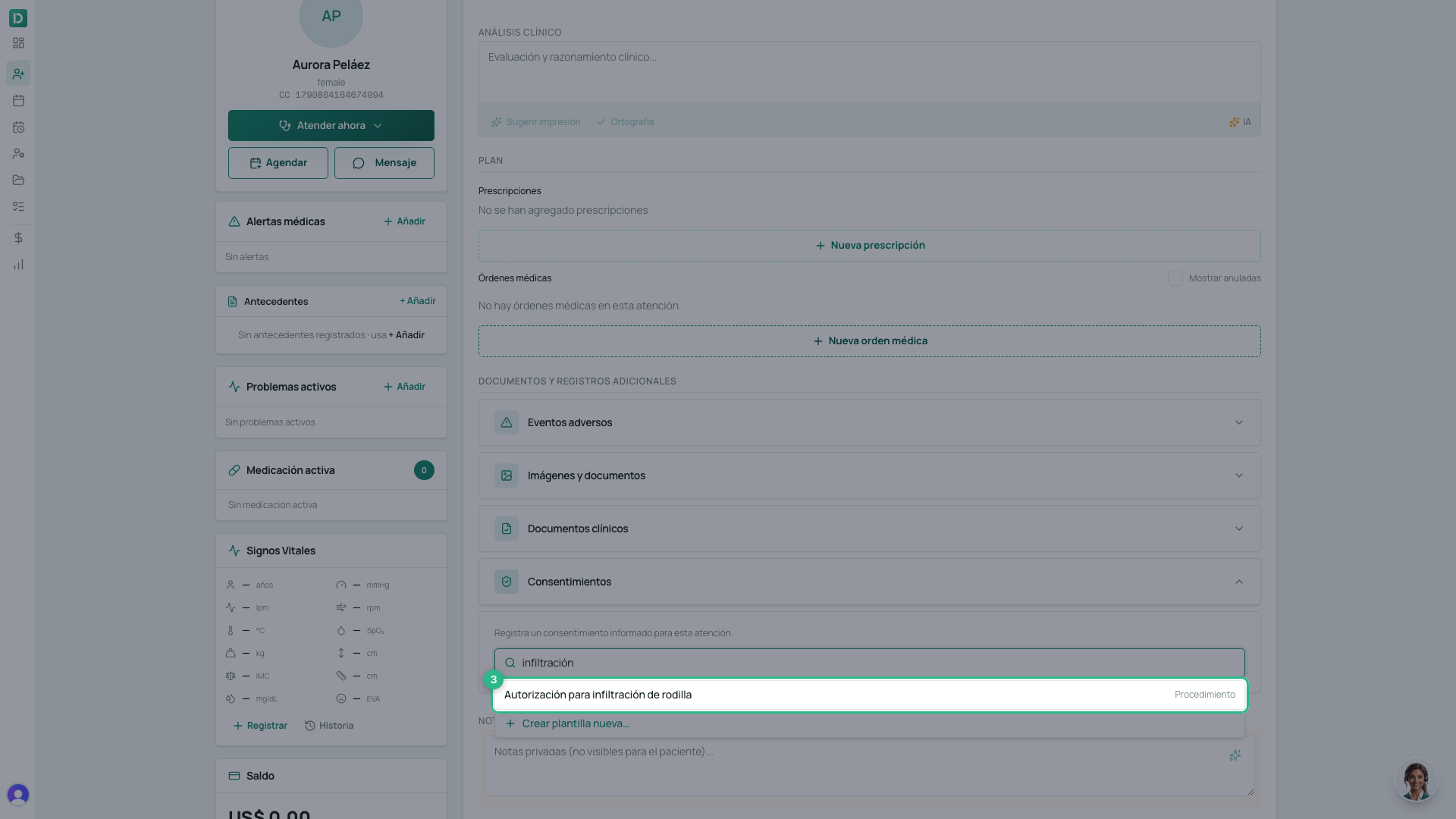
- Pick the template. The text opens filled in with the patient’s data.
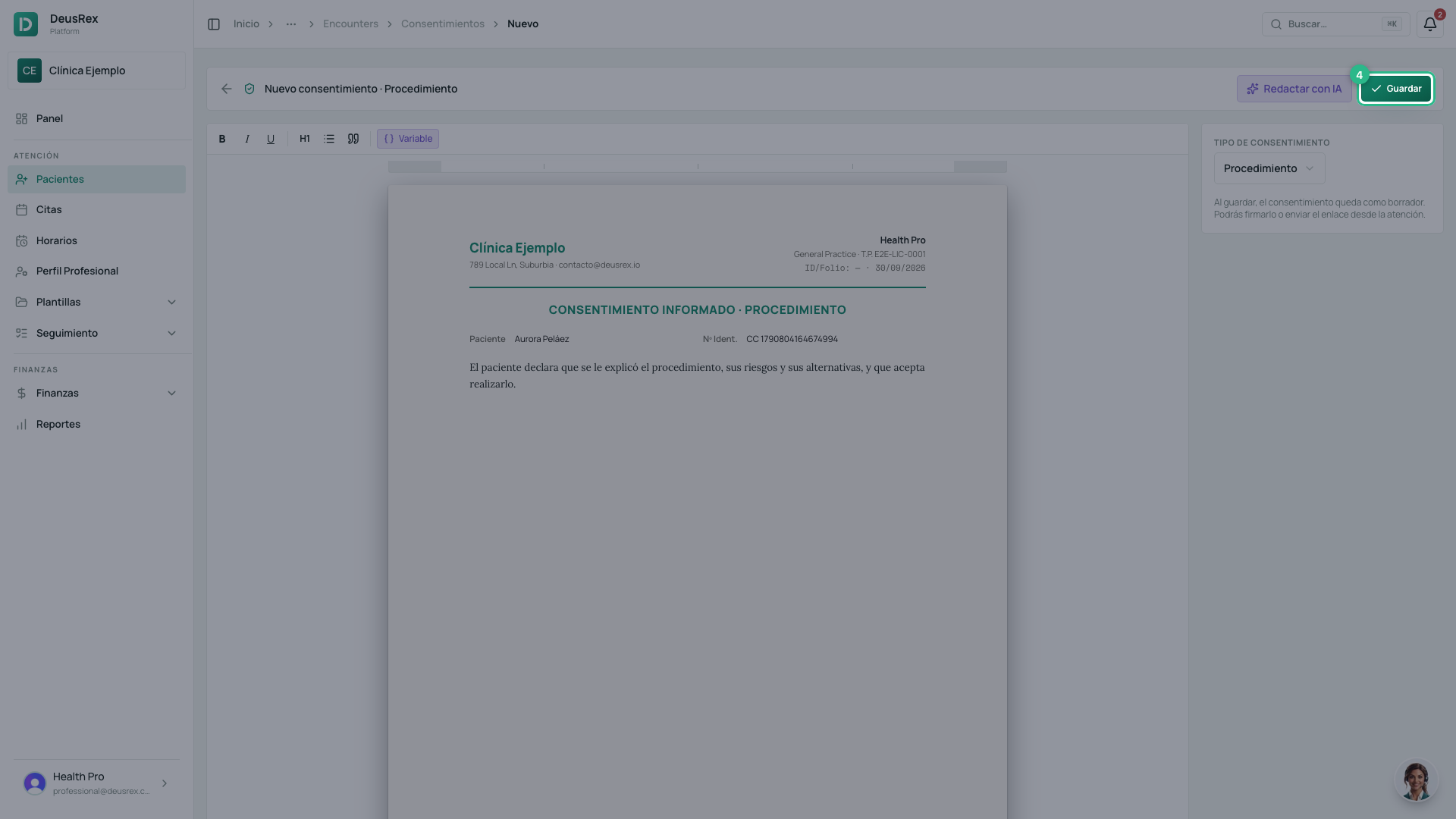
- Review the text — you can adjust it for this case — and click Guardar.
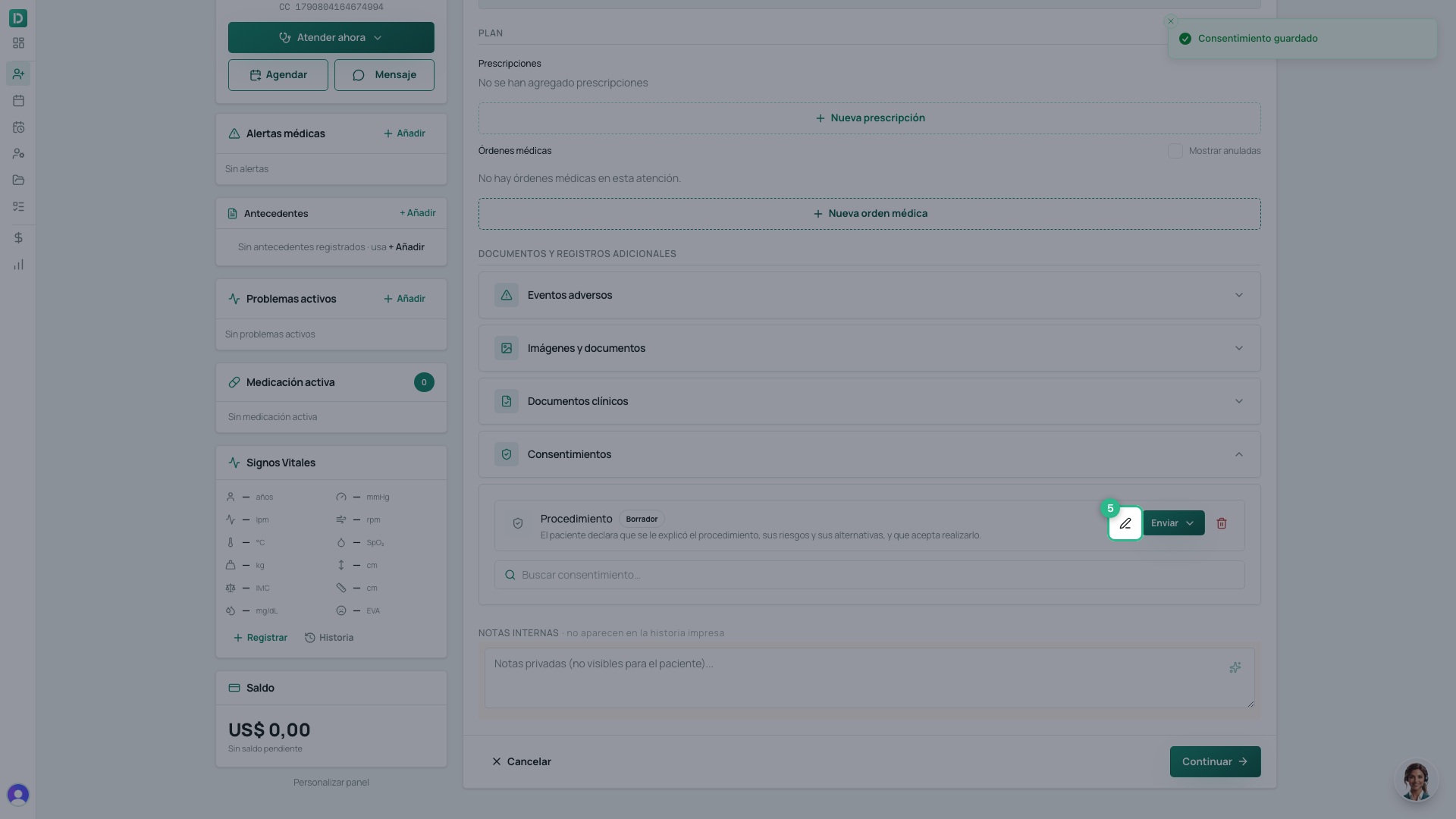
- Back in the consultation, the consent shows as Borrador. Click Firmar ahora.
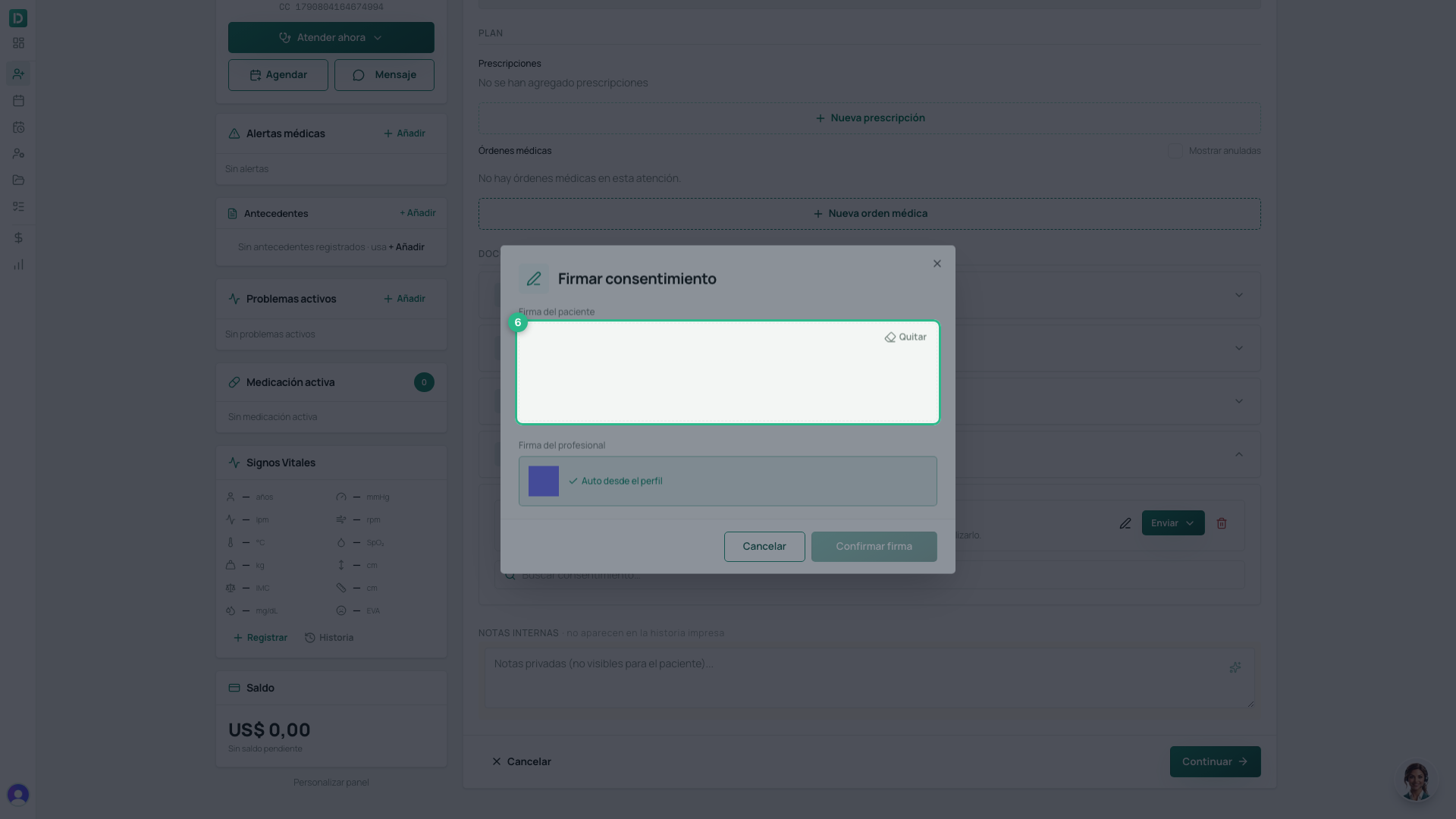
- Hand the device to the patient and ask them to sign in the box.
- Your signature is added by itself, from your profile. If you have not set one up, the same dialog offers to do it.
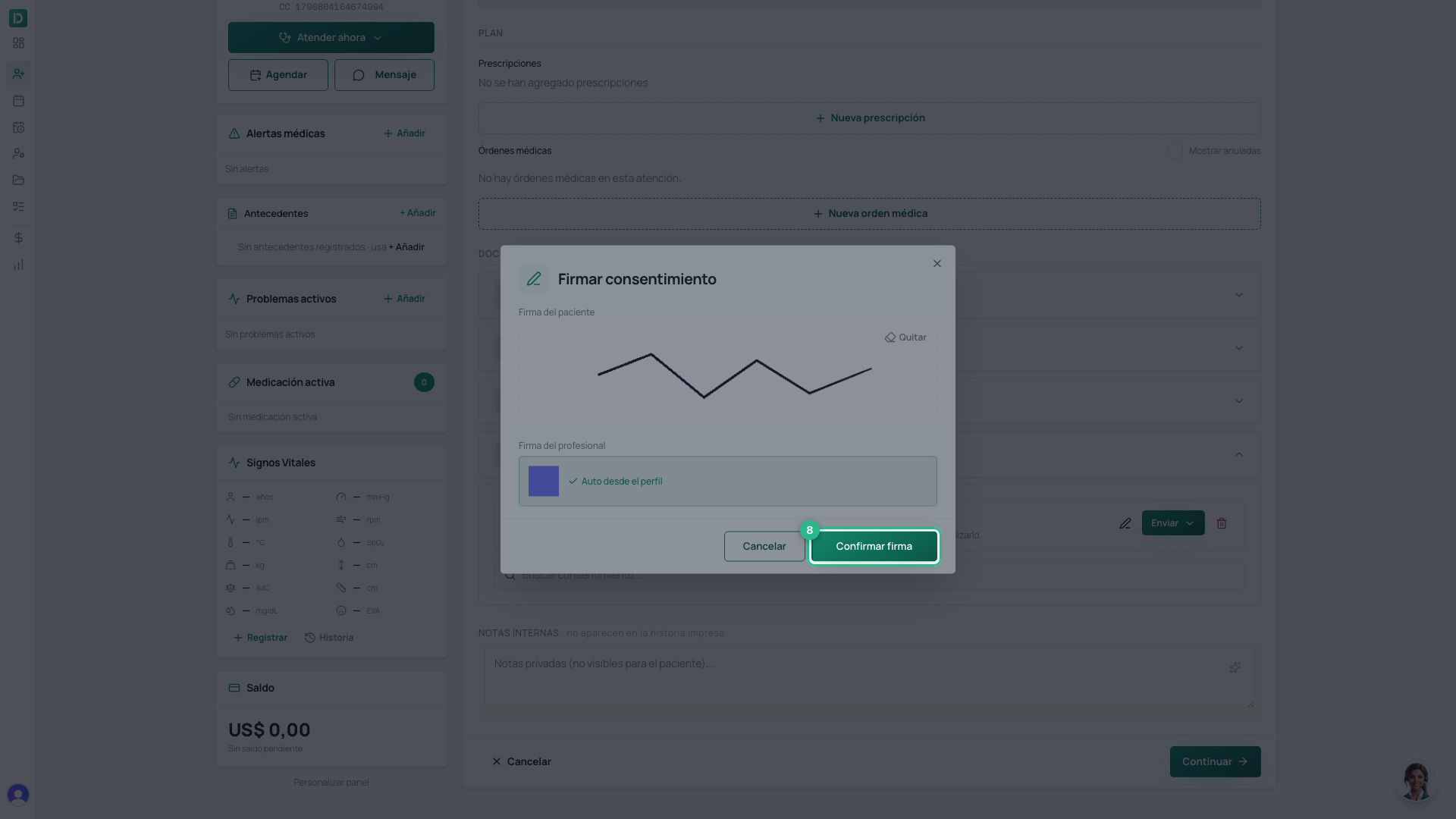
- Click Confirmar firma.
If the patient is not with you
Instead of Firmar ahora, use Enviar enlace and the patient signs from their phone. It has its own guide: how to send a consent to be signed remotely.
Tip
Create a template for each frequent procedure. The consultation then comes down to finding it, reviewing it and signing, instead of writing the same text again every time.