How to generate the month's content calendar
On this page
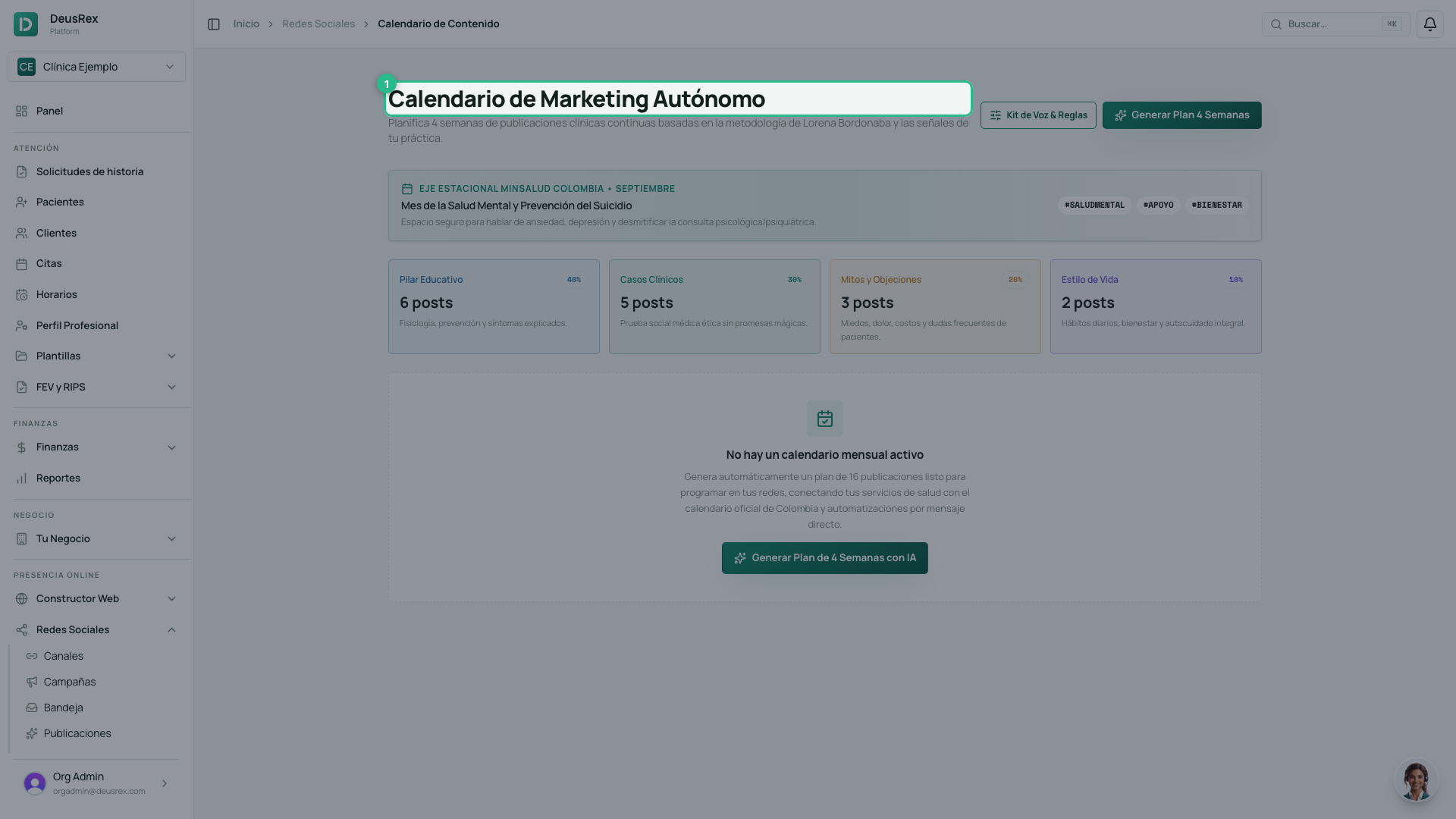
The content calendar writes a whole month at once: 16 posts spread over 4 weeks, each with its hook, its copy and a keyword for replying by direct message. They are saved as drafts straight away: you give them their content, review them and approve the month; you do not write from scratch.
It lives under Social Media → Content Calendar.
Before you start
- Define your brand voice and clinical rules. The generator respects them in every post, and without them it writes generically.
- You need AI credits available: the full plan costs 10.
- Every post is saved as a campaign, so your plan must include the Engagement module. Without it the calendar does not generate the month (and spends no credits).
Your stage and the advertising rules
The month is built for your business stage —the one you set in your companion—: while launching, it focuses on getting known and booking your first appointments (more carousels and images, a professional introduction); when operating, on filling your schedule; when improving, on loyalty and showing your team and more complex services. The generate dialog shows the stage and lets you change it.
If your practice is in Colombia, every post also follows the health-advertising rules: no promised results, no superlatives, prices in pesos with VAT, and no prescription drugs. If something slips through, the post shows Revisar and the editor tells you what to fix.
The four pillars
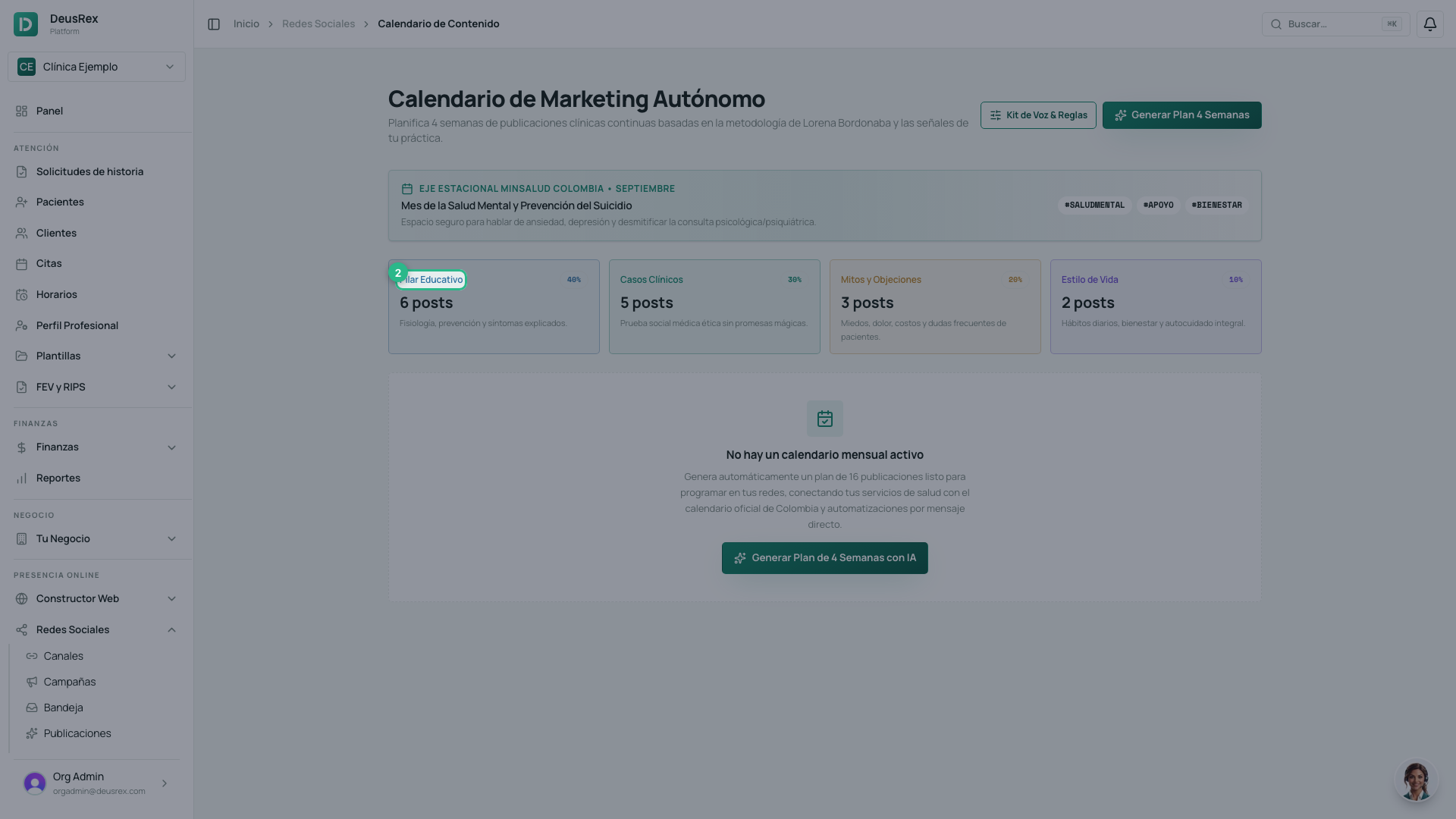
At the top you can see how the month is split: 40% educational, 30% clinical cases, 20% myths and objections and 10% lifestyle. That mix is fixed, and it is what stops a whole month talking about one thing.
The formats
The month also spreads the formats: 8 reels, 5 carousels and 3 images. Each day comes with its format assigned, and the AI writes for it: a spoken script for the reel, the slides for the carousel.
Generating the plan
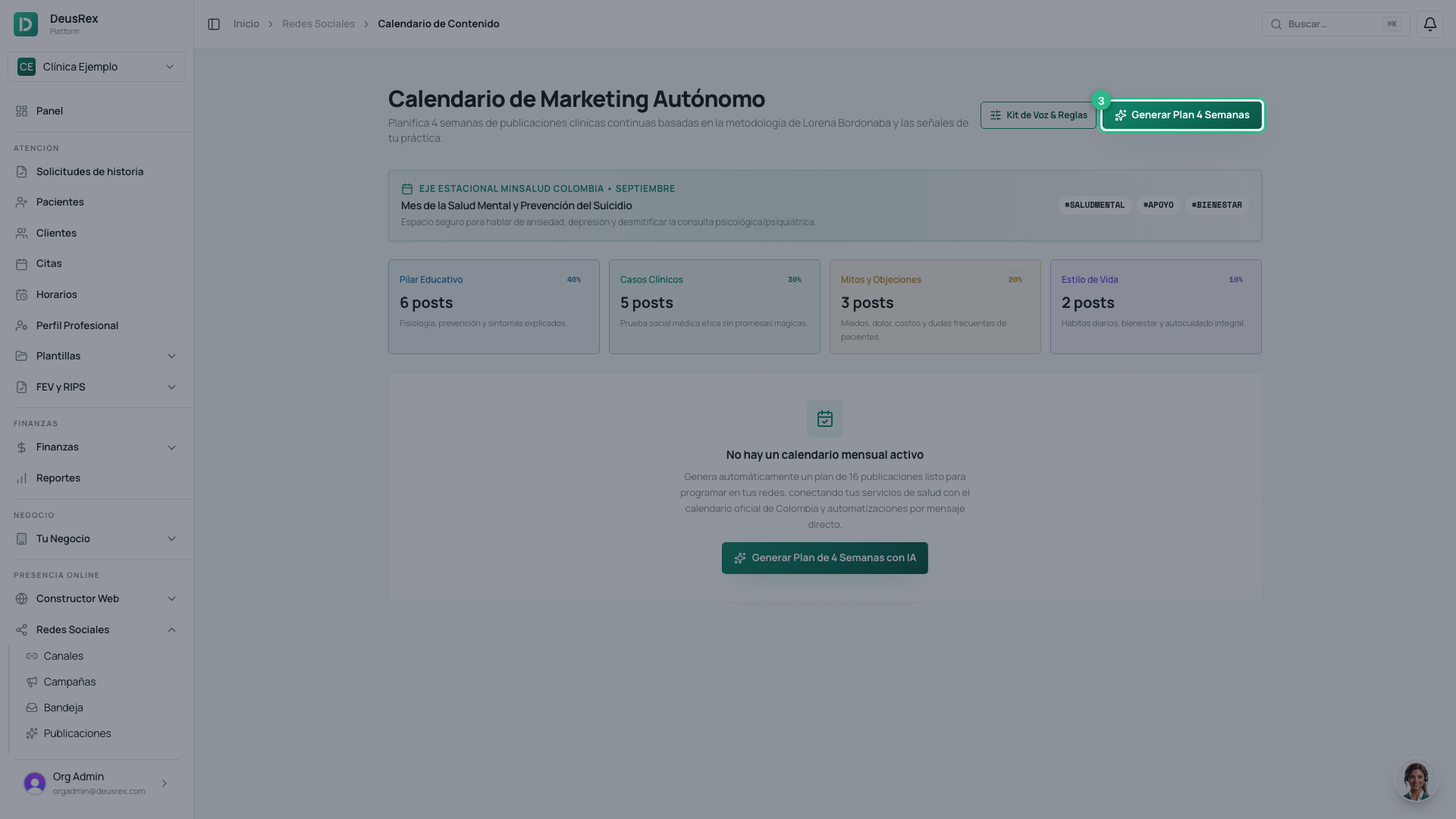
Press Generate 4-Week Plan.
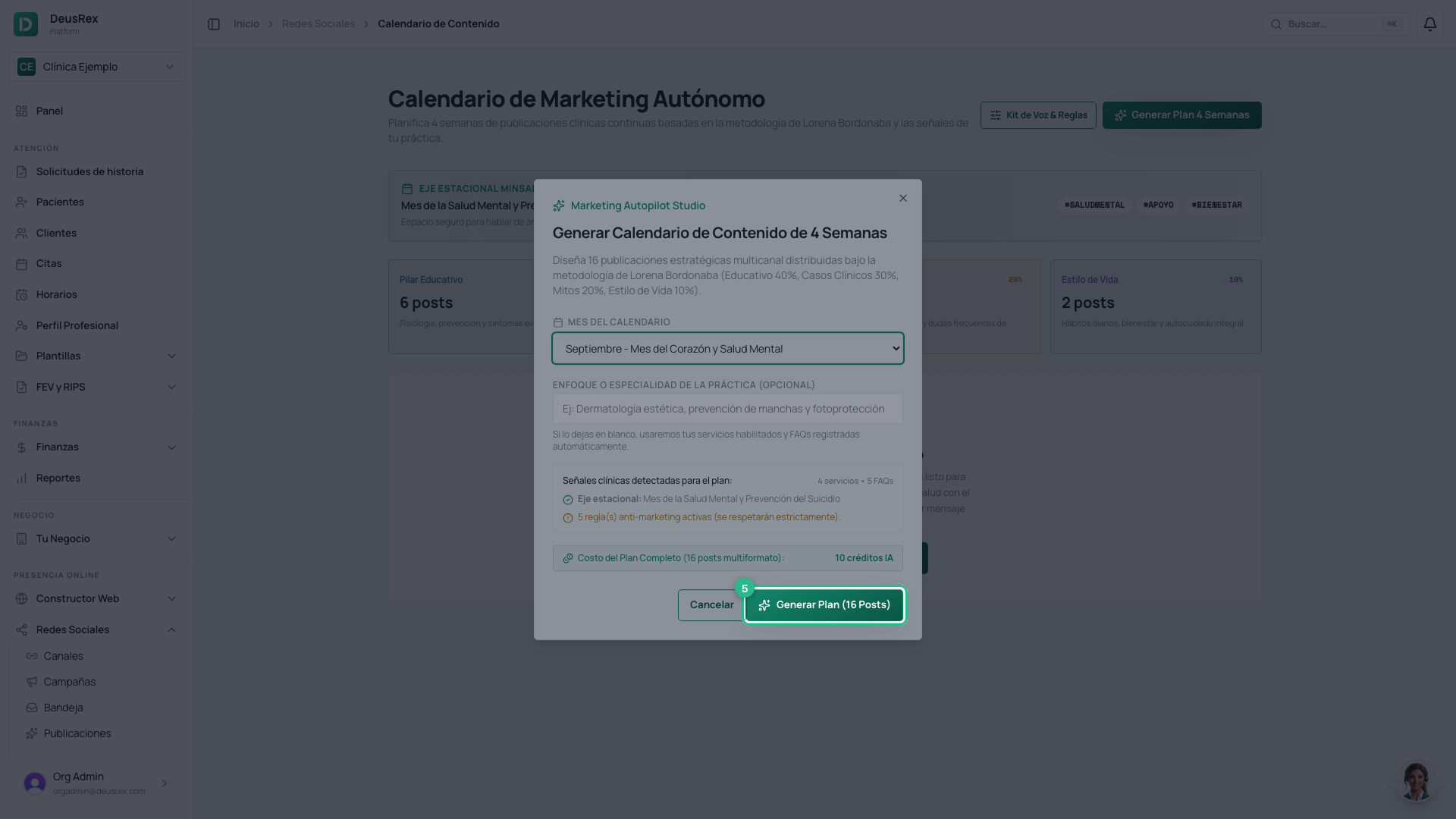
Before spending anything, the dialog shows the signals it will use — your services, your FAQs, the month’s seasonal theme — and what the plan costs in credits.
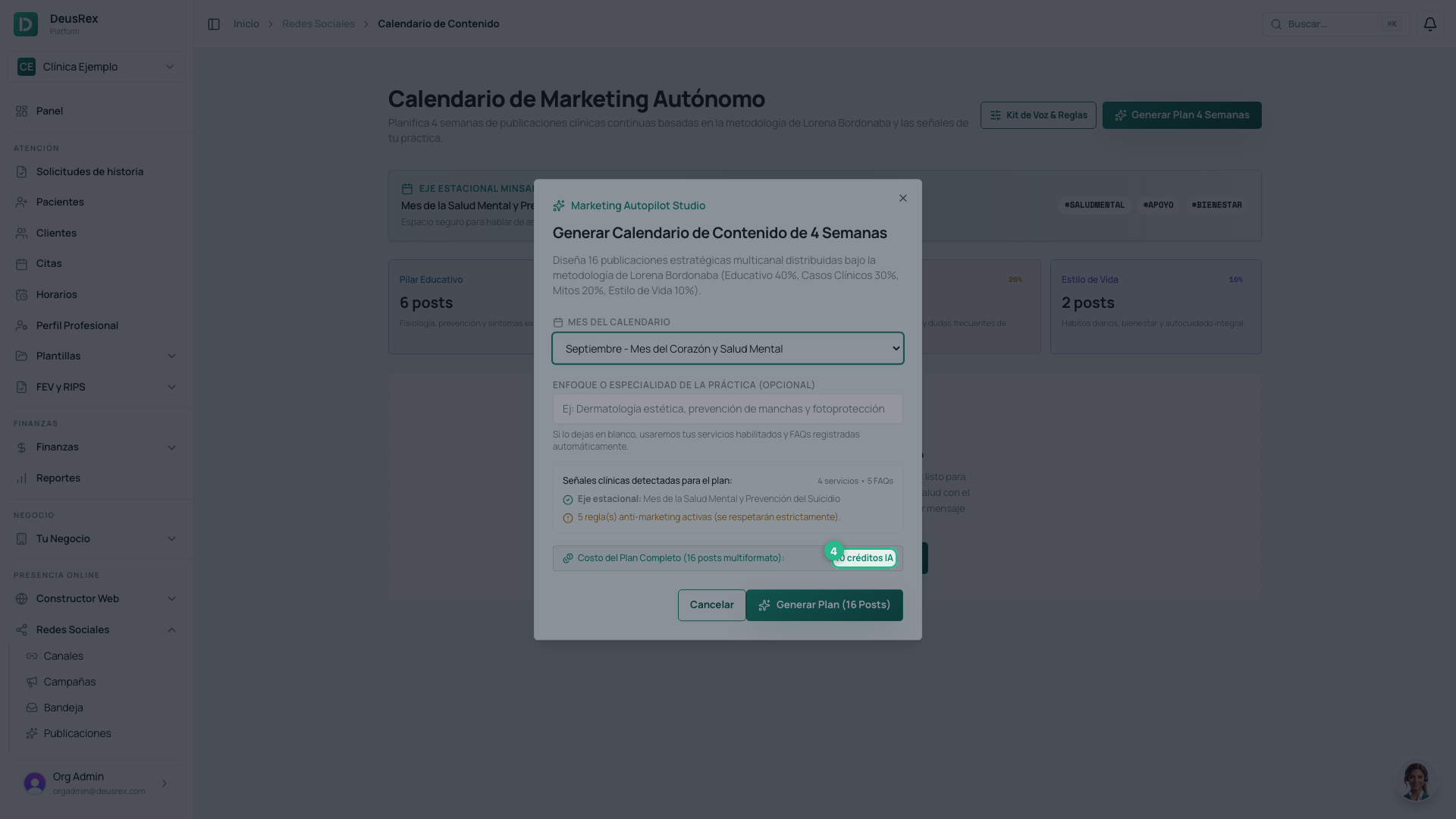
Confirm with Generate Plan (16 Posts). It takes a couple of minutes: the AI writes all four weeks.
Every post is a draft
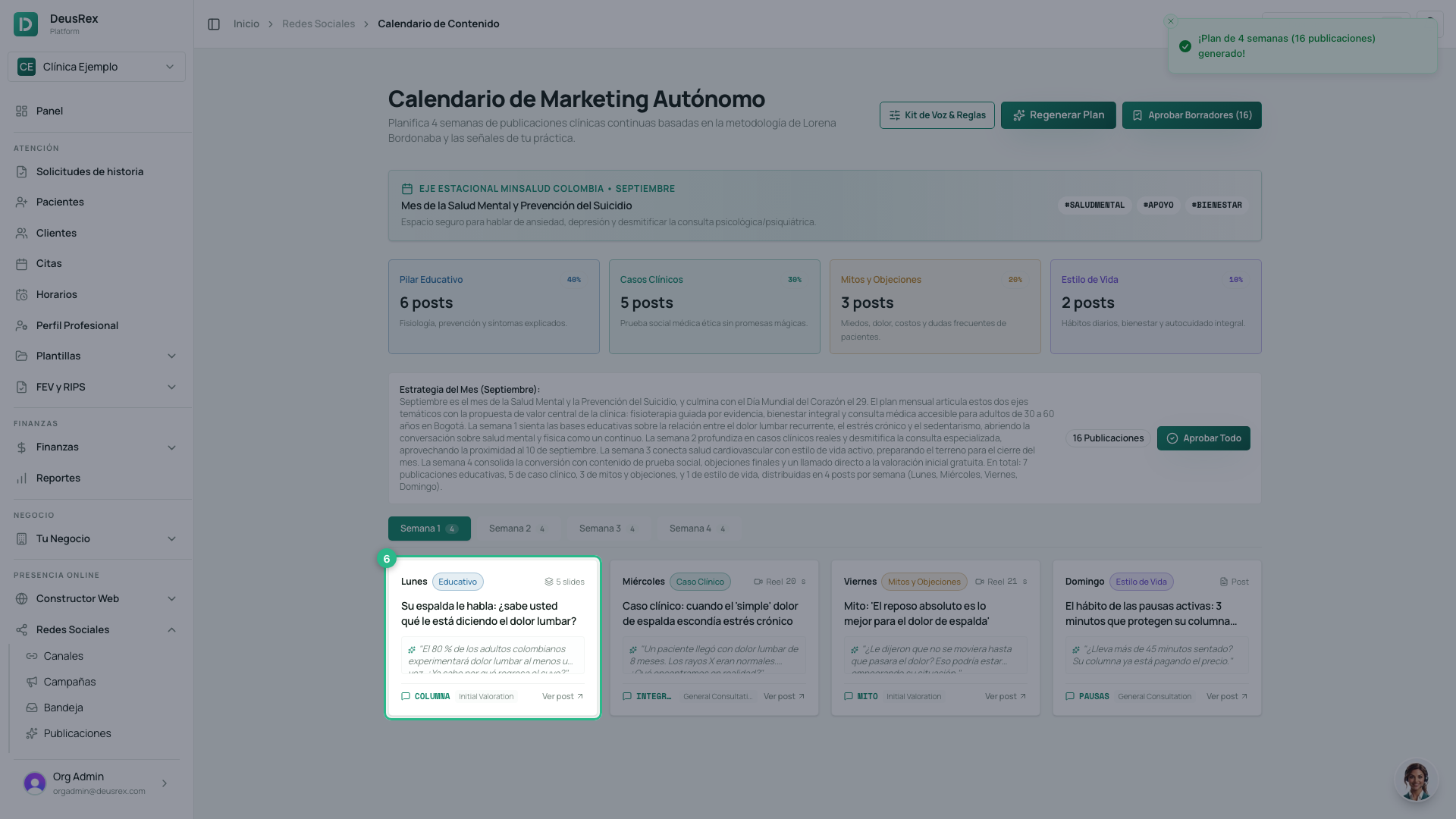
When it finishes, the month is saved: every post is already a draft campaign with its date (10:00, starting the following Monday) and its comment automation. If you reload or leave, the month is still there.
Each week sits in its own tab. Every card shows its format; reels also show their estimated length. A reel lasts 30 seconds at most: if the length is highlighted, trim the script. Cards say Sin contenido until the post has its image, carousel or video, and Lista once it does. Tap one to open it in its editor.
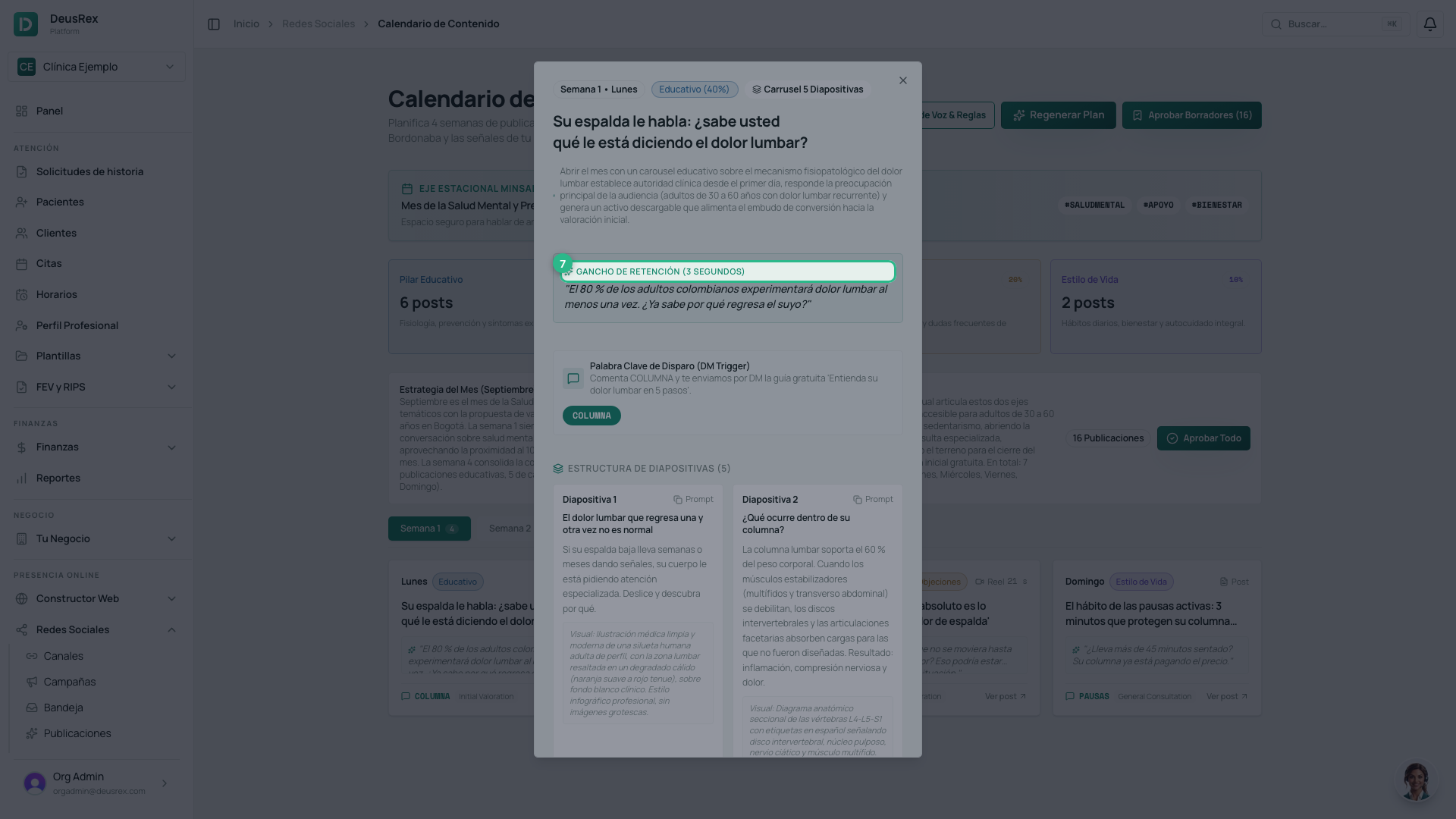
The editor shows what you write on the left —the copy, the hashtags, the hook and a reel’s voice-over— and on the right the post exactly as it will go out on Instagram or Facebook (or as a reel). That is where you give it its content: a carousel is designed in your brand at no cost; a reel is made in the style you pick —voice over slides, AI clip or presenter. If you change the script of a reel already made, the editor warns that the video no longer matches until you make it again.
Generating everything
Instead of opening post by post, Generar todo makes the content of every post that does not have it yet, in date order. First you pick the style of the month’s reels —voice over slides, AI clip or presenter—; you can change any reel later from its editor.
Before anything is spent, the dialog shows what it costs: carousels and images in your brand are free; each reel uses credits (and a video clip for AI clip or presenter). If your balance does not reach, it generates in date order as far as it goes and the rest stay Sin créditos, ready to generate once you top up.
While it runs you see the progress and each post’s state (En cola, Generando…, Lista). You can leave the page: it keeps going in the background and we let you know when it finishes. Detener leaves the waiting ones ungenerated.
Approving the month
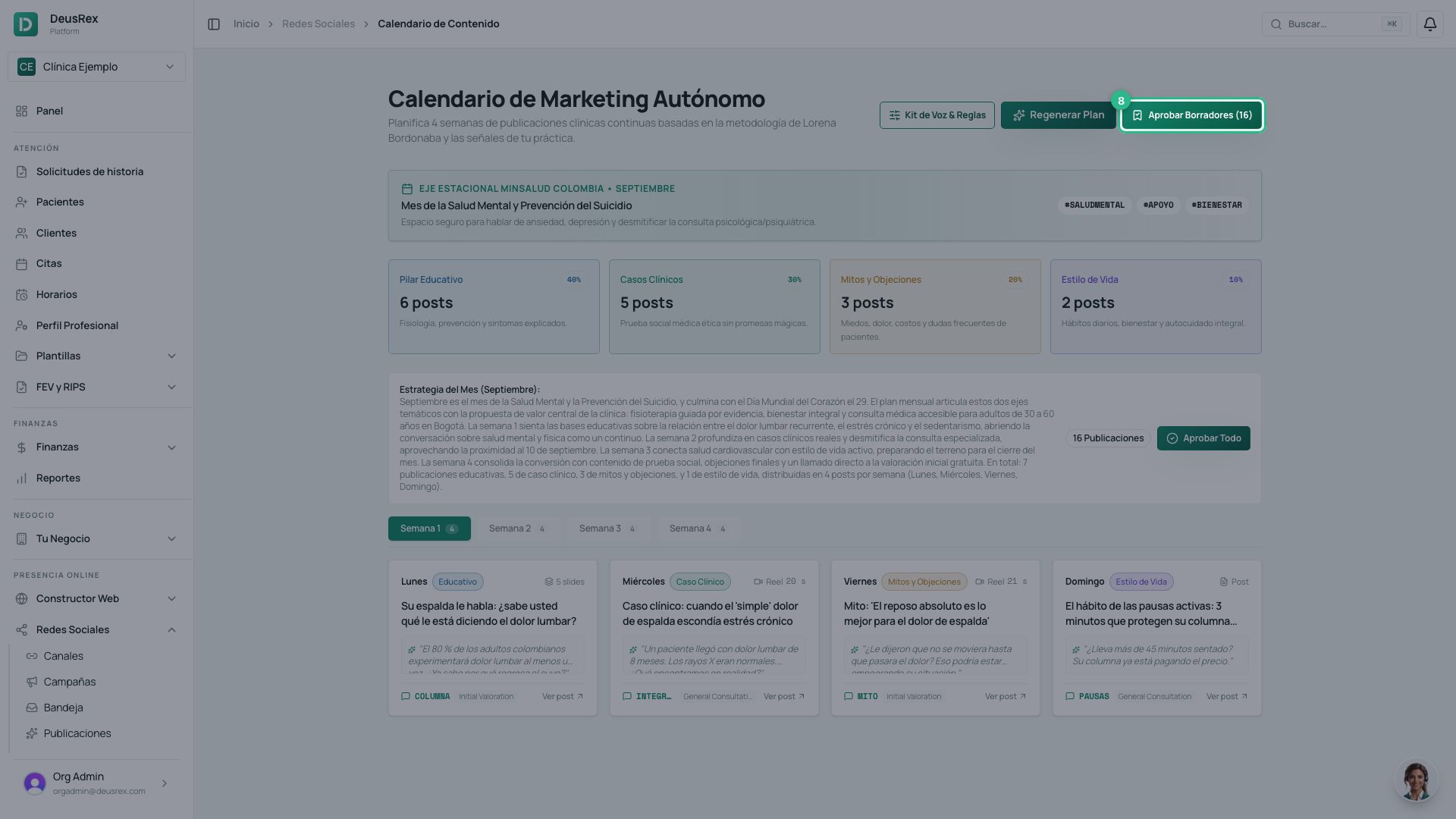
Aprobar mes counts the posts that are already Lista. It shows you a last summary —the channels, the first and last date, and which posts stay as drafts and why— and, when you confirm, schedules them: each goes out on its own day, on the channels you have connected. The ones that do not have their content yet stay drafts; give them their material and approve the month again whenever you like.
If you have not connected Instagram or Facebook yet, instead of approving you will see Conectar canal para programar.

Tip
While no post is scheduled, Regenerar plan replaces the month’s draft with a new one (and costs credits again). Once approved, the button becomes Generar nuevo mes.
A scheduled post can still be edited from its campaign until it goes out: saving keeps it scheduled.