How to use document templates
On this page
Document templates let you write certificates, sick notes and other clinical documents once and reuse them. They belong to the whole organization, and you insert them into a consultation.
Steps
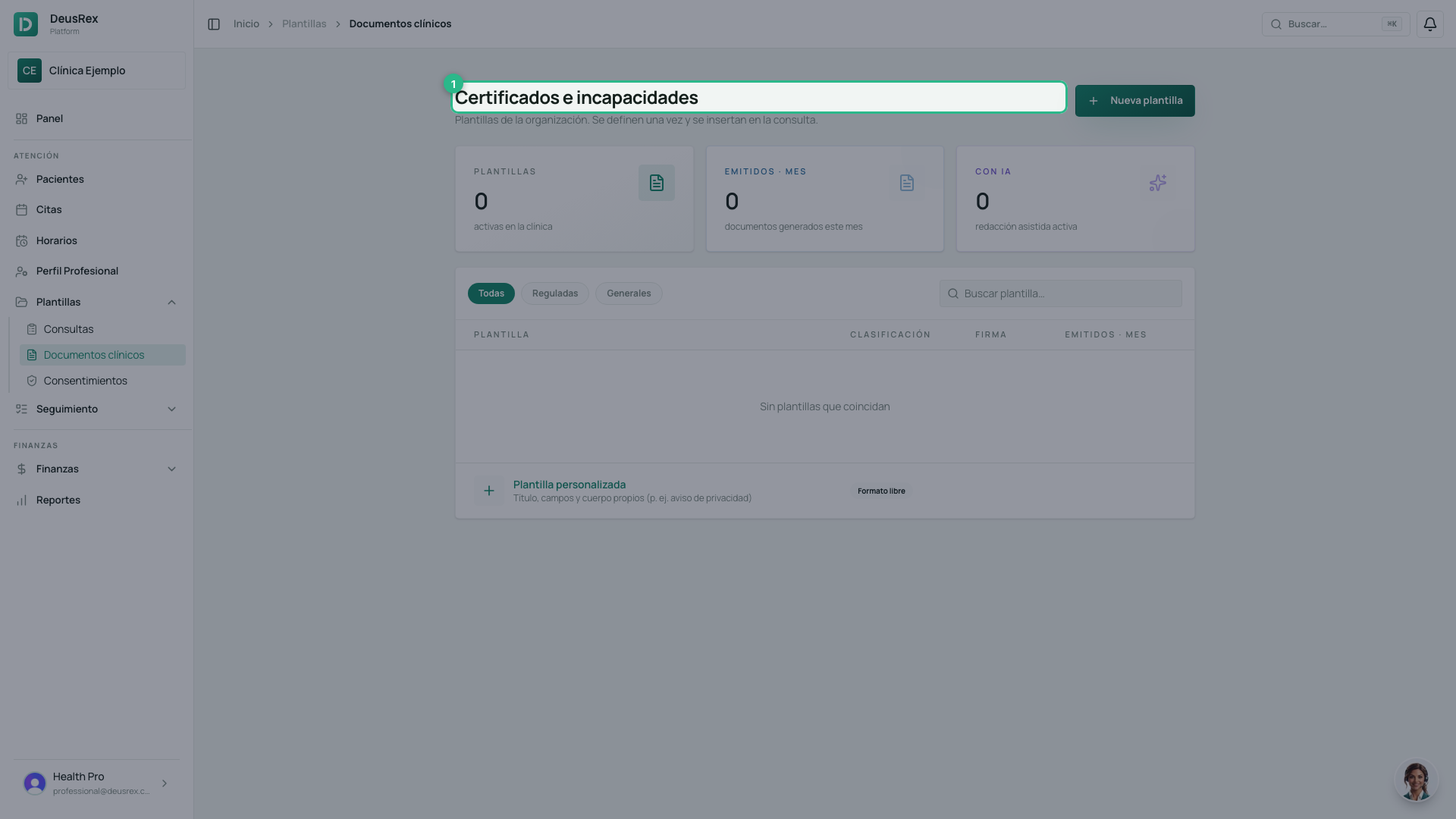
- Go to Plantillas → Documentos clínicos. The screen is titled Certificados e incapacidades.
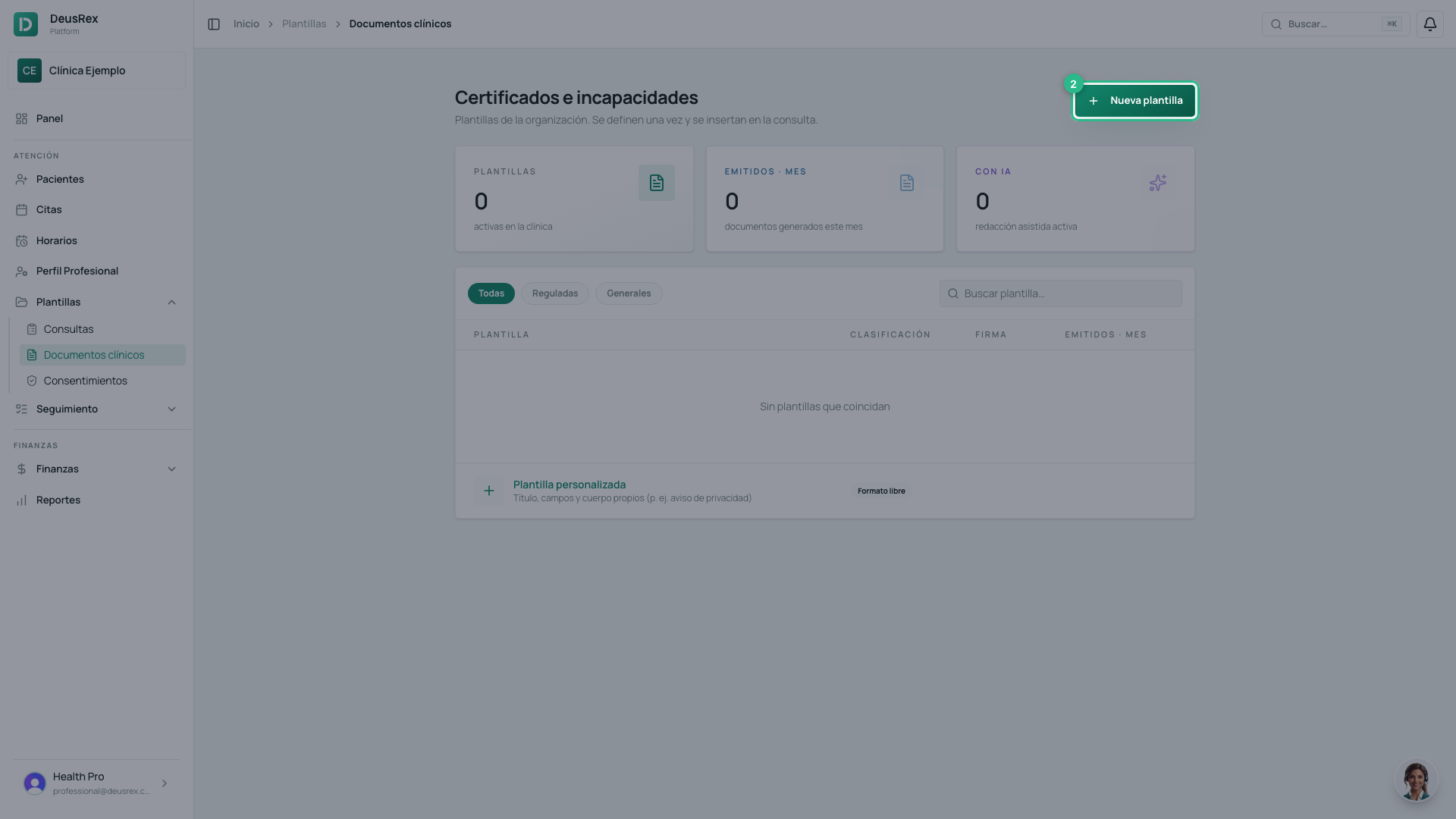
- Click Nueva Plantilla.
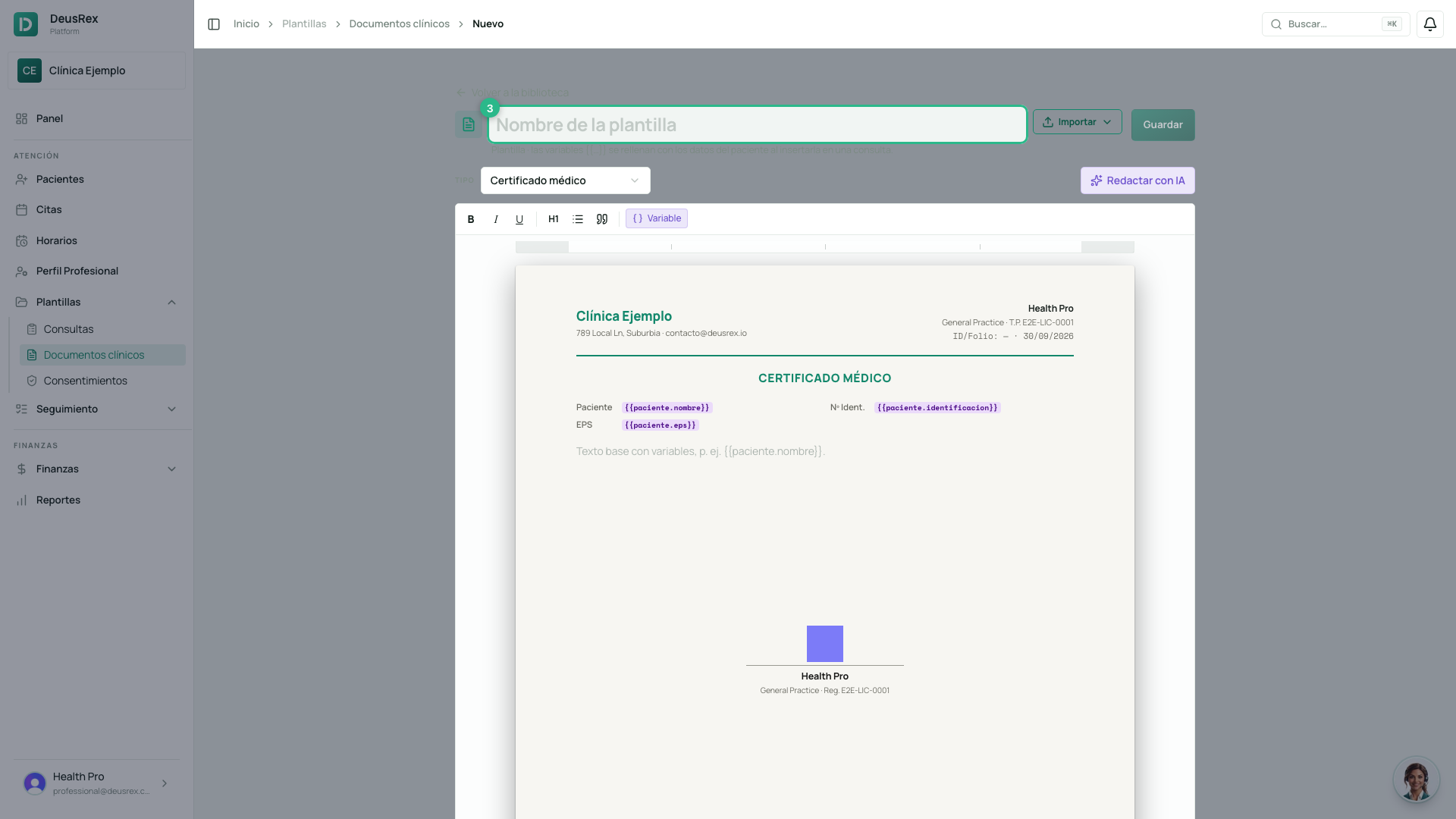
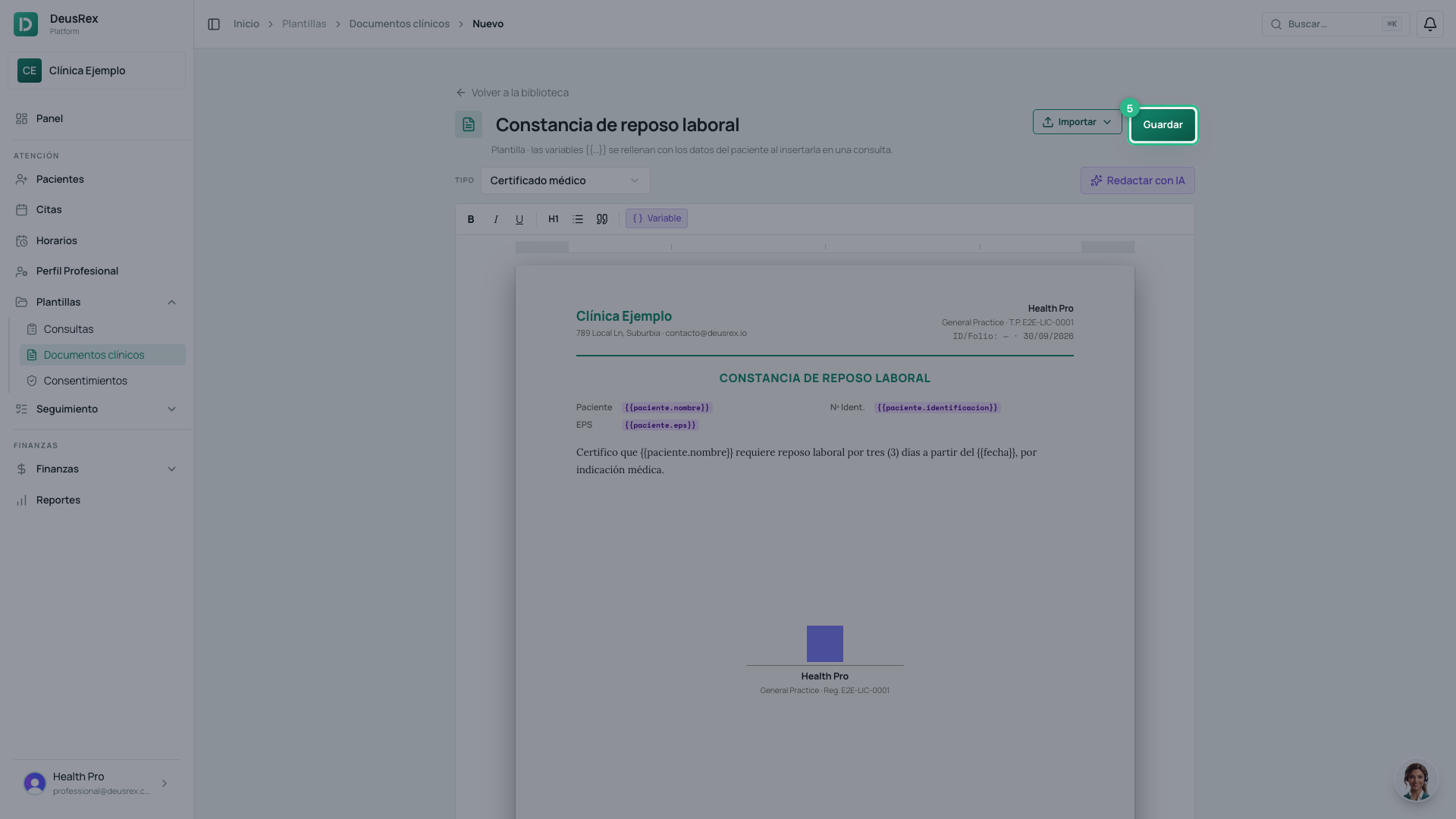
- Name the template. The name is what you will see when you insert it into a consultation, so describe it by what it is for.
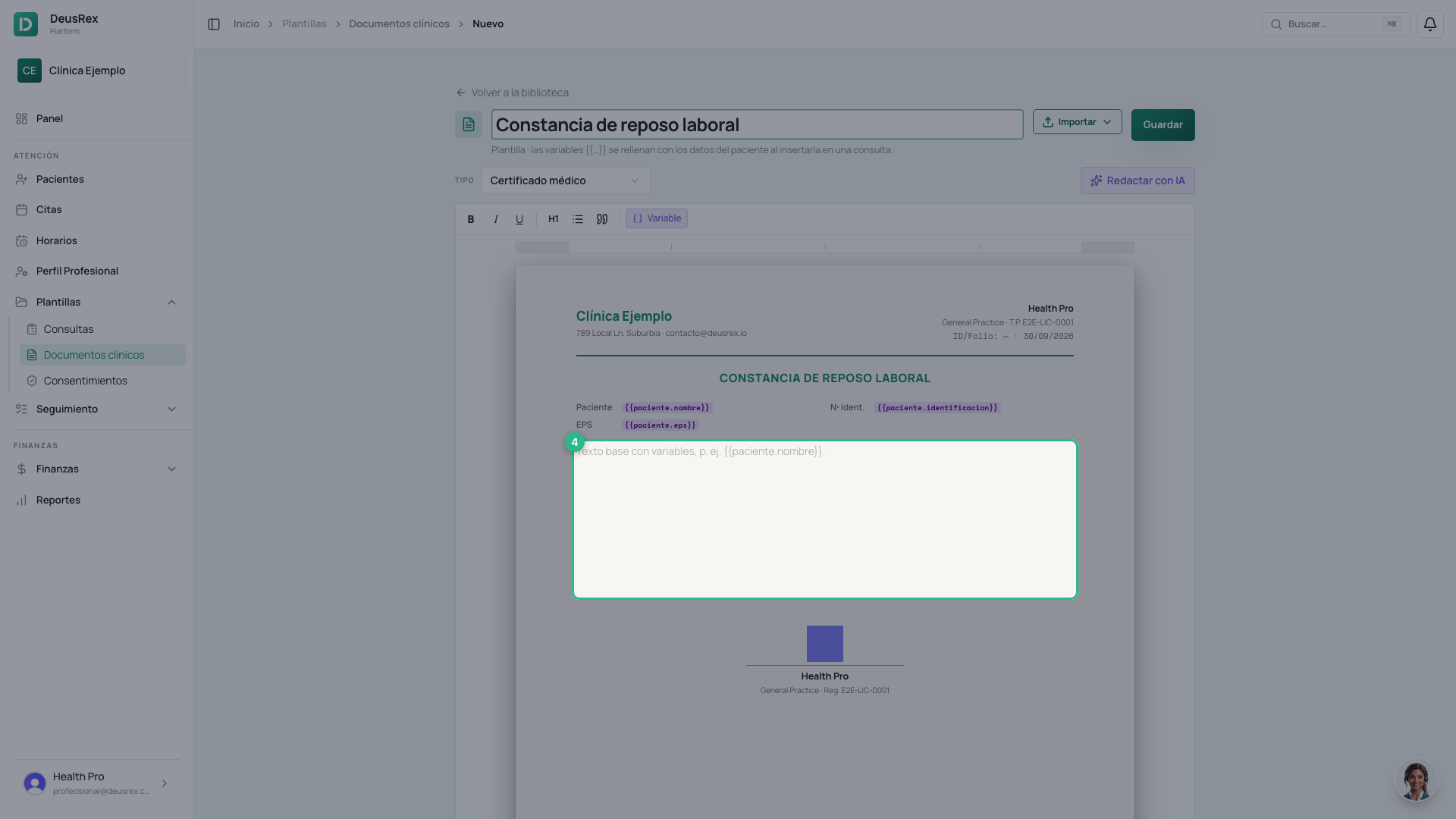
- Write the body in the editor. Variables in braces —
{{paciente.nombre}}, for example — fill themselves in with the patient’s data when you insert the template.
- Click Guardar.
The type decides which fields you get
Pick the type in the selector at the top:
- Incapacidad médica is the only type regulated in Colombia. It brings fields for days, dates, ICD-10, origin and extension.
- Certificado médico arrives with the patient’s data already filled in.
- Constancia de asistencia sets the date and time of the attention by itself.
- Documento clínico leaves the title, the fields and the body up to you.
Tip
If you do not know where to start, the Redactar con IA button offers three common starting points: Incapacidad estándar, Certificado de asistencia and Reposo por síntomas.