How to write a professional's public bio with AI
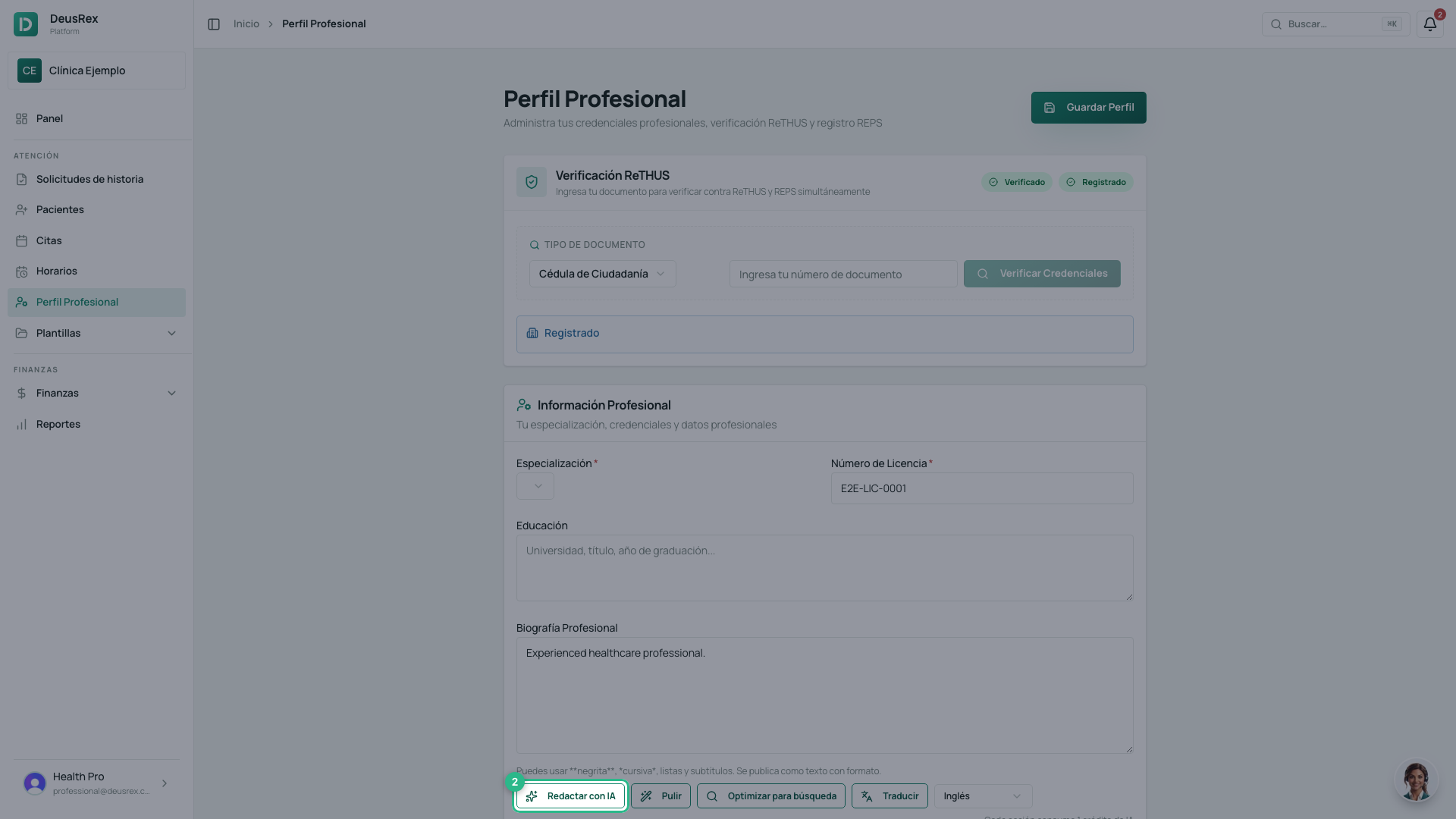
The bio on a professional profile is the text patients read in the public directory. You can write it yourself or let the AI draft it from the professional’s already-verified details.
It’s on Professional profile, inside the information card.
Formatting
You can use **bold**, *italics*, lists, and subheadings. It publishes as
formatted text, not as code.
The four AI actions
Each action costs 1 AI credit.
- Draft with AI — writes a first version from the registered name, specialty, and credentials.
- Polish — fixes and tidies what you already wrote without changing what it says.
- Optimize for search — rewrites the text so it’s easier to find by specialty and city.
- Translate — produces the English or Portuguese version.
After any of them an Undo appears, which restores the previous text. Nothing is stored until you save the profile.
Translating without losing the original
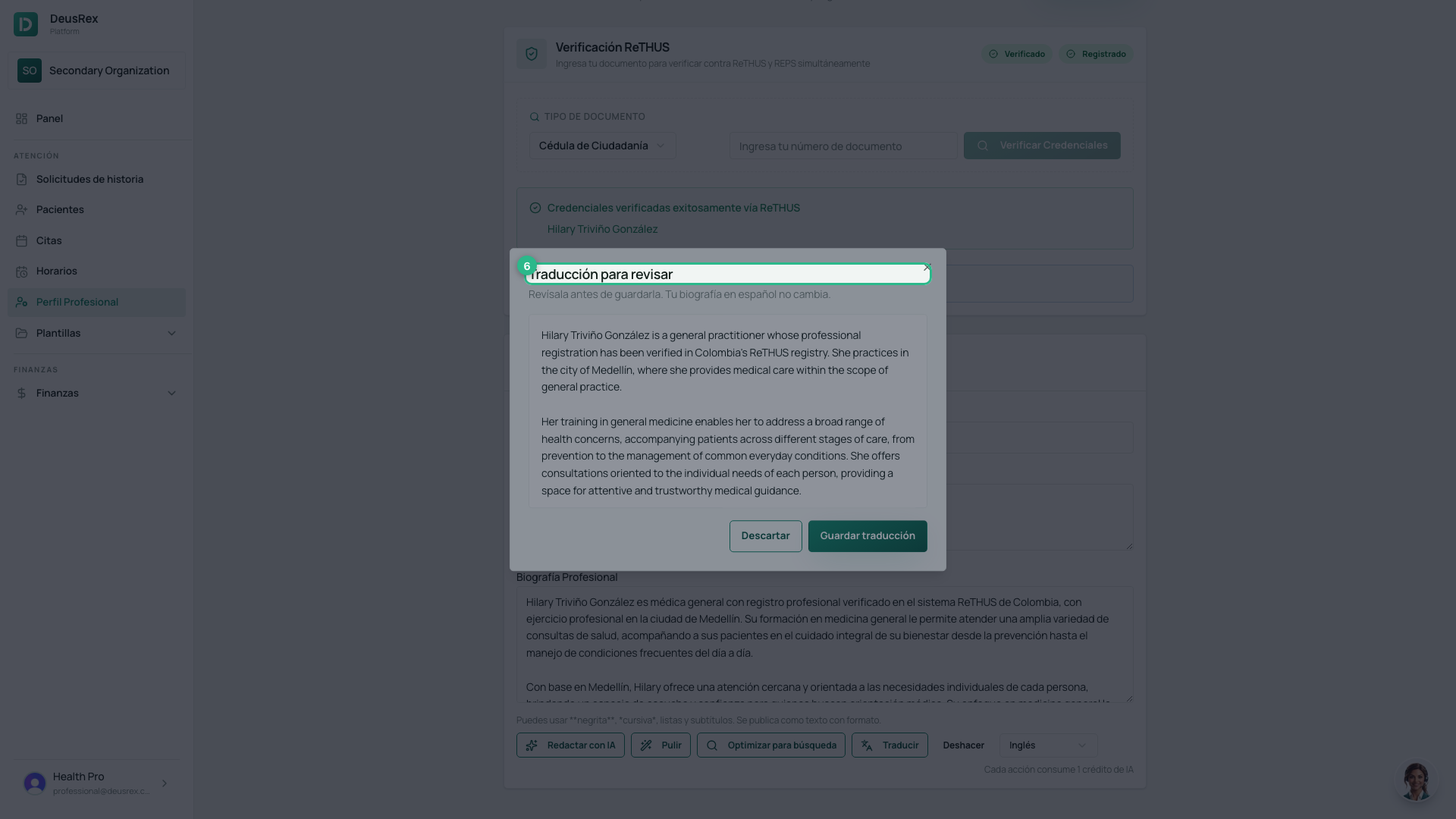
Translate does not replace your Spanish bio. It opens a Translation to review window with the text in the other language; you can Discard or Save translation.
The directory uses each version according to the language the patient is reading the page in, and falls back to Spanish when there’s no translation for that field.
Tip
The AI starts from what’s registered: if the professional’s specialty or credentials are incomplete, the draft will be thin. Fill them in before clicking Draft with AI.