Managing Companion content
Companion content is where you define, per country, everything organizations see in their guidance: the stages of the journey, the guides with their chapters, and each stage’s checklist. Changes go live without a deploy.
Only superadmins can open this screen.
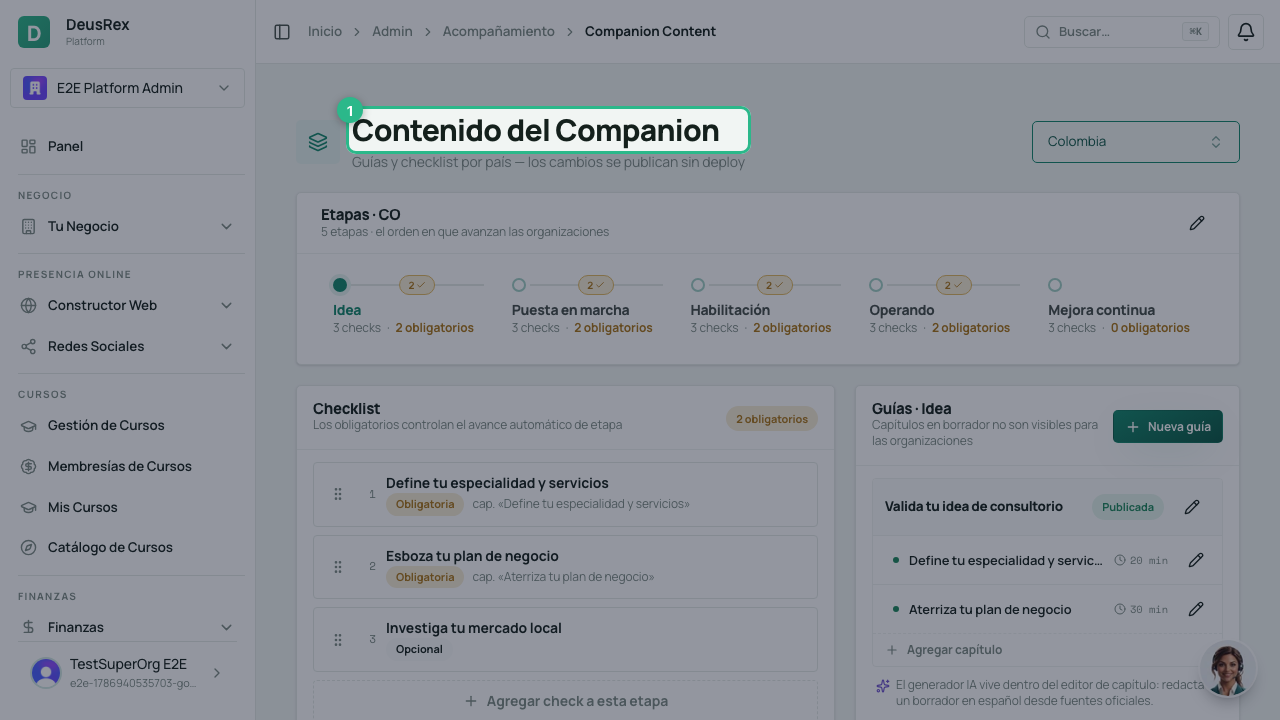
1. Pick the country
Top left you choose the country whose content you’re editing. The list includes every country; the ones that already have content come first, and the rest are marked no content.
Each country has its own journey and its own content. What you edit here only affects organizations in that country.
2. Define the country’s stages
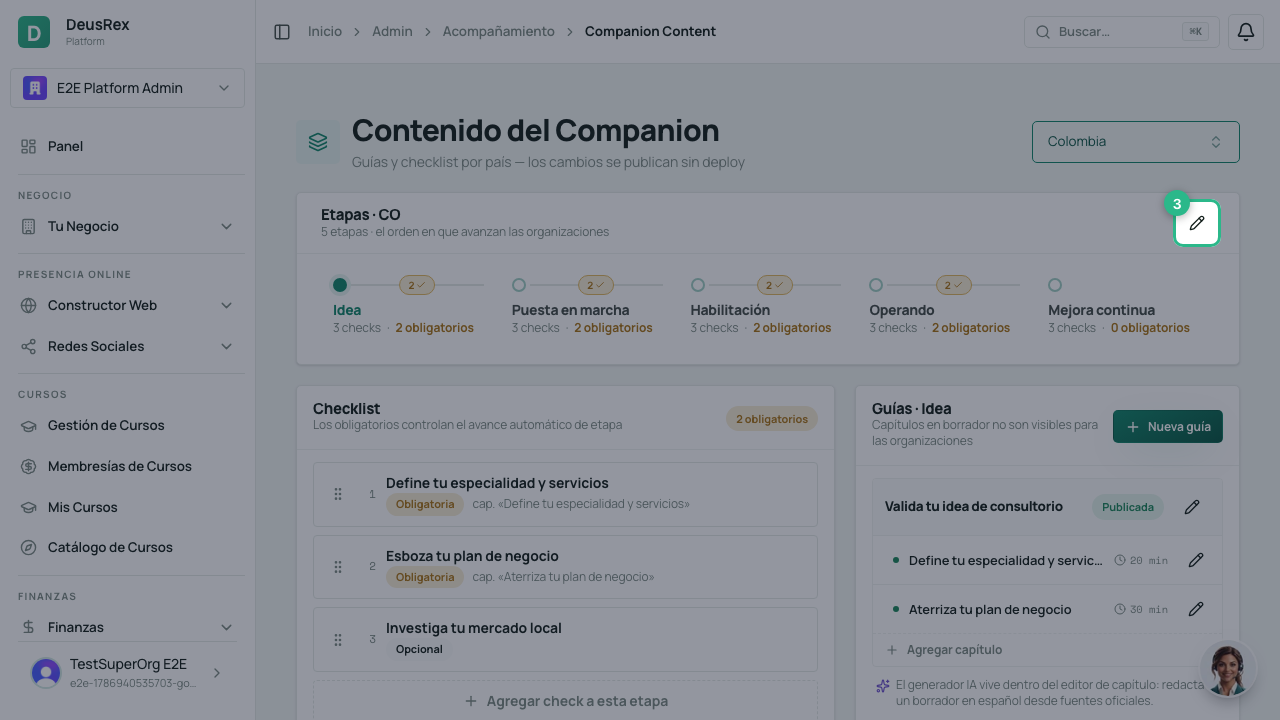
Country stages opens the ladder editor — the order organizations advance through. There you can:
- Rename a stage — changes only the text organizations see.
- Reorder with the arrows — changes where each organization goes next from now on. Nobody moves backwards because of a reorder.
- Delete a stage that no longer applies.
- Add a new stage at the end.
A stage with organizations in it cannot be deleted. If you try, the system refuses and tells you how many there are. Moving organizations between stages is a case-by-case decision, not a side effect of deleting.
If a country has no stages yet, define them first: content is organized by stage, so nothing can be created until the journey exists.
3. Work one stage at a time
The rail shows each stage with how many checks it has, how many are required, and how many drafts are pending. Selecting a stage shows its content: the checklist on the left and the guides on the right.
4. Edit the checklist
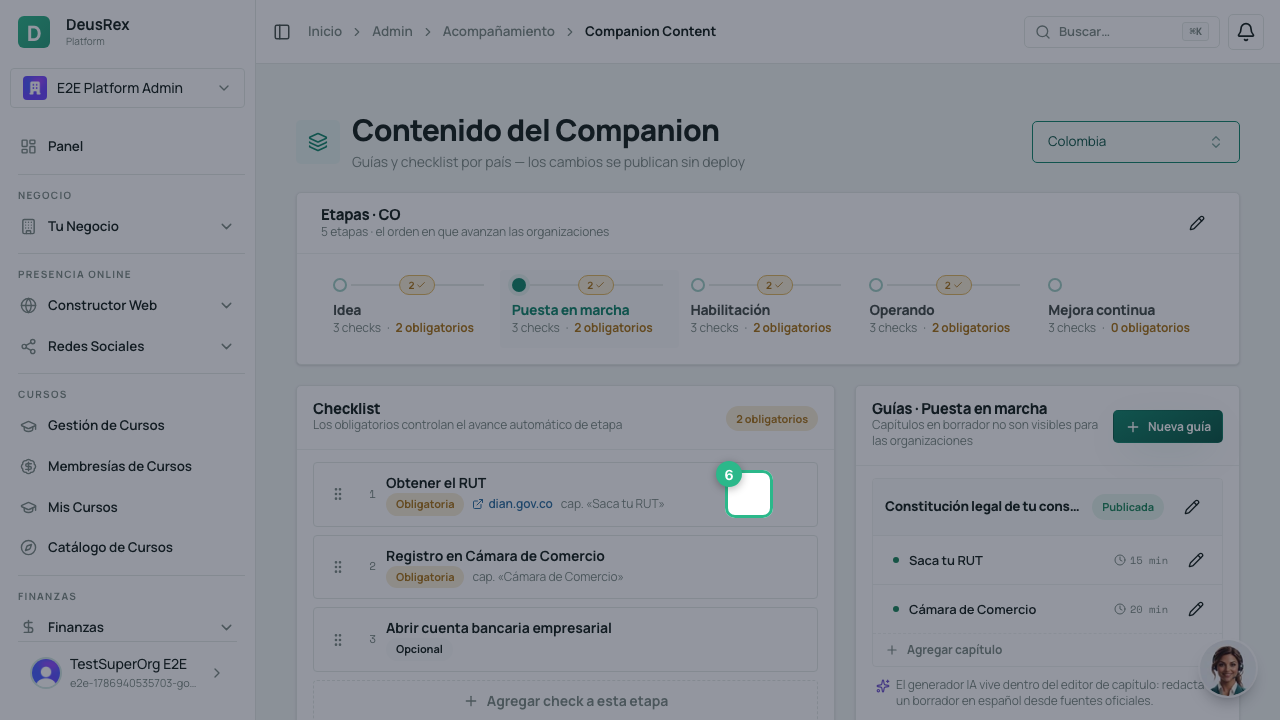
Drag the rows to change their order. Editing a check sets its title, description, an external URL, and the chapter it relates to.
Two switches decide its effect:
- Published — a new check is born as a draft and no organization sees it until you publish it. Drafts also don’t count toward advancing a stage.
- Required — required checks are the ones that gate advancement: an organization moves to the next stage when it completes every required, published check in its own.
Careful with required. Removing it from a check, or deleting the check, can complete the stage at once for every organization that already met the rest. Advancement is irreversible: nobody moves back. That’s why both actions ask for confirmation and tell you how many conditions currently gate that stage.
Deleting a check is a soft delete: it disappears from every organization’s checklist, but the progress they already recorded is kept.
5. Edit the guides and their chapters
Each guide groups chapters written in Markdown. Guides and chapters have their own status: while they’re a draft they’re invisible to organizations.
Inside the chapter editor is the AI draft: you paste the URLs of official
sources and the model writes a first Spanish draft from them. The backend never
downloads those URLs — they’re cited as references. Always review the result
before publishing: the model leaves [completar] markers where verifiable
information is missing, and must not invent legal details.
What organizations see
Only what’s published, and only for their country and their current stage. If something looks empty on the organization’s side, it’s almost always because the content is still a draft or belongs to another stage.